
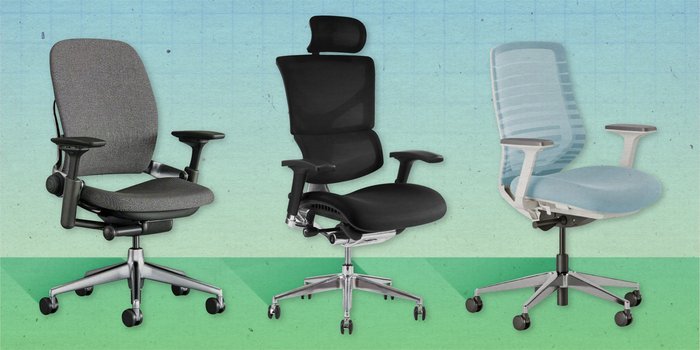
A good ergonomic chair is a seat that provides adjustable lumbar support, seat depth control, and armrests to keep your spine in a neutral position while you work. It keeps your body aligned to reduce muscle fatigue during long periods of desk use.
What is a good ergonomic chair: Essential features
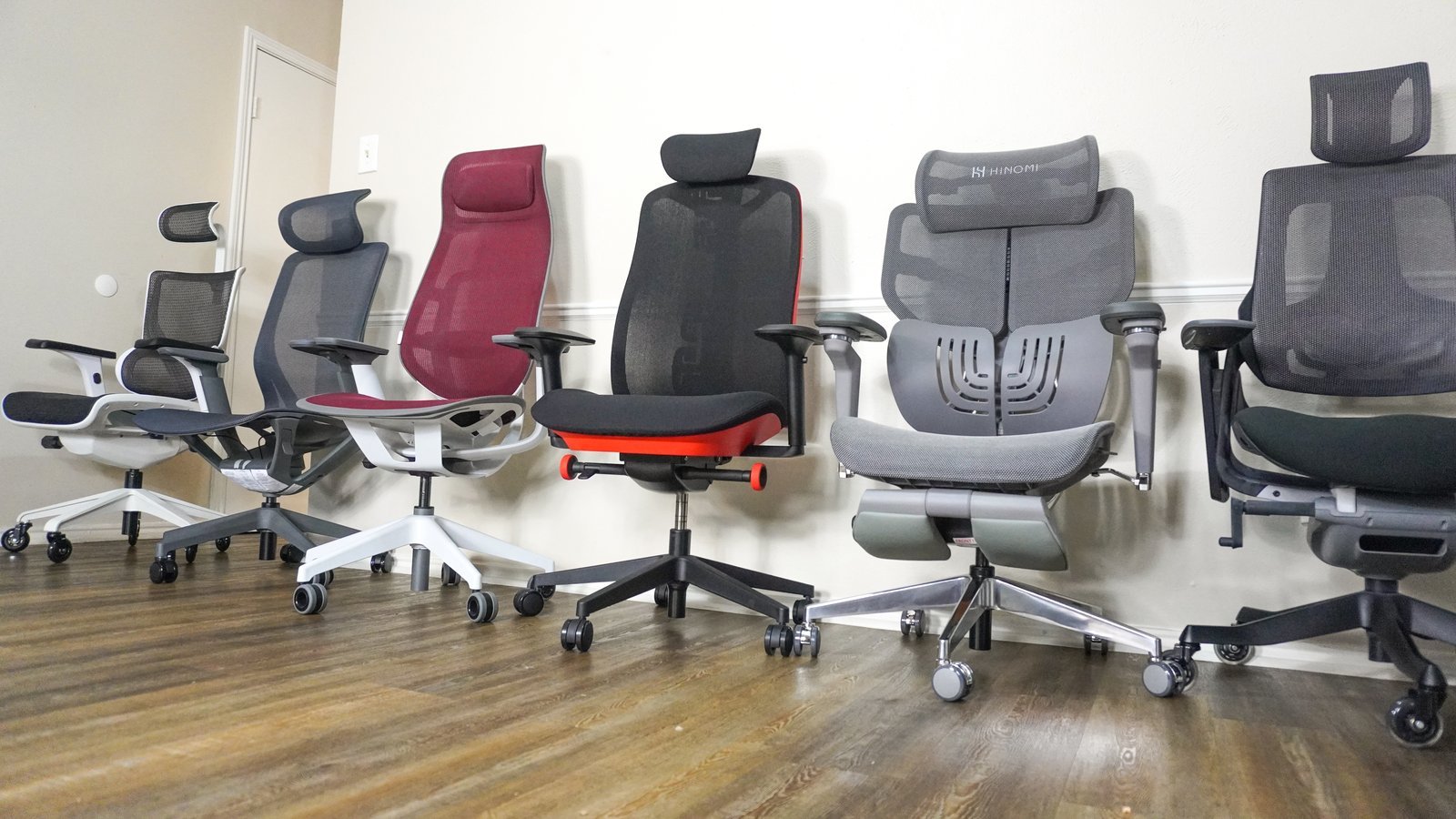
- Lumbar support: Look for a backrest that follows the natural inward curve of your lower spine.
- Adjustable depth: You should have two to three fingers of space between the seat edge and your knees.
- Seat height: Your feet must rest flat on the floor with your thighs parallel to the ground.
- Material: Breathable mesh keeps you cool, while high-density foam offers more support for all-day comfort.
- Armrest height: Your shoulders should remain relaxed and your elbows bent at a ninety-degree angle.
- Recline tension: A chair that allows you to shift your weight prevents static posture, which is vital for long-term health.
Why ergonomic design matters for health
Correct posture prevents strain on your musculoskeletal system. When you sit in a chair that lacks proper support, your body compensates by slouching or leaning forward. This puts unnecessary pressure on your spinal discs and neck muscles. According to the Occupational Safety and Health Administration, proper workstation setup helps minimize the risk of developing musculoskeletal disorders.
The mechanism behind a good chair is adjustability. Because every person has a different height and weight, a fixed chair can’t support everyone equally. A chair that lets you move the backrest, change the height, and shift the seat depth ensures that the pressure is distributed evenly across your hips and back. This prevents one area of your body from taking all the weight. If you aren’t sure about a specific chair’s range, always check the technical specifications document provided by the manufacturer before you commit to a purchase.
When the adjustment settings change
| Situation | What changes | What to do instead |
|---|---|---|
| Tall users | Seat depth needs extending | Slide seat pan forward |
| Short users | Feet can’t touch floor | Use a footrest |
| Standing desks | Chair height increases | Use a sit-stand stool |
| Back pain | Lumbar curve is too flat | Add an external cushion |
| Narrow frames | Armrests feel too wide | Adjust armrest width |
How to set up your chair
- Stand in front of the chair and adjust the seat height so the top of the seat is just below your kneecaps.
- Sit back firmly and ensure your lower back is pressed against the lumbar support to maintain the natural curve of your spine.
- Check the seat depth by placing your hand behind your calf; you need a small gap between the chair edge and your leg.
- Set the armrest height so your elbows rest lightly on them, keeping your shoulders down and not hunched toward your ears.
- Adjust the tilt tension so the chair moves slightly when you lean back, but keeps you upright when you’re typing.
- Test the setup by sitting for twenty minutes; if you feel pressure in your thighs or neck, adjust the height by one centimeter.
Common mistakes that ruin support
- Ignoring the seat depth: If the seat is too deep, you’ll lean forward, which forces your back away from the support.
- Setting armrests too high: This pushes your shoulders up, leading to tension headaches and neck pain by the end of the day.
- Locking the recline: You should allow the chair to move with you, as staying in one fixed position makes your muscles stiff.
- Poor floor surface: Using a chair with hard wheels on a rug causes drag, which makes you reach for your desk constantly.
Frequently asked questions

Can I use a dining chair for work?
No, a dining chair doesn’t provide the lumbar support or adjustability needed for long hours. It will likely cause back strain because it forces your spine into a static, unsupported position that doesn’t match your natural posture.
How long should an ergonomic chair last?
Most quality chairs last seven to ten years if used for eight hours a day, though this varies by model; check the label for the weight limit and warranty period to see how long parts are covered.
Is it safe to buy a chair without testing it?
It’s risky because chair comfort depends on your body shape. If you can’t test it, look for a seller with a generous return policy so you can try it in your own workspace for at least one full week.
What happens if the lumbar support is too hard?
Too much pressure on your lower back can cause discomfort and bruising. If the support feels painful, look for a chair with adjustable tension or use a soft pillow to change the feel until you find the right balance.
Does it matter if the chair has a headrest?
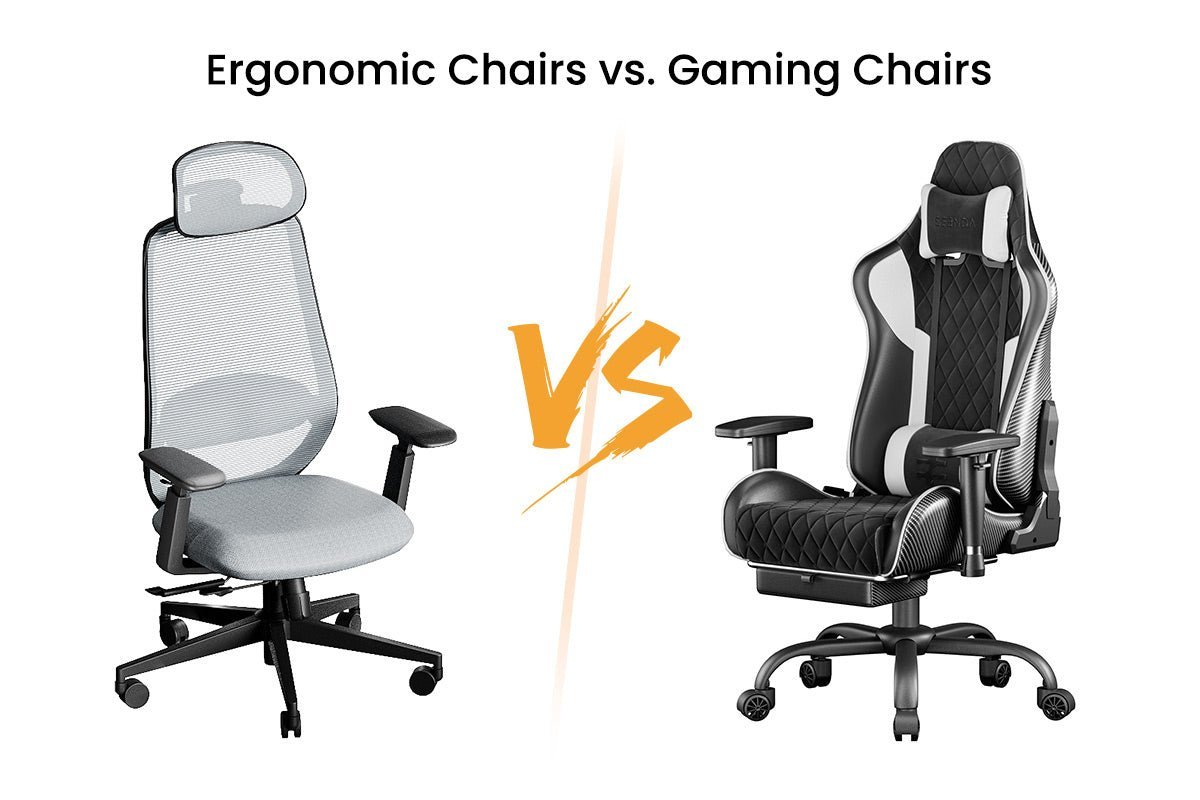
It depends on your work style, but a headrest is mainly for reclining. If you mostly type at a desk, your head should be upright, meaning the headrest won’t provide much benefit while you’re in a focused position.
Why do my legs feel numb?
Numbness usually happens when the seat edge presses into the back of your thighs. This restricts blood flow, so you must lower your chair or use a footrest to ensure your feet are flat and your thighs are clear.
Good ergonomic, in short
Choosing the right chair is about finding a balance between support and movement. By adjusting your seat to fit your specific body measurements, you create an environment where your spine stays neutral and your muscles remain relaxed throughout the day.