
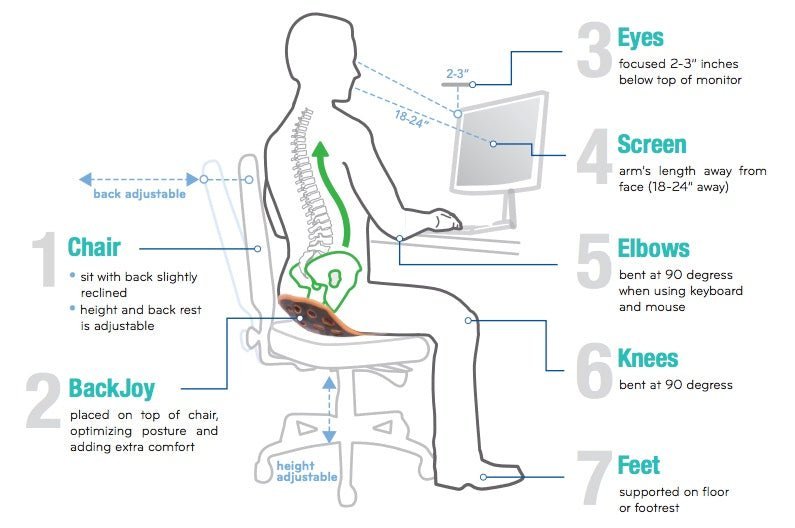
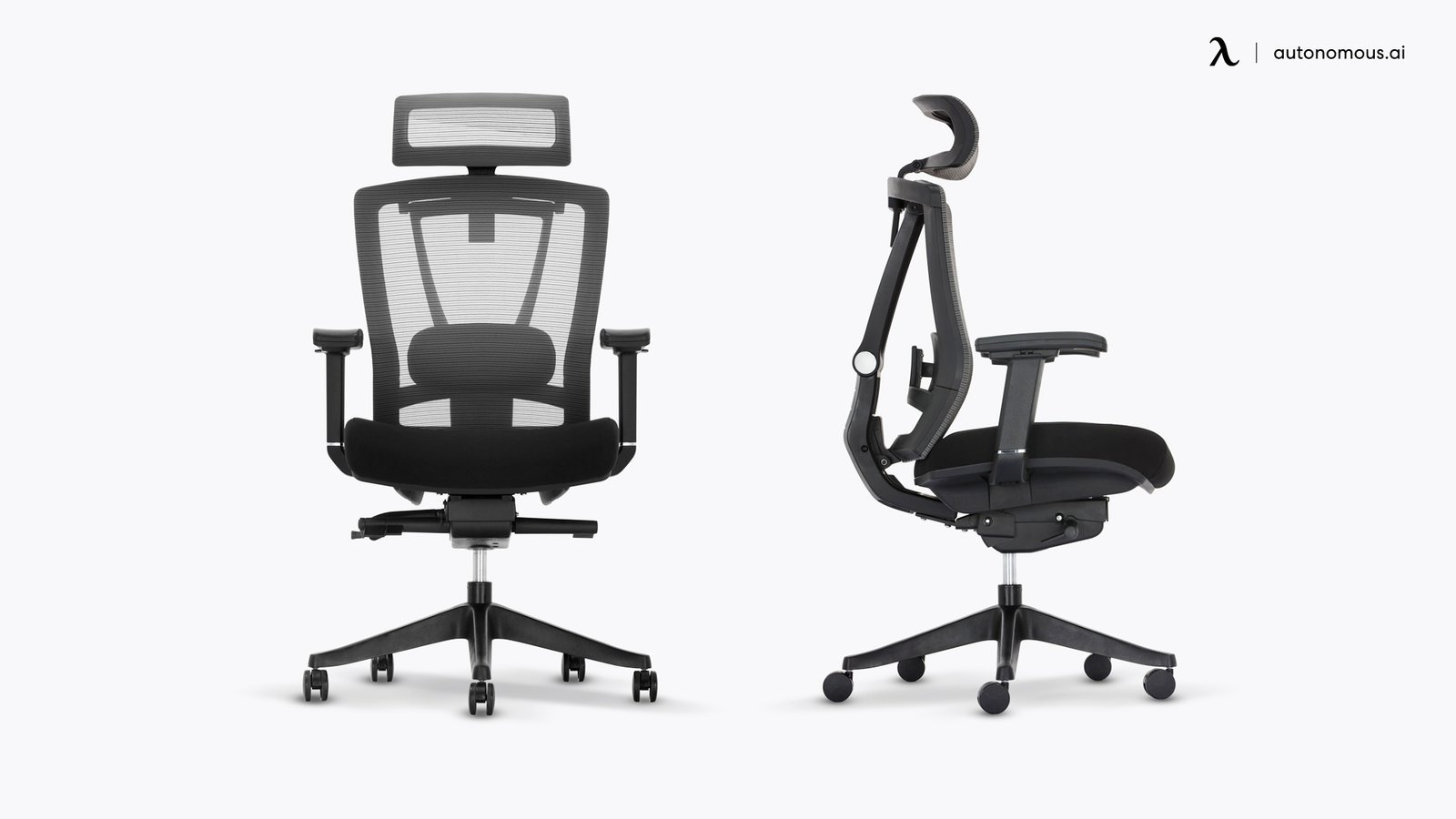
You can build a custom setup if you add adjustable lumbar support, seat depth control, and armrest height to your existing frame, and this is how to make an ergonomic chair that fits your body. This project takes about four to six hours depending on your skill level and costs a modest amount for new hardware and foam.
Parts to make your chair ergonomic
| Item | How much | Why it’s needed | A substitute |
|---|---|---|---|
| High-density foam | 3 inches thick | Supports spine alignment | None — don’t swap this |
| Adjustable armrest kit | 1 pair | Prevents shoulder strain | None — don’t swap this |
| Lumbar pillow | 1 unit | Maintains natural curve | Rolled towel for testing |
| Heavy-duty fabric | 2 square yards | Durable seat cover | None — don’t swap this |
| Steel brackets | 4 units | Secures new hardware | None — don’t swap this |
| Screwdriver set | 1 kit | Installing new parts | Power drill with care |
Preparation before starting
- Clear a workspace at least six feet square to maneuver the chair safely.
- Unplug any electronic components if your chair has massage or heating functions.
- Cover the floor with a drop cloth to catch foam scraps and small screws.
- Remove the old seat cushion and backrest fabric to expose the internal frame.
- Check the ANSI/BIFMA X5.1 standards for office chair safety to understand the load limits your frame should support.
Building your ergonomic support
- Remove the old seat upholstery using a staple remover or flat-head screwdriver to access the wooden or metal base plate.
- Cut your three-inch high-density foam to match the seat base dimensions using an electric carving knife for a smooth edge.
- Attach the foam to the base using spray adhesive, ensuring the glue covers the entire surface for a permanent bond.
- Wrap the foam and base with your heavy-duty fabric, pulling it tight to remove wrinkles, and staple it every one inch.
- Align your adjustable armrest brackets on the side of the seat frame, marking the holes with a pencil for precision.
- Drill pilot holes into the frame to prevent the wood from splitting when you insert the mounting screws for the arms.
- Secure the armrest brackets using four bolts per side to ensure the weight of your arms doesn’t cause wobbling.
- Attach the lumbar pillow to the backrest frame using adjustable elastic straps so the height can move up or down.
- Reattach the backrest to the main chair mechanism and tighten all bolts until they’re firm but not over-stressed.
How to verify the build
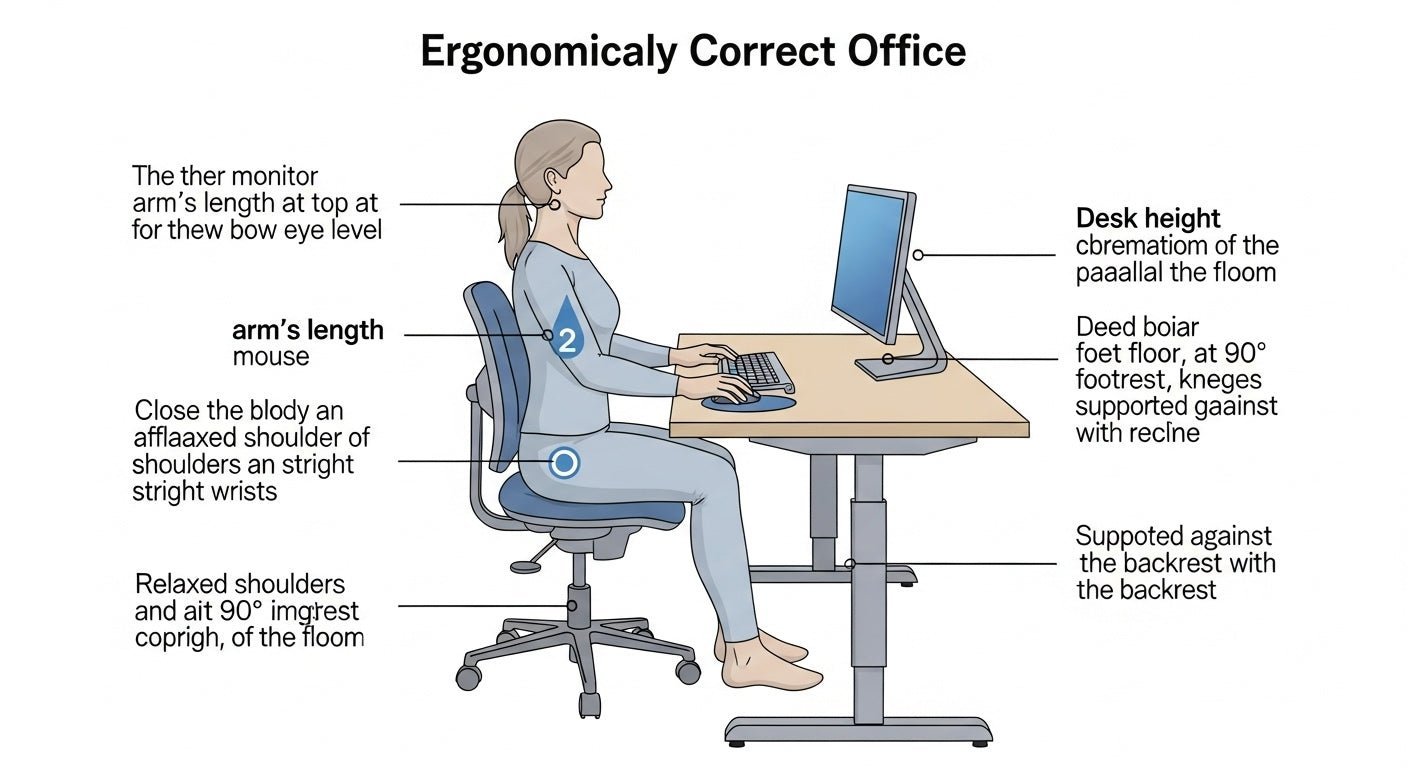
Test the chair by sitting in it and checking that your feet remain flat on the floor with your knees at a ninety-degree angle. If your feet dangle, the seat is too high, and you must lower the pneumatic cylinder. You should feel firm resistance from the lumbar support against your lower back. If it feels soft or flat, add a second layer of firm foam. Ensure the armrests allow your shoulders to stay relaxed rather than hunched, as this indicates the height is set correctly for your desk.
Troubleshooting common issues
| What happened | Why | What to do |
|---|---|---|
| Chair wobbles | Loose bolts | Tighten all frame screws |
| Foam compresses | Low density | Replace with high-density foam |
| Arms feel loose | Weak mounting | Add steel reinforcement plates |
| Back hurts | Poor lumbar depth | Increase pillow thickness |
| Fabric tears | Sharp edges | Sand down frame corners |
Frequency of maintenance
Inspect the bolts and fabric tension regularly to ensure safety. This varies by model — check the label on the bottom of the seat for specific weight ratings. If you notice the seat cushion sagging, you should replace the foam core to restore proper support.
Frequently asked questions
Can I make a gaming chair ergonomic?
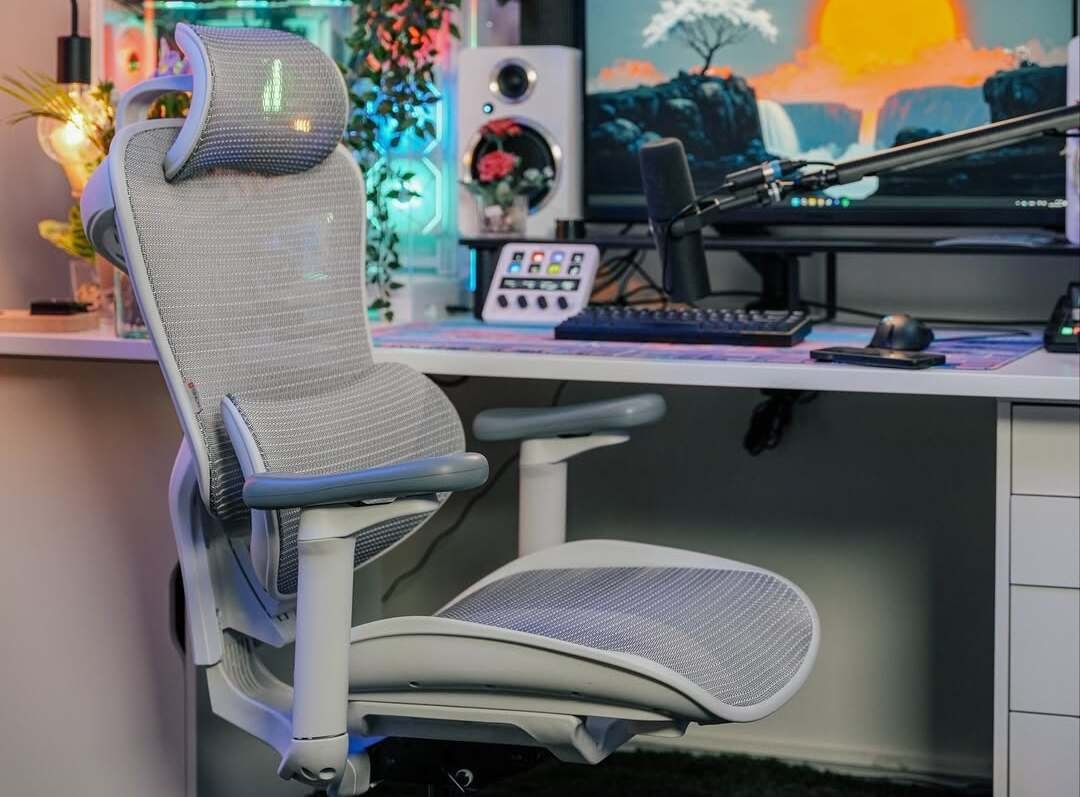
Yes, you can improve a gaming chair by adding a secondary lumbar support pad and adjusting the armrests to match your elbow height. These chairs often lack proper lower back curvature, so adding firm foam padding helps.
Is it safe to drill into the chair frame?
No, you should avoid drilling into the center of metal frames as this creates a structural weak point. Only drill into the designated mounting points or the wooden base plate to maintain the integrity of the chair.
How long should the foam last?
You can check the manufacturer’s density rating on the packaging to estimate the lifespan.
What happens if I use thin foam?
You’ll likely experience bottoming out, where you feel the hard frame beneath the cushion after only a few minutes. Always choose foam that’s at least three inches thick to provide proper support.
Does it matter if I use a towel for lumbar support?
No, a rolled towel works for temporary testing to find your ideal height, but it lacks the firm structure needed for long-term spinal support. Replace it with a dense foam roll once you find the right position.
How do I know if the armrests are too high?
If your shoulders feel tight or hunched while you type, your armrests are set too high. Adjust them down until your shoulders can stay completely relaxed while your forearms rest on the pads.
Ergonomic chair, in short
You now have a customized chair that provides the support you need for long hours at your desk. Remember that the best ergonomic setup is one that you adjust regularly to match your task, so don’t be afraid to tweak the height or padding if your comfort levels change over time.
Related guides