
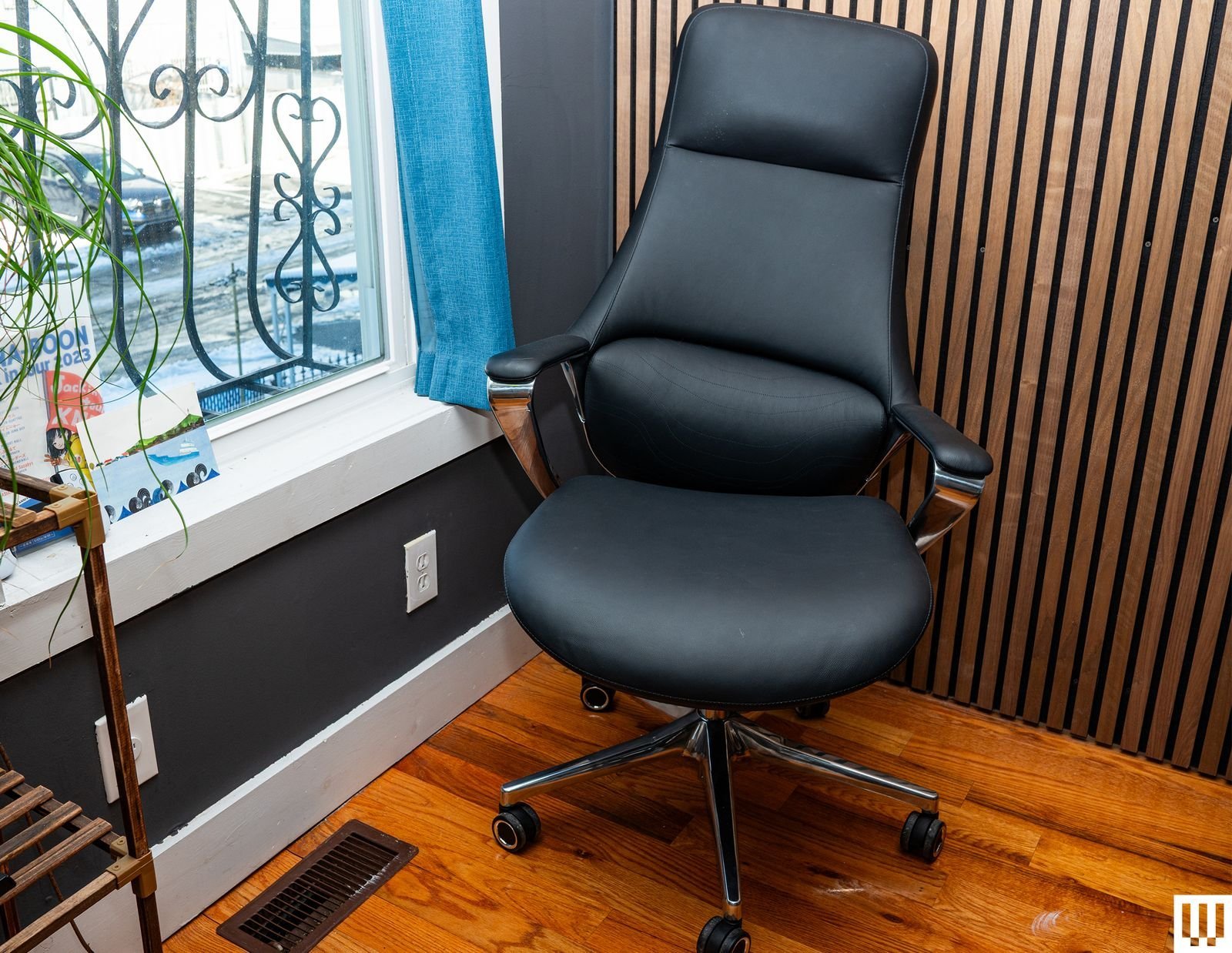
The Herman Miller Aeron is widely considered the gold standard for long-term support, and it’s the comfiest office chair for most people who prioritize ergonomic alignment. This chair uses a mesh material that distributes weight evenly across your body, which helps prevent pressure points and improves airflow.
Why it works
The secret to this chair is its adjustable lumbar support system and the “pellicle” suspension material. These features allow the chair to move with your spine rather than forcing your back into a rigid shape. Most people fail because they don’t adjust the chair to their specific height and weight. If you’re tall, you need a different size than a shorter person. Always check the manufacturer’s size chart to ensure the frame fits your body correctly.
Selecting the Right Office Chair
- Measure your desk height to ensure the seat pan will slide underneath without hitting your thighs.
- Adjust the seat height so your feet rest flat on the floor, keeping your knees at a ninety-degree angle.
- Set the armrests to support your elbows at a ninety-degree angle, which reduces strain on your shoulders and neck.
- Activate the tilt tension until the chair supports your weight while allowing you to recline without effort.
- Position the lumbar support at the curve of your lower back to maintain your natural spine alignment. Tip: If your feet don’t touch the floor after adjusting the seat, use a footrest to avoid cutting off circulation to your legs.
- Verify the chair meets safety and durability standards for commercial office furniture. Tip: Never buy a chair without testing the seat depth; if it’s too deep, it will press against the back of your knees and cause discomfort.
Time Needed for Proper Setup
It takes time to fully adjust a new chair for your unique body; consult the manufacturer’s manual for adjustment instructions.
| Situation | Setup Time | What changes it | What to watch for |
|---|---|---|---|
| Standard chair | 5 minutes | Simple height adjustment | Ensure feet stay flat |
| Ergonomic chair | 20 minutes | Multiple tension knobs | Check lumbar position |
| Used or older unit | 30 minutes | Mechanical stiffness | Look for worn parts |
If you spend more than an hour trying to get comfortable, the chair may not be the right size for your frame.
Signs of Proper Fit
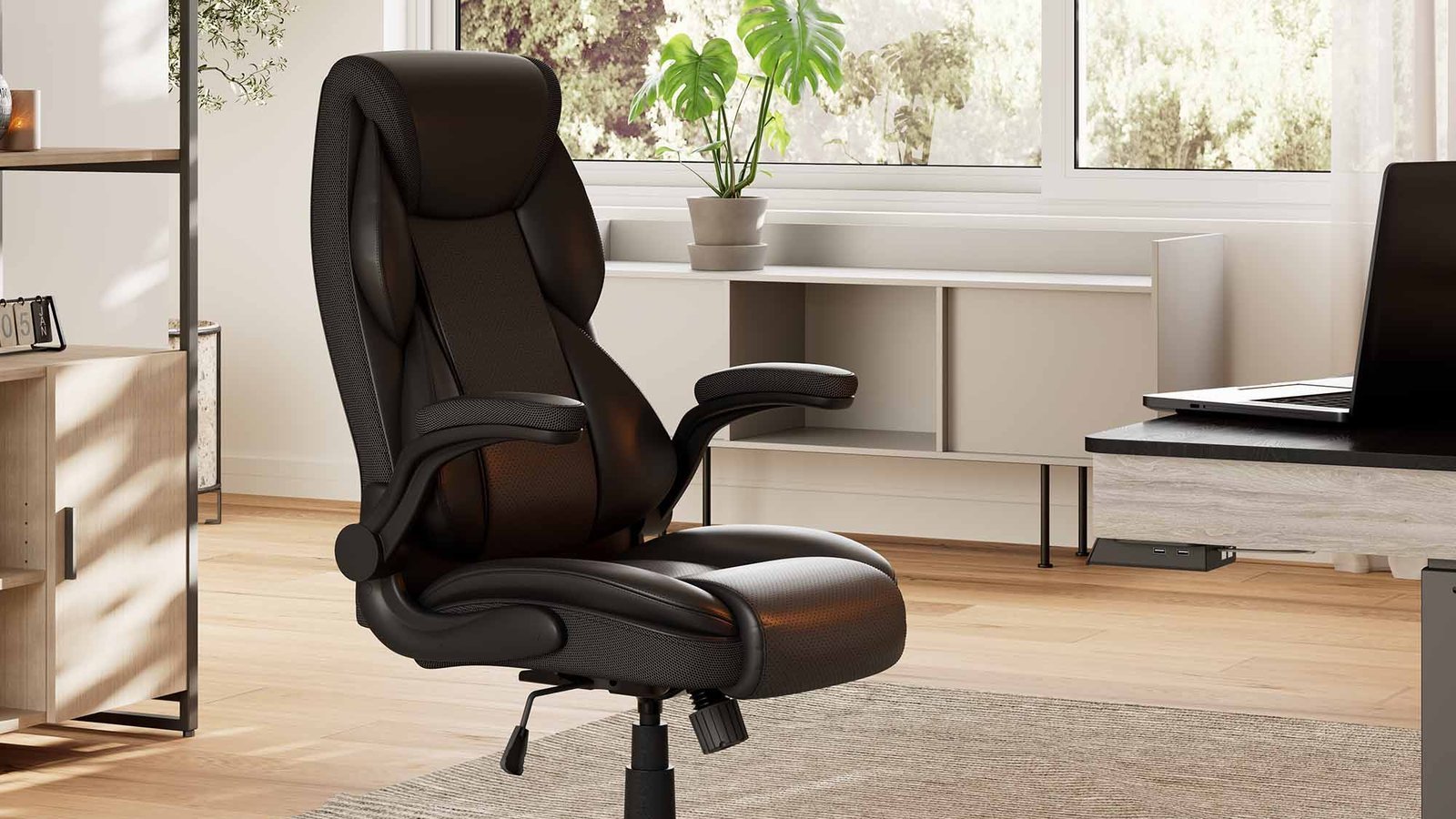
You can tell the chair is set up correctly when your shoulders feel relaxed and your lower back maintains its natural curve without feeling pushed or unsupported. Your thighs should remain parallel to the floor, with a small gap between the edge of the seat and your knees. If you feel numbness in your legs after thirty minutes, the seat depth is likely too long for your height. The final test is whether you can sit for two hours without feeling the need to shift your weight constantly to find a better position.
Mistakes That Ruin Comfort
- Ignoring seat depth causes the edge of the chair to compress the nerves behind your knees, which leads to numbness. Measure your thigh length and ensure there’s a two-inch gap between the seat edge and your leg.
- Locking the recline mechanism prevents your body from making micro-movements, which are vital for circulation. Use the dynamic tilt feature instead so your muscles stay active while you work.
- Setting armrests too high forces your shoulders into a hunched position, creating tension in your neck. Lower them until your forearms rest naturally without your shoulders lifting.
Frequently asked questions
Can a chair fix back pain?
No, a chair can’t fix back pain, but it can prevent further strain by supporting your spine correctly. If you have chronic pain, you should see a physical therapist or a doctor to identify the root cause, as no piece of furniture replaces professional medical treatment or active movement.
How long should an office chair last?
Most high-quality office chairs should last for many years with daily use. This assumes you’re following the manufacturer’s weight limits and cleaning instructions. If the mesh starts to sag or the gas cylinder sinks while you’re sitting, the chair has reached its natural end.
Is it safe to buy a used chair?
Yes, it’s safe if the chair is in good mechanical condition and the fabric is clean. Check that all adjustment levers move smoothly and the frame has no cracks. If the chair is from a known brand, you can often order replacement parts directly from the maker to refresh it.
What happens if the chair is too big?
A chair that’s too big will force you to sit too far forward to reach your keyboard, which leaves your lower back unsupported. This posture causes you to slouch, putting extra pressure on your spinal discs. Always select a chair size that matches your specific height and weight range.
How do I stop my chair from sinking?
A sinking chair usually indicates that the gas cylinder has failed and needs to be replaced. Don’t try to repair the cylinder yourself, as it’s a pressurized component that can be dangerous. Contact the manufacturer to order a replacement part or consult a professional technician for help.
Comfiest office, in short
When choosing the right chair, remember that your body is designed to move. Even the most expensive, ergonomic seat can’t make up for staying in one position for eight hours straight. Take a break every hour to stand, stretch, and reset your posture to keep your back healthy throughout the workday.