
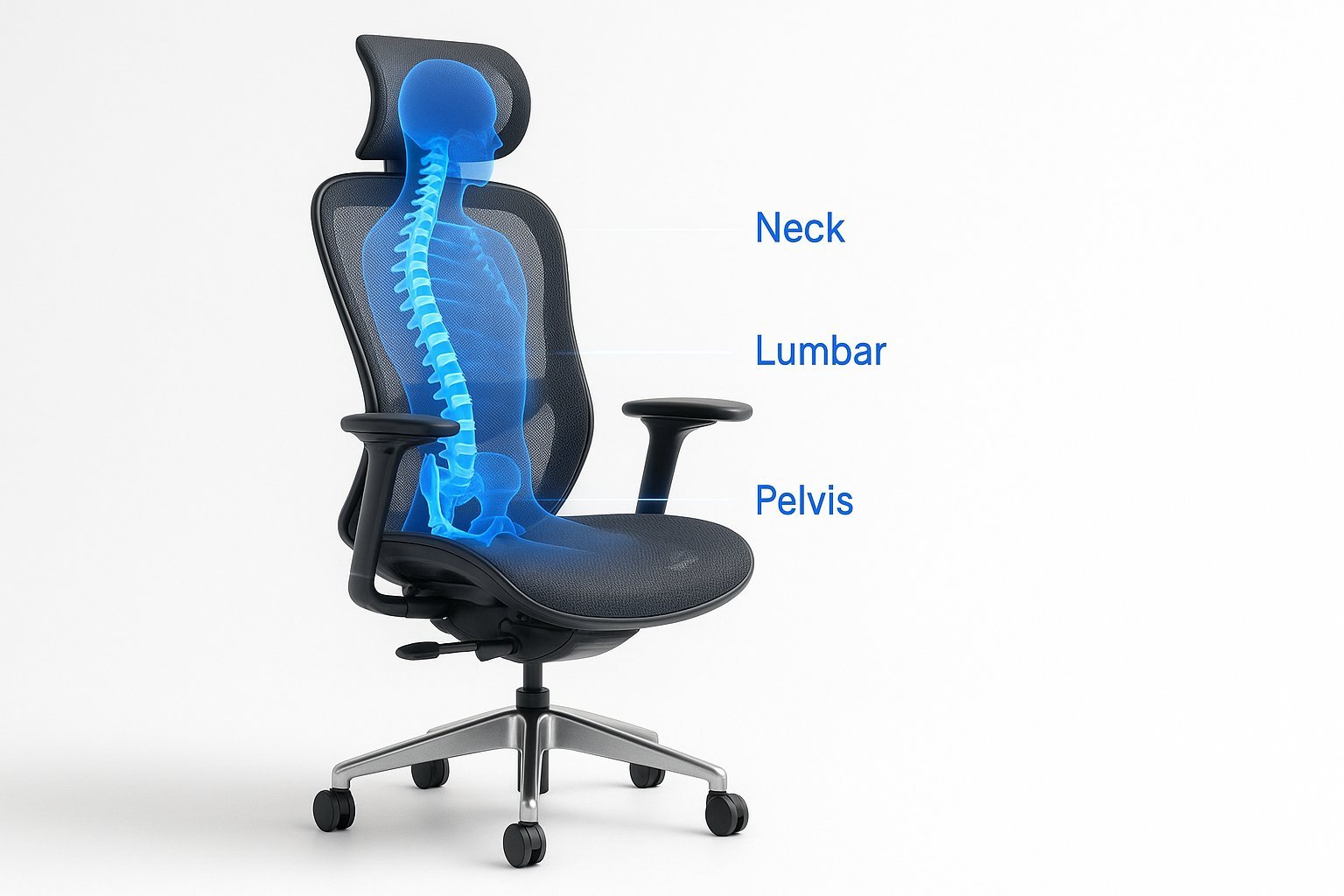
Effective computer chairs for back problems provide adjustable lumbar support and seat depth to maintain the spine’s natural curve. Proper alignment is the primary goal, as sitting for long periods places significant pressure on the lower discs. This guide explains how to select and configure your chair for maximum comfort.
Choosing Computer Chairs for Back Problems
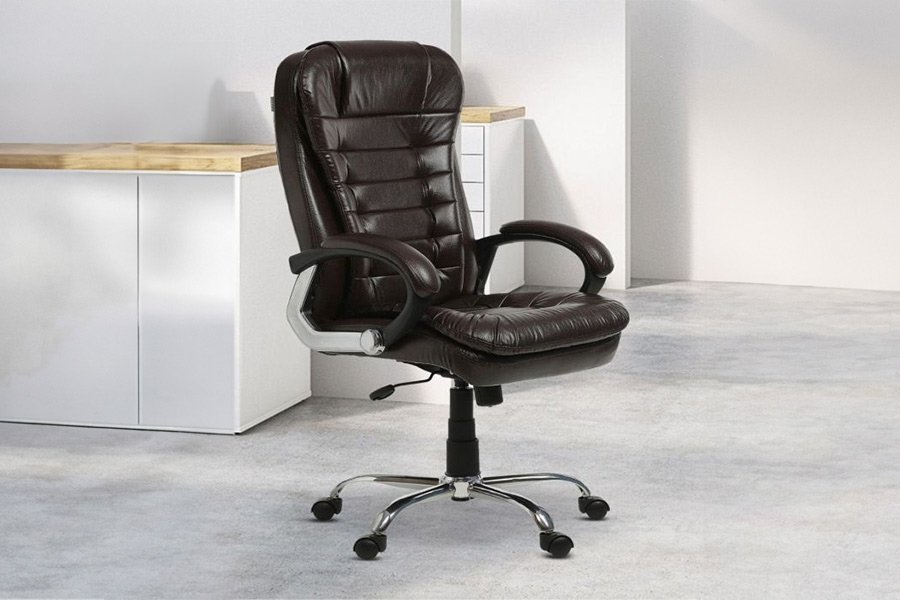
Ergonomic seating is built to reduce physical strain by supporting your body’s natural posture. These chairs feature mechanisms that allow you to change the tilt, height, and armrest position to fit your specific frame. Many users mistakenly believe that a chair must be soft to be comfortable, but firm support is actually better for long-term spinal health. According to the Occupational Safety and Health Administration, proper workstation setup, including chair adjustment, is essential to prevent musculoskeletal injuries. If you choose a chair that’s too soft, your pelvis will tilt backward, which causes the lower back to round out and creates unnecessary pain.
The basic method
- Set the seat height so your feet rest flat on the floor and your knees are at a ninety-degree angle.
- Position the lumbar support so it fits snugly against the inward curve of your lower back.
- Adjust the seat depth by leaving two or three fingers of space between the edge of the seat and your knees.
- Set the armrests so your shoulders stay relaxed and your elbows bend at a ninety-degree angle while typing.
- Tilt the backrest to an angle between 100 and 110 degrees to reduce pressure on your spinal discs.
- Check that your hips are pushed all the way to the back of the seat to ensure full contact.
The critical decision is how much pressure you apply to the lumbar pad. If you feel pushed forward, lower the tension; if you feel you’re slouching, increase the support. If you have a pre-existing injury, consult your doctor before making major changes to your workstation.
Key numbers and settings at a glance
Use these settings as a baseline for your daily setup. This assumes you’re using a standard task chair; for chairs with advanced synchro-tilt mechanisms, you should allow more time to calibrate the tension knob.
| Situation | What to use | How long | What to watch for |
|---|---|---|---|
| Short stature | Footrest | Constant | Knees must not hit seat edge |
| Tall stature | Deep seat pan | Constant | Thighs must be fully supported |
| Long sessions | Recline lock | 60 minutes | Avoid locking in one position |
| Neck strain | Headrest | As needed | Eyes should be level with screen |
| Back pain | Firm lumbar | Constant | Pelvis must stay neutral |
What separates good results from bad ones
Proper Posture Habits
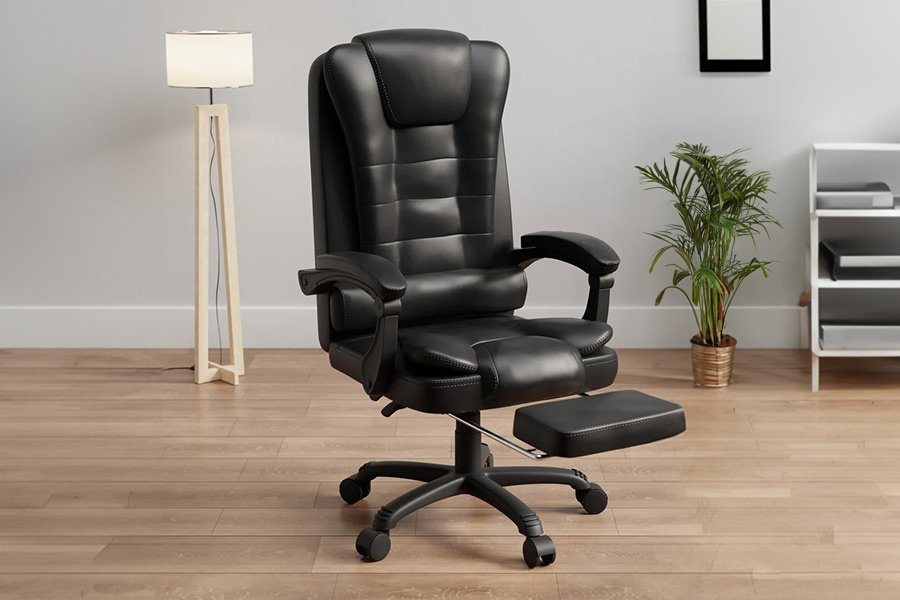
Experienced users know that even the best chair can’t fix a bad habit. You must keep your feet planted firmly on the floor. If your feet dangle, you lose support and your lower back will eventually arch. Another common mistake is leaning forward toward the screen. This shifts your weight away from the backrest, making the chair’s support features useless. Instead, move your monitor closer so your back remains firmly against the chair.
Making Consistent Adjustments
Your body changes throughout the day. If you feel stiff, don’t just sit there. Shift your weight or use the recline function to change your spinal angle. This varies by model — check the label for the specific tilt range your chair offers. If the chair isn’t for you, it’s likely because the seat width or depth doesn’t match your body size, which happens often when buying chairs without trying them first.
Common problems and quick fixes
| What you notice | What it usually means | What to do first |
|---|---|---|
| Legs falling asleep | Seat edge is too high | Lower the seat height |
| Lower back ache | Lack of lumbar contact | Move support up or down |
| Neck tension | Monitor is too low | Raise your screen height |
| Sliding forward | Seat pan is too deep | Adjust seat depth forward |
Adjusting for Ergonomic Compliance
National standards for office furniture are defined by ANSI/BIFMA. These standards ensure that chairs meet specific safety and durability requirements, such as base stability and load-bearing capacity. If you’re purchasing for a workplace, ensure the product meets these industry benchmarks to avoid liability issues. Always check the manufacturer’s weight limit, as using a chair beyond its rated capacity can cause the gas cylinder to fail. If you require specialized medical seating for severe chronic conditions, you should contact an occupational therapist who can prescribe a chair tailored to your specific physical needs.
Maintaining Your Equipment
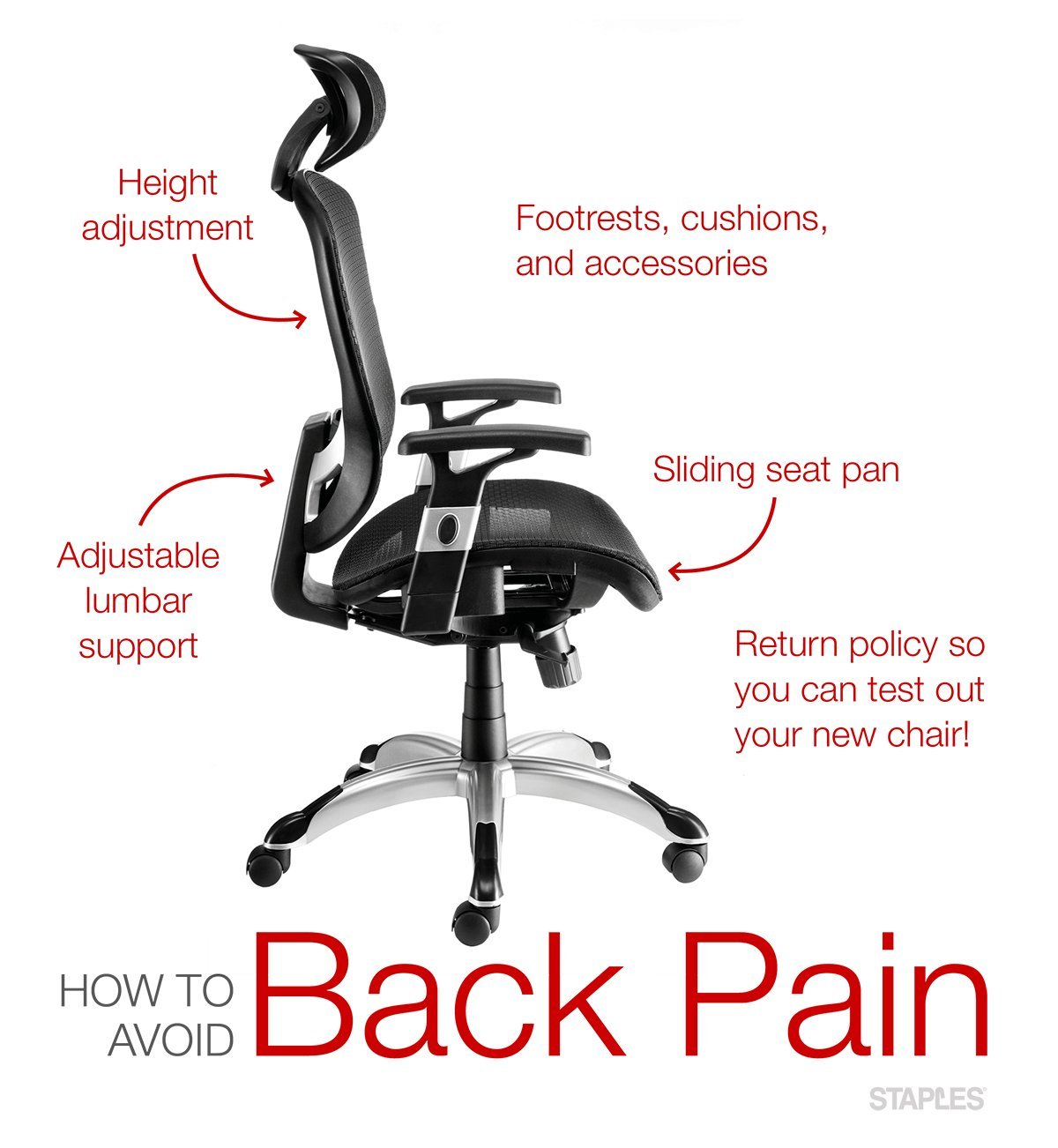
Regular maintenance keeps your chair functioning as intended. Tighten all bolts and screws regularly, as daily movement causes them to loosen. Check the casters for hair or debris that might prevent smooth rolling, as this forces you to reach and strain your back. If the fabric becomes worn, use a damp cloth and mild soap, but avoid harsh chemicals that can degrade the material. If the gas cylinder starts to sink on its own, it has reached its limit and requires professional replacement.
When to use a different approach
If you’re currently experiencing acute back pain, a standard office chair may not provide enough relief. In these cases, a sit-stand desk is often a better choice to keep you moving. If your workspace is too small for a full ergonomic chair, a portable lumbar roll can provide temporary relief in a standard chair. These aren’t permanent solutions, but they help when your primary setup isn’t available.
Related guides