
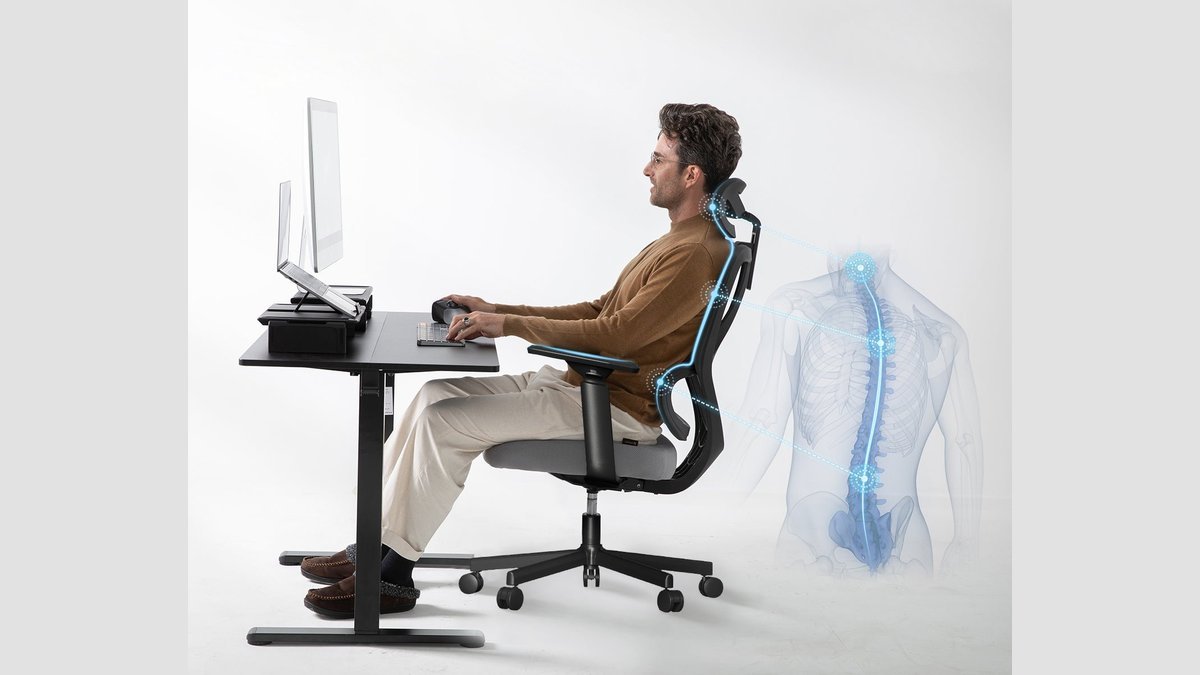
An ergonomic office chair is a seat designed to support the human body in a neutral position to reduce physical strain. These chairs feature adjustable parts that help you maintain proper posture during long work hours.
Key features of an ergonomic office chair
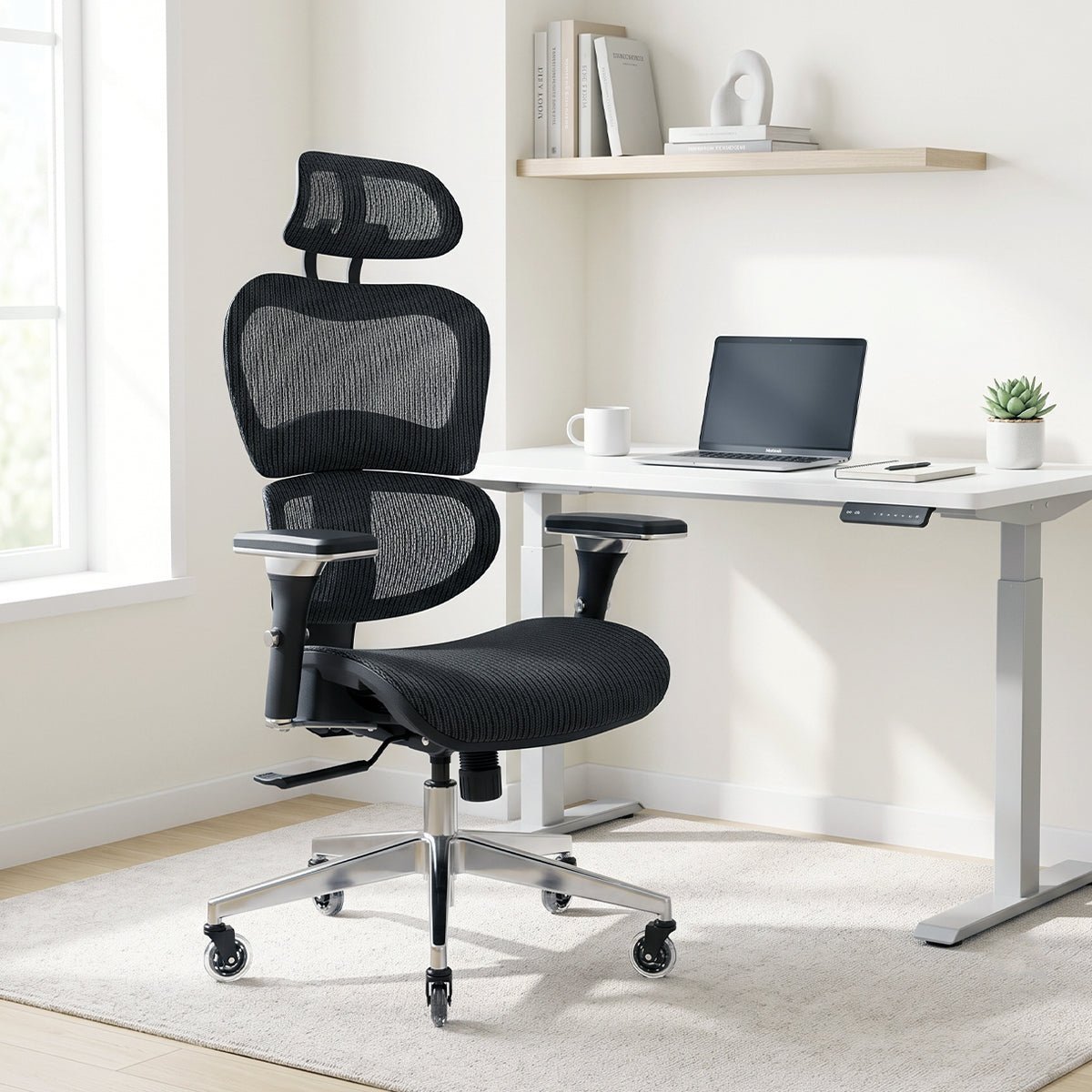
- Adjustable seat height keeps your feet flat on the floor and your knees at a ninety-degree angle.
- Lumbar support should match the natural inward curve of your lower spine to prevent slouching.
- Seat depth must allow for two to three fingers of space between the back of your knees and the seat edge.
- Armrests need to be adjustable so your shoulders stay relaxed while your elbows rest at a ninety-degree angle.
- Backrest tilt tension lets you recline slightly, which shifts weight away from your lower spine during tasks.
- Swivel bases allow you to reach items on your desk without twisting your torso or straining your neck.
Why proper support matters for work
The primary goal of these chairs is to minimize the risk of musculoskeletal disorders caused by sitting for extended periods. When you sit in a chair that doesn’t match your body proportions, your muscles work harder to keep you upright. This constant tension leads to fatigue and chronic pain in the neck, shoulders, and lower back. By providing adjustable support, the chair helps distribute your body weight evenly across the seat and backrest. This prevents pressure points that can restrict blood flow in your legs. According to the Occupational Safety and Health Administration guidelines, proper workstation design helps workers maintain a neutral posture, which is the most comfortable position for the body. If your chair lacks specific adjustments, you may need external cushions or a footrest to achieve this neutral state. Always check the manufacturer’s label to see the weight capacity and height range of your specific model.
When your needs differ
| Situation | What changes | What to do instead |
|---|---|---|
| Tall users | Longer seat depth | Seek models with deep seats |
| Short users | Lower seat height | Use a sturdy footrest |
| Heavy users | Reinforced frame needed | Check weight rating labels |
| Limited space | Width of the chair | Choose armless or narrow |
| Back pain | Added lumbar pressure | Use an adjustable lumbar pillow |
How to set up your chair
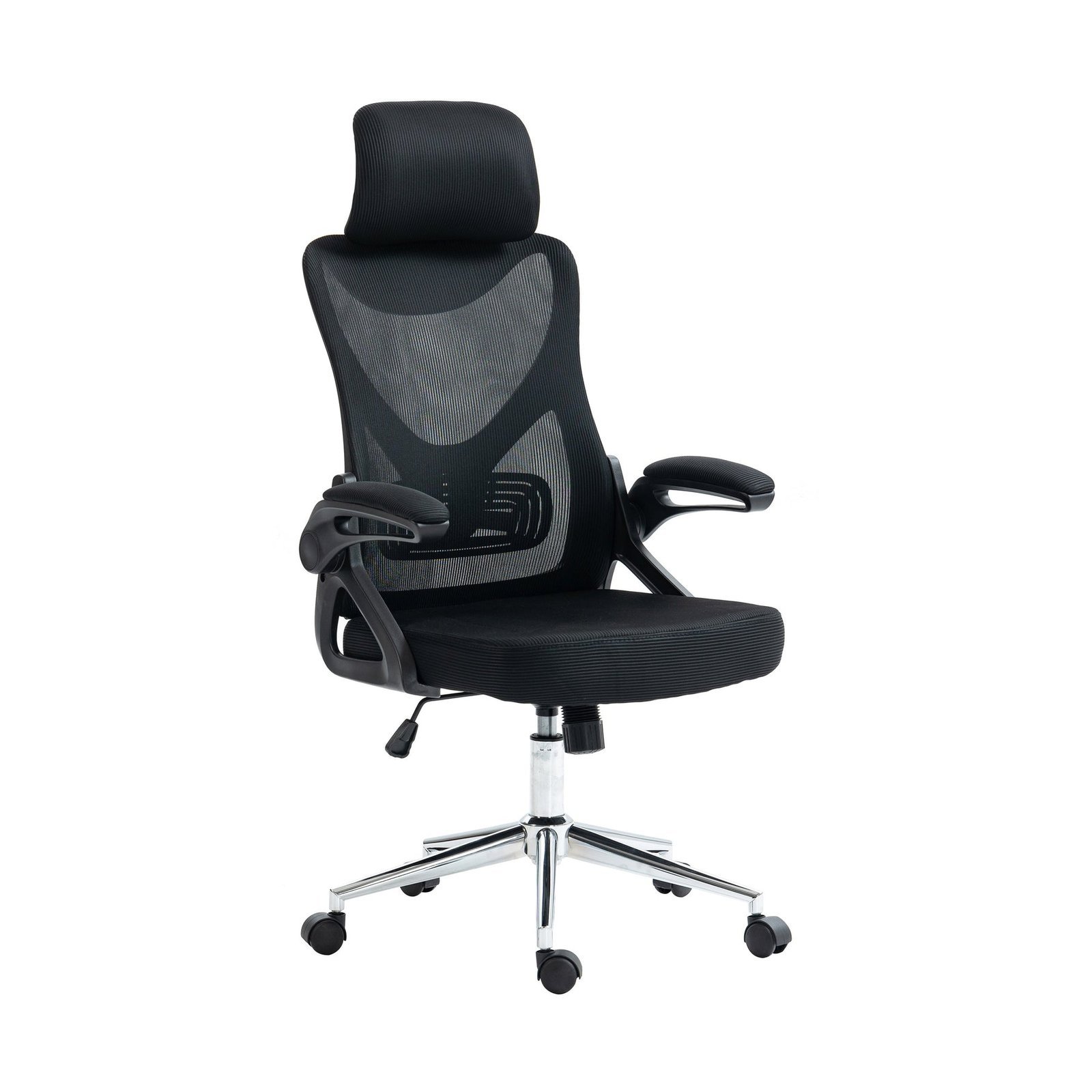
- Place your feet flat on the floor and adjust the seat height until your thighs are parallel to the ground.
- Slide your hips back until they touch the backrest to ensure your lower spine receives full support from the lumbar curve.
- Adjust the seat depth so there’s a small gap between the edge of the seat and your bent knees.
- Set the backrest angle to a slightly reclined position, usually between one hundred and one hundred and ten degrees for typing.
- Raise or lower the armrests until your shoulders feel relaxed and your elbows sit comfortably at a ninety-degree angle.
- Test the tension of the tilt mechanism by leaning back; the chair should provide enough resistance to support your weight.
Mistakes that ruin your posture
- Setting the seat too high causes your feet to dangle, which cuts off circulation in your thighs.
- Ignoring the lumbar support adjustment forces your spine into a C-shape, leading to long-term lower back pain.
- Pushing the seat too far forward creates pressure behind your knees, causing numbness or discomfort in your legs.
- Using fixed armrests that are too high forces your shoulders to stay hunched, resulting in neck and shoulder tension.
Can I use a regular chair instead?
No, a regular chair lacks the necessary adjustments for long-term sitting. Standard chairs often force you into a fixed position, which prevents you from changing your posture to relieve muscle tension throughout the day.
Is it safe to buy a chair online?
Yes, but you must check the dimensions against your own body measurements first. Always look for the weight limit and height range provided by the manufacturer to ensure the chair fits your specific frame and size.
Does the chair material matter?
Yes, the material affects your comfort during long sessions. Mesh allows for better airflow to keep you cool, while padded fabric or leather offers more cushioning but may trap heat during the summer months.
How do I know if the chair fits?
Your feet should rest flat on the floor and your knees should be at a ninety-degree angle. If your feet hover or your knees are higher than your hips, the chair height is likely incorrect for you.
What happens if I don’t adjust it?
You’ll likely experience muscle fatigue and discomfort because your body is fighting the chair. Proper adjustment is the only way to ensure the chair actually provides the ergonomic support it was built to offer.
Do I need a headrest?
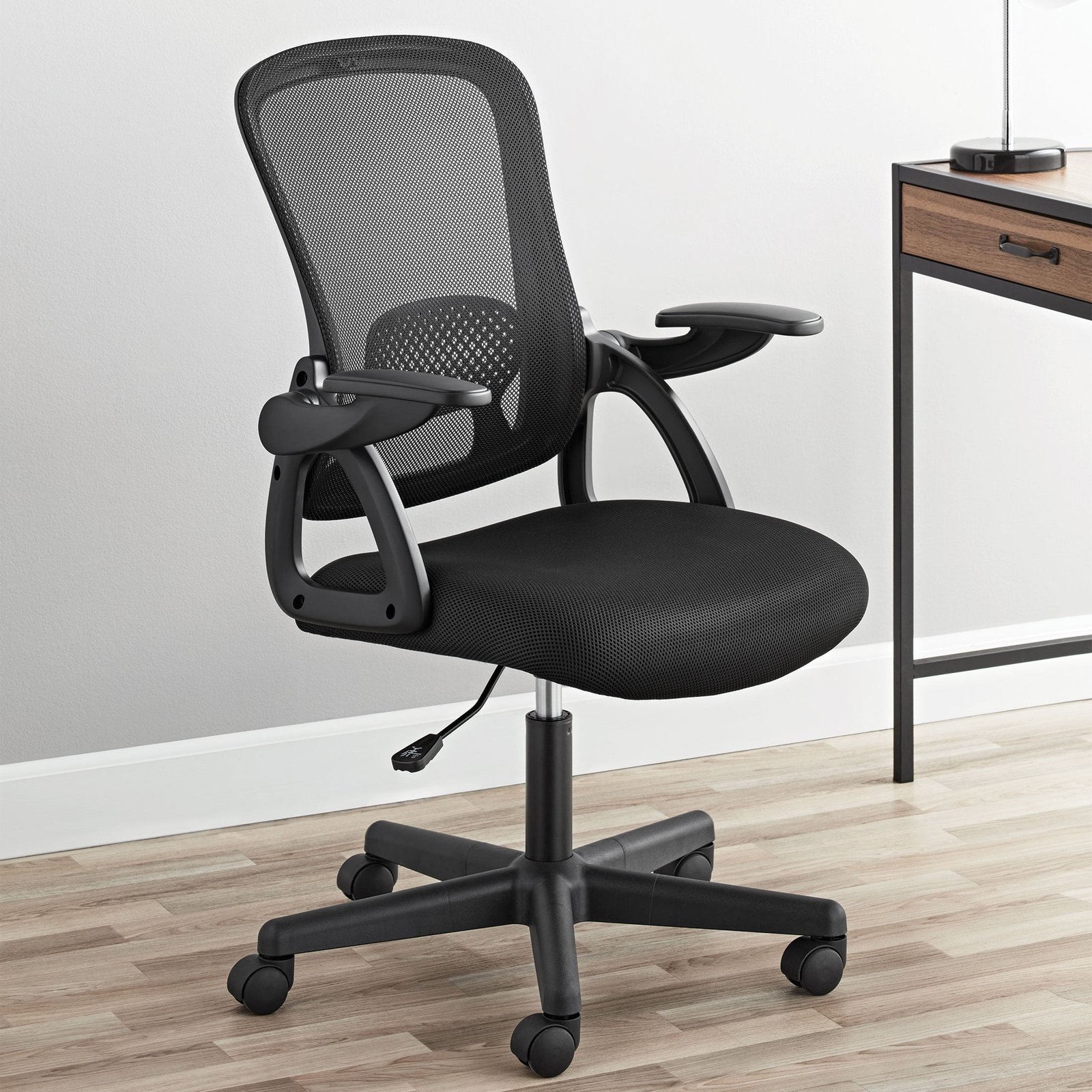
No, a headrest is optional for most office work. It’s only necessary if you spend a lot of time in a reclined position or if you have specific neck support needs as advised by a doctor.
Choosing the right chair is a balance between your physical measurements and the tasks you perform daily. If you move between tasks often, look for a chair with quick-release levers for fast adjustments, as this ensures you stay supported regardless of your current activity.