
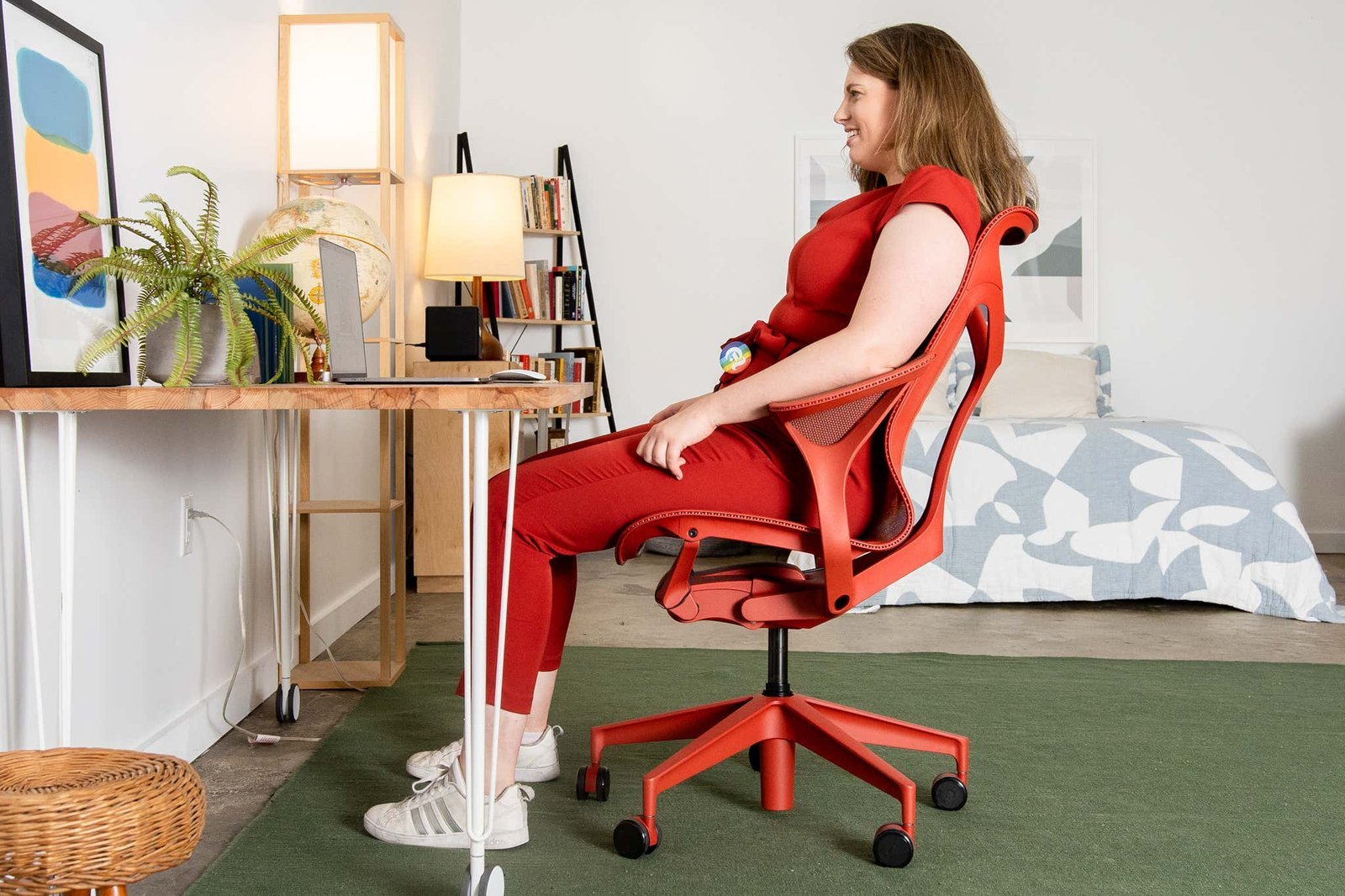
The Steelcase Gesture is the best ergonomic office chair for a wide variety of body types and sitting habits because it’s the most versatile option.
Finding the right office chair
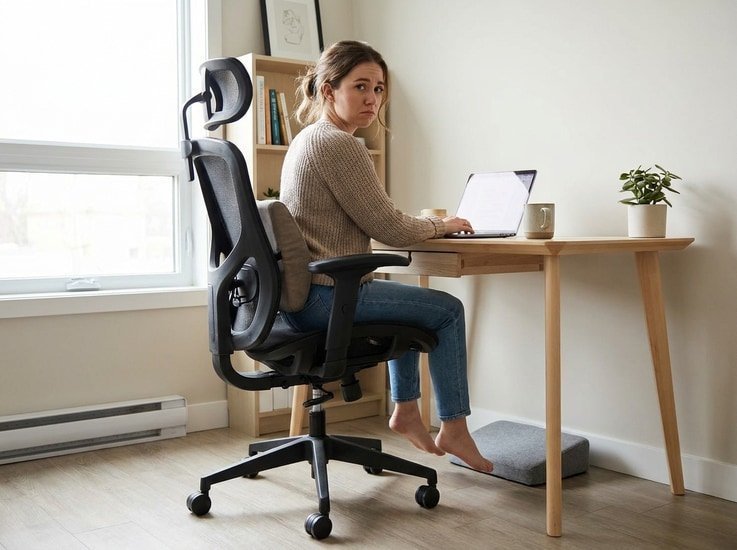
- Look for lumbar support that hits the curve of your lower back.
- Ensure the seat pan allows for two inches of space behind your knees.
- Choose a model with 4D armrests that move up, down, left, right, forward, and backward.
- Prioritize breathable mesh or high-density foam that keeps its shape after long sessions.
- Check that the chair height allows your feet to rest flat on the floor.
- Test the recline tension to ensure it holds your weight without feeling loose.
Why adjustable features matter
Ergonomic chairs improve comfort by aligning your spine and reducing pressure on your joints throughout the day. Proper lumbar support prevents the lower back from slouching, which is a common cause of muscle strain during desk work. According to the Occupational Safety and Health Administration, a chair should be adjustable so you can change your position as you work. This movement is vital because sitting in one fixed posture for eight hours puts unnecessary load on your spinal discs.
Armrests that move independently allow you to keep your shoulders relaxed while typing or using a mouse. If your arms are unsupported, your shoulder muscles must work to hold your weight, leading to neck pain. The mechanism inside the backrest should also provide resistance that matches your body weight. If you’re heavy, you need more tension to stay upright; if you’re light, you need less to avoid feeling pushed forward.
Choosing based on your needs
| Situation | What changes | What to do instead |
|---|---|---|
| Tall user | Seat depth | Choose extra-long seat pan |
| Short user | Seat height | Use a footrest |
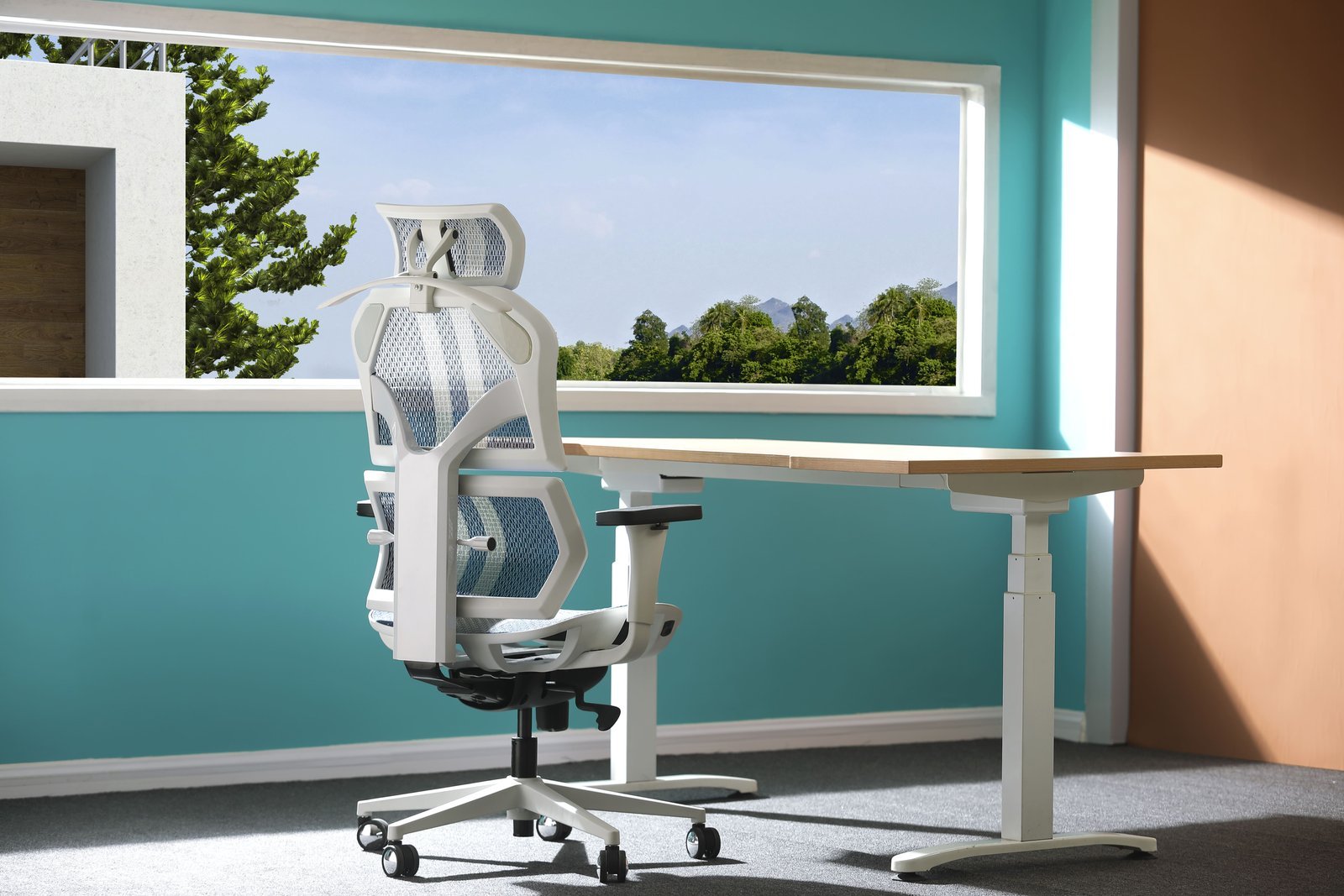
| Hot office | Material type | Opt for mesh back |
| Limited space | Chair footprint | Pick armless or compact |
| Heavy build | Weight capacity | Check certified steel frames |
How to adjust your chair properly
- Sit all the way back in the seat until your lower back touches the lumbar support pad.
- Adjust the seat height until your thighs are parallel to the floor and your feet are flat.
- Set the seat pan depth so there’s a two-finger gap between the edge and your knees.
- Position the armrests so your elbows are at a ninety-degree angle while your shoulders stay relaxed.
- Lean back and test the recline tension, ensuring the chair supports you without pushing you forward.
- Lock the tilt mechanism if you prefer a static position, or leave it loose to encourage movement.
The mistakes that ruin it
Setting the chair too high forces you to hunch over, which causes chronic neck strain. Aim to keep your feet flat on the floor with your knees at a ninety-degree angle. If your feet dangle, you’re already too high.
Ignoring the depth adjustment leads to pressure behind your knees and cuts off healthy circulation. You should be able to fit two fingers between the edge of the seat and your calf. If you cannot, slide the seat pan forward.
Leaning too far forward in a mesh chair removes the lumbar support and stresses your spine. Keep your back pressed firmly against the mesh to maintain the natural curve of your lower vertebrae.
Using armrests that are too high causes your shoulders to shrug, resulting in upper back fatigue. Adjust them until your elbows rest at a ninety-degree angle without lifting your shoulders.
Frequently asked questions
Can I use a dining chair for office work?
No, a dining chair lacks the necessary support for your spine and hips. These chairs are designed for short periods of sitting, so they don’t offer the adjustable height or lumbar features required for long-term health during desk work.
How long should an ergonomic chair last?
Most high-quality ergonomic chairs last between seven and ten years with daily use. This varies by model — check the label for the manufacturer’s warranty, which usually covers the frame and moving parts for a specific duration of time.
Is it safe to buy a chair without testing it?
It’s risky, but it works if you measure your body first. Always check the seat width, back height, and weight capacity against your own measurements to ensure the chair fits your specific frame before you commit to the purchase.
Does it matter if the back is mesh or foam?
It matters based on your office temperature and personal preference. Mesh provides better airflow to keep you cool, while high-density foam offers a more cushioned feel that some people find more comfortable for sitting over many hours.
What happens if the chair doesn’t fit?
You’ll likely experience discomfort or pain within a few days of use. If you can’t adjust the seat to fit your height or the back to support your lumbar curve, you should return the chair rather than forcing your body to adapt.
How do I know if the lumbar support is correct?
The support is correct if it feels firm against the natural inward curve of your lower back. It shouldn’t feel like it’s poking you or forcing your spine into an unnatural arch, but rather providing a gentle, consistent push.
Ergonomic office, in short
Finding the right chair is a trade-off between your budget and your physical needs. If you work from home occasionally, a mid-range model works well; if you sit for eight hours or more daily, investing in a high-end, fully adjustable chair is the only way to protect your back.