
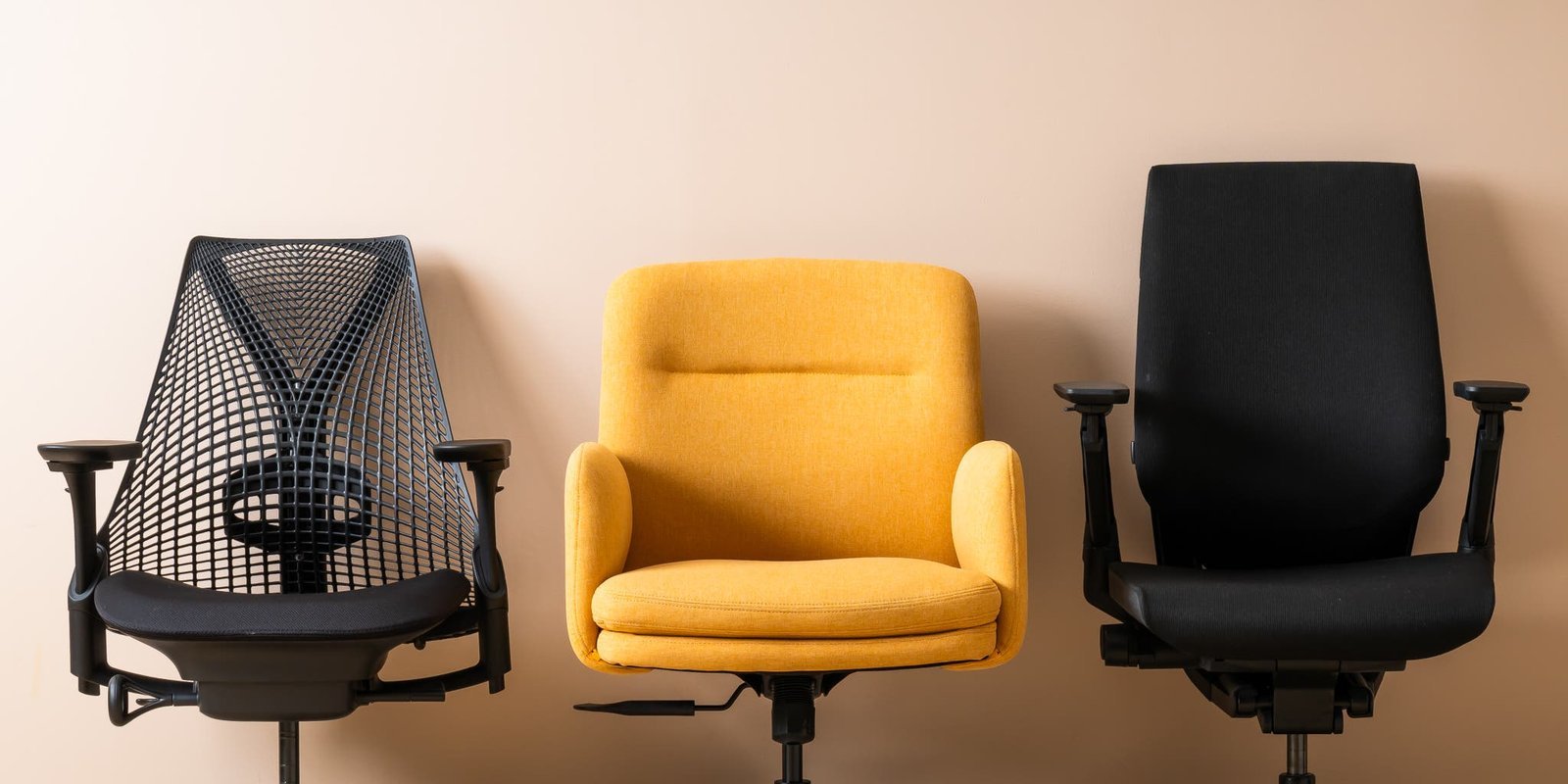
An ergonomic chair with adjustable height, lumbar support, and tilt tension is a good choice for office use. You must select a model that fits your physical build, as improper support can lead to long-term strain, regardless of the chair’s price.
Selecting the Right Ergonomic Office Chair
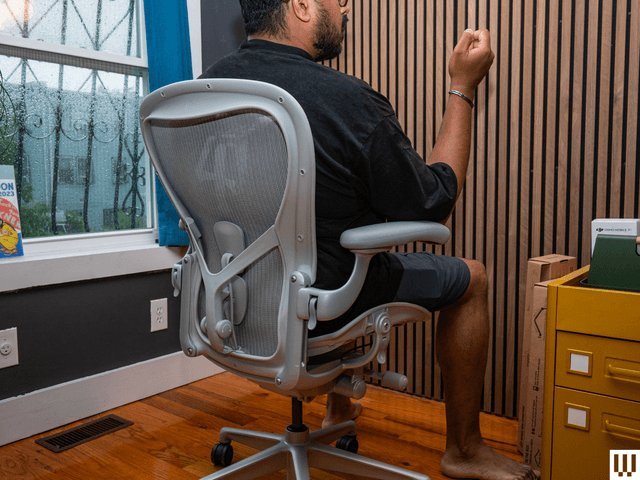
- Check that the seat height allows your feet to rest flat on the floor with your knees at a 90-degree angle.
- Ensure the backrest follows the natural curve of your spine, providing firm support for your lower back.
- Look for adjustable armrests that allow your shoulders to stay relaxed while your forearms remain parallel to the desk.
- Test the depth of the seat pan; you should have about 2 inches of space between the edge of the seat and your knees.
- Verify the weight capacity of the frame; check the ANSI/BIFMA performance standards for office furniture to ensure the build quality is certified for daily use.
- If you work more than 8 hours daily, prioritize chairs with breathable mesh or high-density foam that maintains its shape over time.
Why Ergonomic Support Matters for Your Spine
Proper seating posture prevents the buildup of musculoskeletal stress that occurs during long periods of desk work. When you sit in a chair that lacks lumbar support, your spine loses its natural “S” curve, which forces your muscles to compensate for the lack of structural stability. Over time, this leads to muscle fatigue and potential nerve pressure in the lower back or neck area.
A well-designed chair acts as a tool to distribute your body weight evenly across the seat pan. By keeping your hips and shoulders aligned, you reduce the strain on your spinal discs. If you use a rigid or non-adjustable chair, your body will eventually slump, which is a common trigger for chronic discomfort. Always look for controls that allow you to lock the backrest at different angles. If the chair doesn’t offer these adjustments, it won’t accommodate your specific height or sitting style effectively.
Adjusting for Different Work Situations
| Situation | What changes | What to do instead |
|---|---|---|
| Tall users | Seat depth | Choose extra-long seat pan |
| Shared desk | Adjustment speed | Use quick-release levers |
| Tight spaces | Footprint size | Pick armless narrow model |
| Frequent reclining | Tilt tension | Select high-recline mechanism |
| Standing desk | Elevation height | Use high-seat stool |
How to Configure Your Chair for Maximum Comfort
- Place your feet flat on the floor and adjust the seat height until your thighs are parallel to the ground.
- Slide the seat pan forward or backward until you have a 2-inch gap between the seat edge and your bent knees.
- Position the lumbar support cushion to fit snugly against the inward curve of your lower back for total contact.
- Set the backrest angle so it supports your spine while you type, usually between 90 and 105 degrees of tilt.
- Raise or lower the armrests so your shoulders stay neutral and your elbows rest comfortably at a 90-degree angle.
- Test the tilt tension knob; it should provide enough resistance that you don’t fall backward when you lean.
Mistakes That Ruin Your Seating Setup
- Setting the seat too high causes your feet to dangle, which cuts off circulation in your thighs.
- Ignoring the lumbar support forces your lower back to round out, leading to immediate posture strain.
- Using armrests that are too high forces your shoulders to shrug, creating tension in your upper neck.
- Buying a chair without checking the weight limit risks structural failure and voids the manufacturer’s warranty.
Frequently asked questions
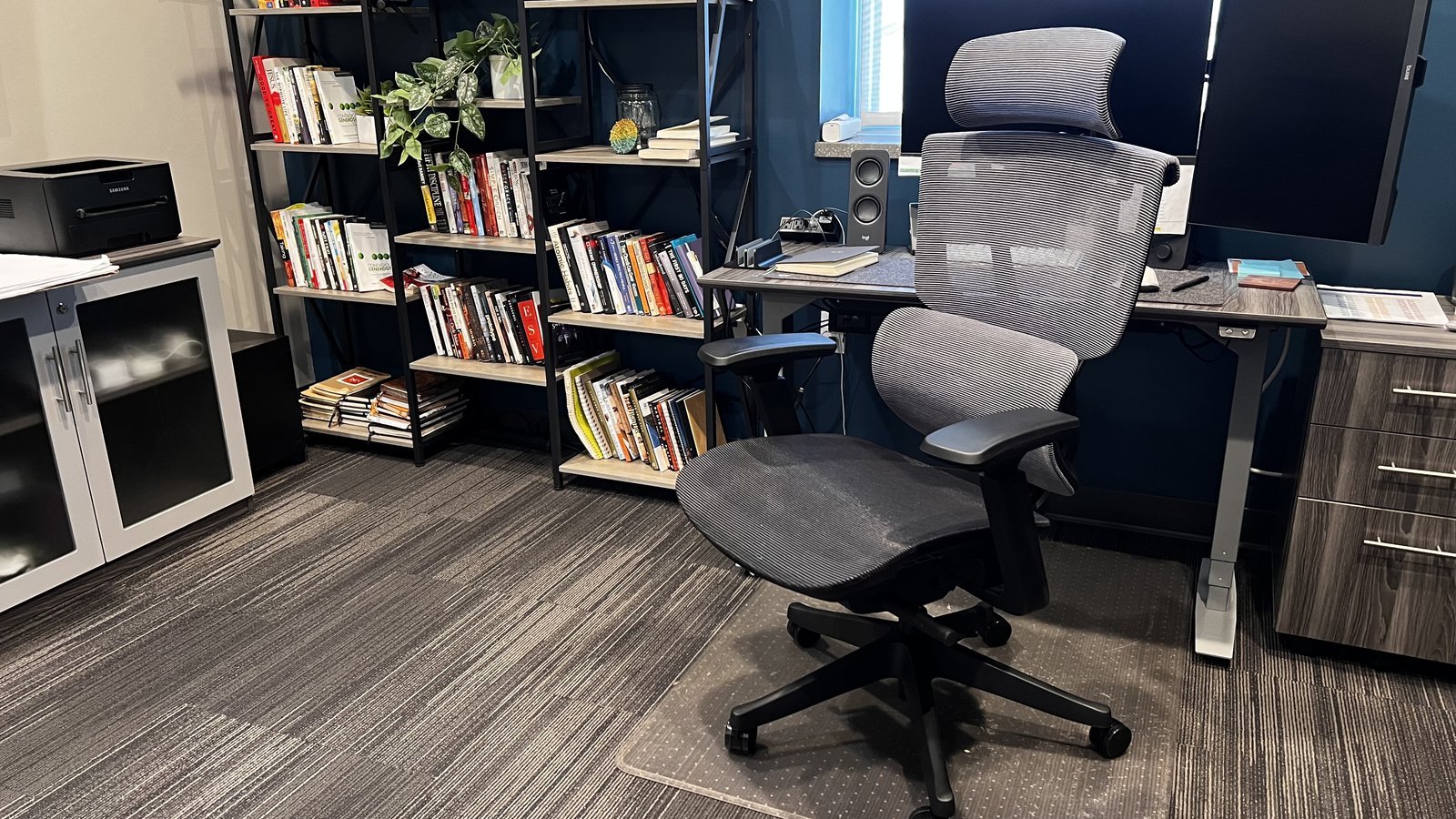
Can I use a dining chair for office work?
No, a dining chair lacks the necessary lumbar support and height adjustments required for long hours of work. These chairs are designed for short durations and will likely cause back strain if used as a primary workstation seat.
How long should my office chair last?
Most quality office chairs last for many years, though this varies by model — check the label for the expected cycle life. High-use environments will wear out the foam and mechanical springs much faster than home offices.
Is it safe to buy a chair without testing it?
It’s risky to buy without testing, as comfort is subjective to your body shape. If you must buy online, ensure the retailer offers a return policy that covers return shipping if the chair doesn’t fit your frame.
What happens if the chair is too wide?
If the chair is too wide, you won’t be able to reach your desk or mouse without leaning to one side. This creates an uneven posture that puts extra pressure on one hip and shoulder throughout the day.
Does the material of the chair matter?
Yes, the material affects your temperature and comfort over time. Mesh allows for airflow which keeps you cool during long days, while fabric or leather may trap heat but offer a softer cushion for some users.
How do I know if my chair is broken?
Your chair is broken if the height adjustment lever slips, the wheels don’t roll smoothly, or the backrest wobbles. If you notice these issues, stop using the chair to prevent falls or further spinal misalignment.
Who is this not for?
This setup isn’t for people who prefer to stand for most of the day. If you use a standing desk, you should look for a drafting stool or a leaning chair rather than a standard office chair.
Chair good, in short
If you’re experiencing persistent pain even with a new chair, consult a physical therapist to check your desk layout. A chair is only one part of the equation; your screen height, keyboard position, and monitor distance also play a major role in your daily comfort.