
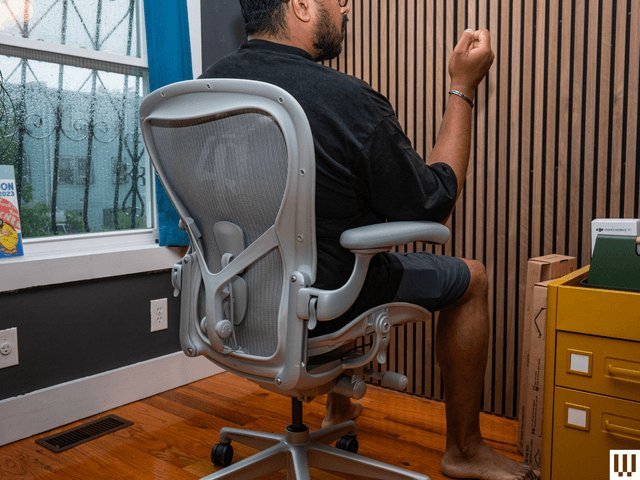
Steelcase and Herman Miller are generally considered the best brands of ergonomic office chairs because they offer high-end build quality and extensive adjustability. The best brand of ergonomic office chair depends on your specific body dimensions, as these top-tier manufacturers design their products to meet ANSI/HFES 100-2007 human factors standards for seating.
Why this ergonomic office chair brand excels
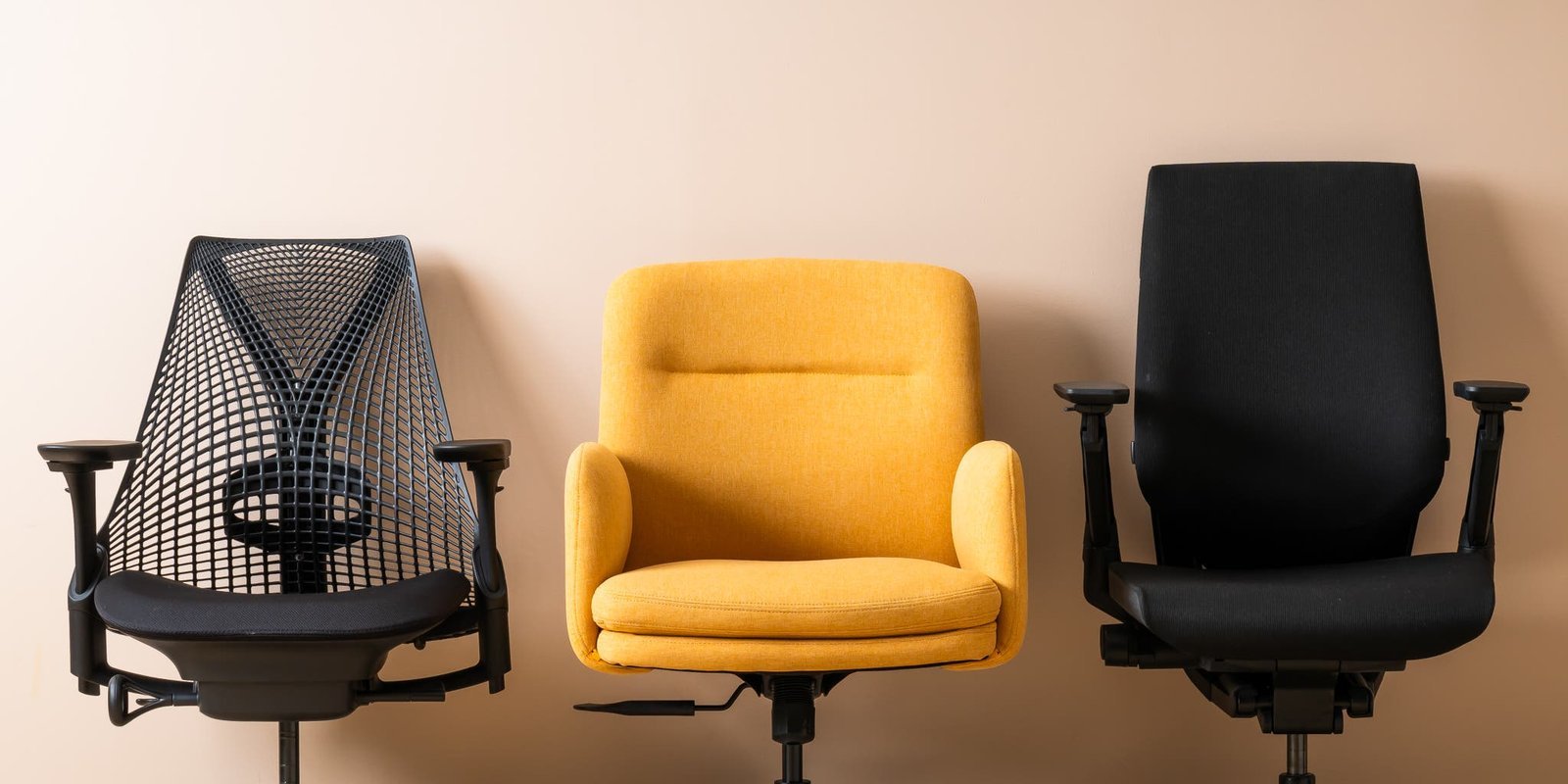
The primary factor in choosing a chair is the fit of the lumbar support and seat depth. If the chair doesn’t align with your spine, it will cause discomfort regardless of the brand’s reputation.
The most common mistake is buying a high-end chair without testing the seat width. People often assume that a “premium” chair fits every body type, but a chair designed for a smaller frame will feel restrictive and painful for a larger individual.
Adjusting your chair for comfort
- Position the seat height so your feet remain flat on the floor with your knees at a 90-degree angle.
- Slide the seat pan forward or backward until you have a two-finger gap between the edge of the seat and your calves.
- Align the lumbar support with the natural curve of your lower back to maintain a neutral spine posture. Tip: If the lumbar support feels like it’s pushing you out of the seat, reduce the tension setting on the backrest.
- Adjust the armrests until your elbows rest comfortably at a 90-degree angle without shrugging your shoulders. Tip: If you have shoulder pain, lower the armrests slightly to ensure your traps stay relaxed while typing.
- Set the tilt tension so you can recline with light pressure while still receiving support from the backrest.
Time required for adjustments
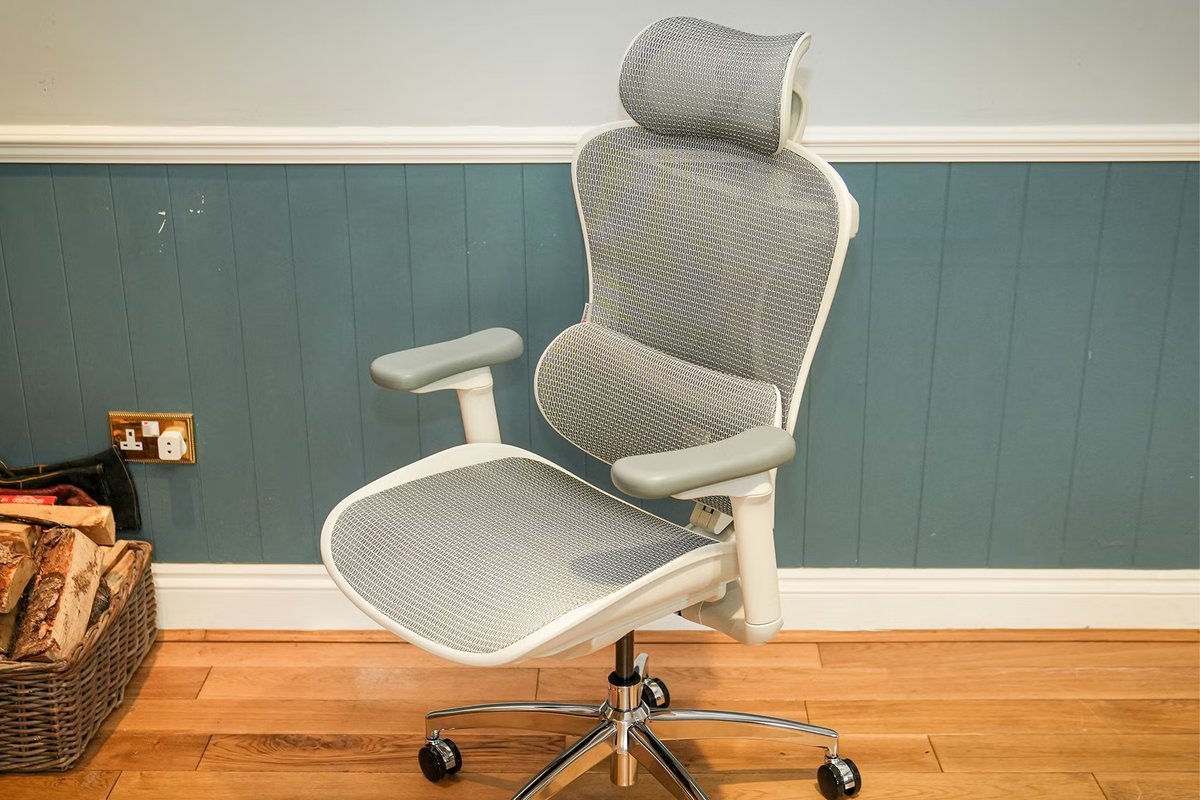
Setting up a new ergonomic chair properly takes about 15 to 20 minutes of active testing to find your ideal settings.
| Situation | Time needed | What changes it | What to watch for |
|---|---|---|---|
| First-time fit | 20 minutes | Body proportions | Back discomfort |
| Daily minor tweak | 1 minute | Clothing thickness | Pressure points |
| New user swap | 15 minutes | Height differences | Seat depth fit |
If you feel persistent discomfort after 30 minutes of sitting, stop using the chair and reset every lever to the neutral, middle position before starting the process again.
How to verify proper support
You can tell the chair is set correctly when your weight is evenly distributed across your thighs and hips. Your lower back should feel constant, gentle pressure from the lumbar support, and your feet must stay firmly planted on the floor. If you find yourself sliding forward or sitting on the edge of the seat, the seat depth is likely set too deep. The final test is sitting for two hours; if you don’t feel the need to shift your weight or sit on one leg, the support is correctly configured for your frame.
Common setup mistakes
- Ignoring seat depth: Many users leave the seat pan in the default position, which restricts blood flow to the legs if the seat is too deep. Always adjust the pan so your legs have full support without the front edge hitting the back of your knees.
- Over-tightening lumbar support: People often crank the lumbar tension to the maximum, causing lower back strain rather than support. Start with the lowest tension and increase it slowly until you feel a light touch against your lower spine.
- Wrong armrest height: Setting armrests too high forces you to hunch your shoulders, which leads to neck and upper back pain within an hour. Keep your shoulders relaxed and low, and set the armrests to meet your elbows in that natural, hanging position.
Frequently asked questions
Can a chair fix my back pain?
No, a chair can’t fix existing back pain, but it can prevent further strain by maintaining proper posture. If you have chronic pain, you should consult a doctor or a physical therapist to determine if the issue is structural or related to your workplace habits and seating.
Is it safe to buy a used ergonomic chair?
Yes, it’s safe to buy a used chair if the mechanical adjustments, such as height, recline, and lumbar tension, function smoothly. Check for worn fabric or loose screws, as these parts are often difficult to replace depending on the specific model and the manufacturer’s current warranty policies.
How long does a quality chair last?
A high-end ergonomic chair typically lasts between 10 and 15 years with daily use. This varies by model — check the label for the manufacturer’s stated warranty, as some brands offer 12-year warranties that cover the frame and mechanical components under normal office usage conditions.
What happens if the chair is too big?
If the chair is too big, you’ll likely find yourself unable to reach the backrest while your feet are on the floor. This forces you to slide forward, which removes all the ergonomic benefits and puts extra pressure on your lower spine and the back of your thighs.
Do I need a footrest with my chair?
You only need a footrest if your desk height forces your chair to be so high that your feet can’t reach the floor comfortably. A footrest ensures your legs remain at a 90-degree angle for circulation if you must raise your seat to reach your keyboard.
Brand ergonomic, in short
Finding the right fit is a personal journey, so don’t rush into a purchase. If you can, visit a local showroom to sit in a few models yourself. You’ll quickly feel which chair supports your posture best, and your back will definitely thank you for the extra effort later on.
Related guides