

An entry-level ergonomic chair costs between $150 and $300, while professional-grade models range from $600 to $1,500 or more; the total price depends entirely on the build quality and adjustability features you require for your daily workspace setup.
Budgeting for your ergonomic chair
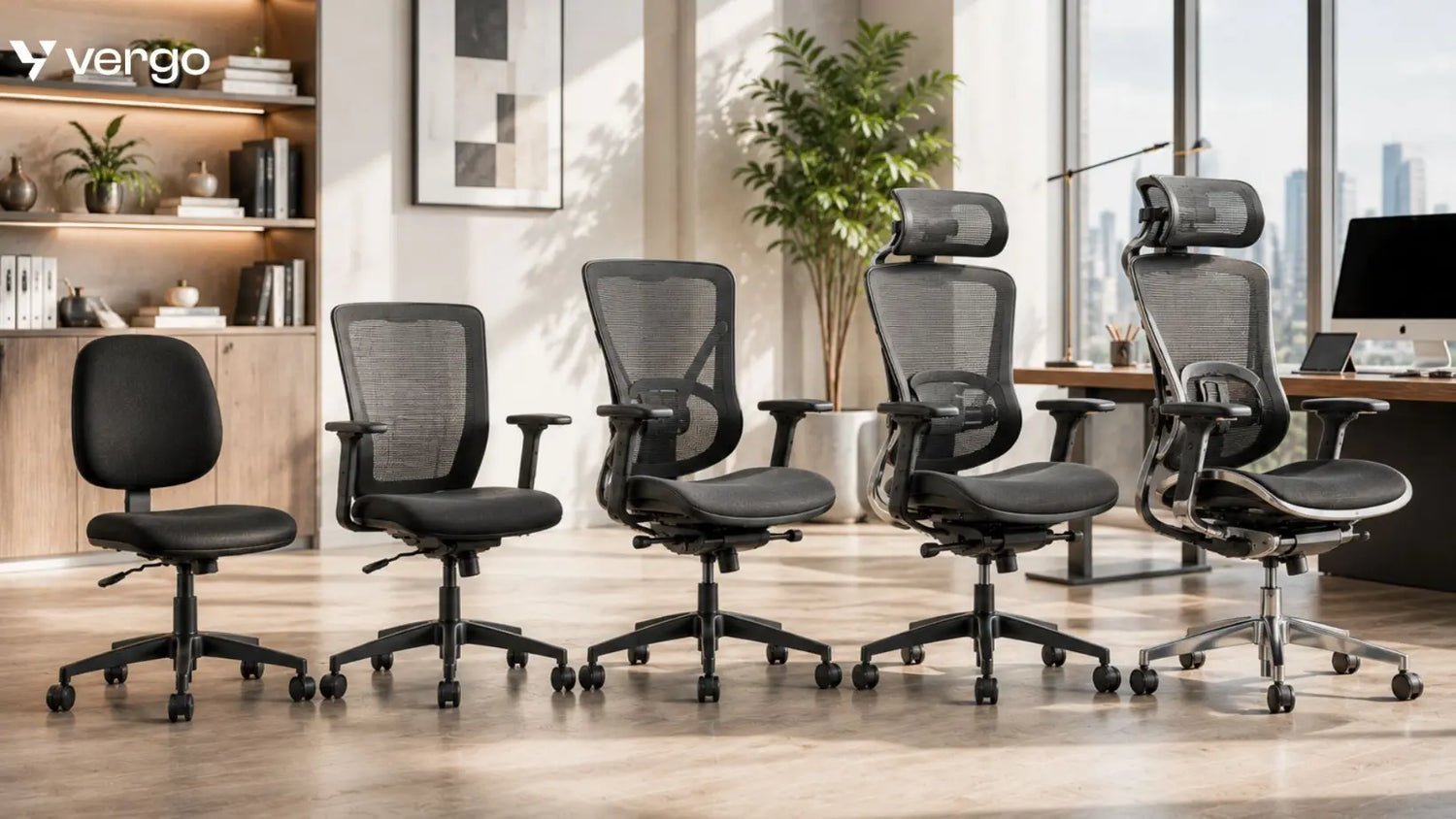
The most important factor is your height and weight, as chairs are designed for specific body frames. If you choose a model built for a smaller frame but have a larger build, the seat pan depth and lumbar support won’t align correctly. The most common mistake is buying based on looks rather than dimensions. This leads to back pain because the chair forces your spine into a poor position rather than supporting your natural curve.
Steps to select your chair
- Measure your current desk height to ensure the chair’s armrests will slide underneath without hitting the frame.
- Check the weight capacity label on the ANSI/BIFMA standards document to ensure the chair is tested for your body type.
- Test the seat depth by sitting back and checking that at least two inches of space exist between the edge of the seat and the back of your knees.
- Adjust the lumbar support height until it fits firmly into the curve of your lower back while you sit upright.
- Lock the tilt mechanism at a 100-degree angle if you have lower back sensitivity, or keep it unlocked if you prefer constant movement.
Tip: Never buy a chair that lacks adjustable armrest height, as this is the primary cause of shoulder strain when typing.
Tip: If you suffer from chronic sciatica, look for a waterfall seat edge design to reduce pressure on your thighs.
Time to find your fit
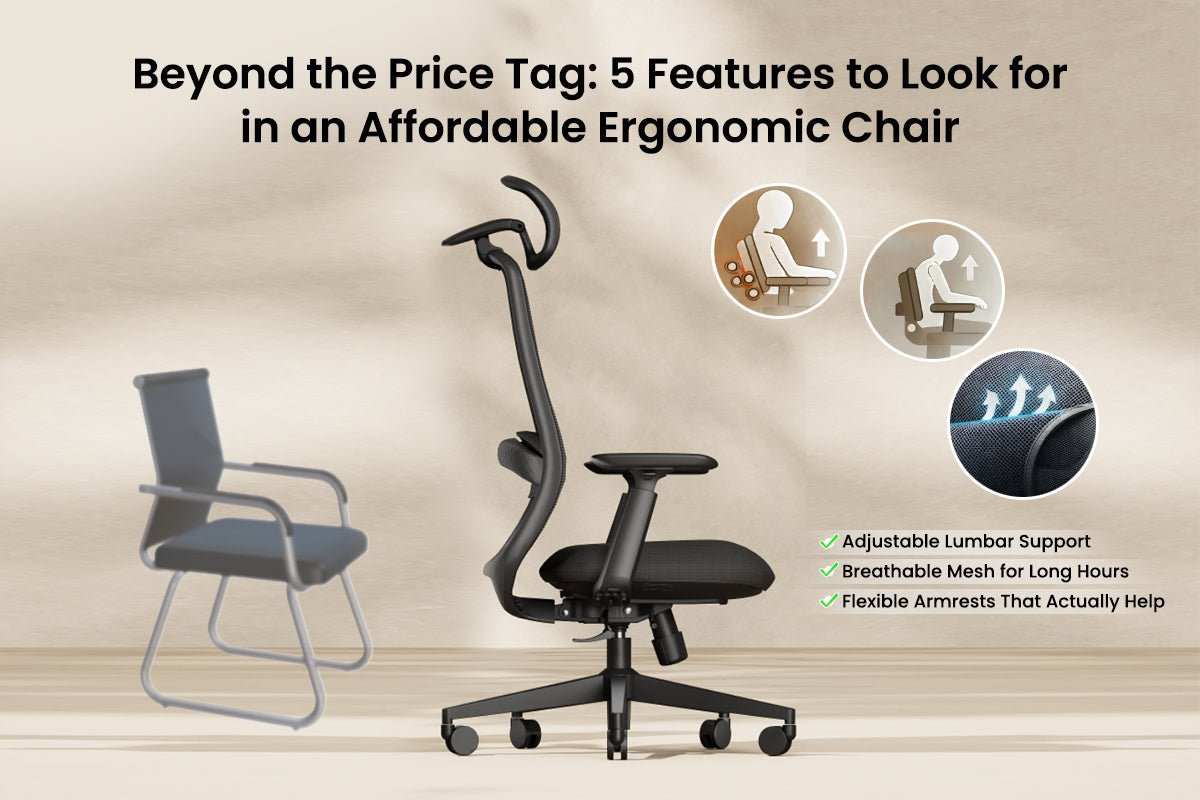
Finding the right chair takes time because you must test the seat tension and back support settings in person.
| Situation | Time Required | What changes it | What to watch for |
|---|---|---|---|
| Online research | 2-3 hours | Number of models | Verified user reviews |
| In-store testing | 45 minutes | Store inventory size | Seat padding comfort |
| Adjusting settings | 15 minutes | Number of levers | Pressure on thighs |
If you have spent more than an hour trying to find a comfortable setting, the chair’s geometry likely doesn’t match your anatomy.
Signs of a perfect fit
You know the chair is set correctly when your feet sit flat on the floor and your knees are at a 90-degree angle. Your forearms should rest parallel to the desk surface without your shoulders hunching upward. If you feel pressure on the back of your thighs, the seat is too deep or the height is too low. The final test is sitting for sixty minutes; if you feel the need to shift your weight or fidget, the lumbar support isn’t positioned correctly for your spine.
Common setup mistakes
- Ignoring seat depth: This mistake prevents your back from touching the lumbar support, which forces you to slouch. Always pull the seat pan forward or backward until your back is fully supported.
- Locking the chair upright: Rigid sitting restricts blood flow and increases muscle fatigue over an eight-hour day. Use the tension control to allow for gentle rocking while you work.
- Buying for brand name: You pay for a logo while cheaper models often offer the same mechanical adjustments. Focus on the number of locking positions and the quality of the mesh or foam instead.
- Skipping the warranty check: A high-quality chair should offer at least a five-year warranty on moving parts. If a manufacturer offers less, the internal gas cylinder is likely a low-cost component that will fail quickly.
Frequently asked questions

Can a cheap chair be ergonomic?
Yes, a chair can be ergonomic if it provides adjustable lumbar support and seat height, regardless of the price. You don’t need to spend over $1,000 to get these features, but you must avoid models that lack basic tension controls or have fixed, non-adjustable armrests.
How long should an ergonomic chair last?
A high-quality chair should last between seven and ten years with daily use. This varies by model — check the label for the manufacturer’s expected lifespan and warranty length. If the foam starts to flatten or the gas cylinder sinks, it’s usually time for a replacement.
Is it safe to buy a used chair?
Yes, it’s safe if you inspect the mechanical levers and the condition of the fabric for tears. Check that the gas lift holds your weight without sinking when you sit down. If the chair feels unstable or makes loud clicking noises, the frame may be damaged or fatigued.
What happens if the chair is too big?
A chair that’s too big will prevent you from reaching the backrest, which renders the ergonomic features useless. You’ll end up sitting on the edge of the seat, which creates poor posture and neck strain. Always ensure the seat depth is adjustable to your leg length.
How do I know if I need a headrest?
You need a headrest if you spend time reclining while talking on the phone or reading. If you mostly lean forward to type, a headrest may actually push your head forward and cause neck pain. Most people find that a headrest is optional rather than a necessity.
Can I replace the wheels on my chair?
Yes, you can replace the wheels if you need a different type for your floor surface. Hard plastic wheels are for carpet, while rubberized casters work best on hardwood or tile. Ensure the stem size matches your specific chair model before you buy a new set of wheels.
Ergonomic chair, in short
Always verify your measurements before purchasing, as returning a heavy office chair is difficult and often costly. If you feel pain after one week of use, adjust your monitor height first, as many back issues stem from looking down at a screen rather than the chair itself.