
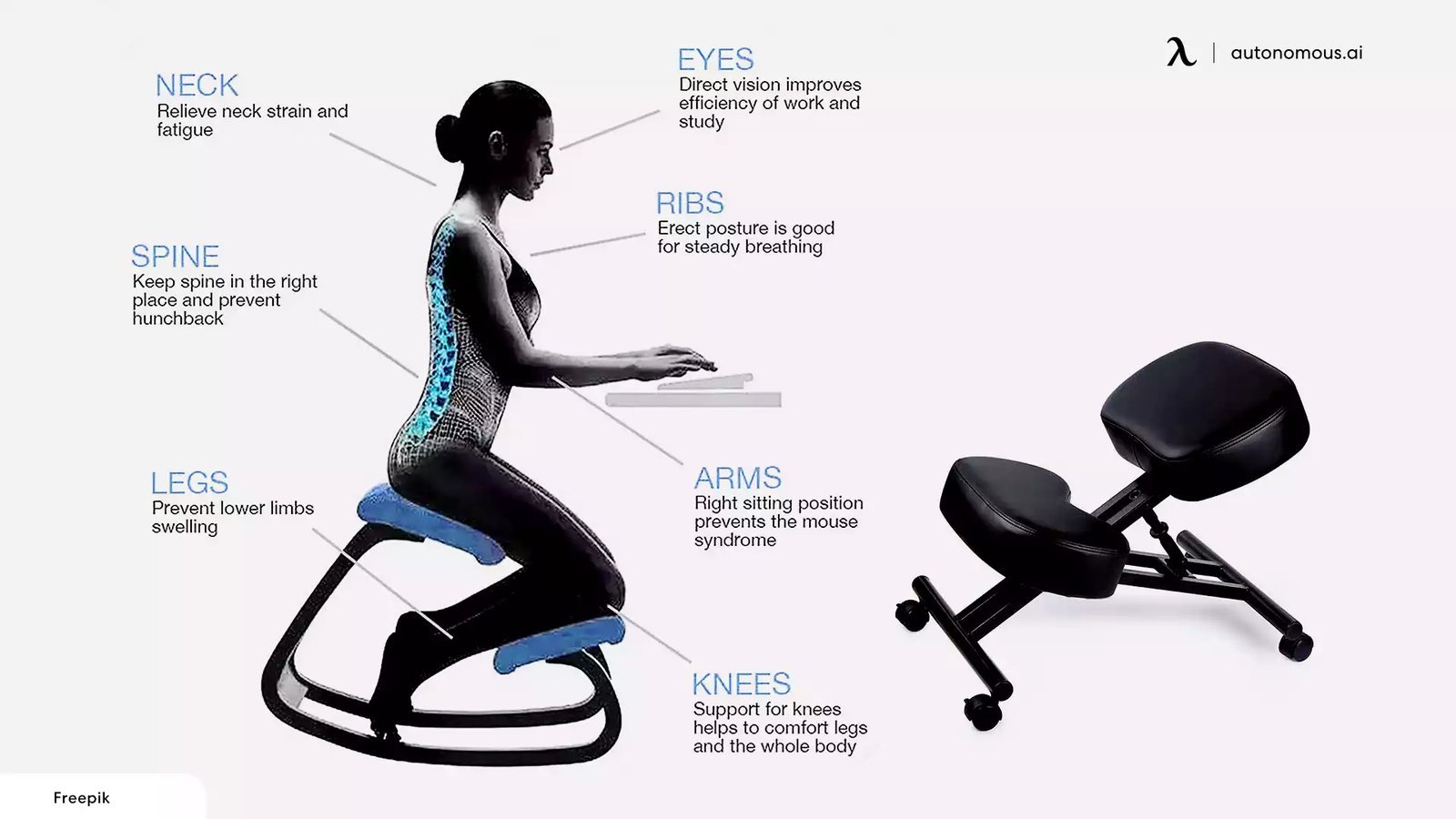
An ergonomic chair reduces muscle strain and prevents long-term injury by aligning your spine and supporting your natural posture. Because it distributes your body weight evenly across the seat and backrest, an ergonomic chair helps you stay comfortable by minimizing the pressure that causes fatigue and chronic pain.
How does an ergonomic chair help your posture?
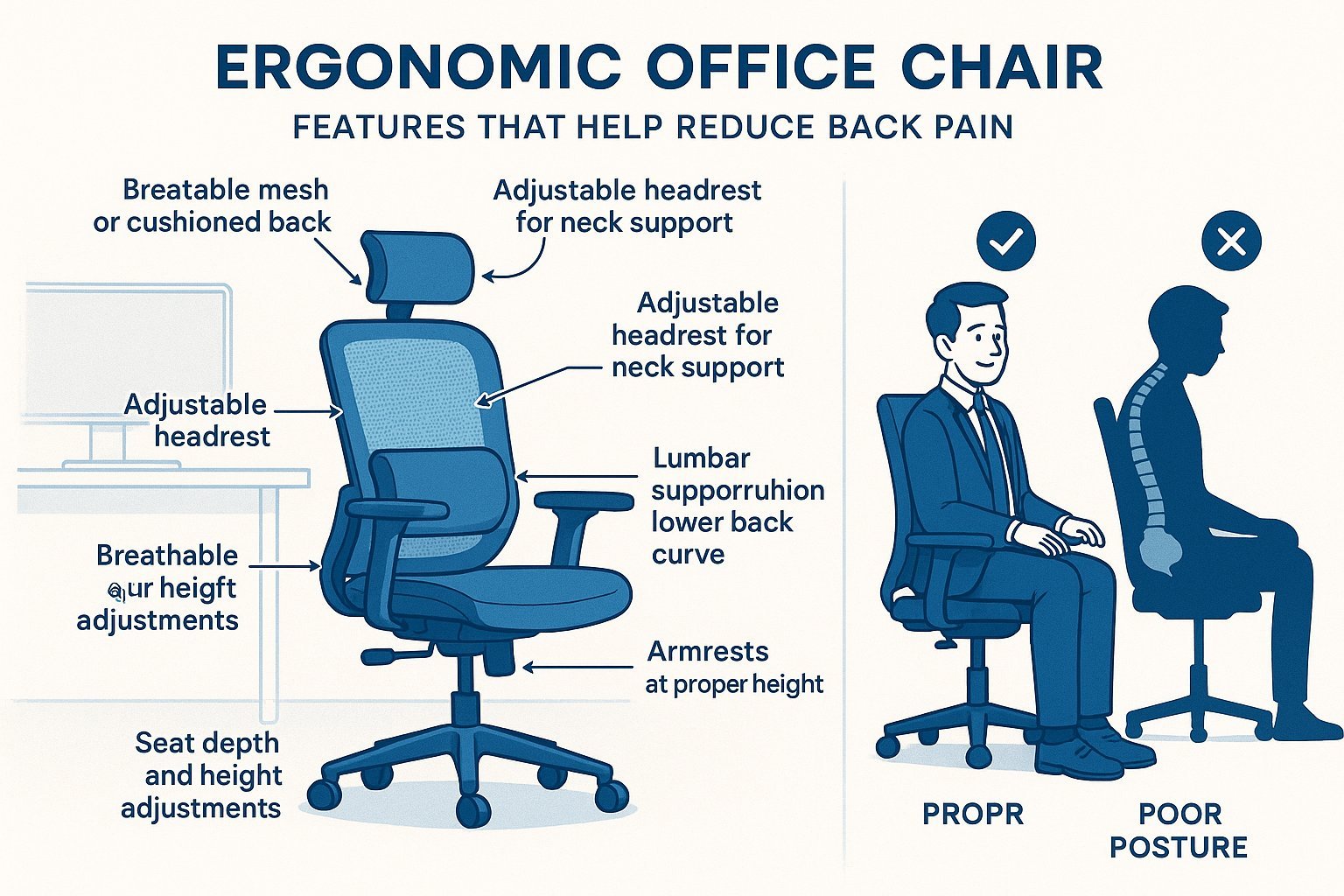
| Part or input | What it does | What you notice when it goes wrong |
|---|---|---|
| Lumbar support | Maintains natural spine curve | Lower back feels stiff or sore |
| Adjustable armrests | Supports shoulders and elbows | Neck and shoulder muscles tense up |
| Seat depth | Positions thighs correctly | Legs feel numb or circulation drops |
| Tilt tension | Controls reclining resistance | You feel unstable or fall backward |
| Seat height | Aligns feet with floor | Pressure under thighs or feet dangle |
How to Adjust Your Chair
- Set your seat height so your feet rest flat on the floor and your knees are at a ninety-degree angle.
- Shift the seat depth until you have about two inches of space between the back of your knees and the chair.
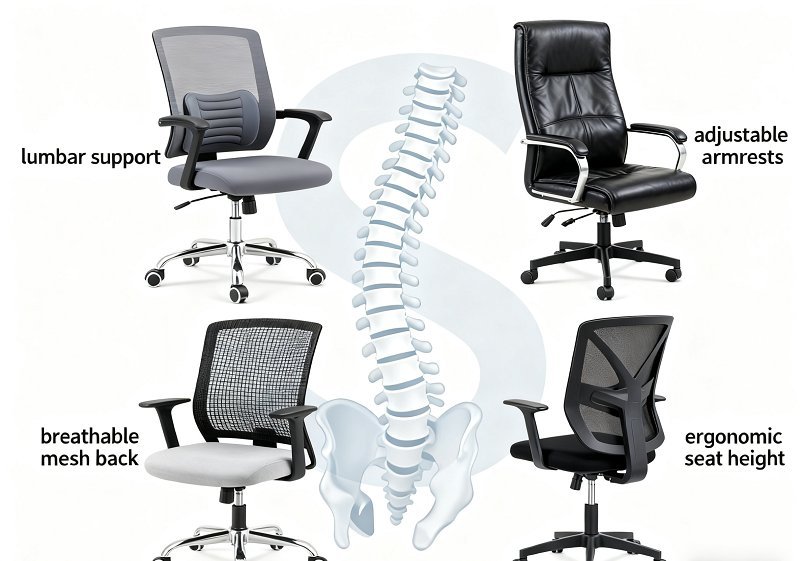
- Position the lumbar support so it fits firmly into the small of your back to maintain your spine’s natural inward curve.
- Adjust the armrests until your shoulders are relaxed and your elbows sit at a ninety-degree angle near your body sides.
- Set the backrest tilt tension so the chair supports your weight while you recline without pushing you forward too much.
- Check your posture after one hour of sitting to ensure your back still touches the support and your feet remain flat.
Why Support Prevents Discomfort
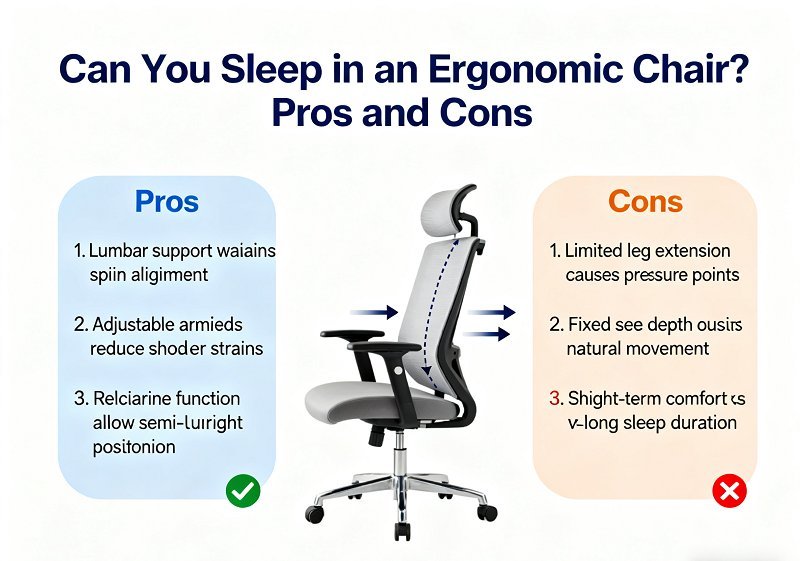
When you sit for long periods, the muscles in your back and neck work constantly to keep you upright. An ergonomic chair offloads this work by providing structural support that matches the shape of your body. Without this support, your spine loses its natural curve, forcing your muscles to tighten to compensate for the slump. This tension is a leading cause of musculoskeletal disorders, which occur when your posture puts excessive stress on soft tissues. According to the Occupational Safety and Health Administration, proper workstation design helps workers avoid strain by keeping joints in a neutral, relaxed position. If your chair lacks these adjustments, you’re forced to shift your weight constantly, which increases fatigue and creates the repetitive strain that leads to chronic pain over time.
What You Can Change and What You Cannot
Adjustments you control
- Seat height relative to the desk surface.
- Lumbar support position for spine alignment.
- Armrest height to relieve shoulder tension.
- Tilt tension for movement while reclining.
Limits of the design
- The total width of the seat base.
- The maximum weight capacity of the frame.
- The range of the height adjustment column.
If your chair doesn’t fit your body type, you should stop using it rather than forcing a fit. A professional ergonomic assessment is necessary if you have existing injuries or need specialized equipment beyond standard office furniture.
Getting More Out of It
You should practice active sitting by changing your posture every thirty minutes to keep blood flowing. If your model includes a tilt lock, unlock it to allow for small, frequent movements while you work. Always ensure your feet remain flat; if your desk is too high, use a footrest rather than raising your chair until your feet dangle. Check the manufacturer’s manual to see if your model has a seat slide, as this feature is vital for taller users. Proper adjustments are only useful if you sit all the way back against the support.
Frequently Asked Questions
Can an ergonomic chair fix back pain?
No, it can’t fix existing medical conditions, but it can stop them from getting worse by supporting your spine correctly. If you have severe or ongoing pain, you must see a doctor to find the root cause of the issue.
How long should I sit in an ergonomic chair?
About eight hours is the typical limit for standard office chairs, but you should move at least once every hour. Check your specific product label or manual to see the manufacturer’s recommended usage time for your model.
Is it safe to use a chair that’s too large?
No, a chair that’s too large won’t provide the intended support for your lower back or legs. You should look for a chair that matches your height and weight range as specified in the official documentation.
What happens if I don’t adjust the armrests?
If they’re too high, your shoulders will hunch; if they’re too low, your arms will hang and pull on your neck. You must adjust them until your elbows rest comfortably while your shoulders stay relaxed.
Does it matter if my feet don’t touch the floor?
Yes, it matters because dangling feet put pressure on the back of your thighs and cut off circulation. You should use a footrest to bring the floor to your feet if your chair can’t go any lower.
Why does my lower back still hurt?
It usually means the lumbar support isn’t hitting the right spot or you aren’t sitting back far enough. Try adjusting the height of the support pad until it firmly fills the gap in your lower back.
Ergonomic chair, in short
Investing in a chair that fits your body is a way to protect your long-term health, but remember that even the best equipment can’t replace the need for movement. Take time to adjust your settings today, and your body will feel significantly less strained after a long day of work.