
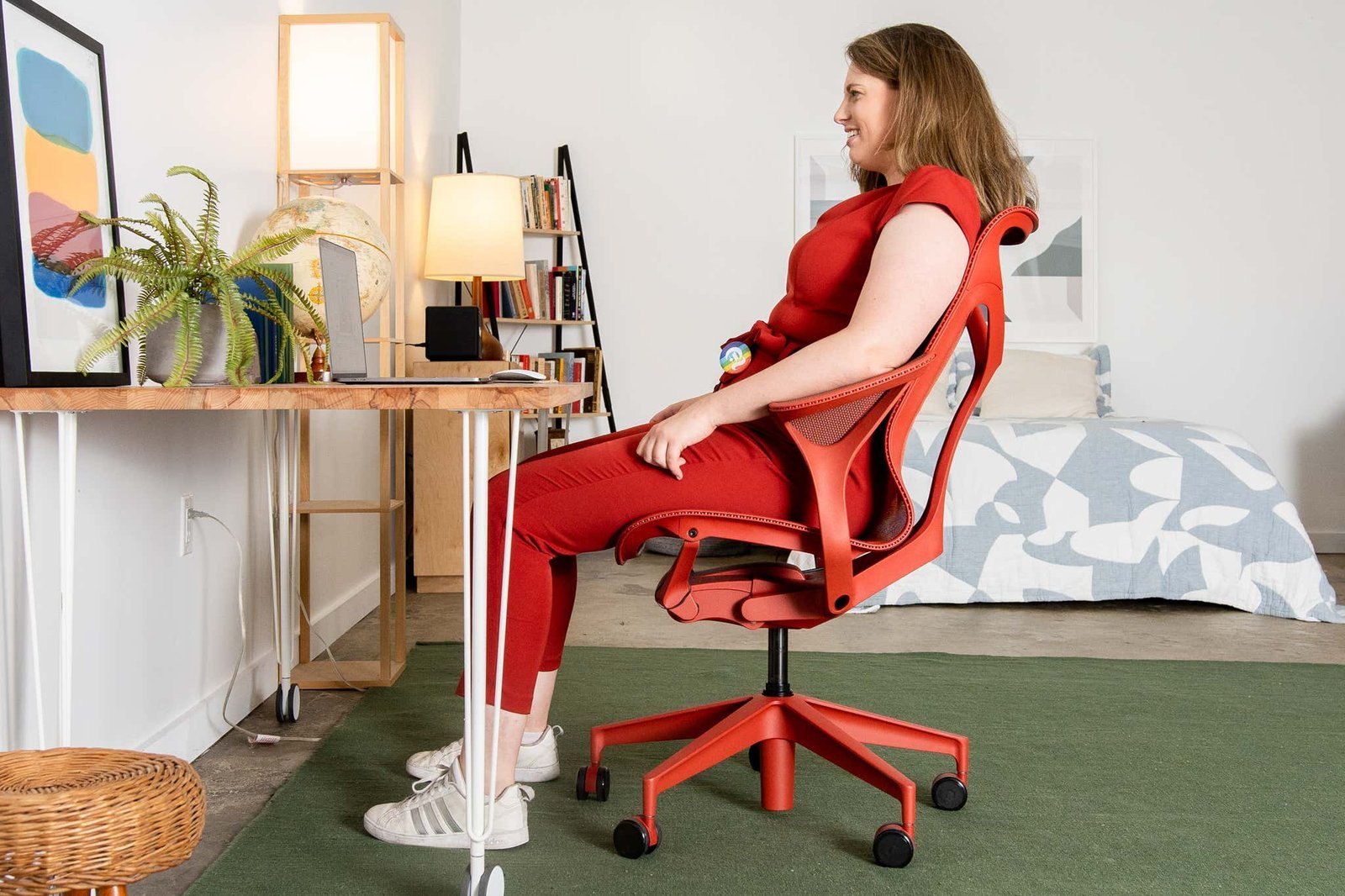
There’s no single chair that fits every body, but the Herman Miller Aeron is widely considered the most ergonomic office chair due to its advanced lumbar support and mesh material. Your height and weight dictate which specific size you need.
What is the most ergonomic office chair for you?

- Select a chair with adjustable armrests to keep your shoulders relaxed while typing.
- Ensure the seat pan depth allows for a two-finger gap between the edge and your knees.
- Prioritize a backrest that follows the natural curve of your spine to reduce lower back pressure.
- Choose a mesh material if you work in a warm environment to improve airflow and comfort.
- Test the chair’s weight limit against your own to ensure the gas cylinder functions correctly.
- Check that the seat height allows your feet to rest flat on the floor with thighs parallel.
Why proper support matters for health
The primary reason for ergonomic design is to maintain neutral posture, which prevents musculoskeletal disorders that often arise from long hours of sitting. When your spine stays in its natural “S” curve, the pressure on your intervertebral discs is distributed evenly rather than concentrated in one area. The Occupational Safety and Health Administration provides detailed guidance on how to arrange your workstation to minimize physical strain. A chair that forces you to slouch or lean forward causes the muscles in your neck and shoulders to work harder, leading to fatigue and chronic pain. This isn’t just about comfort; it’s about keeping your blood flow steady and your muscles from locking up. If you’re tall, you need a seat with a deeper pan, while shorter users require a lower minimum height to avoid pressure behind the knees. Every body type requires specific adjustments to stay healthy during a standard workday.
Adjusting for different body types
| Situation | What changes | What to do instead |
|---|---|---|
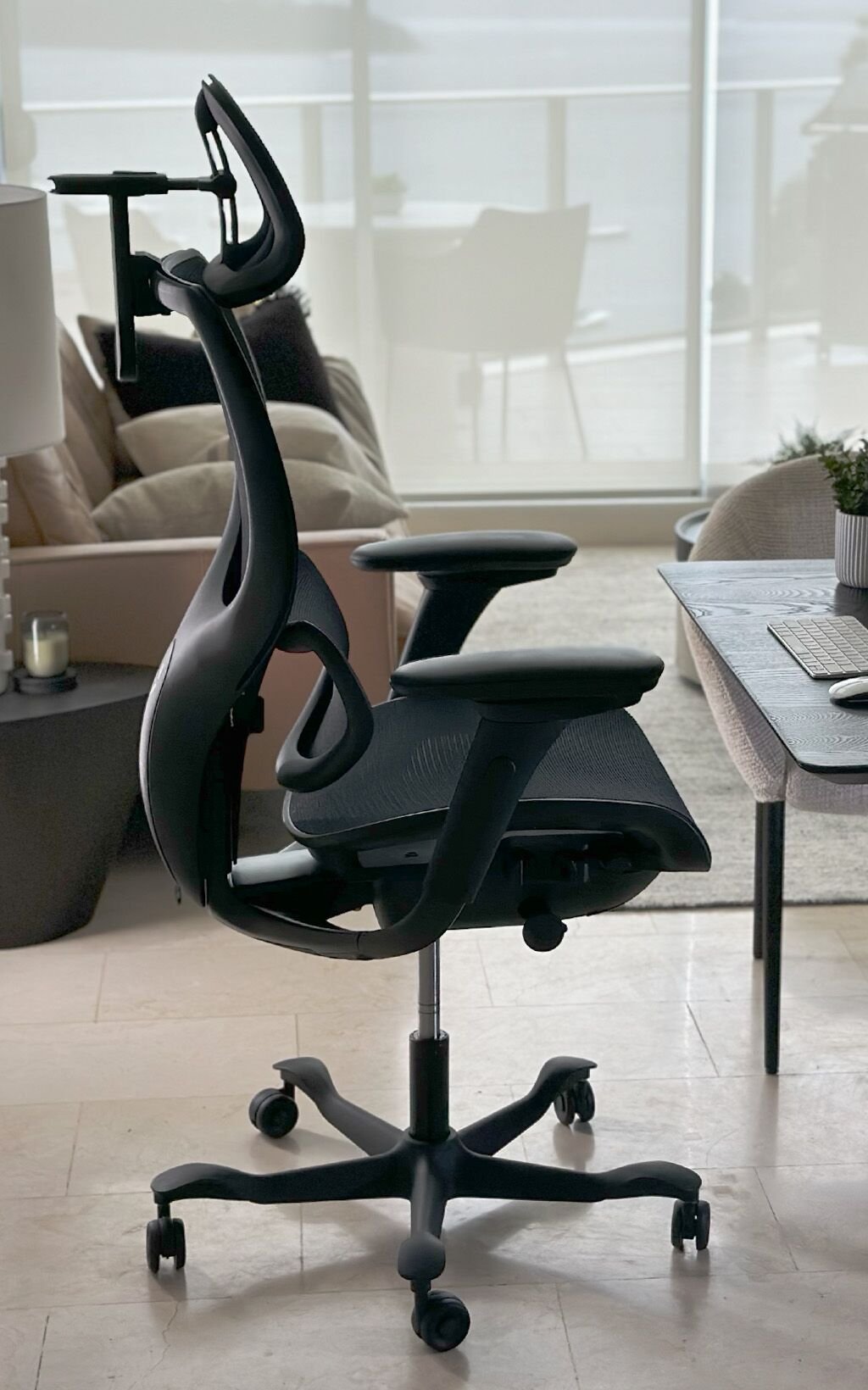
| Very tall user | Seat depth needs extension | Use a chair with sliding pan |
| Very short user | Lower height requirements | Add a sturdy footrest |
| Back pain issues | Lumbar support intensity | Choose adjustable lumbar tension |
| Narrow frame | Armrest width spacing | Look for pivoting armrests |
| Heavy build | Frame strength capacity | Check steel reinforced bases |
How to sit comfortably at your desk
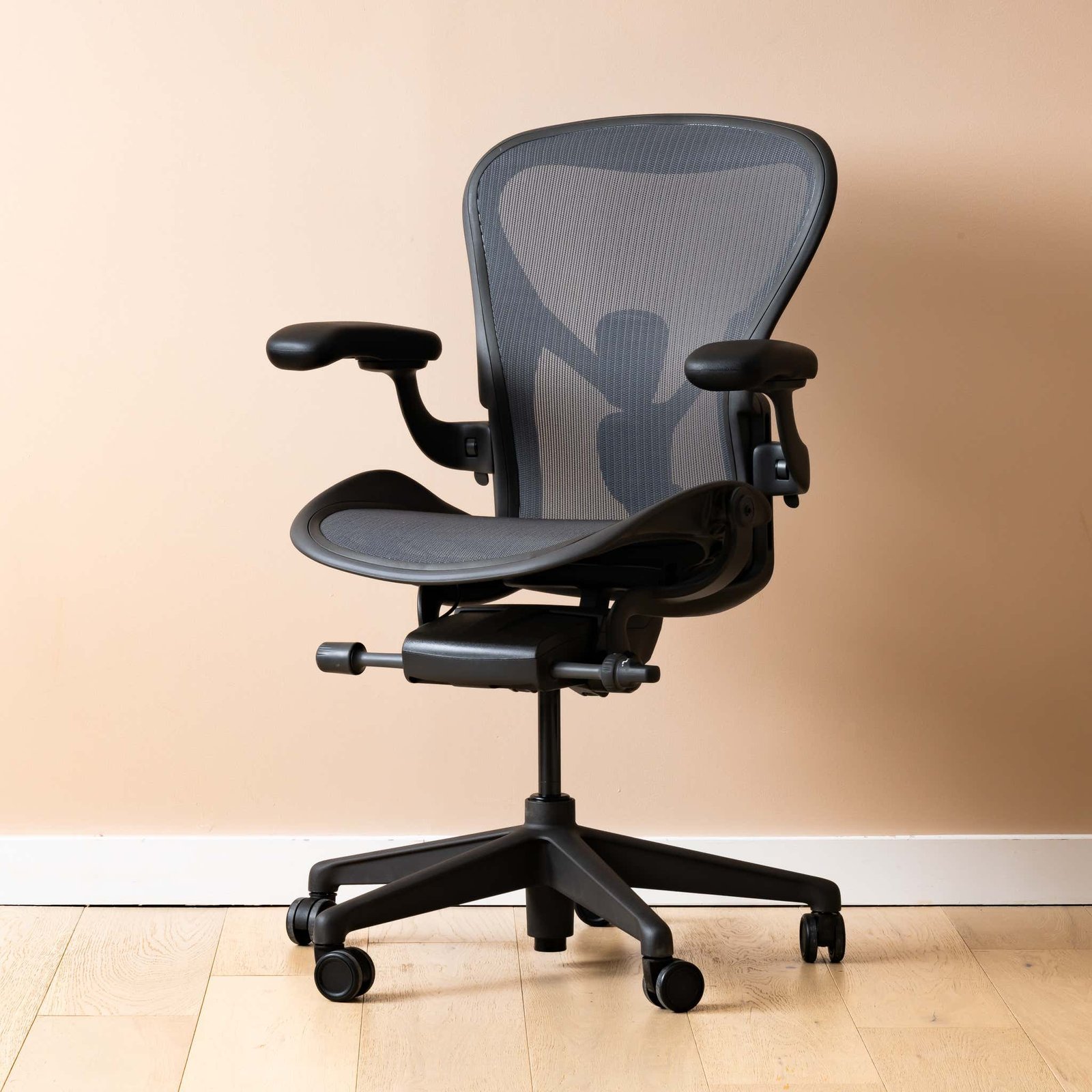
- Start by adjusting your seat height until your feet are flat on the floor and knees form a ninety-degree angle.
- Slide the seat pan forward or backward until there’s roughly two inches of space between the edge and your knee crease.
- Position the lumbar support so it sits firmly against the natural inward curve of your lower back, not your upper back.
- Set the armrest height so your elbows rest lightly on the pads without causing your shoulders to hunch up toward your ears.
- Lean back into the chair to engage the recline tension, ensuring it’s firm enough to support you without feeling too stiff.
- Check your posture every hour by standing up for two minutes to reset your spine and improve circulation in your legs.
The mistakes that ruin it
- Locking the recline mechanism prevents micro-movements that keep your muscles engaged and healthy.
- Setting the armrests too high forces your shoulders into a permanent shrug, causing neck strain.
- Ignoring the depth adjustment causes circulation loss in the lower legs because of pressure on the veins.
- Using a chair that’s too wide prevents your arms from resting close to your body while typing.
Can a chair fix existing back pain?
No, a chair can’t fix existing medical conditions, but it can prevent further strain. If you have chronic pain, consult a doctor first. A well-fitted chair helps maintain posture, but it isn’t a replacement for physical therapy or professional medical treatment.
How long should an ergonomic chair last?
Most high-end ergonomic chairs are designed to last ten to twelve years with daily use. This varies by model—check the label for the manufacturer’s warranty length, which is a good indicator of the expected lifespan for the internal gas cylinder and frame.
Is it safe to buy a used chair?
Yes, it’s generally safe if the chair is structurally sound and all adjustment levers work correctly. You should always inspect the fabric for damage and test the recline tension before buying to ensure the mechanical parts aren’t worn out or broken.
What happens if the chair doesn’t fit?
If the chair doesn’t fit your body, you’ll likely experience muscle fatigue or joint stiffness after only one hour of use. It’s better to return or exchange the product immediately rather than trying to force your body to adapt to an incorrect size.
Does the material of the chair matter?
Yes, the material affects both temperature and support. Mesh is better for airflow in hot offices, while foam padding provides a softer feel for those who prefer more cushioning. Choose based on your local climate and personal comfort preference.
Why do some chairs cost more?
Higher prices reflect the quality of materials, the complexity of adjustment mechanisms, and the research behind the ergonomic design. These chairs undergo rigorous testing to ensure they stay stable and supportive over many years, whereas cheaper models often lose their shape quickly.
A chair is a tool for your body, not just a piece of office furniture. If you find yourself adjusting your position constantly, your current setup is likely failing you. Take the time to measure your height and test the adjustments mentioned above to ensure your workspace supports your health for years to come.
Related guides