
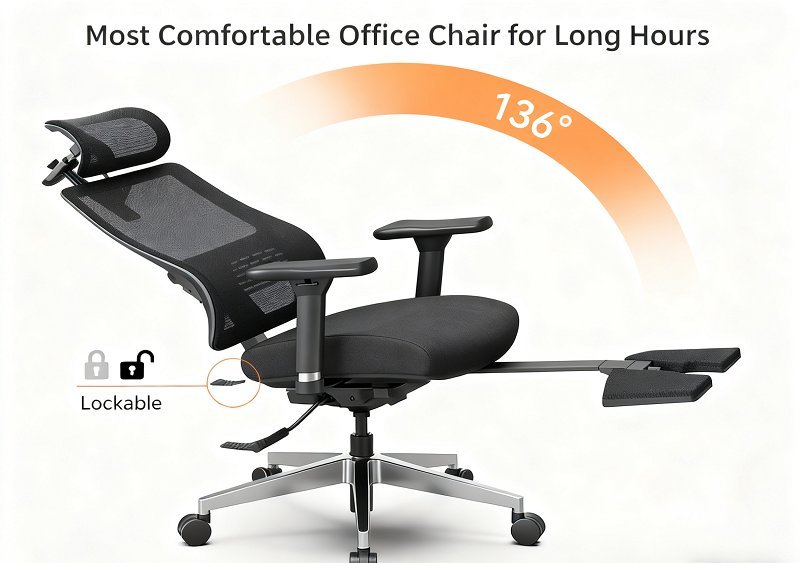
The Herman Miller Aeron is the most comfortable ergonomic office chair for most people because it offers superior lumbar support and breathable mesh material. It fits best if you’re between five feet and six feet four inches tall; for heights outside this range, you should look for models with wider seat pans or adjustable height cylinders.
Choosing the right office chair
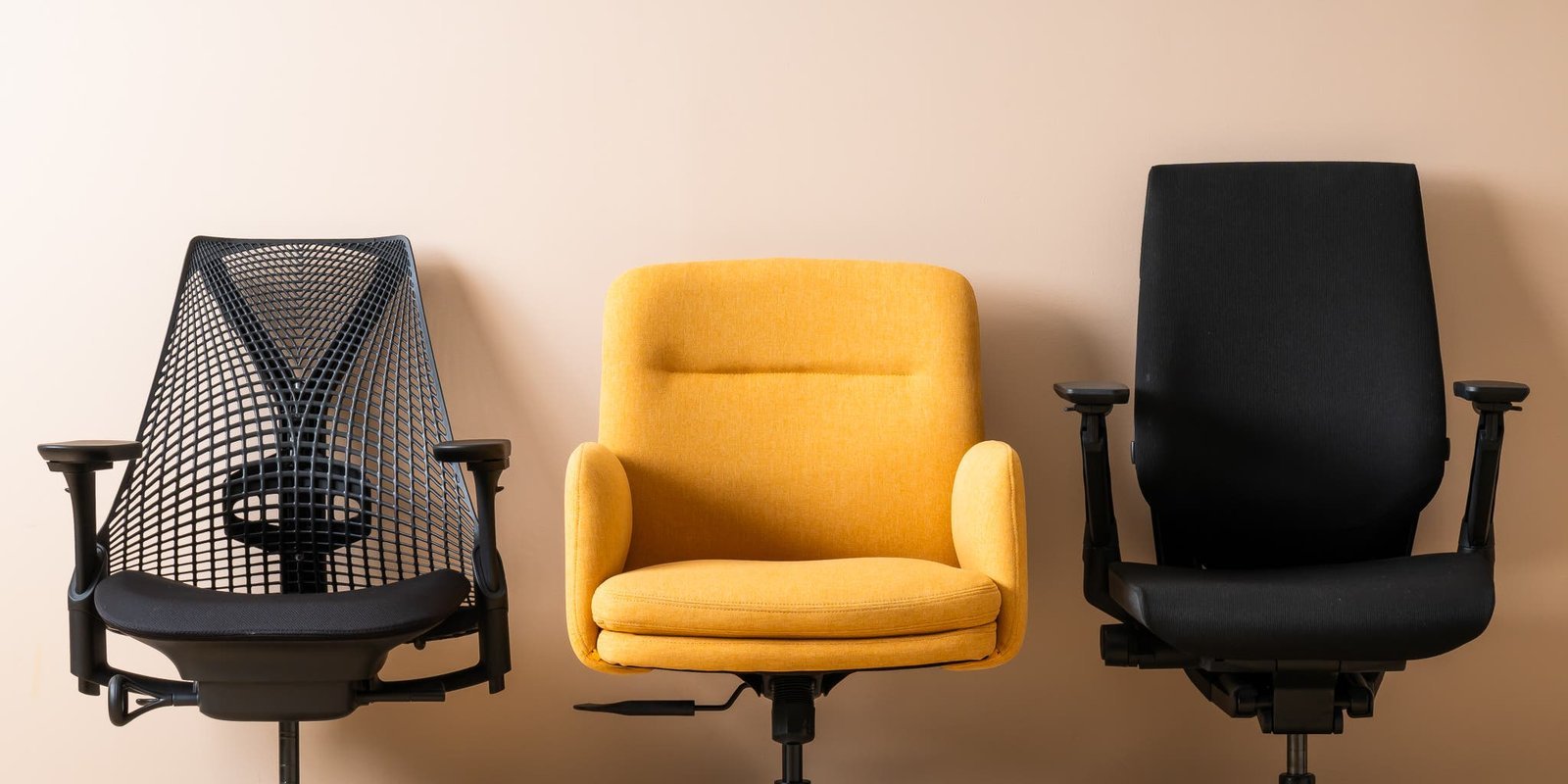
- Select a chair with adjustable lumbar support to maintain the natural curve of your lower spine during long work sessions.
- Check that the seat depth allows for two to three inches of space between the back of your knees and the seat edge.
- Ensure the armrests adjust in height and width to prevent shoulder strain while you type or use a mouse.
- Test the tension control to confirm the backrest provides enough resistance for your specific body weight.
- Look for breathable mesh or high-density foam padding to keep you cool and comfortable throughout the day.
- Verify the chair meets the ANSI/BIFMA standards for office furniture to ensure it’s durable and safe for daily use.
Why comfort depends on adjustments
Comfort depends on how well a chair matches your body shape. If you’re short, you need a seat that’s shallow enough to let your feet rest flat on the floor without the front edge hitting your calves.
Adjusting for body types

| Situation | What changes | What to do instead |
|---|---|---|
| Very tall user | Seat depth | Use an extended gas cylinder |
| Very short user | Seat height | Use a footrest |
| Back pain | Lumbar support | Add an external cushion |
| Wide frame | Seat width | Choose a wide-seat model |
| Warm office | Material type | Select mesh instead of foam |
How to set up your chair
- Place your feet flat on the floor, keeping your knees at a ninety-degree angle to your hips.
- Adjust the seat height so your forearms rest level with your desk surface to keep your wrists neutral.
- Slide the seat pan forward or backward until you have a two-finger gap behind your knees.
- Move the lumbar support until it feels firm against the small of your back while you sit upright.
- Set the armrest width so your elbows stay close to your ribs while you work at the desk.
- Lean back slightly to test the tension, ensuring the chair supports your weight without forcing you forward.
The mistakes that ruin it
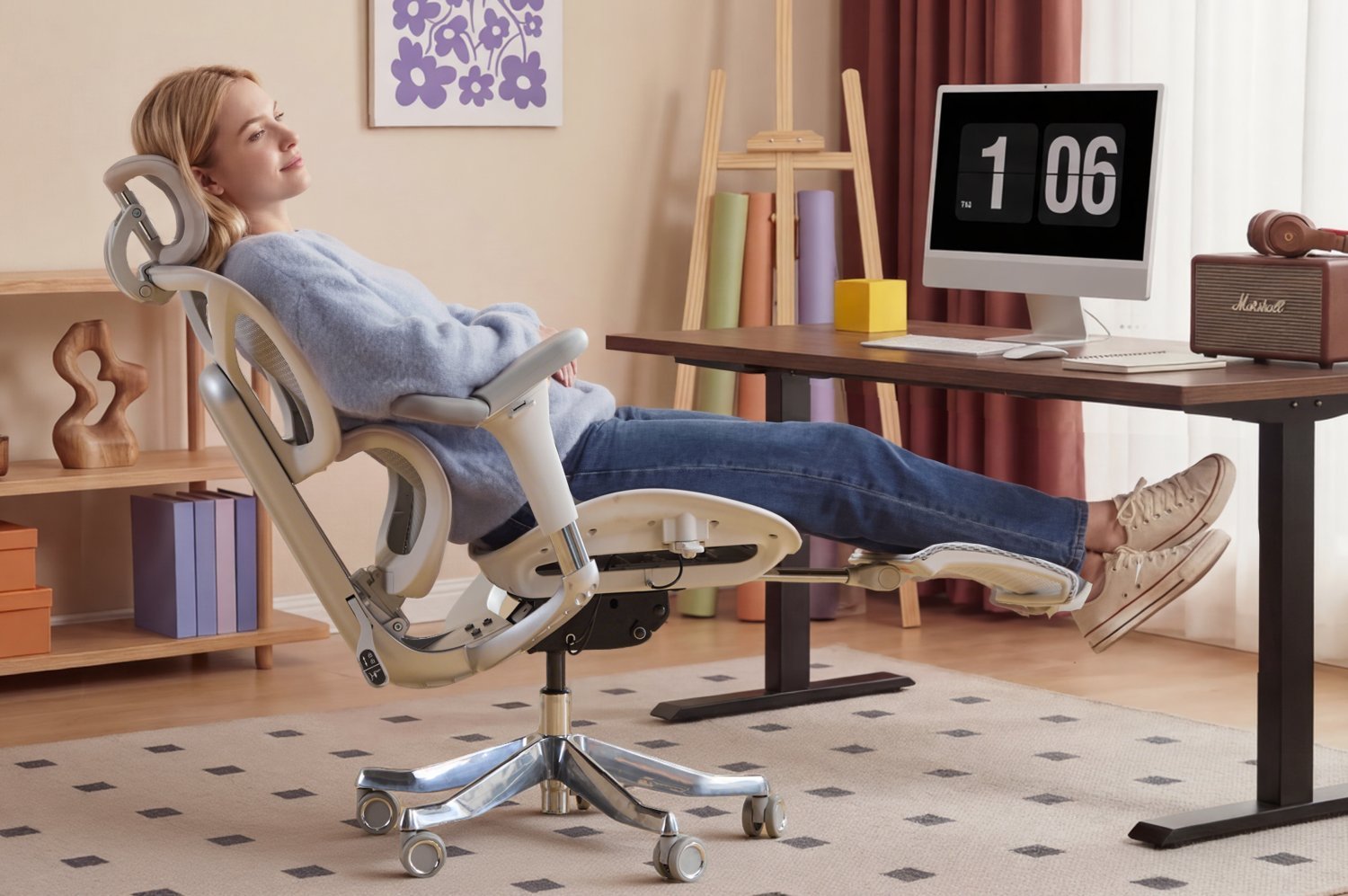
- Keeping the armrests too high forces your shoulders to hunch, which leads to neck pain.
- Sitting with your feet dangling off the chair reduces circulation in your legs and causes swelling.
- Ignoring the recline tension makes the chair unstable, which forces your core muscles to work too hard.
- Choosing a chair based only on looks ignores the vital need for adjustable lumbar and seat depth.
Can a chair fix chronic back pain?
No, a chair can’t fix chronic back pain on its own. It can only provide the necessary support to prevent further strain while you work; consult a doctor for long-term pain management.
How long should I sit in a chair?
You should change your position every thirty to sixty minutes. No chair is designed for sitting in one position for eight hours without breaks.
Is it safe to buy a used chair?
Yes, it’s safe if you inspect the mechanical parts for rust or cracks. Check the gas cylinder to ensure it holds your weight without sinking before you make a purchase.
Does the chair material matter?
Yes, mesh is better for hot environments because it allows airflow, while foam provides a softer feel that some people prefer for stability and pressure distribution during long tasks.
What happens if the seat is too deep?
A seat that’s too deep will press against the back of your knees. This restricts blood flow to your lower legs and often causes you to slouch forward to compensate.
Why do my arms hurt while typing?
Your armrests are likely set at the wrong height or width.
Balance your physical needs with your workspace layout. Prioritize adjustable features over aesthetics to ensure your comfort.
Most comfortable, in short
Investing in your physical health pays off every single day you spend at your desk. Since everyone’s body is unique, you shouldn’t just take a review’s word for it. Head to a local showroom to sit in a few options yourself; you’ll quickly feel which design truly supports your back.