
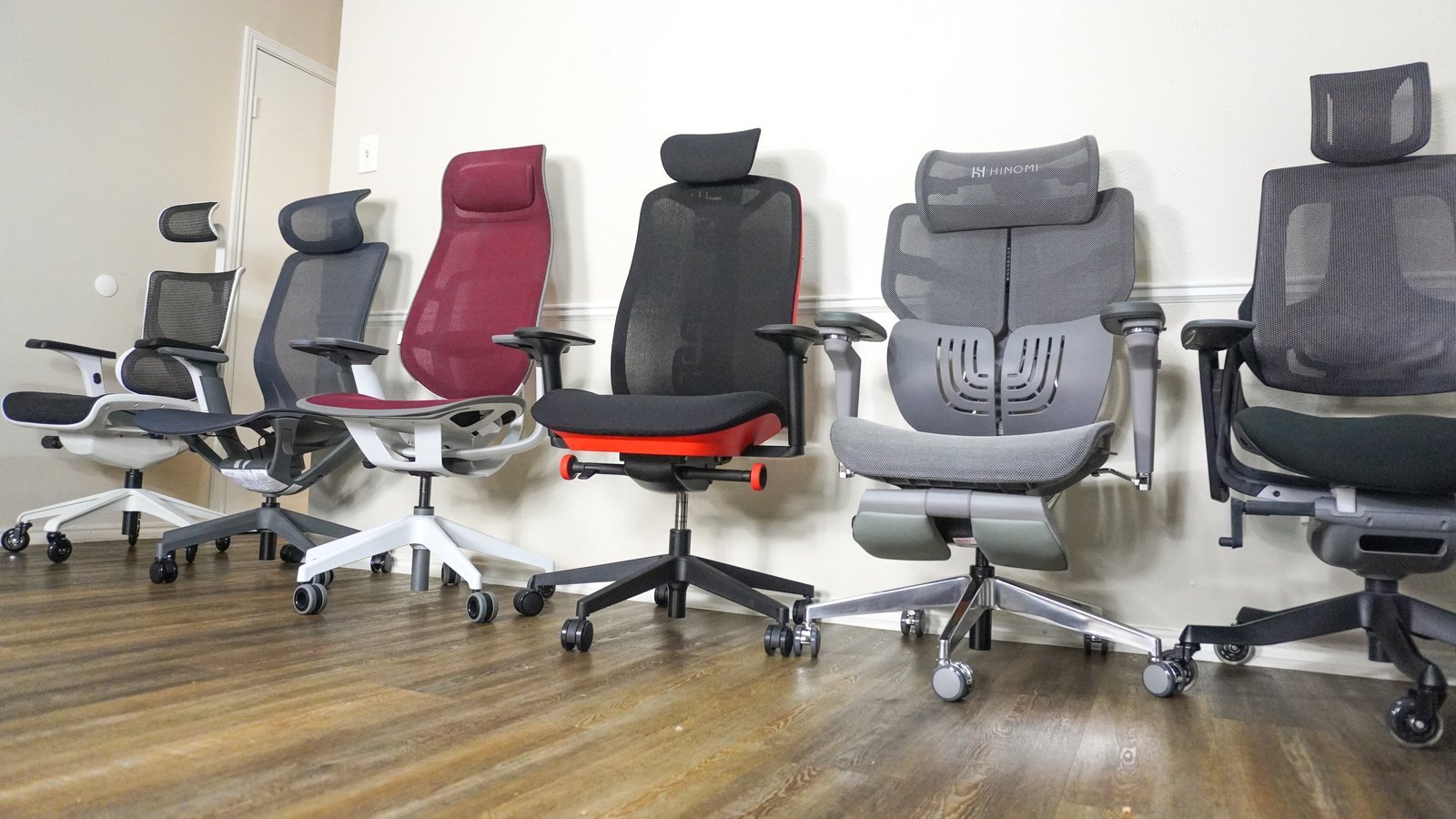
A good home office chair is one that provides adjustable lumbar support, seat depth, and armrest height to fit your unique body proportions. You should prioritize models that meet the ANSI/HFES 100-2007 human factors engineering standard, as these are designed to reduce strain during extended work periods.
The most important factor is adjustability. If you’re tall or short, a chair without seat depth adjustment will either cut into the back of your knees or leave your thighs unsupported. The common mistake people make is buying based on looks rather than ergonomics, which costs them in long-term back pain.
What is a good home office chair for you?
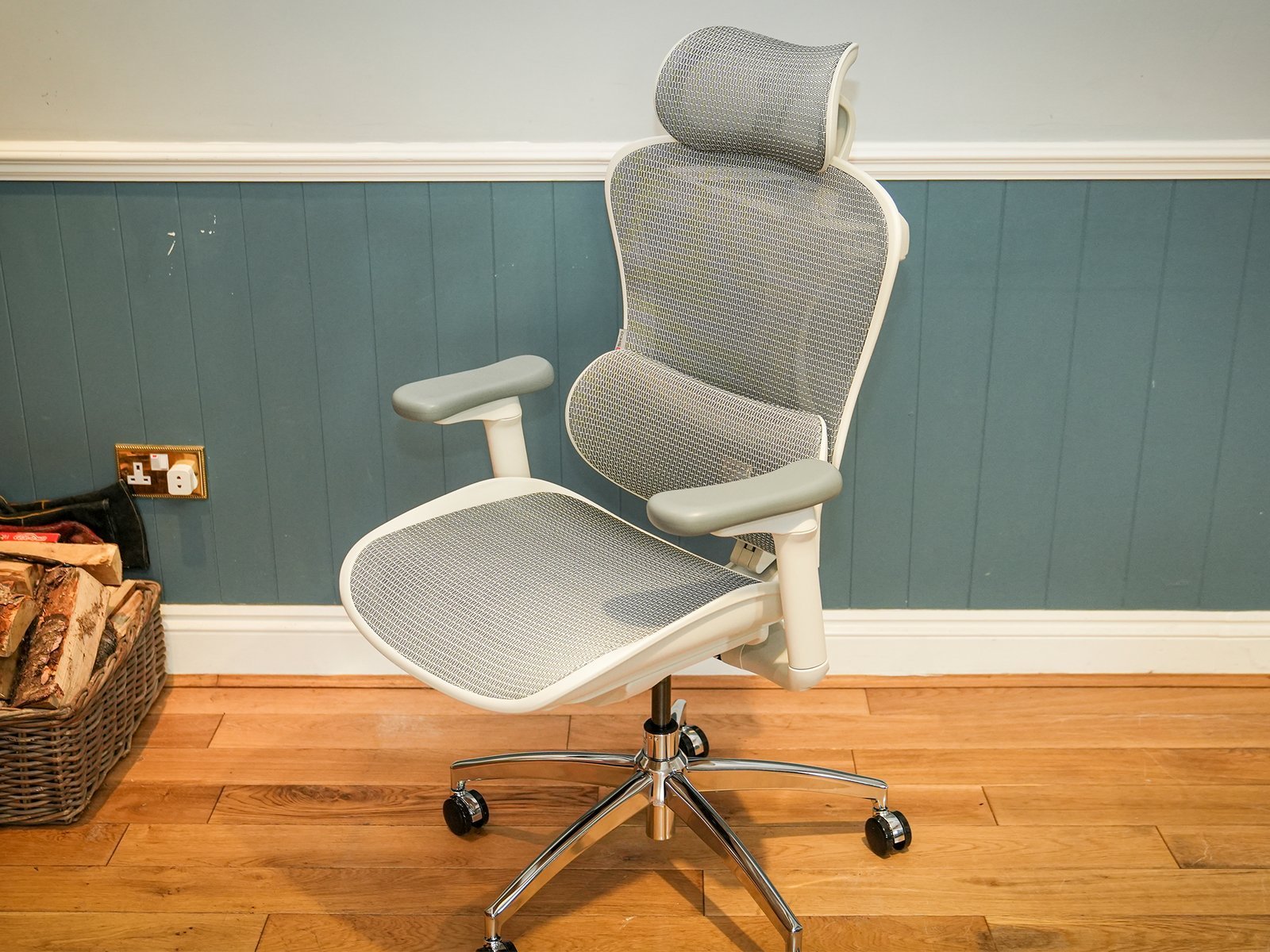
- Adjust the seat height so your feet rest flat on the floor and your knees are at a ninety-degree angle.
- Set the seat depth so there’s a two-finger gap between the edge of the seat and the back of your knees.
- Position the lumbar support to fit the natural inward curve of your lower back.
- Move the armrests so your shoulders stay relaxed and your elbows stay at a ninety-degree angle while typing.
- Lock the tilt mechanism if you need a stable base for tasks, or keep it unlocked if you prefer to move frequently. Tip: If your feet don’t touch the floor when the chair is set for your desk height, use a footrest to maintain proper posture. Tip: Don’t rely on “executive” leather chairs with fixed cushions, as they often lack the adjustability needed for eight-hour workdays.
Time to adjust and settle in
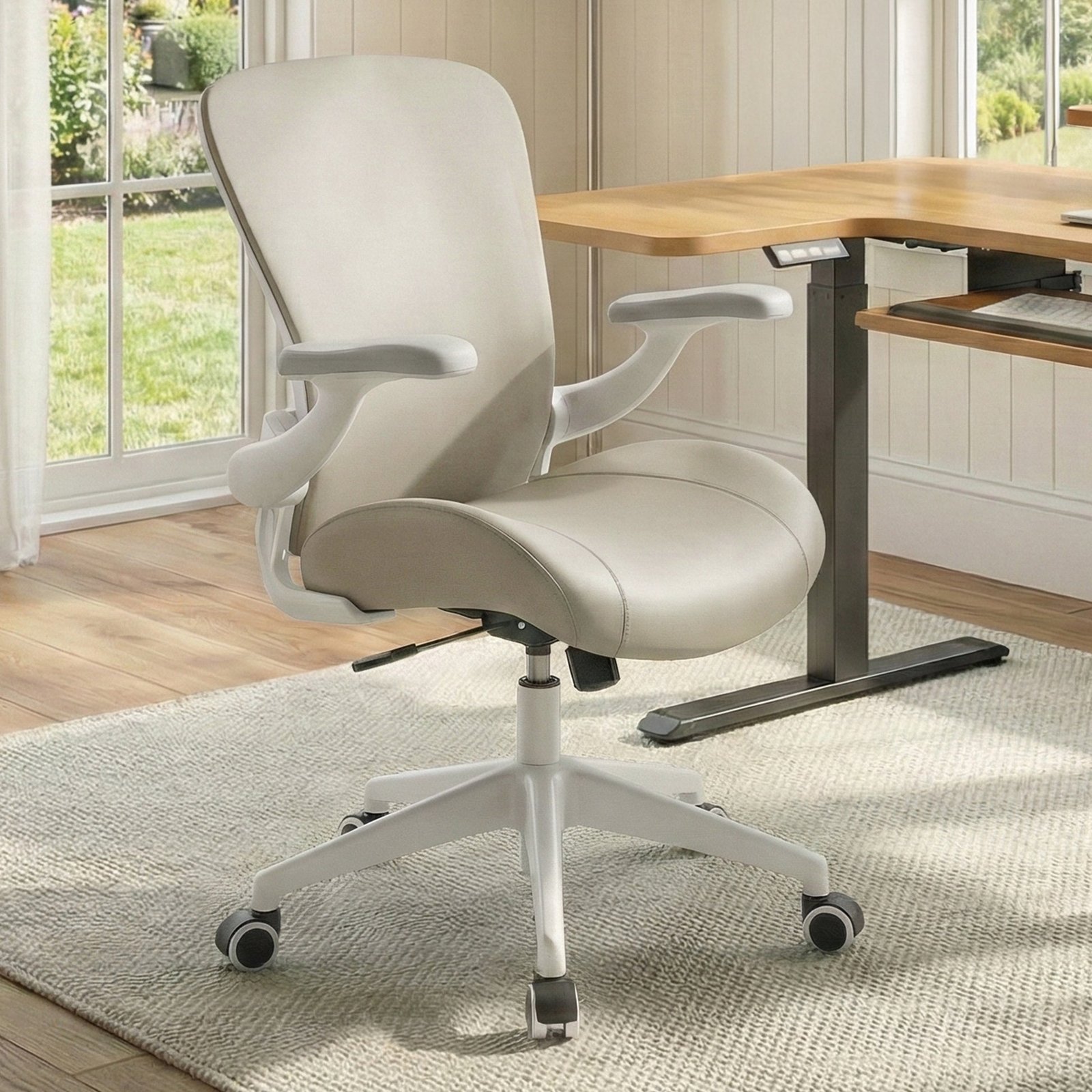
The time it takes to properly configure a chair depends on its specific adjustment options and your body type. If you have a highly adjustable model, you’ll spend more time finding the right settings initially, but you’ll save time on physical therapy later.
| Situation | Time to Adjust | What changes it | What to watch for |
|---|---|---|---|
| Basic Task Chair | 2 minutes | Fewer levers | Lack of lumbar support |
| Ergonomic Chair | 10 minutes | Multi-lever system | Correct tension setting |
| Used/Refurbished | 15 minutes | Worn components | Loose bolts or wobbling |
If you feel discomfort after an hour, reset all levers to neutral and start the adjustment process again from the base up.
Signs that your chair fits
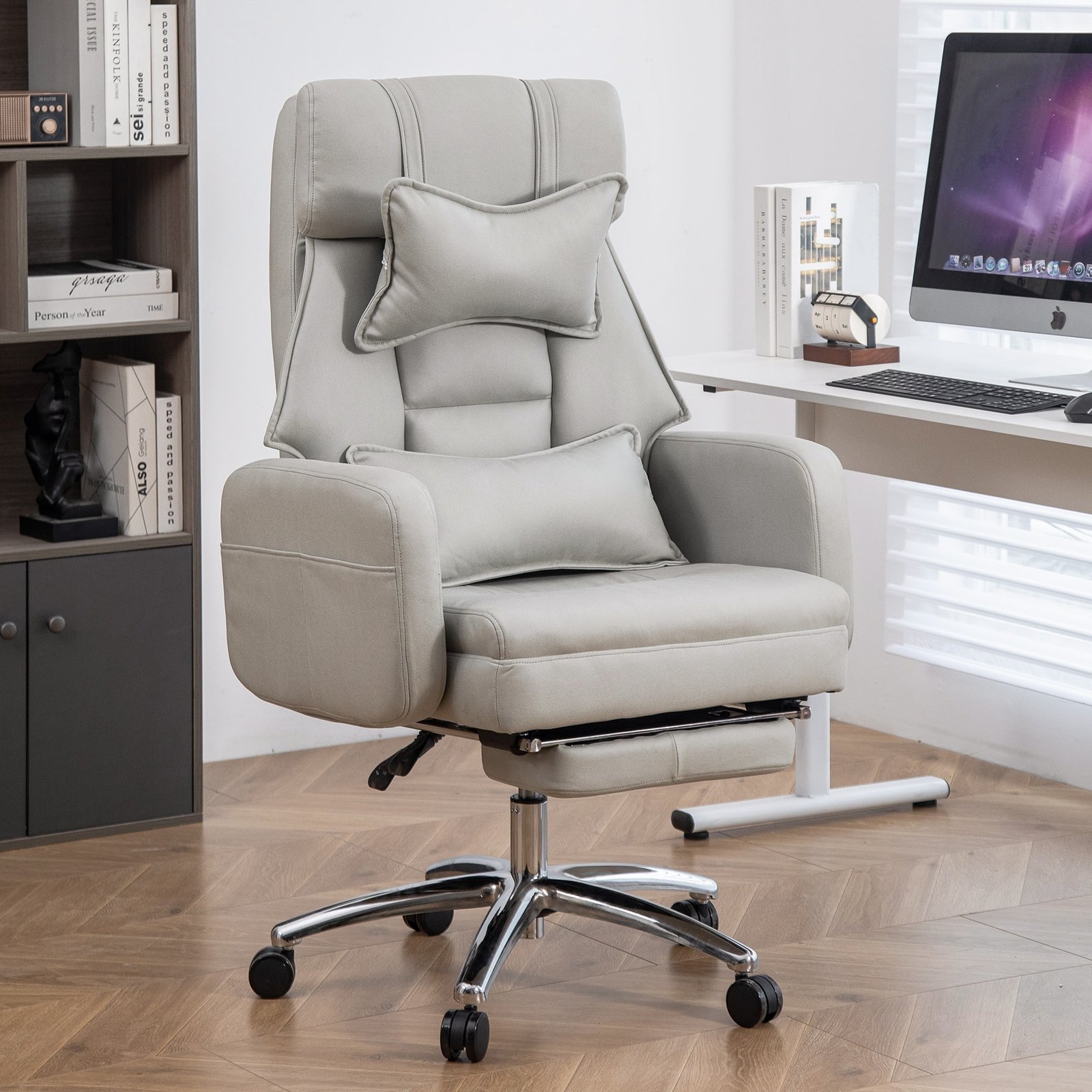
You know your chair is set correctly when your weight feels evenly distributed across the seat pan and your lower back maintains constant contact with the lumbar support. Your shoulders should feel loose, not hunched toward your ears, and your neck should remain neutral. If you find yourself sliding forward or slouching, the seat pan angle or depth is likely wrong. Use a mirror to check if your spine keeps its natural S-curve while you’re sitting upright. If you feel pressure points on your thighs, your seat is likely too high or the edge is too firm.
Common setup mistakes
- Ignoring seat depth: Sitting too far forward to avoid hitting the backrest creates a gap that leaves your spine unsupported. Always adjust the seat pan to support your full thigh length.
- Over-tightening the tilt tension: This makes the chair feel rigid, which discourages the micro-movements that keep your circulation flowing. Loosen the knob until the chair supports your weight but still allows for a gentle recline.
- Using armrests that are too high: This forces your shoulders up, which leads to neck and trap muscle fatigue within an hour. Set them level with your desk surface so your forearms rest lightly without shrugging your shoulders.
- Forgetting to check the weight limit: Every chair has a maximum load capacity, and exceeding it can weaken the gas lift cylinder. Always check the manufacturer’s label to ensure the chair is rated for your body weight.
Can I use a dining chair for work?
No, a dining chair isn’t suitable for long-term work because it lacks the necessary lumbar support and adjustable features. It forces your spine into a C-shape, which increases pressure on your discs. If you must use one, add a firm cushion and a rolled towel for lower back support.
How long should a good chair last?
A high-quality office chair should last for many years with daily use. This depends on the quality of the fabric, the durability of the foam, and the strength of the base. If the foam starts to bottom out or the gas cylinder sinks, it’s time for a replacement.
Is it safe to buy a chair without testing it?
It’s risky to buy without testing, especially if you have specific body proportions. If you must buy online, choose a retailer with a clear return policy that allows you to sit in the chair for at least one week to see if it causes any physical strain.
What happens if I sit for too long?
Sitting for more than two hours without a break can lead to muscle stiffness and reduced blood flow. Even in a perfect ergonomic chair, you should stand up, stretch, or walk for five minutes every hour to reset your posture and keep your muscles active.
How do I know if I need a footrest?
You need a footrest if your feet don’t rest flat on the floor when your chair is adjusted to your desk. If your feet dangle, it puts pressure on the back of your thighs and cuts off circulation. A footrest keeps your knees at the correct angle.
Finding a good chair is about matching the equipment to your physical needs, not just picking the most expensive option. When you prioritize adjustability and take the time to set it up correctly, your body will feel the difference during every hour you spend at your desk.
Related guides