
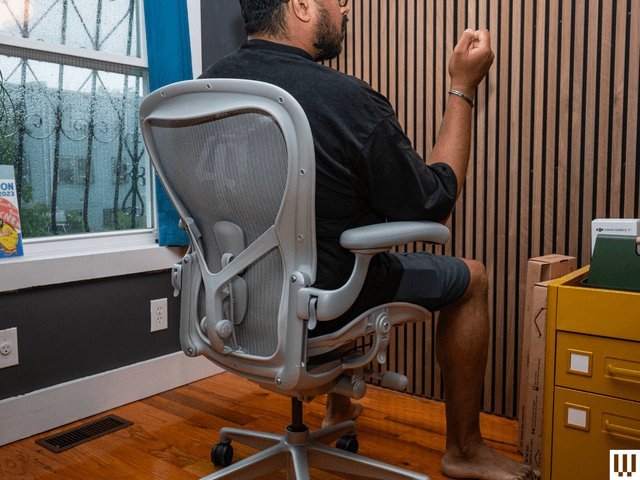
A good computer chair for daily desk work features adjustable height, lower back support, and breathable material. You need independent adjustments for your seat depth and armrests if you sit longer than four hours.
What is a good computer chair: Key features
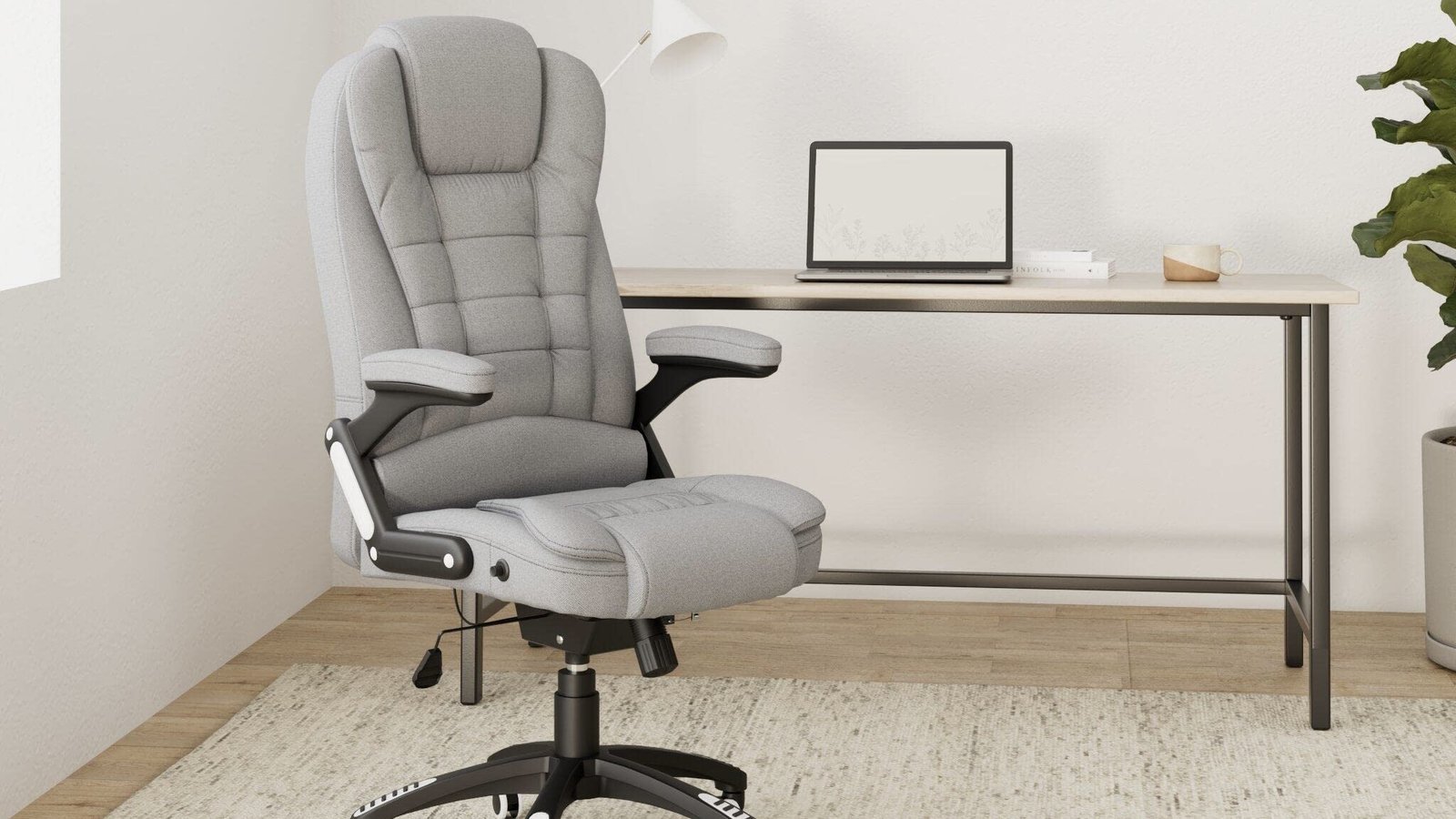
Good office seating lets you change positions while keeping your spine balanced during daily tasks. The right choice supports your limbs without cutting off blood flow.
- A pneumatic cylinder must let your feet rest flat on the floor while your thighs stay parallel to the ground.
- Built-in lumbar support must move up, down, forward, and backward to match the natural curve of your lower back.
- Seat depth adjustment needs to leave a gap of two to three fingers between the seat edge and the back of your knees.
- Armrests should adjust in height so your elbows bend at ninety degrees without hunching your shoulders.
- A stable five-point wheeled base prevents tipping when you recline or reach across your work surface.
- A tilt-tension knob lets you adjust the reclining resistance to match your body weight.
Why proper spinal support matters
A supportive work chair balances your body weight across your pelvis and spine rather than overloading your lower back muscles. When you sit on a flat, unsupportive surface, your pelvis tilts backward, flattening your lumbar curve and increasing disc pressure.
Office seats that follow standards from the Human Factors and Ergonomics Society distribute weight away from your tailbone toward your thighs. This alignment protects the sciatic nerve from compression. The trade-off between soft foam cushions and firm mesh backrests is that mesh keeps you cool, but foam distributes heavy weight more evenly over an eight-hour shift. If your spine stays neutral, your neck muscles don’t have to strain to keep your head level with your screen.
Different needs for different bodies
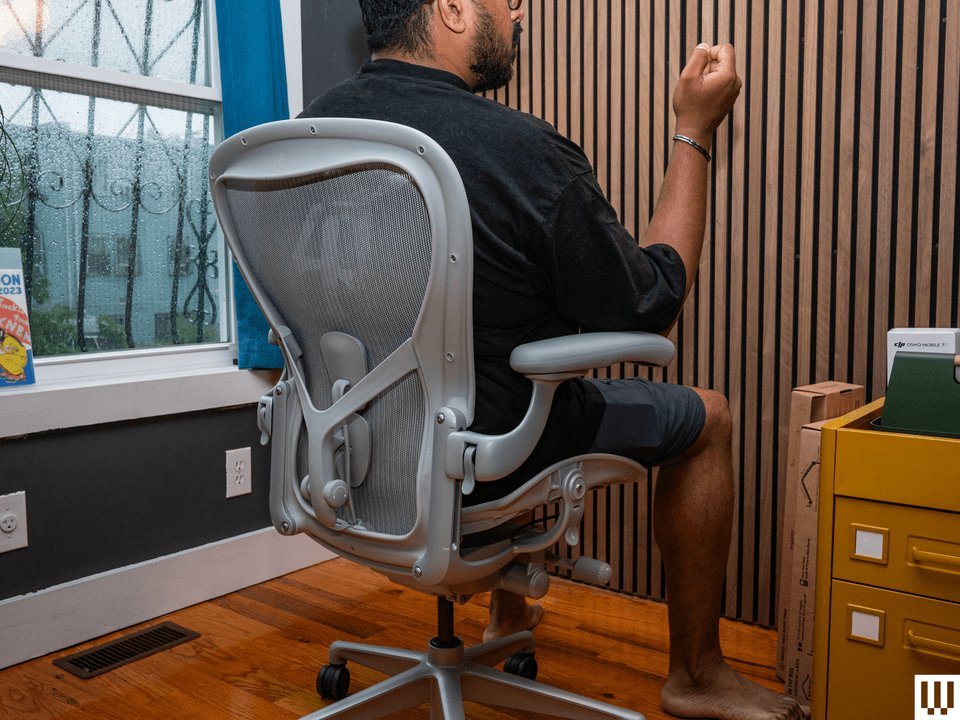
Your height, body weight, and medical history change which seating features matter most. Standard designs fit average body sizes best, while specific physical needs demand different hardware.
| Situation | What changes | What to do instead |
|---|---|---|
| Height under 5 feet 2 inches | Standard seat depth presses knees | Buy a compact chair with a footrest |
| Height over 6 feet 2 inches | Standard backrests end at shoulders | Pick a tall chair with extra travel |
| Weight over 275 pounds | Standard gas cylinders sink slowly | Pick a heavy-duty chair with steel framing |
| Chronic tailbone pain | Foam seats compress sensitive bones | Choose a chair with a coccyx cutout |
| Hot room climate | Thick fabric traps body heat | Pick a tight mesh back and seat |
| Hardwood floor surface | Hard plastic wheels leave deep scratches | Swap casters for soft polyurethane roller wheels |
How to adjust your desk chair
Adjusting your seat correctly takes less than five minutes and prevents joint strain during long working hours.
- Stand in front of your seat and set the highest point of the cushion just below your kneecap.
- Sit down completely against the backrest to check that your feet rest flat without pulling your heels off the floor.
- Slide the seat cushion forward or backward until you can fit two fingers between the edge and your calf.
- Move the lumbar cushion up or down until it fits firmly into the small curve of your lower back.
- Set armrest height so your forearms rest level with your keyboard while your shoulders drop naturally.
- Loosen the tilt knob under the seat until you can recline smoothly without kicking off the floor with your feet.
- Lock the backrest angle slightly back between one hundred and one hundred ten degrees to lower disc pressure.
Chair mistakes that cause pain
Using an ill-fitting seat ruins your posture and causes chronic joint aches over time. Buying a seat for appearance rather than mechanical fit is a mistake people make that costs them hundreds of dollars in medical co-pays.
- Locking the backrest upright forces your pelvis forward and flattens your spine.
- Setting armrests too high lifts your shoulders toward your ears and causes upper neck knots.
- Letting feet dangle unsupported compresses blood vessels behind your knees and swells your ankles.
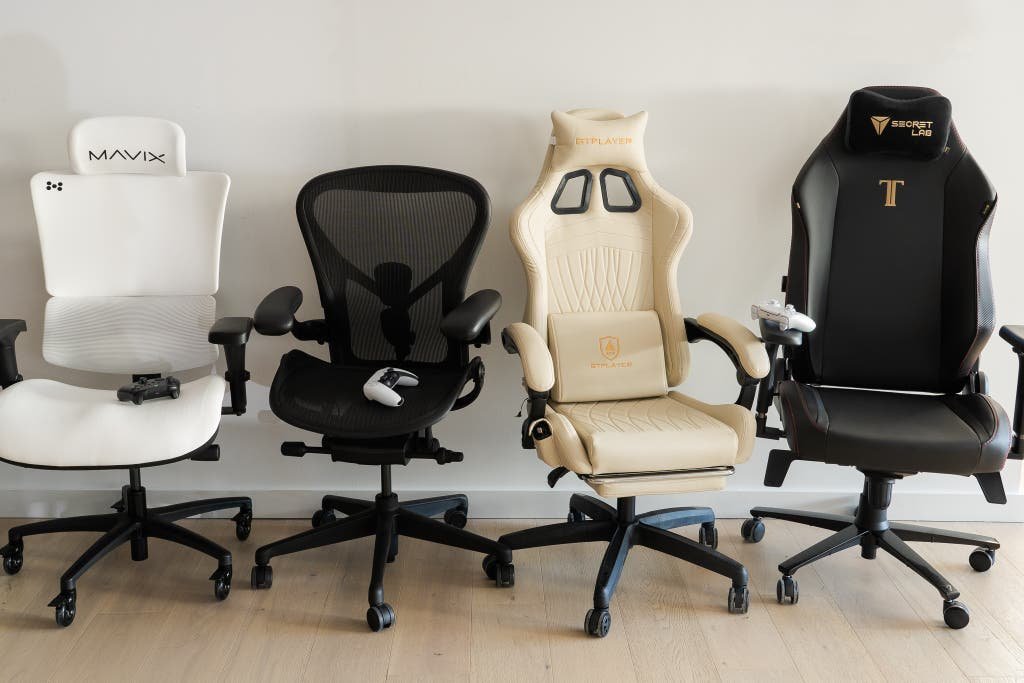
- Using soft gaming buckets without lumbar parts bends your upper spine inward and strains your ribcage.
Frequently asked questions
Can a desk chair help with sciatica pain?
Yes. A chair with an adjustable seat pan tilt and firm lumbar support reduces pressure on your sciatic nerve. It stops your thighs from pressing hard against the front seat edge.
Why do cheap office chairs squeak after a month?
Cheap chairs squeak because light stamped steel joints loosen under daily body weight shifts. Dirt inside an unsealed gas lift mechanism also causes grinding sounds during height changes.
How long does a quality office chair last?
About seven to ten years under daily eight-hour use. The foam cushion softens over time, and fabric wears out, but this varies by model — check the label.
Is a high-back chair better than a mid-back chair?
Yes, for people who lean back often or struggle with upper shoulder stiffness. A high back supports your shoulder blades, while a mid back only targets your lower spine.
What happens if your chair is too low?
Your knees rise above your hips and your pelvis tilts backward into a painful slouch. This position doubles disc pressure in your lumbar spine within twenty minutes.
Does a headrest matter for computer work?
No, if you sit fully upright while typing at your desk. A headrest only helps if you recline back to read documents or watch presentations for hours.
Is mesh better than leather for desk chairs?
Yes, for hot workspaces because mesh promotes steady airflow to keep skin dry. However, leather lasts longer without stretching out if you clean it regularly.
Good computer, in short
If your daily routine involves typing for hours, adjust your seat height first before changing your desk or monitor. This chair setup isn’t for couch workers or standing desk users who rarely sit. Use the adjustment lever today to match your seat to your desk, because small physical changes keep your joints moving freely throughout your workweek.
Related guides