
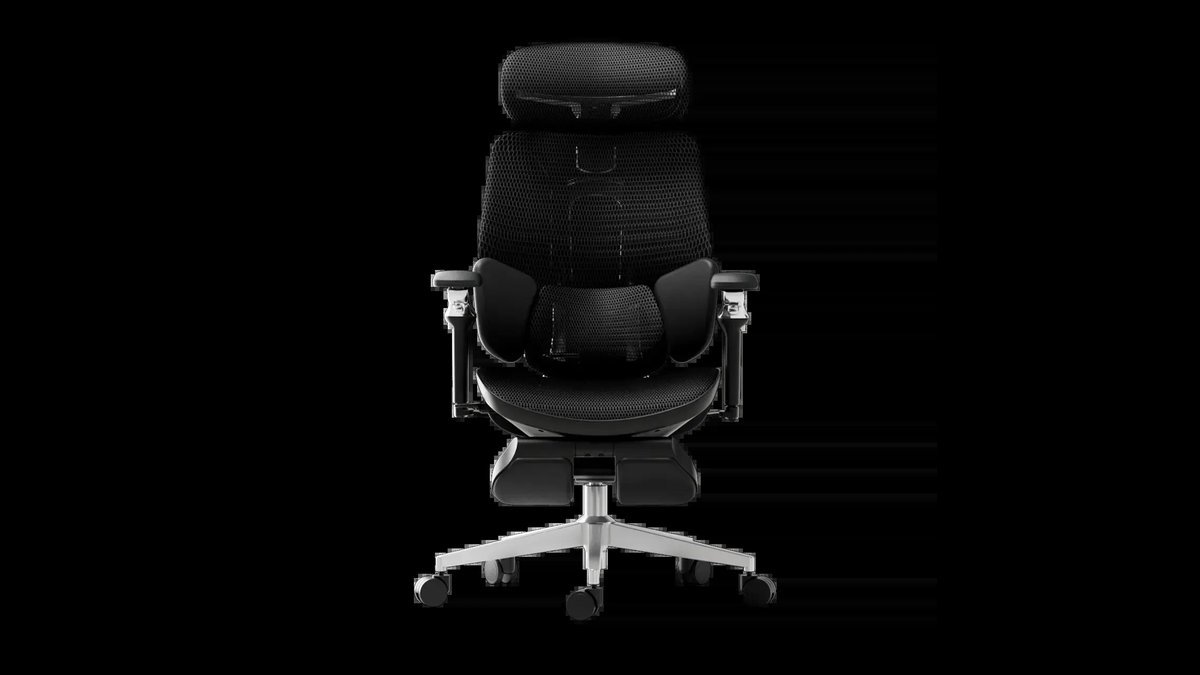
A basic model for an entry-level home office setup costs between $150 and $300, while a professional-grade ergonomic chair often costs between $600 and $1,200. Prices change based on the material quality, the number of mechanical adjustments, and the brand’s warranty length.
What to spend on an ergonomic chair
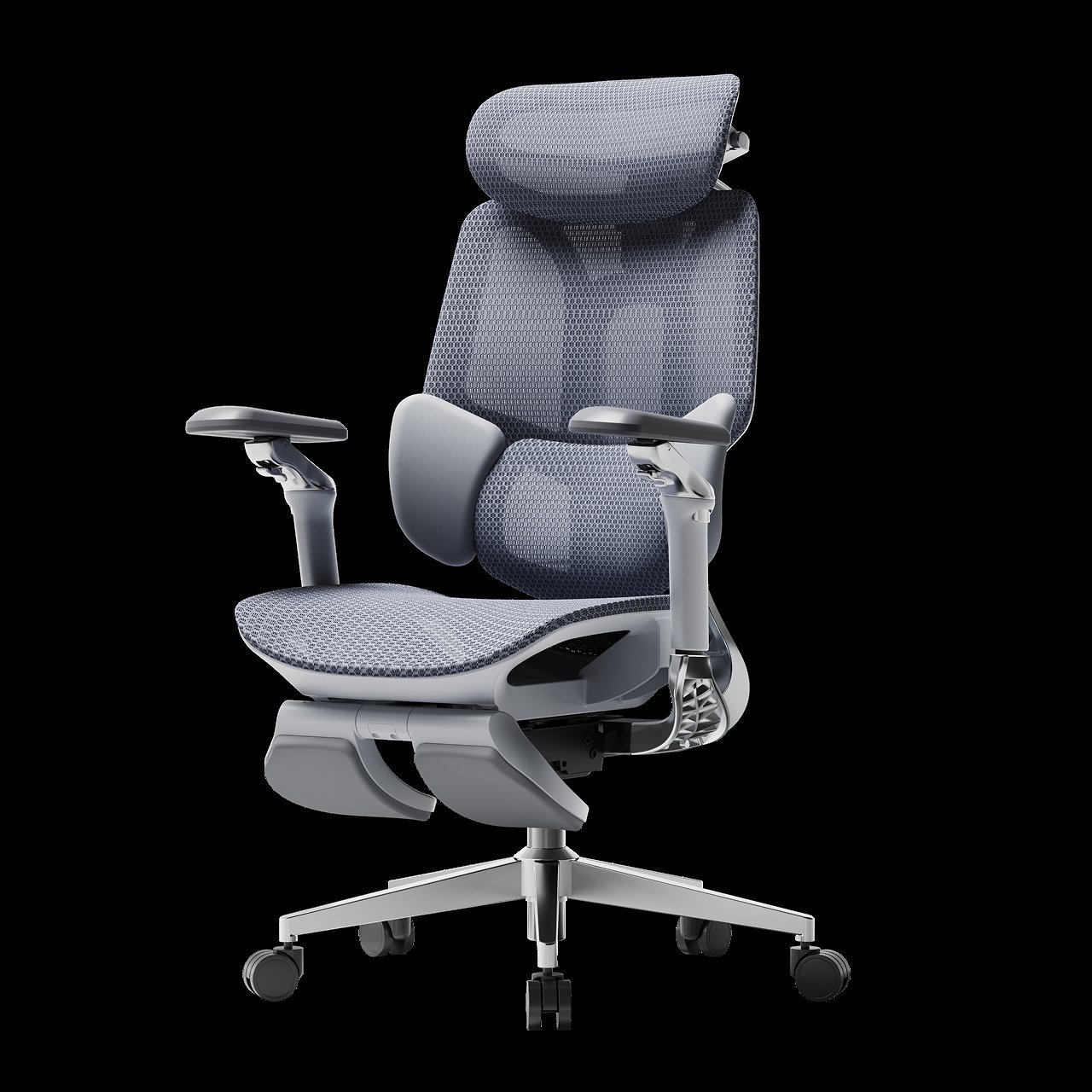
- Entry-level models ($150–$300) provide basic seat height and tilt tension, suitable for use under four hours daily.
- Mid-range chairs ($350–$600) offer adjustable lumbar support and 3D armrests, ideal for a full eight-hour workday.
- Premium chairs ($700+) feature high-end mesh or leather, advanced synchronized tilt mechanisms, and ten-year or longer warranties.
- Used furniture stores often sell high-end models for 50% less than retail, but you lose the original factory warranty.
- Check the weight capacity label before buying; exceeding the limit can break the pneumatic cylinder or the chair base.
- If you weigh over 250 pounds, prioritize models with heavy-duty metal bases, as plastic components may fail under constant stress.
Why chair prices vary significantly
The cost of a chair reflects the engineering behind its support systems and the durability of its components. Most low-cost chairs use standard foam that loses its shape after a few months of use, while expensive models use high-density, cold-cured foam or proprietary mesh that maintains tension for years. The mechanism inside the chair also plays a major role; cheap chairs use simple pivot points, while premium ones use complex synchro-tilt systems that allow the seat and back to move in harmony with your body.
You should always verify the manufacturer’s testing standards, as these define how long the chair will actually last under heavy use. According to the ANSI/BIFMA X5.1 office chair standards, chairs must pass rigorous cycle tests for durability and stability to ensure they don’t collapse during normal operation. If a chair lacks these certifications, the manufacturer may be using lighter, weaker materials to keep the price low.
When the price range changes
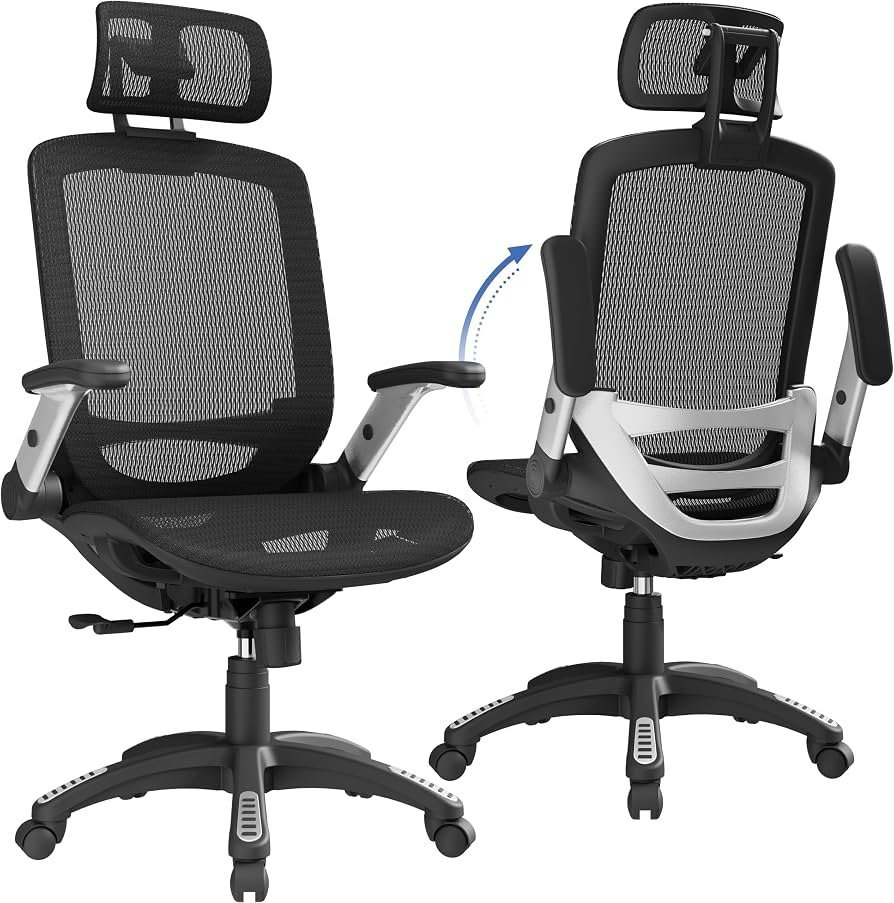
| Situation | What changes | What to do instead |
|---|---|---|
| Daily use over 8 hours | Frame and cushion quality | Buy high-end commercial grade |
| Working from home | Aesthetic and size needs | Choose home-focused ergonomic lines |
| Buying used | Warranty status | Inspect joints and hydraulics |
| Need specialized support | Customization options | Look for modular medical chairs |
| Limited floor space | Footprint and bulk | Seek slim-profile task chairs |
How to set up your chair properly
- Place your feet flat on the floor; if your legs dangle, use a footrest to keep your knees at a 90-degree angle.
- Adjust the seat height so your elbows align with the height of your desk surface, preventing strain on your shoulders and your neck.
- Slide the seat pan forward or backward until there’s a two-finger gap between the edge of the seat and your knee crease.
- Position the lumbar support so it fits firmly into the natural curve of your lower back, providing consistent pressure against your spine.
- Set the armrests so they support your forearms lightly without forcing your shoulders upward; your shoulders should remain relaxed at all times.
- Test the tilt tension knob; it should provide enough resistance so that you don’t fall backward when you lean into the chair.
Common mistakes that cost you
- Ignoring the weight limit rating often leads to a bent gas cylinder, which makes the chair sink constantly.
- Choosing a chair based only on color instead of ergonomic features results in long-term back pain and poor posture.
- Buying a chair without a trial period makes it difficult to know if the seat width fits your body correctly.
- Failing to check the warranty terms means you might pay for expensive repairs if a plastic part snaps.
Frequently asked questions
Can I fix a chair that keeps sinking?
Yes, you can replace the gas cylinder, which is the most common point of failure. You’ll need a pipe wrench to remove the old cylinder from the base, but check your manual first to ensure the part is user-replaceable.
Is it safe to buy a chair without testing it?
No, it’s risky because ergonomic comfort is subjective and depends on your body type. If you can’t visit a showroom, ensure the retailer offers a generous return policy so you can test the chair in your own home environment.
How long does a good chair last?
About 7 to 10 years is the expected lifespan for high-quality commercial chairs. You can find the specific durability rating by looking at the manufacturer’s warranty documentation, which often lists the expected years of service for the frame and the fabric.
Does it matter if the chair is mesh or fabric?
Yes, it changes how the chair handles heat and pressure. Mesh is breathable and keeps you cool, while fabric provides a more cushioned feel, so choose mesh if you live in a warm climate or fabric if you prefer a softer seat.
What happens if the lumbar support is too low?
It causes you to slouch, which places extra pressure on your lower spinal discs. Adjust the backrest height until the curve of the chair matches the curve of your lower back to maintain a neutral, healthy spine position.
How do I know if the chair is the right size?
Check the seat depth and width specifications against your own measurements. If you’re tall, you need a seat with a deeper pan, while shorter users require a shallower seat to avoid pressure on the back of the knees.
Ergonomic chair, in short
Choosing the right chair is an investment in your physical health and your daily focus. By prioritizing adjustable features and verified durability over low prices, you ensure your workspace supports your body throughout the workday. Always check the specific weight capacity and warranty for your chosen model before committing to a purchase.
Related guides