
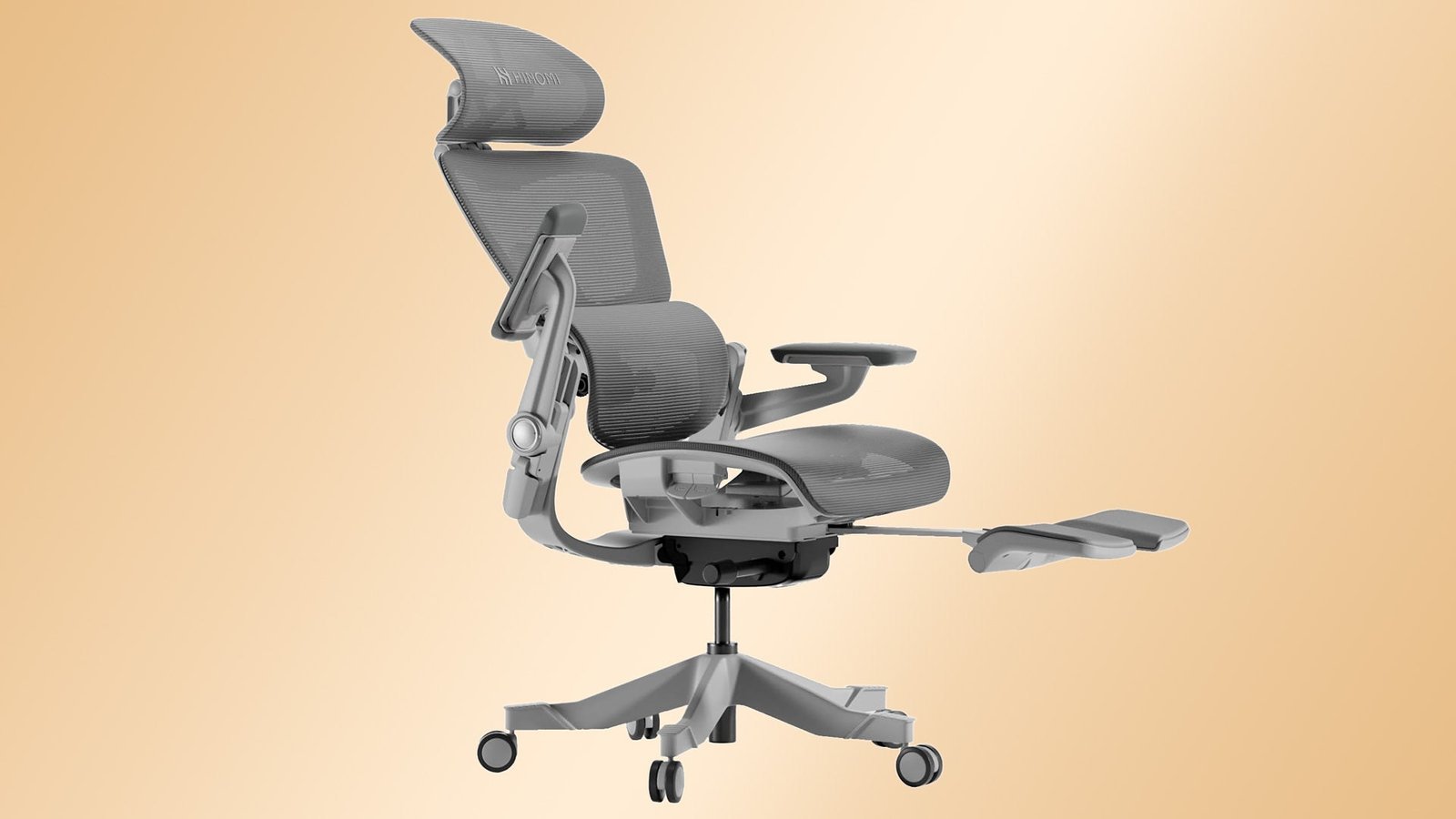
The Herman Miller Aeron is the most ergonomic chair for most office users because it offers adjustable lumbar support, breathable mesh, and a weight-distributing frame. You should choose a chair based on your height and weight, as one size doesn’t fit every body type correctly.
Why it works / what to know first
Ergonomics relies on your ability to keep your spine in a neutral position while your feet stay flat on the floor. A chair works well when it supports your lower back and allows your shoulders to relax without rounding forward.
The biggest mistake is ignoring the manufacturer’s size chart. Buying the wrong size chair means the lumbar support will hit your back at the wrong spot, causing pain instead of relief. Always check the label for weight capacity and height range.
How to set up your ergonomic chair
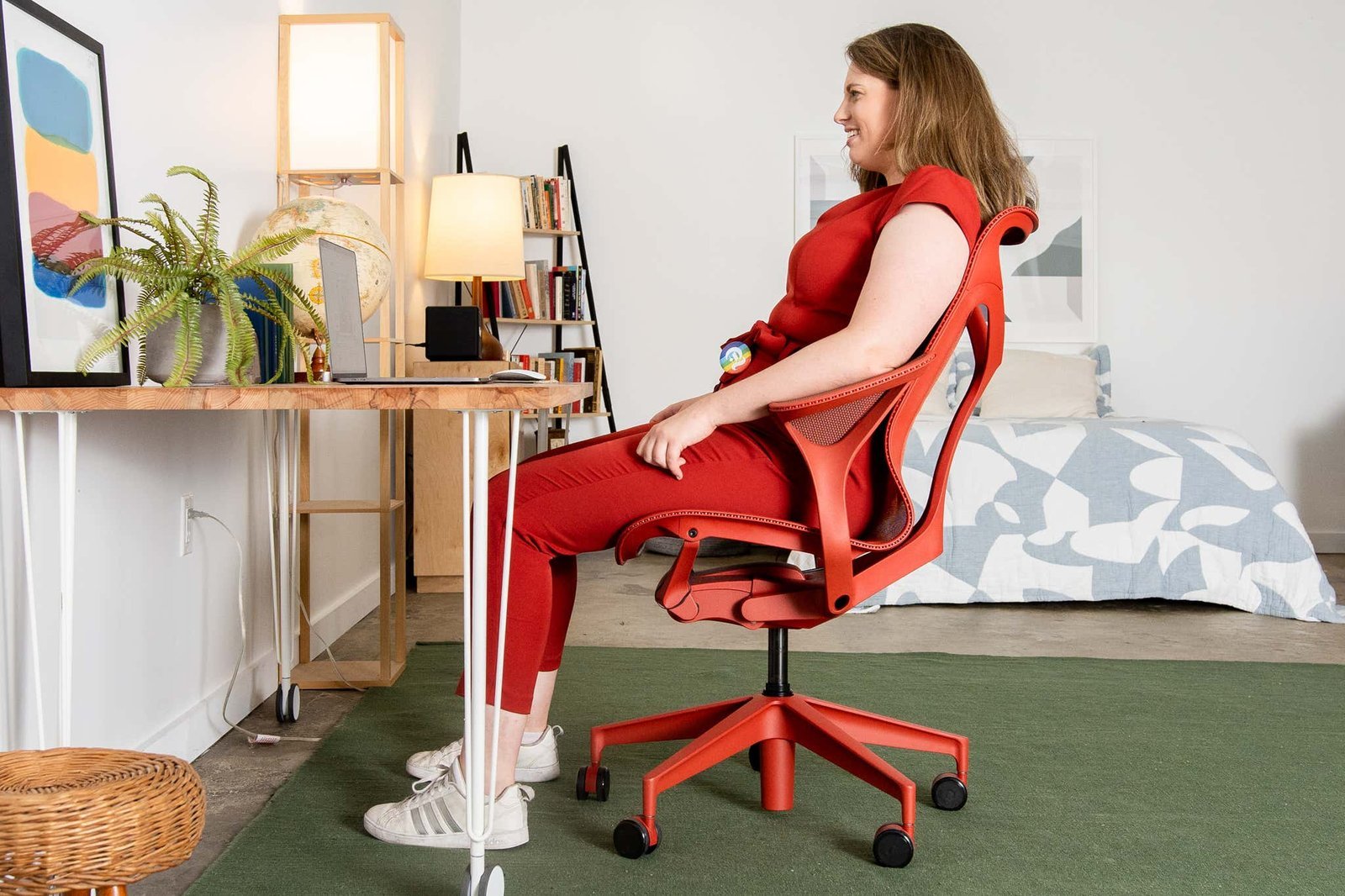
- Adjust the seat height so your feet rest flat on the floor and your knees align with your hips. If your feet dangle, use a footrest to keep your legs at a ninety-degree angle.
- Set the lumbar support to fit the natural curve of your lower back. You should feel firm pressure against your spine without it pushing you out of the seat.
- Position the armrests so your elbows stay at a ninety-degree angle while you type. Your shoulders should remain relaxed, not hunched toward your ears.
- Test the seat depth by leaving a two-finger gap between the edge of the seat and the back of your knees. This prevents pressure on your circulation.
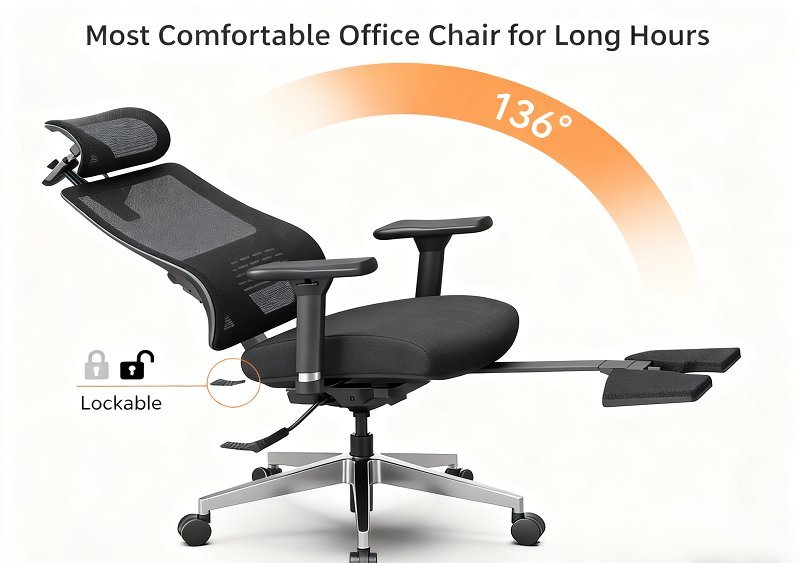
- Lock the tilt tension to match your body weight so the chair reclines easily when you lean back. Tip: If the chair feels too stiff, lower the tension knob until the recline feels fluid and effortless.
- Follow the ANSI/HFES 100-2007 Human Factors Engineering guidelines to ensure your office setup meets verified safety and comfort standards for long-term health.
Time to adjust and settle
Finding the perfect setup usually takes a few days of small changes because your body needs time to adapt to a new posture.
| Situation | Time Needed | What changes it | What to watch for |
|---|---|---|---|
| First setup | 15 minutes | Seat depth/Height | Lower back gaps |
| Daily adjustment | 2 minutes | Tension/Armrests | Shoulder tension |
| Break-in period | 3–5 days | Foam/Mesh tension | Muscle soreness |
If you still feel discomfort after a week, your chair might not be the right size or model for your frame.
Signs your chair is set correctly
You know the chair is set up well when your weight feels evenly spread across the seat pan. You shouldn’t feel pressure points under your thighs or at the base of your spine. Your head should feel balanced over your shoulders without you needing to lean forward to see your screen. If you can sit for an hour without shifting your weight to find comfort, the chair is likely adjusted correctly. If your lower back aches after thirty minutes, the lumbar support is either too low or missing the curve of your spine entirely.
Mistakes that ruin comfort
- Sitting on the edge of the seat: This forces your spine to curve and removes all the support the chair is designed to provide. Sit fully back in the seat so your spine touches the backrest at all times.
- Ignoring seat depth: A seat that’s too deep presses into the back of your knees and cuts off circulation to your legs. Adjust the seat pan or use a back cushion to bring your body forward.
- Setting armrests too high: This pushes your shoulders up toward your ears and causes neck and upper back strain. Lower the armrests until your shoulders hang naturally while your elbows are supported.
- Forgetting to move: Even the best chair causes stiffness if you stay in one position for four hours. Stand up or stretch every hour to keep your muscles from locking up.
Frequently asked questions
Can a chair fix my back pain?
No, a chair can’t fix existing medical conditions, but it can stop poor posture from making your back pain worse. If you have chronic pain, talk to a doctor or physical therapist before buying expensive equipment. They can tell you if your pain comes from your chair or your body.
How long does an ergonomic chair last?
Most high-quality ergonomic chairs last between eight and twelve years with daily use. This varies by model — check the label for the warranty period, which is the best indicator of expected lifespan. Cheaper chairs with plastic parts often fail at the adjustment mechanisms within three years of heavy use.
Is it safe to buy a used chair?
Yes, it’s safe if the adjustment mechanisms work and the mesh or fabric isn’t torn. Inspect the gas cylinder to make sure it holds your weight without sinking. If the chair drops suddenly when you sit down, the cylinder is worn out and needs a professional repair.
What happens if I am too heavy for the chair?
If you exceed the weight limit, the gas cylinder may fail, and the frame could bend or break. Always check the manufacturer’s maximum weight rating before buying. Using a chair above its weight limit voids the warranty and poses a significant risk of the chair collapsing while you’re sitting.
Why does my chair sink when I sit?
Your chair sinks because the gas cylinder has lost its seal and can no longer hold pressure. This is a common mechanical failure in older chairs. You can replace the cylinder, but this requires specific tools and caution to avoid damaging the chair base during the removal of the old part.
Most ergonomic, in short
Proper chair setup is a balance between supporting your natural spine shape and allowing your body to move throughout the day. If you follow the adjustment steps above, you’ll minimize strain during long hours of work. Remember that the best chair is the one that fits your specific height and weight, so verify your measurements against the manufacturer’s data before making a final decision.
Related guides