
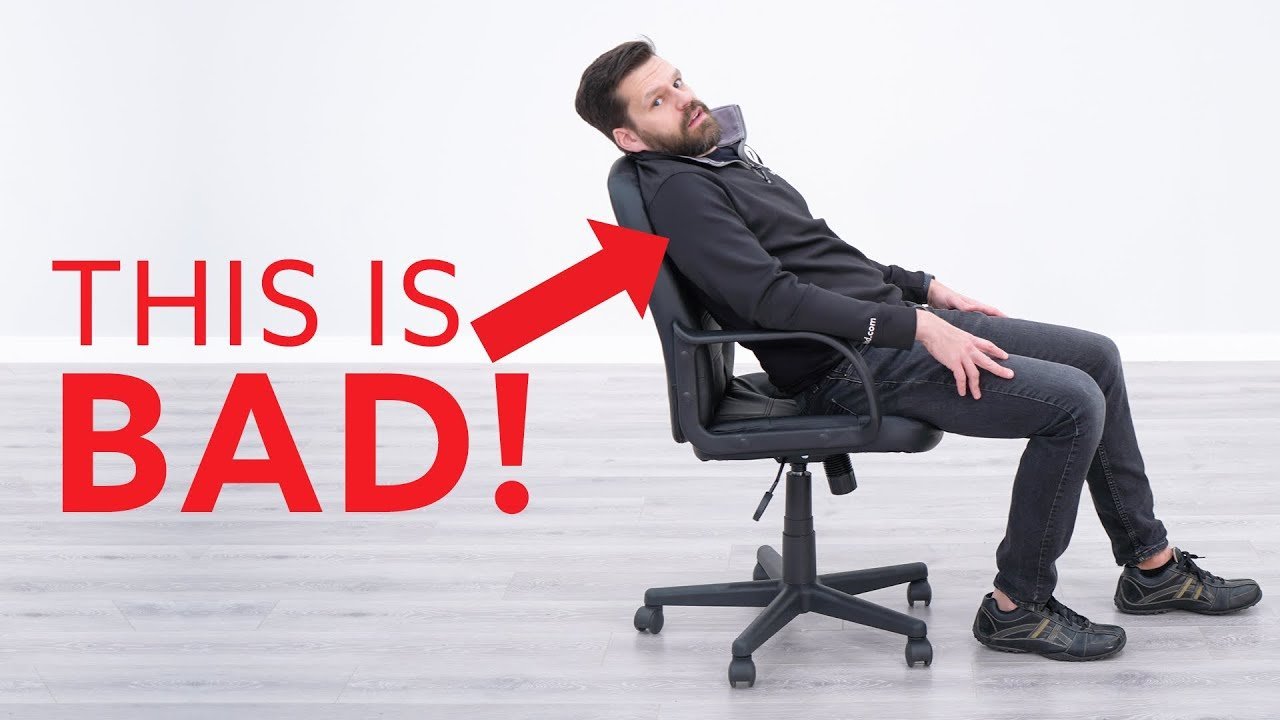
Yes, it’s worth buying an ergonomic chair for anyone who spends more than four hours a day sitting at a desk. These chairs reduce strain on your spine and muscles, which helps prevent long-term discomfort that often leads to chronic back pain.
Ergonomic chair benefits for daily use
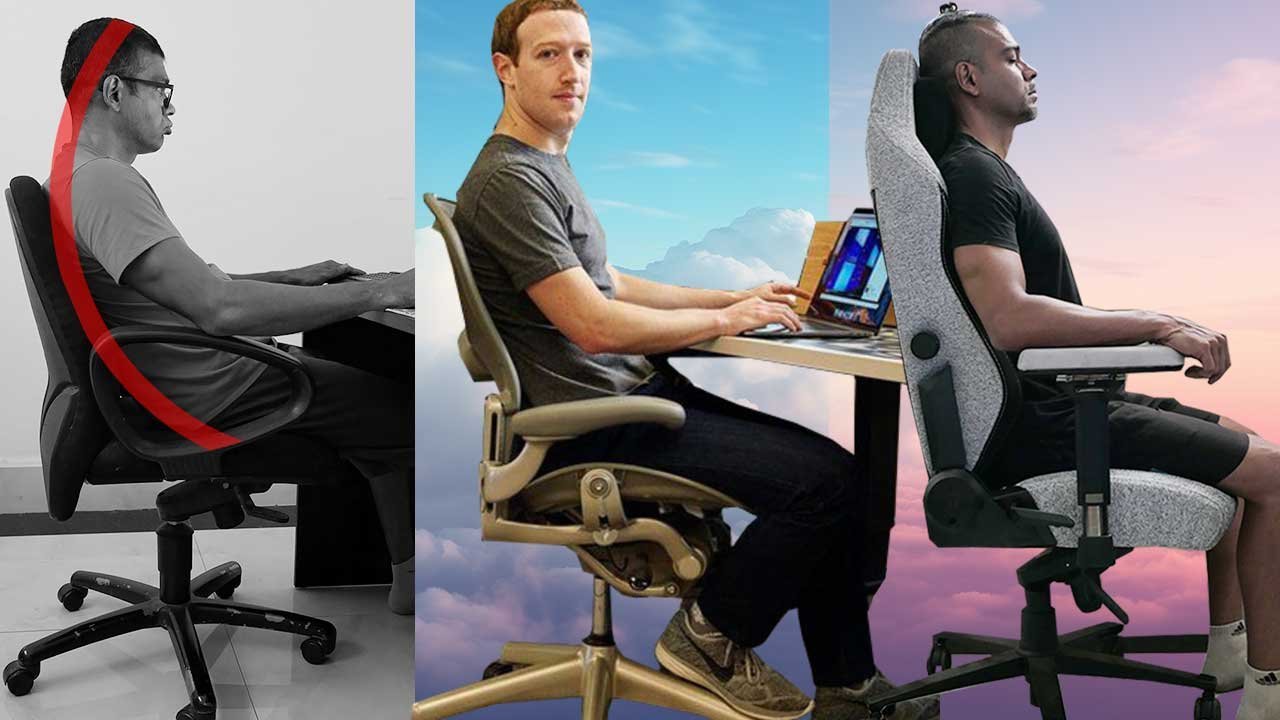
- Adjustable lumbar support keeps the natural curve of your lower back, preventing slouching.
- Padded armrests reduce pressure on your shoulders and neck during long periods of typing.
- High-quality foam seats distribute your body weight evenly to prevent numbness in your legs.
- Breathable mesh or fabric materials keep your body temperature stable, preventing heat buildup.
- Adjustable height and tilt allow you to align your body with your desk, while monitor height adjustments align your eyes with your screen.
- Sturdy five-point bases prevent tipping, which is a major safety requirement for office furniture.
Why proper support prevents chronic pain
The primary reason to choose an ergonomic chair is the mechanical alignment it provides for your musculoskeletal system. When you sit in a standard dining chair, your pelvis often tilts backward, causing your spine to lose its natural “S” curve. This forces your neck and shoulders to compensate, leading to muscle fatigue and repetitive strain. Ergonomic design uses specific contact points to maintain your posture, ensuring that your weight is supported by the chair rather than your joints. If you aren’t certain about a specific feature, check the manufacturer’s technical specifications or the product label; reputable brands often list the specific ANSI/BIFMA standards their chairs meet to ensure long-term durability and safety.
When the answer is different
| Situation | What changes | What to do instead |
|---|---|---|
| Under 2 hours sitting | Support needs are low | Use a basic supportive chair |
| Budget is very tight | Premium features are missing | Use a lumbar support pillow |
| Height is above 6’4″ | Standard sizes are small | Choose a tall-back model |
| Frequent movement needed | Stability is less critical | Use a chair with casters |
| Limited office space | Large chairs take room | Try a stool with support |
How to use an ergonomic chair properly
- Adjust your seat height so your feet rest flat on the floor with your knees at a ninety-degree angle.
- Slide the seat pan forward or backward to leave about two inches of space between your calves and the seat edge.
- Set the lumbar support to match the curve of your lower back, ensuring it feels firm but not aggressive.
- Position the armrests so your shoulders are relaxed and your elbows sit at a ninety-degree angle while you type.
- Lean back into the chair, using the tension control to allow a slight recline that feels balanced and secure.
- Check that your eyes align with the top third of your monitor to keep your neck in a neutral position.
The mistakes that ruin it
- Locking the chair in a rigid upright position prevents natural movement and increases joint stiffness.
- Placing the chair too far from the desk forces you to lean forward, which negates all lumbar support.
- Ignoring the weight limit of the chair model can cause the gas lift cylinder to fail prematurely.
- Failing to adjust the armrests leads to shoulder shrugging, which causes tension headaches by the afternoon.
Frequently asked questions
Can an ergonomic chair fix my back pain?
No, a chair can’t fix existing medical conditions, but it can stop you from making your situation worse. If you have chronic pain, you should consult a doctor or a physical therapist to address the root cause of your discomfort.
How long does an ergonomic chair last?
Most high-quality models last between seven and ten years with daily use. This lifespan varies by model—check the label for the manufacturer’s warranty, which usually covers the frame and moving parts for a specific number of years.
Is it safe to buy a used ergonomic chair?
Yes, it’s safe if you inspect the chair for structural damage, such as cracks in the base or a faulty gas lift. Always test the adjustment levers to ensure they lock securely before you commit to the purchase.
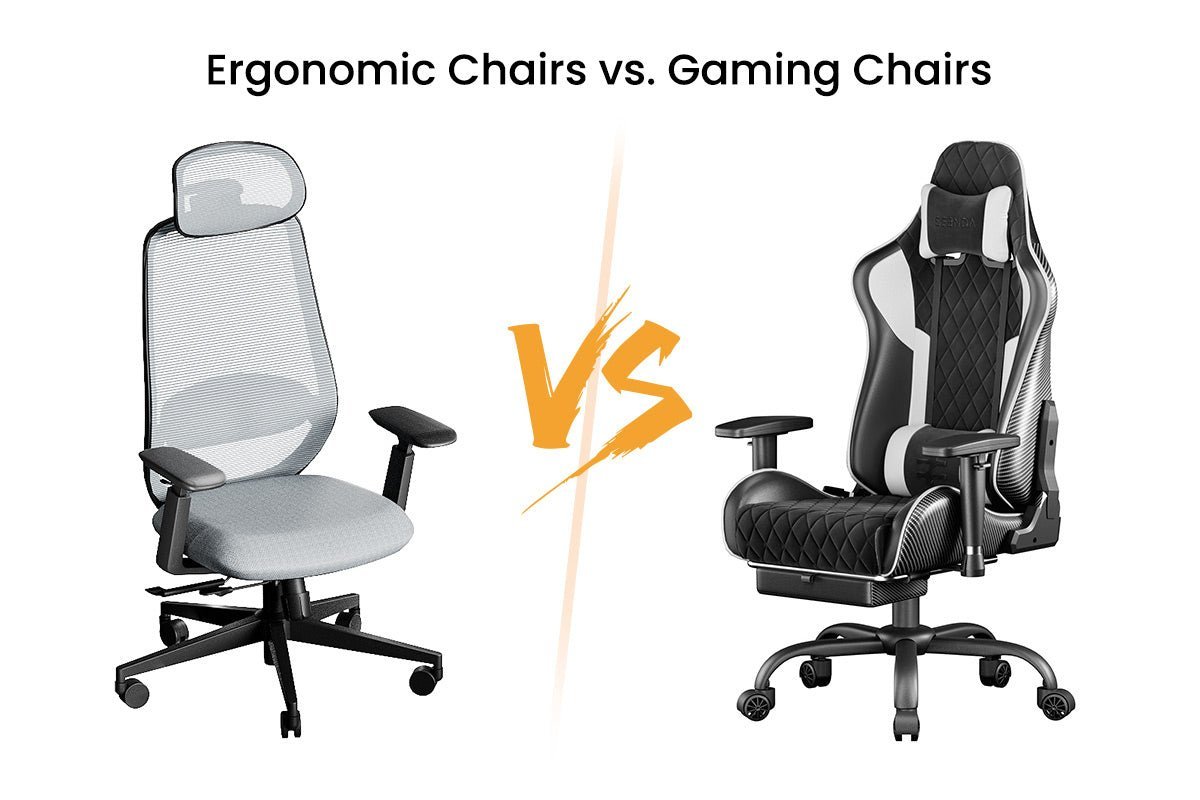
Does it matter if I sit on a mesh or leather chair?
No, the material is a matter of personal comfort rather than health. Mesh is better if you tend to get warm while sitting, while leather or fabric is often preferred if you want a softer, more cushioned feel.
How do I know if the chair fits my body?
You should feel your entire back supported against the backrest without needing to reach for it. If your feet dangle or the armrests are too high, the chair is likely too large for your frame, which creates new pressure points.
What happens if I sit in the chair incorrectly?
You lose all the intended health benefits if you don’t use the adjustable features. If you sit on the edge of the seat or slouch, your muscles will continue to work hard to balance your body, leading to the same fatigue.
Worth buying, in short
The right choice comes down to your daily schedule and how your body feels after a few hours of work. If you find yourself shifting or rubbing your shoulders by midday, the investment in a chair with proper mechanical support is almost always worth the cost for your long-term health.