
An adjustable ergonomic task seat provides the most relief as chairs good for back problems because it lets you match lumbar depth and seat angle to your spine. A kneeling design works better if you suffer strictly from tailbone pressure.
Choosing chairs good for back problems
Choosing the right build depends on your body type, daily desk hours, and specific spinal pressure points.
| Method | How long | Effort | Cost | Best for |
|---|---|---|---|---|
| Ergonomic task chair | Full workday (8+ hours) | Medium | High | Chronic lumbar pain |
| Active kneeling stool | Short bursts (2–4 hours) | High | Medium | Tailbone and coccyx pain |
| Saddle seat | Mid-day focus (3–5 hours) | Medium | Medium | Tight hips and slouching |
| Standard gaming chair | Full workday (6–8 hours) | Low | Low | Occasional stiffness |
Adjustable ergonomic task seat
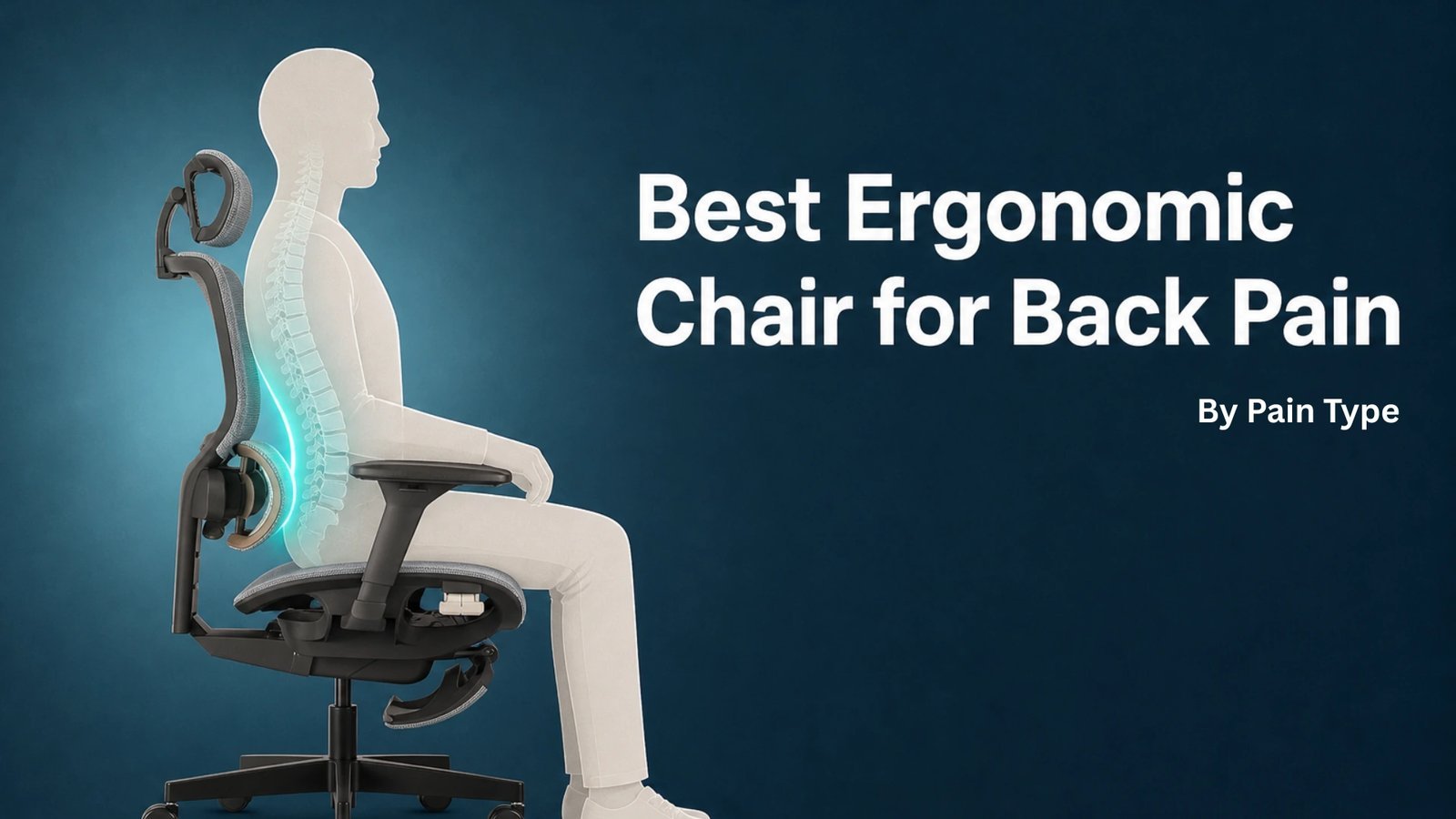
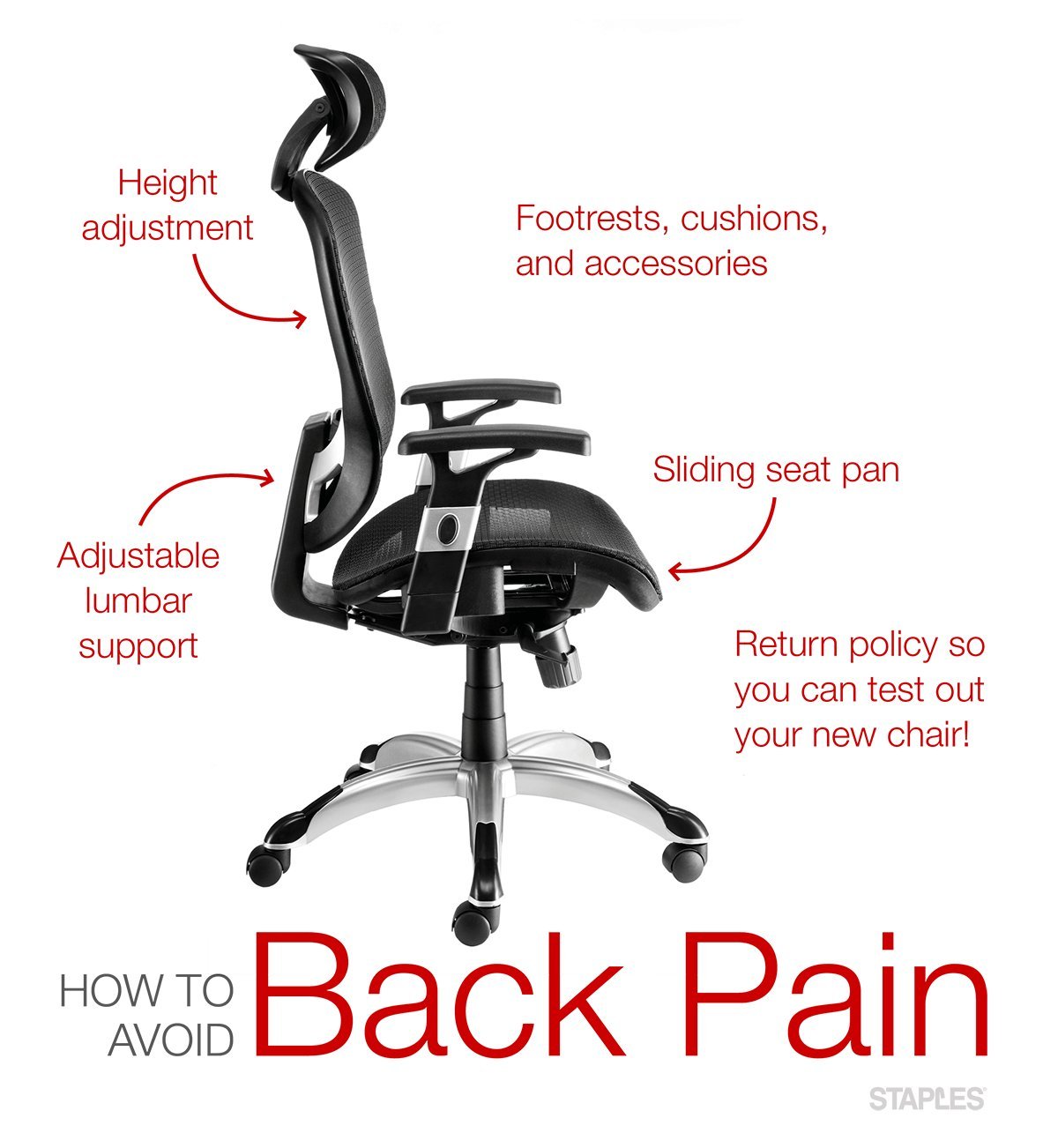
This traditional setup works best because you change the parts to fit your exact measurements.
- Set the seat height so your feet rest flat on the floor with your knees at roughly a 90-degree angle.
- Slide the seat pan until you have a two-finger gap between the edge and the back of your knees.
- Move the lumbar support up or down until the curve presses firmly into your lower back belt line.
- Recline the backrest to about 100 to 110 degrees to unload weight from your spinal discs.
This build gives steady support for full days at work. It keeps your pelvis upright without extra muscle strain. However, you pay a steep price for heavy-duty mechanisms. If you suffer from sharp nerve pain shooting down your legs, stop adjusting on your own and visit a licensed physical therapist.
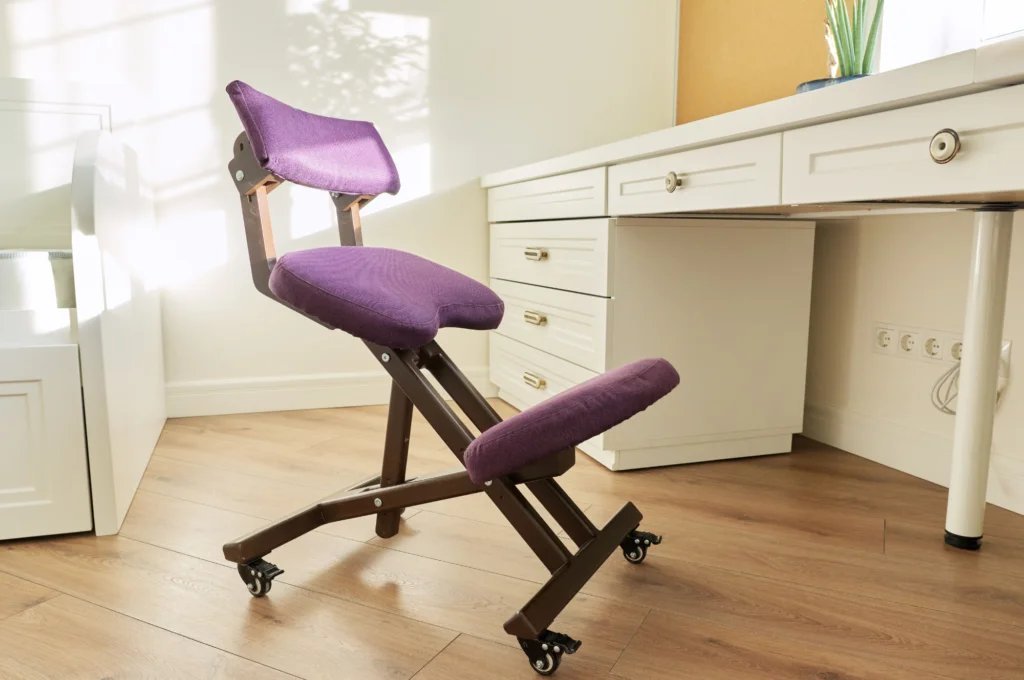
Ergonomic kneeling stool
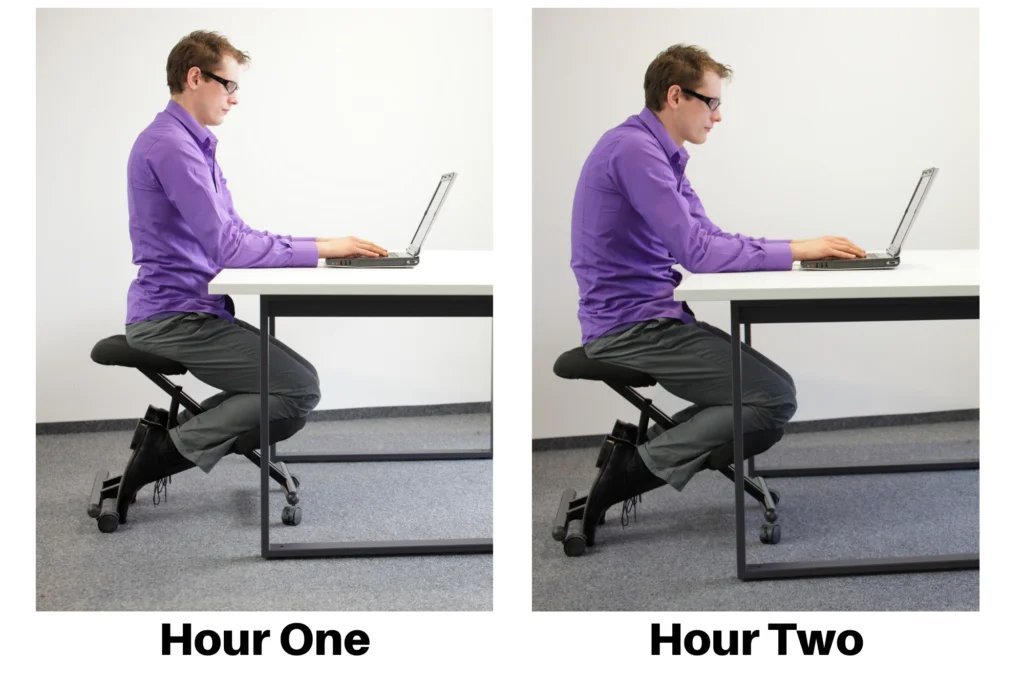
A kneeling stool tilts your pelvis forward to restore the natural forward curve of your spine.
- Place your buttocks on the top angled bench first before lowering your legs.
- Rest your shins against the lower padded cushions, letting them take roughly 20 percent of your body weight.
- Pull your chest tall so your ears balance directly above your shoulders.
- Stand up every 30 minutes during your first week to prevent your knee joints from aching.
This style takes direct pressure off your tailbone and keeps your hip flexors open. It actively works your core muscles throughout the day. Its clear downside is knee strain; it isn’t comfortable if you’ve had joint surgery. A fourth option, the standard gaming chair, costs less but lacks seat-pan depth sliders and traps body heat during long sessions.
Saddle seat with tilt
A saddle chair places you in a semi-standing stance that keeps your spine balanced without needing a backrest.
- Raise the cylinder higher than a standard desk seat so your thighs slope down at a 45-degree angle.
- Straddle the center horn and plant your feet wide on the floor for balance.
- Tilt the forward seat tilt 5 degrees forward to stop your lower back from rounding.
- Position your desk surface 8 to 12 inches higher than usual so your forearms rest level.
This setup opens your pelvis and prevents hip stiffness. It stops you from slouching forward over your desk. The main drawback is inner thigh chafing on wide cushions.
Which one should you use?
If you’re in a hurry, pick an adjustable task chair because it requires no physical balance training to use safely. If you’re doing this for the first time, choose an ergonomic task chair with adjustable lumbar support to avoid the joint soreness that alternative seats cause during week one. If you want the best possible result whatever it takes, buy a custom-sized saddle seat paired with an adjustable standing desk.
The trade-off comes down to effort versus continuous spinal relief: active stools train your muscles to hold your spine up, while an adjustable task frame carries that weight for you so you can work longer.
The rules that apply whichever way you choose
Clear guidelines protect your body regardless of which style you place at your desk. The OSHA computer workstations guidance sets the standard for safe seated alignment, requiring thighs to stay parallel to the floor with feet firmly supported.
First, measure your desk height before buying any frame. Partway through your day, check your posture to confirm your shoulders haven’t crept up toward your ears. At the end of the day, wipe down moving parts and re-lock loose tension knobs. If you experience severe spinal numbness, consult an orthopedic doctor rather than changing your furniture.
Frequently asked questions
Can a firm seat hurt my lower back?
Yes. A cushion that’s too hard creates pressure points beneath your sit bones, which tilts your pelvis backward and flattens your natural lumbar arch.
Is a kneeling chair safe for long workdays?
No. Kneeling chairs put continuous pressure on your shins and knee joints, so health experts suggest switching back to a standard seat after three hours.
Why does my upper back hurt in a gaming chair?
Large bucket wings force your shoulders to curve forward. That posture stretches upper back muscles across your shoulder blades and causes muscle burn over time.
How high should my armrests sit?
They should sit level with your resting elbows. If they push your shoulders upward, or if you must lean sideways to reach them, your neck muscles will cramp.
What happens if the seat pan is too deep?
The front edge cuts off blood flow behind your knees. This forces you to slide forward, which removes your lower back from the lumbar support entirely.
Does a mesh back give enough spinal support?
Yes, provided it features high-tension weave and a separate rigid frame behind the lumbar zone to keep the fabric from sagging over time.
Final Thoughts
Finding the right fit doesn’t have to be a guessing game. Visit a local office supply shop this weekend to test a few models in person. You’ll quickly see how a small adjustment makes a world of difference. It’s worth the effort, so don’t settle until your body feels truly supported.