
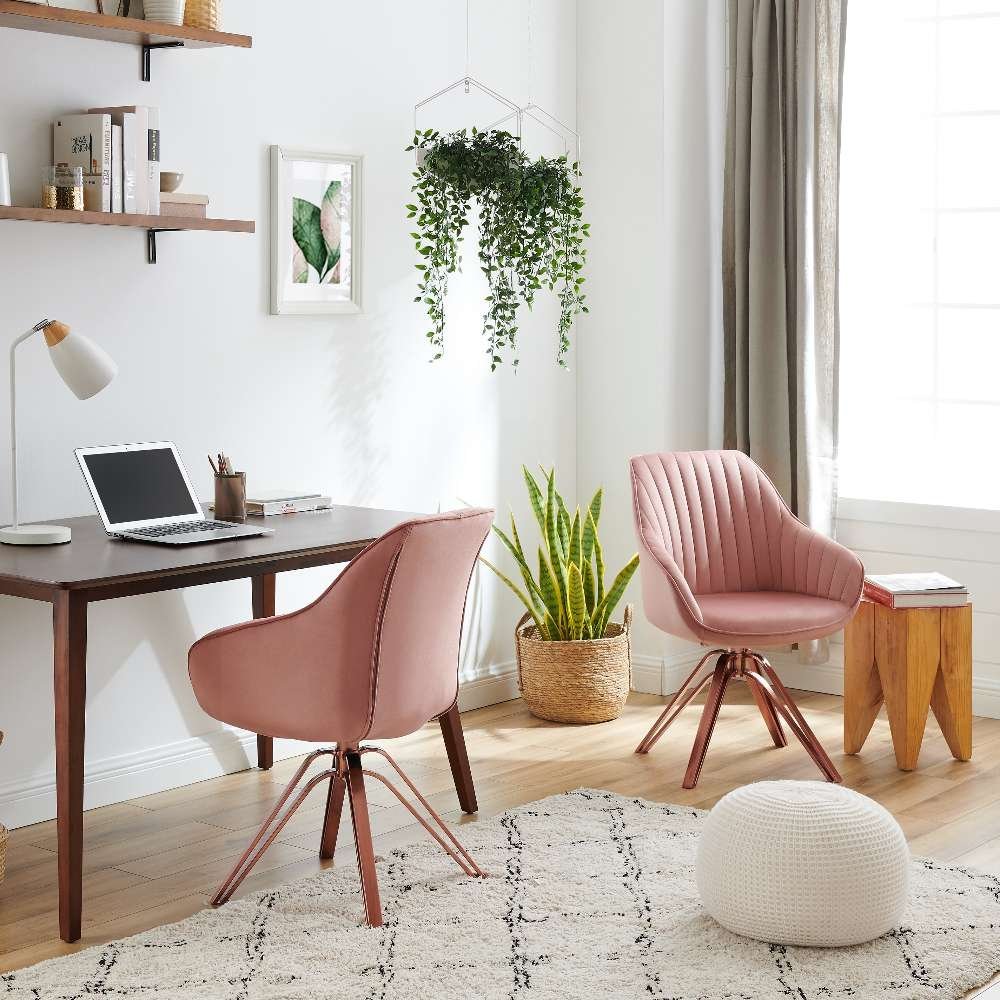
If you are wondering, can you use an accent chair as a desk chair? The answer is yes, but only for short sessions. You should limit use to under two hours daily, as these chairs lack the lumbar support and height adjustments needed to prevent back and neck pain. Always measure your desk clearance first.
Can you use an accent chair as a desk chair?
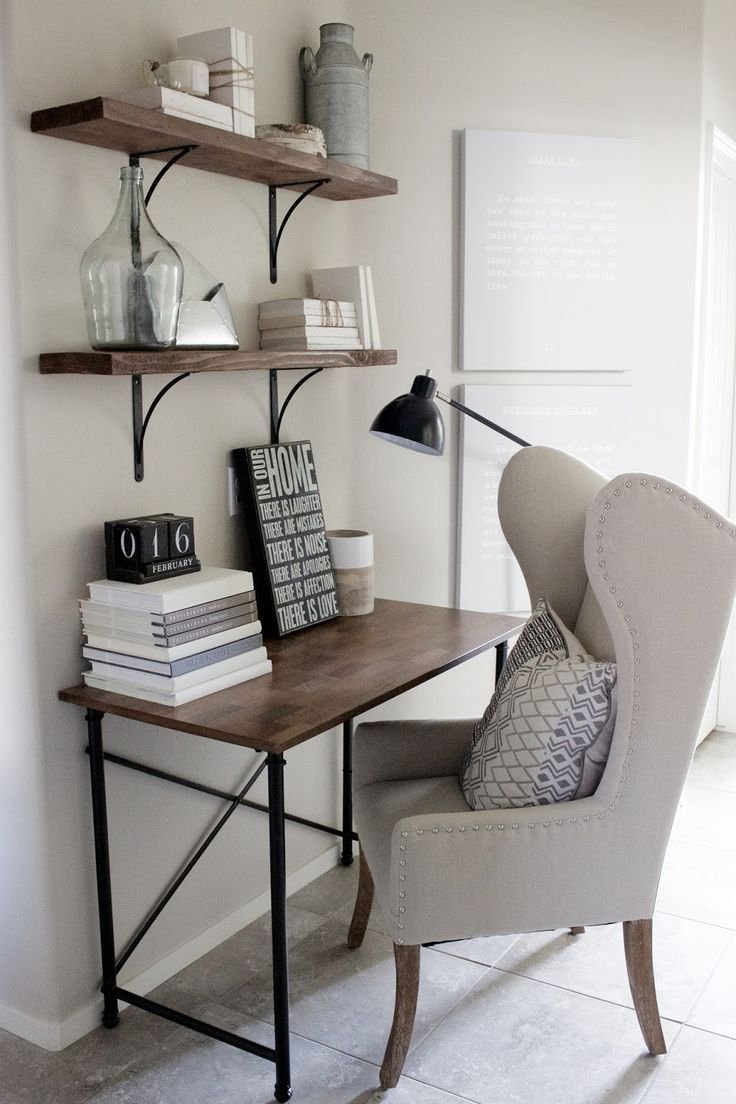
Your daily routine and desk setup determine whether this seating choice will protect your body or cause pain.
| Your situation | Answer | Why |
|---|---|---|
| Writing bills for 30 minutes | Yes | Short time prevents body strain |
| Working a full 8-hour shift | No | Zero spine support causes pain |
| Using an adjustable standing desk | Yes | You can match table height |
| Sitting at a standard 30-inch desk | Usually not | Accent seats sit too low |
| Laptop work on soft plush cushion | No | Hips sink below the knees |
| Typing tasks using firm upright seat | Yes | Keeps your posture stable briefly |
Body support and seat height
Seat height and spine support decide if your body can tolerate the seat. Standard office desks measure 28 to 30 inches from the floor to the top surface. An ergonomic office seat adjusts so your elbows rest at a 90-degree angle while your feet stay flat on the floor.
Accent chairs feature fixed legs, deep seats, and reclined backrests meant for lounging. When your seat doesn’t adjust, your shoulders hike up or your wrists bend upward to reach the keyboard. The OSHA computer workstations guidance explains that a working chair must support your lower back and let your thighs rest parallel to the floor. If the seat is too deep, the hard front edge cuts off blood flow behind your knees. This varies by model — check the label or measure the seat pan directly before putting it at a workstation.
The trade-off is clear: you gain room style and save money, but you lose postural endurance. If your desk height allows your arms to rest flat without reaching upward, use it; if your elbows sit below desk level, avoid it.
Adjusting an accent seat for typing
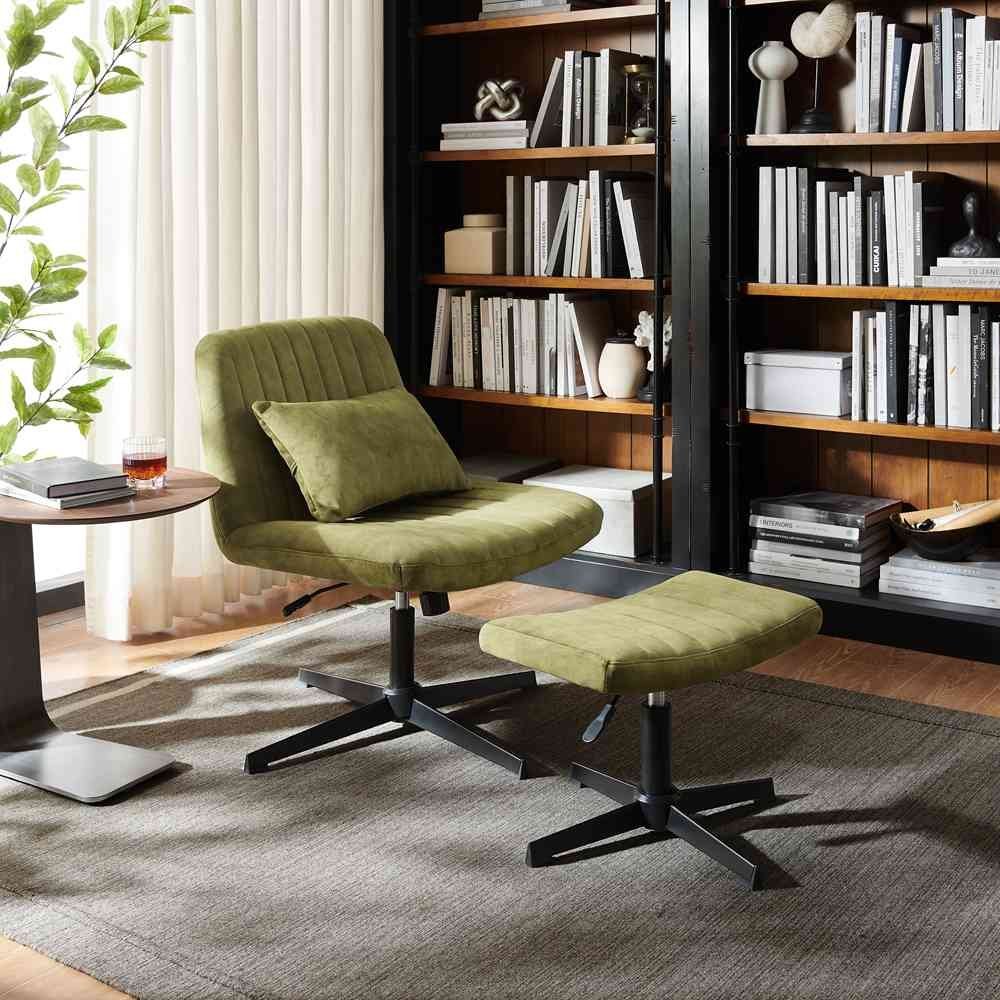
If your desk setup allows an accent seat, make these direct adjustments before you begin working to prevent physical fatigue:
- Measure desk-to-seat clearance with a tape measure to ensure you have 10 to 12 inches between the seat top and desktop.
- Add a dense foam cushion to raise your hips if your elbows hang below the desk surface.
- Slide a lumbar roll behind your spine to fill the empty curve between the chair back and your lower back.
- Place a flat footrest on the floor so your thighs stay horizontal if your feet dangle after adding the seat cushion.
- Check your typing posture by placing your hands on the keyboard to confirm your forearms rest completely parallel to the floor.
Forgetting seat depth measurements
The single most common mistake is buying a chair without measuring the seat depth. Deep accent seats often measure 22 to 25 inches from front to back, leaving a large gap behind your spine. To reach the keyboard, people perch on the edge of the cushion with no back support at all. This posture strains the lower spinal discs and costs hundreds of dollars in doctor visits, physical therapy, or replacement ergonomic seating. Measure your thigh length from your tailbone to the back of your knees, and make sure the seat pan leaves a two-inch gap behind your knees.
When to stop and get help
Stop using an accent seat immediately if you experience these warning signs:
- Persistent lower back pain that lingers into the evening hours.
- Numbness, tingling, or cold sensations in your fingers, wrists, or feet.
- Sharp muscle spasms between your shoulder blades while typing.
These symptoms mean your nerve pathways or spinal discs are under severe mechanical strain. This is no longer a simple furniture choice. Consult a physical therapist or medical doctor to treat your pain, and switch to a certified ergonomic chair.
Frequently asked questions
Can you use an accent chair for gaming?
No, because gaming sessions usually last several hours. The soft cushions and fixed backrests cause hip fatigue and neck stiffness during active play.
How high should an accent chair be for a desk?
About 18 to 20 inches from the floor to the top of the cushion. This assumes a standard 30-inch desk height to leave room for your legs.
Is it safe to sit in an accent chair all day?
No, it isn’t safe for your back. Fixed frames don’t adjust to your body, leading to bad posture, poor leg circulation, and spinal compression.
Why does my back hurt using an accent chair?
Because the seat lacks proper lower lumbar support. Your spine slouches backward into the soft fabric, which stretches and strains your back muscles.
Does it matter if the chair doesn’t have wheels?
Yes, it limits your mobility. You must twist or reach awkwardly across your desk, which strains your torso and hip joints over time.
What happens if the seat is too deep?
Your legs lose blood circulation. The front edge presses against the veins behind your knees while your back loses contact with the rear frame.
What to do next
Measure the distance from the top of your seat cushion to your desktop to see if you have 10 inches of space. You should be able to type comfortably with your elbows bent at right angles and your feet flat on the floor. If your neck or lower back starts aching within thirty minutes, move that chair away from your desk permanently.