
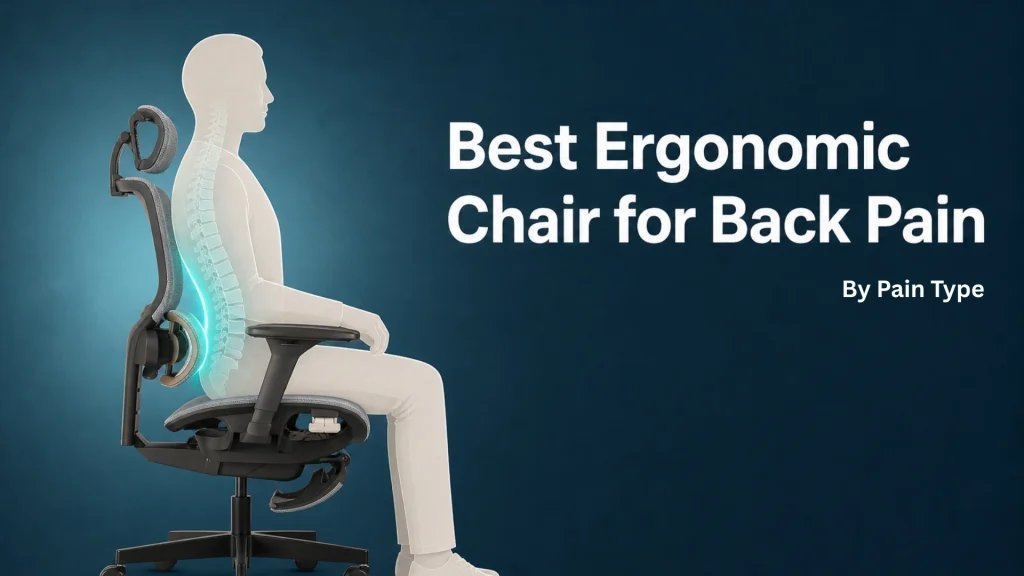
Ergonomic office chairs with adjustable lumbar support are the best chairs for back problems because they maintain the natural curve of your spine. If you have severe chronic pain, you should consult a physical therapist for a chair designed for your specific medical needs.
The Best Chairs for Back Problems
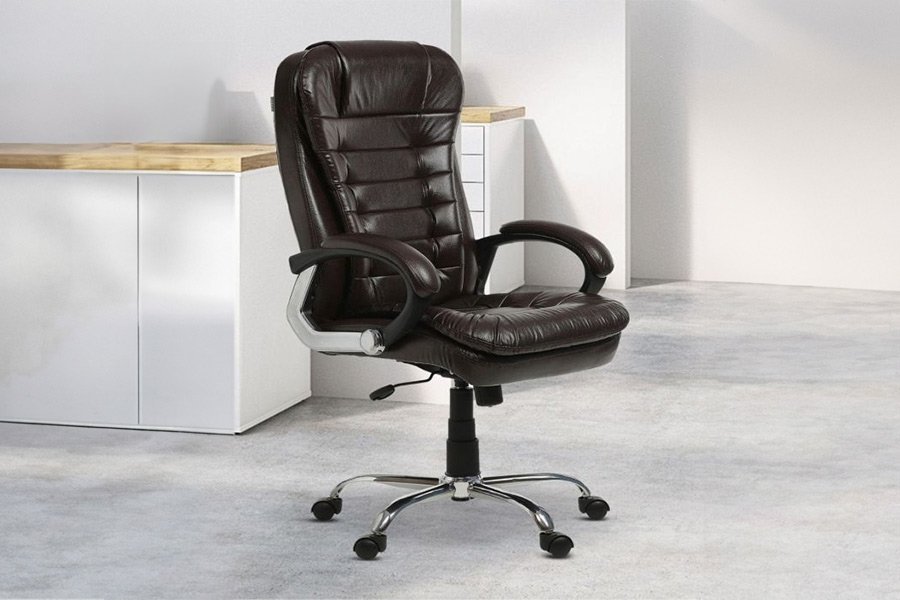
Selecting the right chair depends on how much time you spend sitting and the specific support your body requires.
| Method | How long | Effort | Cost | Best for |
|---|---|---|---|---|
| Ergonomic Task Chair | Permanent | Low | High | Daily office work |
| Kneeling Chair | Temporary | Medium | Medium | Short task bursts |
| Stability Ball | Short | High | Low | Core engagement |
If you sit for more than four hours daily, choose the ergonomic task chair. Its adjustable lumbar support prevents spinal compression that cheaper options ignore.
Use a kneeling chair only if you struggle with slouching. It forces an open hip angle, but it fatigues your shins if used longer than two hours.
The stability ball is a trap for most workers. Use it only for fifteen-minute intervals to wake up your core. If you use it for a full shift, you’ll lose focus and likely develop lower back strain from lack of back support. If your goal is productivity, prioritize the ergonomic chair. If your goal is active movement, rotate between the kneeling chair and the ball.
Adjustable ergonomic task chairs
- Set the seat height so your feet rest flat on the floor with your knees at a ninety-degree angle.
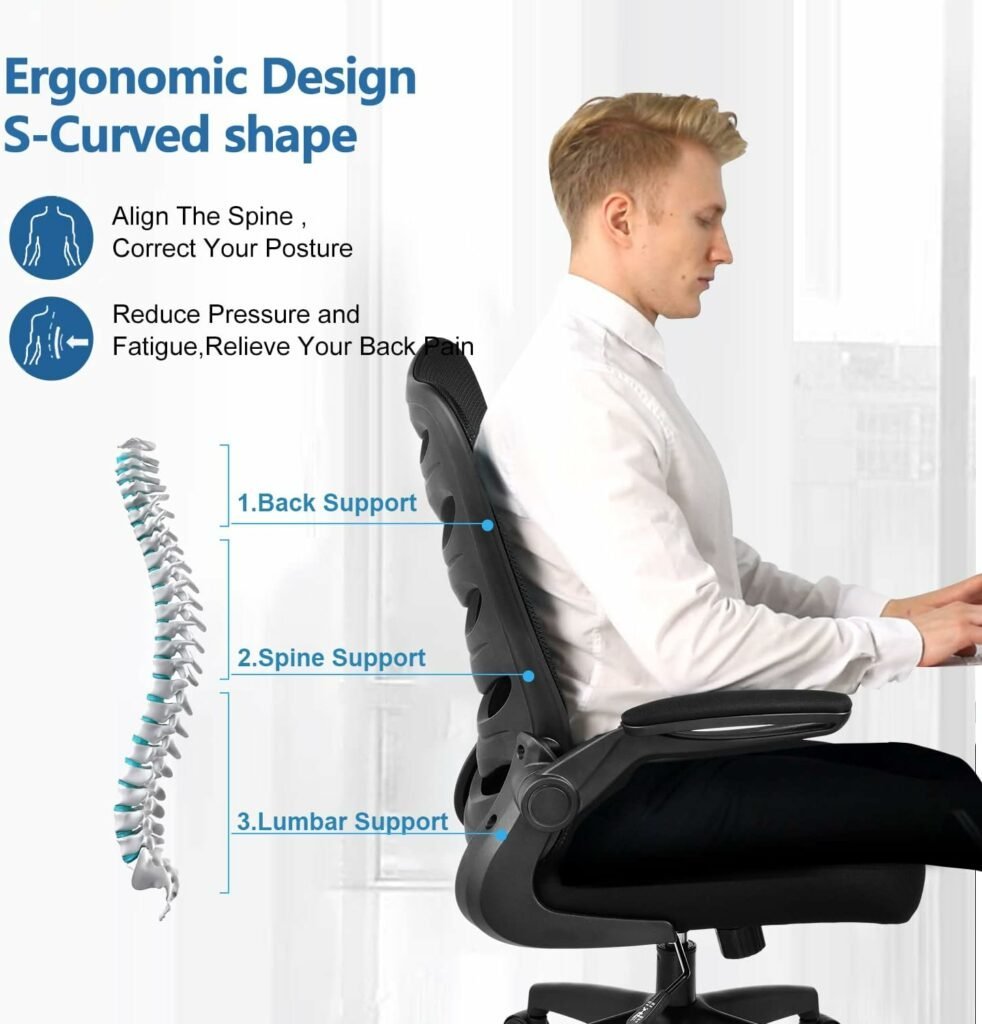
- Adjust the lumbar support to fit firmly into the curve of your lower back.
- Tilt the backrest to an angle between one hundred and one hundred ten degrees to reduce pressure on your discs.
- Position the armrests so your shoulders stay relaxed and your elbows stay at your sides.
These chairs offer the most stability for long work days. They support the entire spine, which is vital for preventing muscle fatigue. This varies by model — check the label for the weight capacity and seat depth before buying. If you’re taller than six feet, look specifically for chairs with seat depth adjustment to avoid leg circulation issues.
Kneeling chairs for posture
- Place your shins on the lower padded rest while your hips sit on the angled seat.
- Ensure your weight is distributed between your knees and your sit bones.
- Keep your torso upright and your shoulders back to maintain an open chest position.
These chairs encourage an open hip angle, which helps keep the spine aligned. They’re excellent for people who feel stiff after sitting in standard chairs. However, they aren’t for people with knee injuries or those who need to sit for more than two hours at a time. The Occupational Safety and Health Administration recommends frequent changes in posture to reduce strain on the soft tissues of the back.
Stability balls for active sitting
- Inflate the ball until your hips are slightly higher than your knees when you sit on it.
- Keep your feet flat on the floor, spaced at shoulder width for balance.
- Engage your abdominal muscles to maintain an upright posture throughout the hour.
Using a ball forces your core muscles to stay active, which can help strengthen your back over time. This is a great way to break up a sedentary day. It’s a mistake to use a ball for an entire eight-hour workday; doing so often leads to muscle exhaustion and poor form. If you feel your back starting to ache, switch back to a supportive chair immediately. Limit your use to thirty-minute intervals to avoid overworking your stabilizing muscles.
Which one should you use?
When you’re in a hurry, a standard ergonomic task chair is the best choice because it provides instant, reliable support without requiring a training period. If you’re doing this for the first time, start with an ergonomic chair that has clear adjustment levers to help you find your comfort zone. When you want the best possible result whatever it takes, combine an ergonomic chair with a strict schedule of movement. You must balance the support of the chair with physical activity to keep your back healthy. The trade-off is between the immediate comfort of a structured chair and the long-term muscle benefits of active sitting methods.
The rules that apply whichever way you choose
Regardless of the chair you select, follow basic setup standards to protect your health. Position your monitor at eye level to prevent neck strain. Ensure a two-finger gap between the seat edge and your knees to maintain proper posture. If you have pre-existing injuries, consult a physical therapist for guidance. Never force a chair into an uncomfortable position. Schedule a professional ergonomic assessment to optimize your workspace further.