
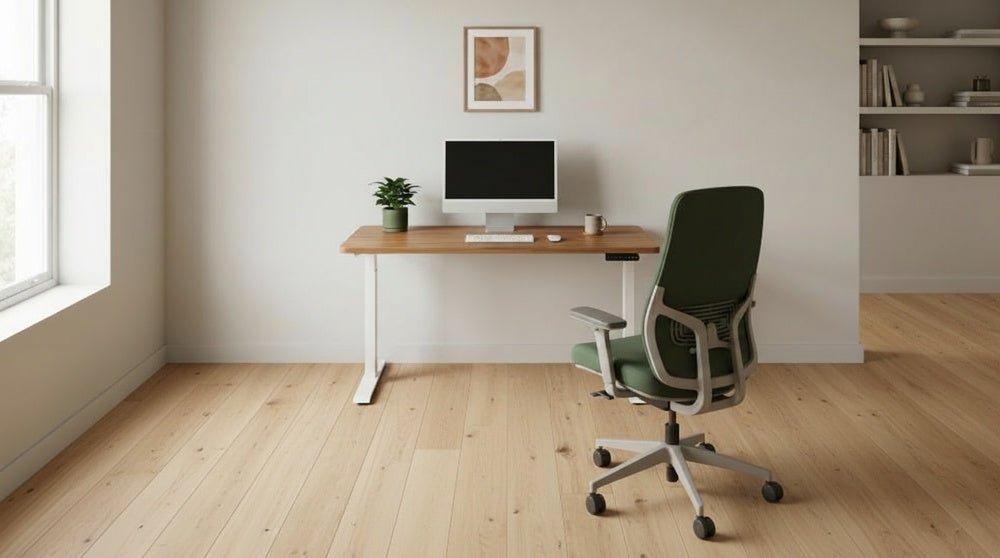
If you are wondering how much are computer chairs, prices range from $100 for basic models to over $1,200 for ergonomic designs, depending on build quality, materials, and adjustability.
Choosing the right seat starts with understanding your daily usage. If you sit for under two hours, a standard task chair is fine, but if you work at a desk for six hours or more, you must prioritize adjustable lumbar support. The most common mistake is buying based on aesthetic style rather than physical fit. If you don’t test the seat height against your desk, you risk developing chronic back pain or strain, which is why ergonomics experts emphasize the importance of proper office chair adjustment to maintain neutral posture.
Selecting and Fitting Your Chair

- Measure your desk height from the floor to the underside to ensure the armrests can slide underneath.
- Set the seat depth so there’s a two-inch gap between the edge of the seat and the back of your knees.
- Adjust the height until your feet rest flat on the floor and your thighs are parallel to the ground.
- Test the lumbar support by sliding it until it fits the natural inward curve of your lower spine.
- Lock the tilt mechanism at a slight recline if your model supports it to reduce pressure on your discs.
- Verify the armrest width matches your shoulder width to prevent neck tension while you type or use the mouse.
Tip: Never force a chair to fit your space if the gas cylinder is too tall for your legs; return it for a shorter base option.
Tip: If the chair feels unstable when you lean back, check that all tension knobs are tightened to your body weight.
How Much Are Computer Chairs?
| Chair Tier | Price Range | Target User | What to Watch For |
|---|---|---|---|
| Entry | $100–$250 | Casual users | Plastic parts, limited warranty |
| Mid-Range | $300–$700 | Remote workers | Mesh quality, adjustable arms |
| Premium | $800–$1,400+ | Full-time pros | Steel frames, 10+ year warranty |
Indicators of Quality
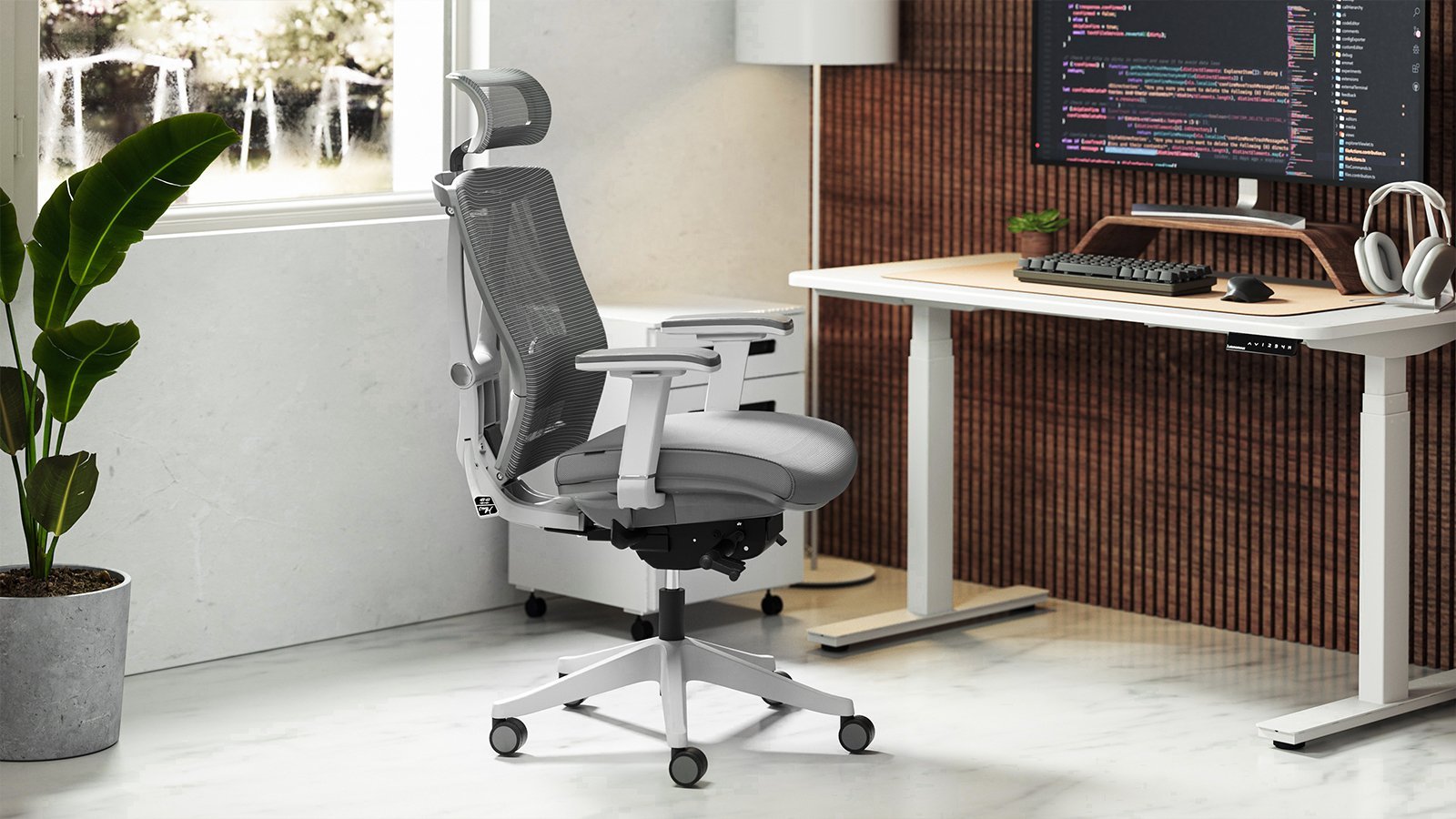
A quality computer chair should feel solid and quiet when you shift your weight. Check the base for heavy-duty nylon or aluminum, as thin plastic bases often crack under pressure. The fabric should feel breathable, especially if you sit for long periods, to prevent heat buildup. The ultimate test is the “adjustability check”: can you move the arms, the seat depth, and the lumbar support independently? If these parts are fixed, the chair can’t support different body types. According to the ANSI/BIFMA X5.1 safety standards, a reliable chair must pass rigorous stability and fatigue tests to ensure it won’t tip or fail during normal use.
Mistakes that Ruin It
- Ignoring the weight limit: Exceeding the manufacturer’s weight capacity voids your warranty and creates a safety hazard. Always check the label on the underside of the seat to confirm the chair supports your specific weight.
- Buying without a trial: You can’t know if a chair fits your spine by looking at photos online. If possible, visit a showroom to sit in the model for at least 15 minutes before committing to a purchase.
- Overlooking the warranty duration: A chair with a one-year warranty is a gamble compared to one with a ten-year guarantee. Look for companies that cover the mechanical parts and the fabric separately to ensure long-term protection for your investment.
- Neglecting the floor surface: Using hard casters on a hardwood floor will cause scratches and noise. Buy rubberized wheels or a protective mat to save your floors.
Frequently asked questions

Can I fix a squeaky computer chair?
Yes, you can usually stop a squeak by applying a silicone-based lubricant to the metal joints and the tilt mechanism. Avoid using heavy grease, which attracts dust and hair, and always wipe away excess spray to prevent it from staining your carpet or floor.
Why is my computer chair sinking?
Your chair is sinking because the gas lift cylinder has lost its internal pressure seal. This is a common failure in older chairs or low-quality models, and you’ll need to replace the entire cylinder unit to restore the height functionality of the seat.
Is it safe to use a gaming chair for office work?
It’s safe, but many gaming chairs prioritize bucket-seat aesthetics over ergonomic support. If you choose one, ensure it has a flat seat base rather than raised side bolsters, which can force your thighs inward and cause discomfort during long work sessions.
How long should a good computer chair last?
A high-quality chair should last between seven and ten years with daily use. This assumes you follow the weight limits and clean the fabric regularly, though the foam cushions may begin to lose their original bounce after about five years of constant pressure.
What happens if I buy a chair that’s too big?
Buying a chair that’s too large means you’ll be unable to reach the lumbar support or headrest correctly. This forces your body into a slumped position to reach the desk, which creates neck strain and defeats the purpose of buying an ergonomic model.
How much do I need to spend for back support?
Models cheaper than this often feature static, non-adjustable plastic bumps that rarely align with the natural curve of an adult’s lower back.
Final Thoughts
Before you make your final choice, visit a local showroom to test a few models in person. Sitting in a chair for ten minutes will tell you more than any online review ever could. You’ll quickly discover what feels right for your back, so don’t rush the process—your comfort is worth it.