
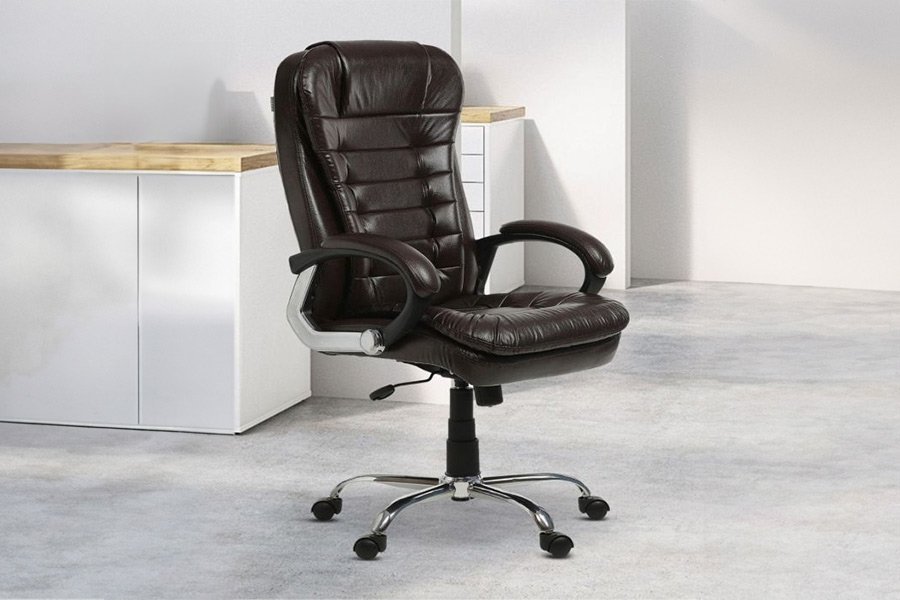
The best computer chair for back problems is an ergonomic model that offers adjustable lumbar support and seat depth to maintain your spine’s natural curve. You should prioritize a chair that allows your feet to rest flat on the floor while your knees stay level with your hips.
Why computer chairs cause back problems
| Cause | How common | How to confirm it | Fix it yourself? |
|---|---|---|---|
| Poor lumbar support | Very common | Gap behind lower back | Yes |
| Incorrect seat height | Common | Feet dangle or knees high | Yes |
| Lack of depth control | Common | Pressure behind knees | Yes |
| Weak armrest alignment | Frequent | Shoulders feel hunched | Yes |
| Worn out cushioning | Occasional | Feel the hard frame | No |
| Improper recline tension | Occasional | Chair feels unstable | Yes |
Support for the lower spine
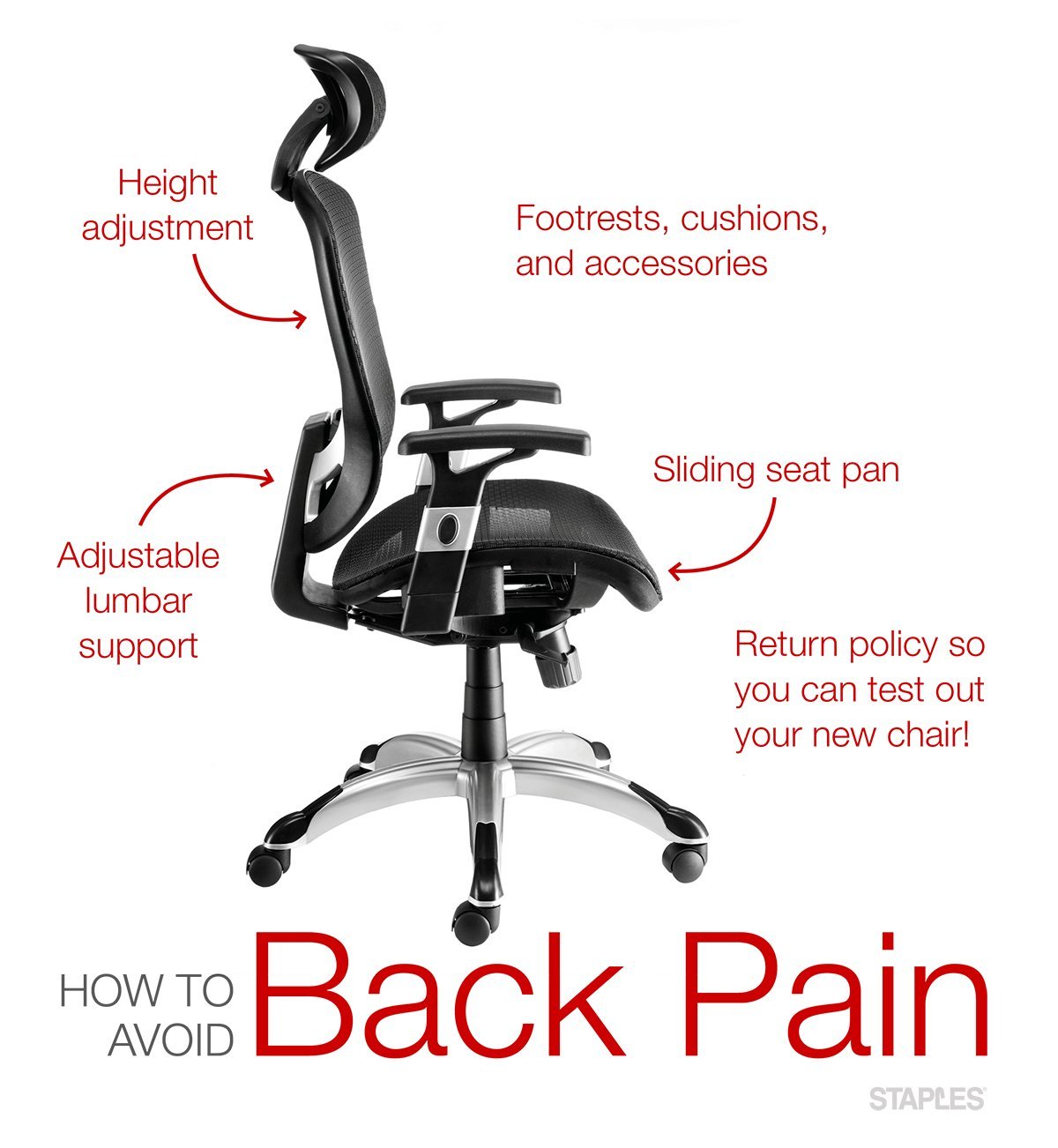
The lumbar curve is the inward arch of your lower back, and it requires firm, adjustable support to prevent slouching. Without this, your muscles work too hard to keep you upright, leading to fatigue and stiffness. To confirm if your current chair is the problem, sit back fully and check for a gap between your spine and the backrest. If you find a space, your chair lacks the necessary contour. Adjust the lumbar height until the support sits exactly in the curve of your lower back. This varies by model—check the label to see if your chair has a depth-adjustable pump or a sliding track. Spend five minutes testing different positions to find the one that removes all strain from your lumbar area.
The importance of seat depth
Seat depth determines if your thighs are fully supported without the front edge digging into your calves. If the seat is too deep, you’ll slide forward to reach the floor, which ruins your posture and forces your back to round. If it’s too shallow, your legs lack support, putting extra stress on your lower back. To test this, sit all the way back and check if you can fit two to three fingers between the edge of the seat and the back of your knees. If you cannot, adjust the seat pan forward or backward. This is a critical trade-off; if you’re tall, you need a deep seat, but if you’re short, a deep seat will cause you to slouch.
Adjusting chair height correctly
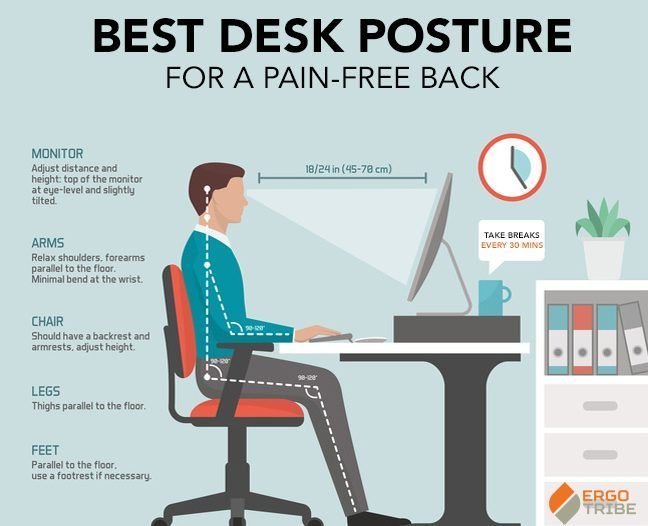
Your feet must remain flat on the floor to stabilize your pelvis and keep your spine aligned correctly. If your chair is too high, your feet hang, which pulls on your lower back muscles and causes pain. If it’s too low, your knees rise above your hips, forcing your weight onto your tailbone. The Occupational Safety and Health Administration suggests that your thighs should be parallel to the floor with your feet supported. If you’re unable to lower your chair enough, use a sturdy footrest to bridge the gap. This is a common mistake people make; they ignore the height of their desk, which forces them to sit in an awkward, painful position.
The less likely causes
- Worn seat foam: Over time, padding loses its density and no longer distributes your weight, which leads to pressure points.
- Fixed armrests: If armrests are too wide or too high, they force your shoulders into an unnatural position that strains the upper back.
- Broken tilt mechanism: A chair that doesn’t lock in place forces your core to work constantly, which isn’t for those who need steady, reliable support during long work sessions.
- Incorrect fabric choice: Certain materials trap heat, which causes you to shift frequently and lose your posture; check the manufacturer’s manual for cleaning and maintenance guidance.
What a fix usually involves
Fixing your seating setup often requires only a few minutes of adjustment and no new parts. If your chair lacks basic features like adjustable lumbar or seat depth, you might need a small lumbar pillow or a footrest to correct your alignment. These are low-cost additions compared to the price of a new, high-end chair. If the internal mechanism is broken, you may need a replacement part from the manufacturer. Always check the official website for spare parts before assuming you need a new chair, as a simple bolt or lever can save you most of the price of a replacement.
Frequently asked questions
Choosing a computer chair for back problems
No, a chair can’t fix existing medical conditions, but it can prevent further strain caused by poor posture. If you have chronic pain, consult a healthcare professional to identify the root cause of your discomfort.
How long should I sit at once?
About 45 to 60 minutes is the maximum time you should sit without standing up. Moving your body regularly is more important for back health than any specific chair design or expensive seat feature.
Is it safe to use a kneeling chair?
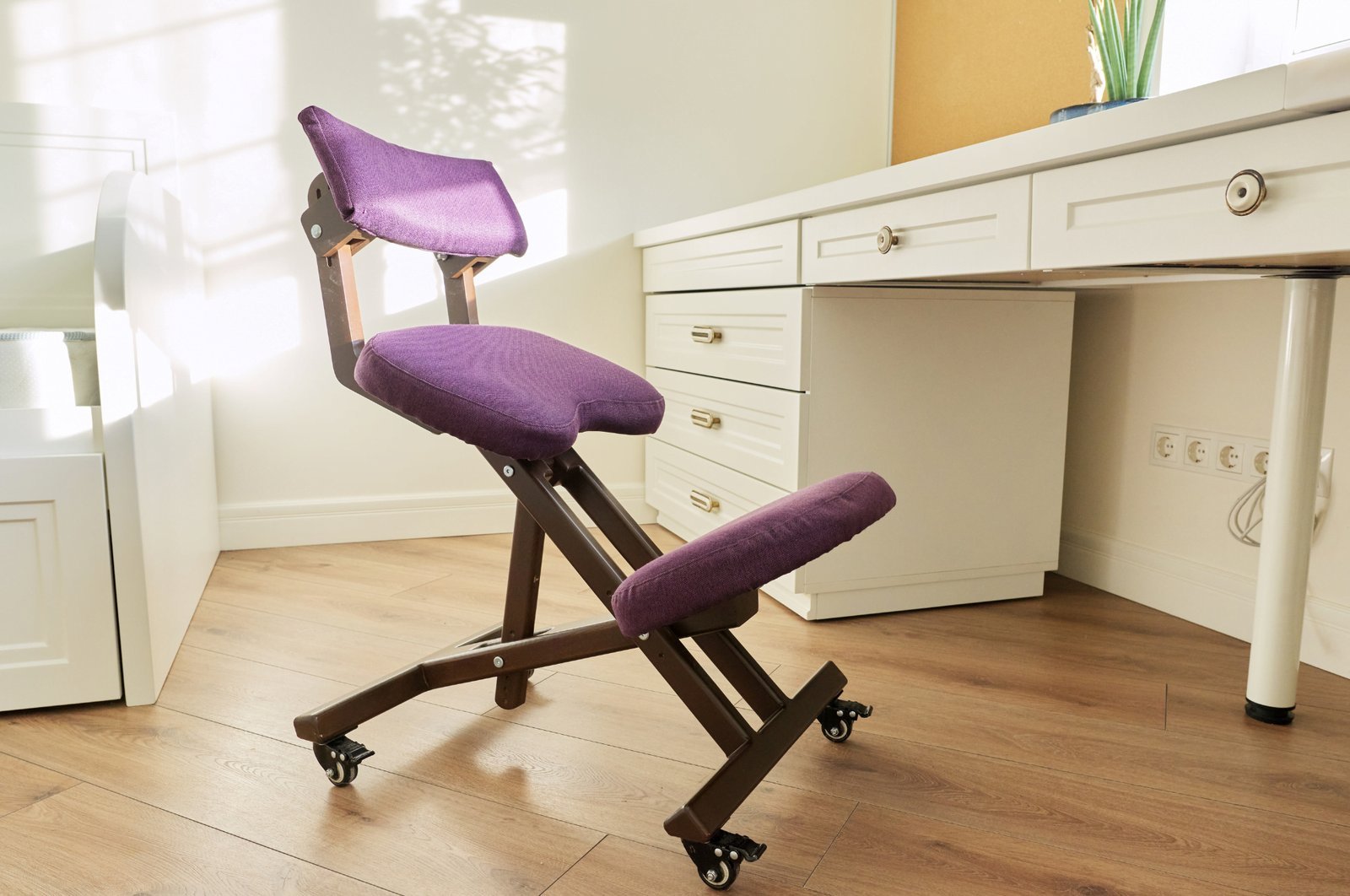
Yes, it’s safe for many people, but it requires strong core muscles to maintain balance. This isn’t for those with existing knee issues, as the design places significant pressure on the knee joints.
Why does my back hurt after one hour?
About one hour of sitting often leads to muscle fatigue if your chair doesn’t support your lumbar curve. Check your posture and ensure your feet are flat on the floor to reduce this strain.
Does it matter if the chair is mesh or leather?
No, the material doesn’t affect your back support as long as the frame is solid. Mesh keeps you cooler, which may help you stay in the correct position longer without shifting around.
What happens if the seat is too soft?
It causes your hips to sink, which ruins your spine’s natural alignment. A firm seat with high-density foam provides better long-term support for your lower back than a soft, plush cushion.
Final Thoughts
Investing in the right seat won’t just improve your posture; it’ll help you stay energized throughout your workday. Don’t settle for discomfort any longer. Take a moment this week to visit a local showroom, test a few models in person, and you’ll find the perfect fit for your body’s unique needs.