
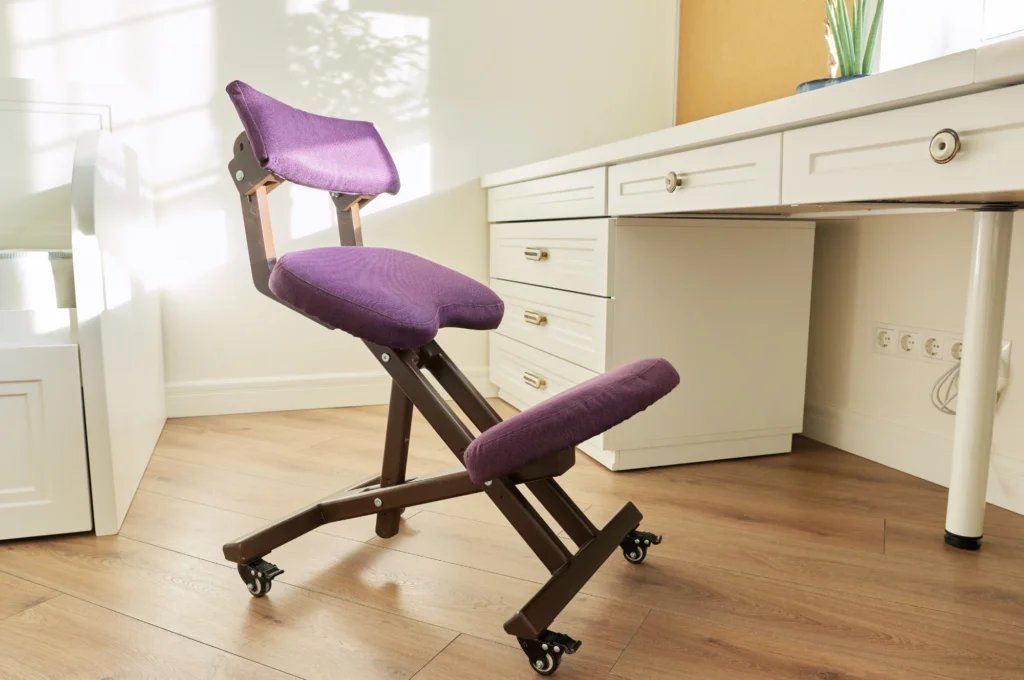
An ergonomic chair with adjustable lumbar support is the best chair for office back problems because it maintains the spine’s natural curve. If your budget is tight, a simple chair with a separate lumbar pillow often provides the same physical benefit.
Finding the Best Chair for Office Back Problems
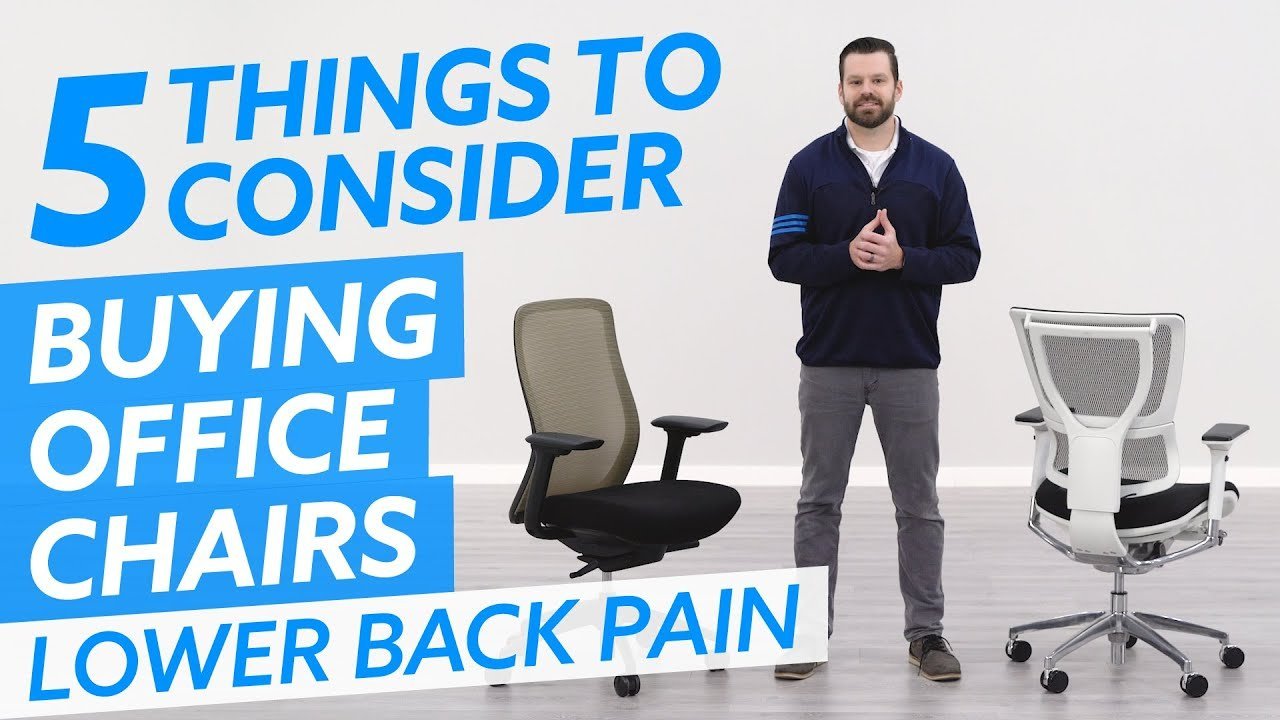
Choosing the right seat depends on your specific needs and how much time you spend at a desk.
| Method | How long | Effort | Cost | Best for |
|---|---|---|---|---|
| Ergonomic Task Chair | Lifetime | Low | High | Daily long-term use |
| Lumbar Pillow Add-on | Instant | Low | Low | Quick back relief |
| Standing Desk Setup | Variable | High | Medium | Preventing stiffness |
If you sit for more than six hours daily, prioritize the ergonomic chair. A cheap chair forces your muscles to stabilize your spine, leading to fatigue by midday. If you feel sharp pain in your lower back, use the lumbar pillow immediately. However, don’t use a pillow if your chair already has built-in lumbar support. You’ll only push your spine into an unnatural curve.
Choose the standing desk only if you can commit to a 50/50 split between sitting and standing. If you stand for the entire shift, you risk foot strain and circulation issues. Use this rule: if your feet ache, sit; if your focus wanes, stand.
Adjustable ergonomic task chairs
These chairs provide a firm base for your spine through specific mechanical controls.
- Adjust the seat height so your feet rest flat on the floor.
- Slide the seat pan forward or backward until you have two fingers of space behind your knees.
- Move the lumbar support up or down to fill the inward curve of your lower back.
- Set the armrests to a height where your shoulders stay relaxed and not hunched.
These chairs excel at keeping your posture stable during eight-hour shifts. However, this varies by model—check the label for weight capacity and height limits. If you’re exceptionally tall or short, you might find standard adjustments don’t reach your specific pressure points.
External lumbar support pillows
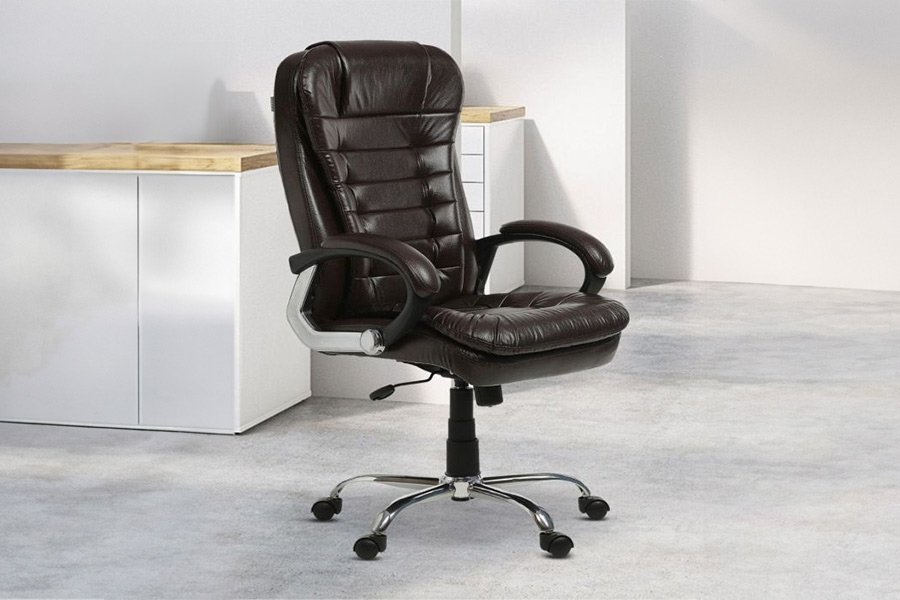
This is a low-cost way to fix a chair that currently lacks proper lower back support.
- Place the cushion against the backrest of your current office chair.
- Sit down and slide the cushion until it presses firmly into the arch of your lumbar spine.
- Secure the straps around the chair frame to stop the pillow from shifting while you lean.
- Test the depth by sitting for ten minutes; if your back feels pushed too far forward, remove the pillow.
These work well because they’re portable and cheap. This isn’t for people who prefer a flat backrest, as the added thickness can force some users into an awkward, rounded shoulder position.
Standing desk workstations
Changing your position helps reduce the pressure on your discs caused by sitting for long periods.
- Raise the desk surface until it sits at your elbow height.
- Keep your screen at eye level so your neck stays neutral.
- Wear supportive shoes to reduce strain on your feet and ankles.
- Alternate between sitting and standing every 30 to 60 minutes to keep your muscles active.
The Occupational Safety and Health Administration guidelines note that maintaining a neutral body posture is key to preventing musculoskeletal discomfort. This method requires a desk that moves, which is a trade-off in cost. If you have existing knee or foot pain, standing for too long may worsen those issues rather than help your back.
Which one should you use?
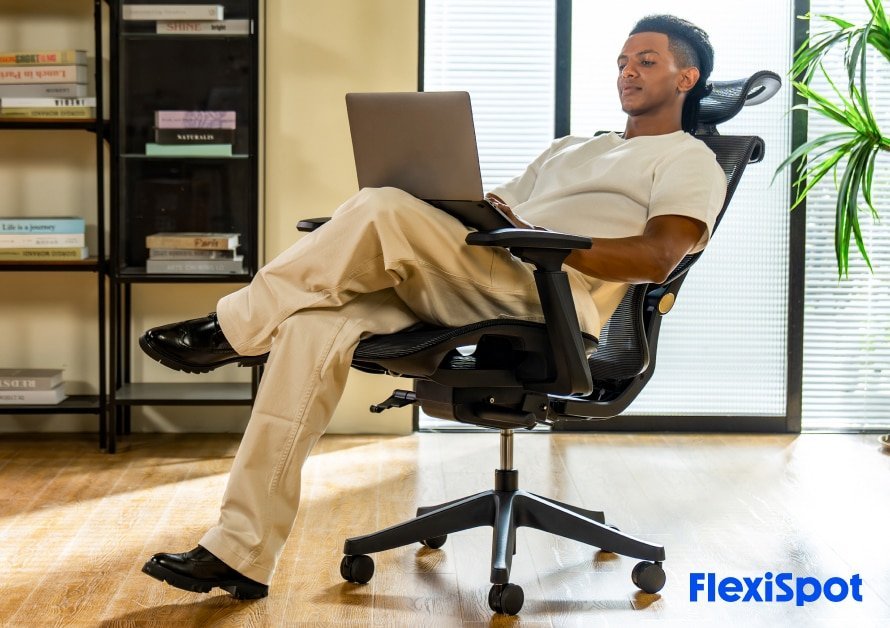
If you’re in a hurry, buy a firm lumbar pillow to add support to your current chair immediately. This is the fastest way to get relief without replacing your furniture. If you’re doing this for the first time, start with an ergonomic task chair that offers multiple adjustment points for seat depth and lumbar height. This gives you the best chance of finding a fit that works for your body type. If you want the best possible result whatever it takes, combine a high-end ergonomic chair with a standing desk. This lets you cycle through different postures, which is the most effective way to avoid the fatigue that comes from staying in one position all day.
The rules that apply whichever way you choose
You must always keep your hips higher than your knees to maintain proper blood flow and spinal alignment. This simple angle prevents the pelvis from tilting backward, which is the primary cause of lumbar disc compression. Check your setup every morning to ensure the chair settings haven’t drifted during use.
If you experience sharp, shooting pain that doesn’t vanish after shifting your posture, stop using the equipment immediately and consult a physical therapist. Don’t assume a high price tag guarantees a fit for your specific height or frame. Many premium chairs are designed for a standard range, often excluding those under 5’4” or over 6’2”.
Always verify your measurements against the manufacturer’s official size guide before you purchase. A chair that’s too large forces you to hunch forward to reach the desk, while one too small leaves your thighs unsupported. Both errors increase back discomfort significantly over time.