
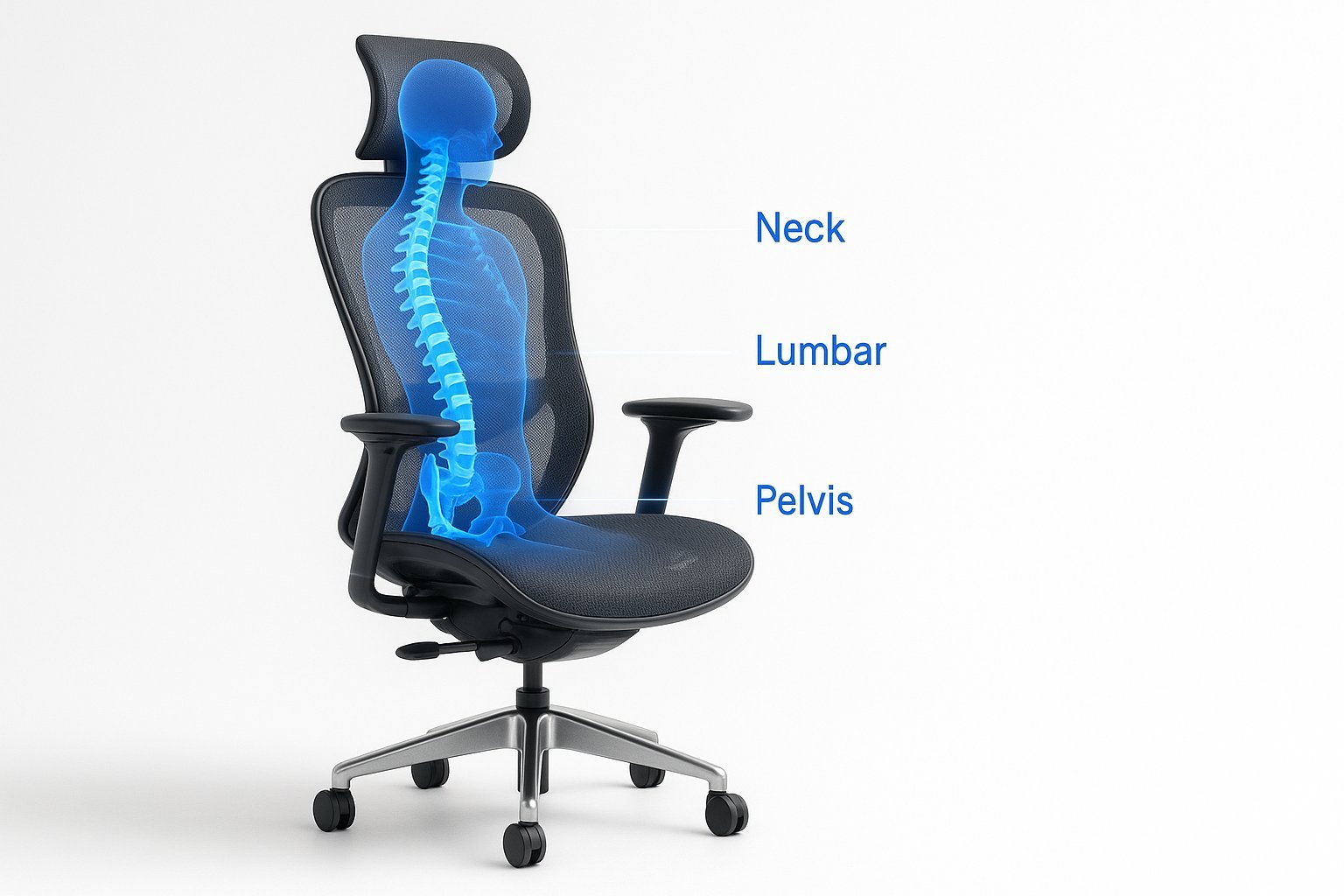
Selecting office chairs for lower back problems requires focusing on lumbar support that maintains the natural inward curve of your spine. Most people find relief when the chair forces them to sit upright rather than slouching, as this reduces pressure on the lower discs. This guide covers how to identify, adjust, and maintain the right seating to prevent long-term discomfort.
Choosing office chairs for lower back problems
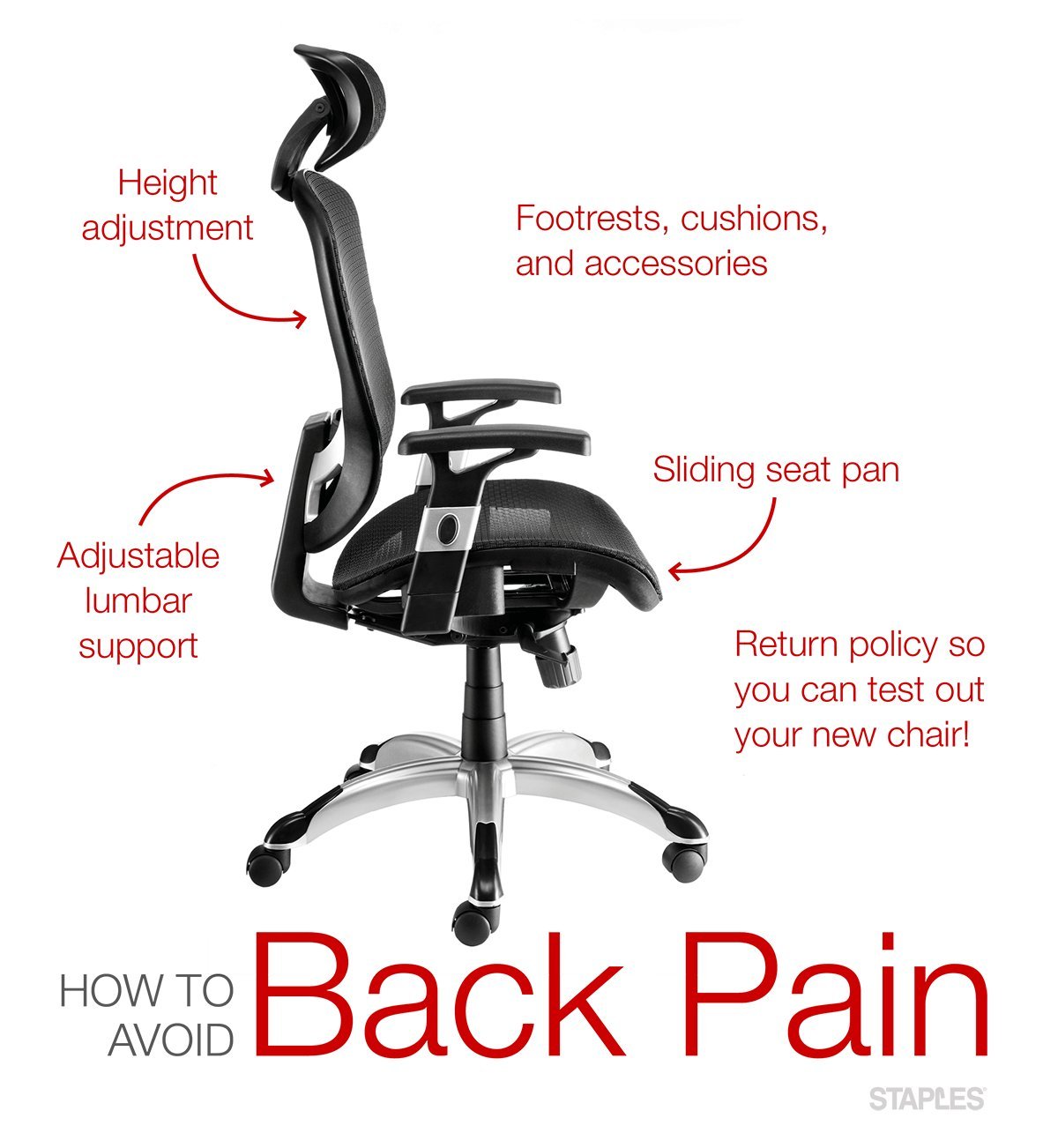
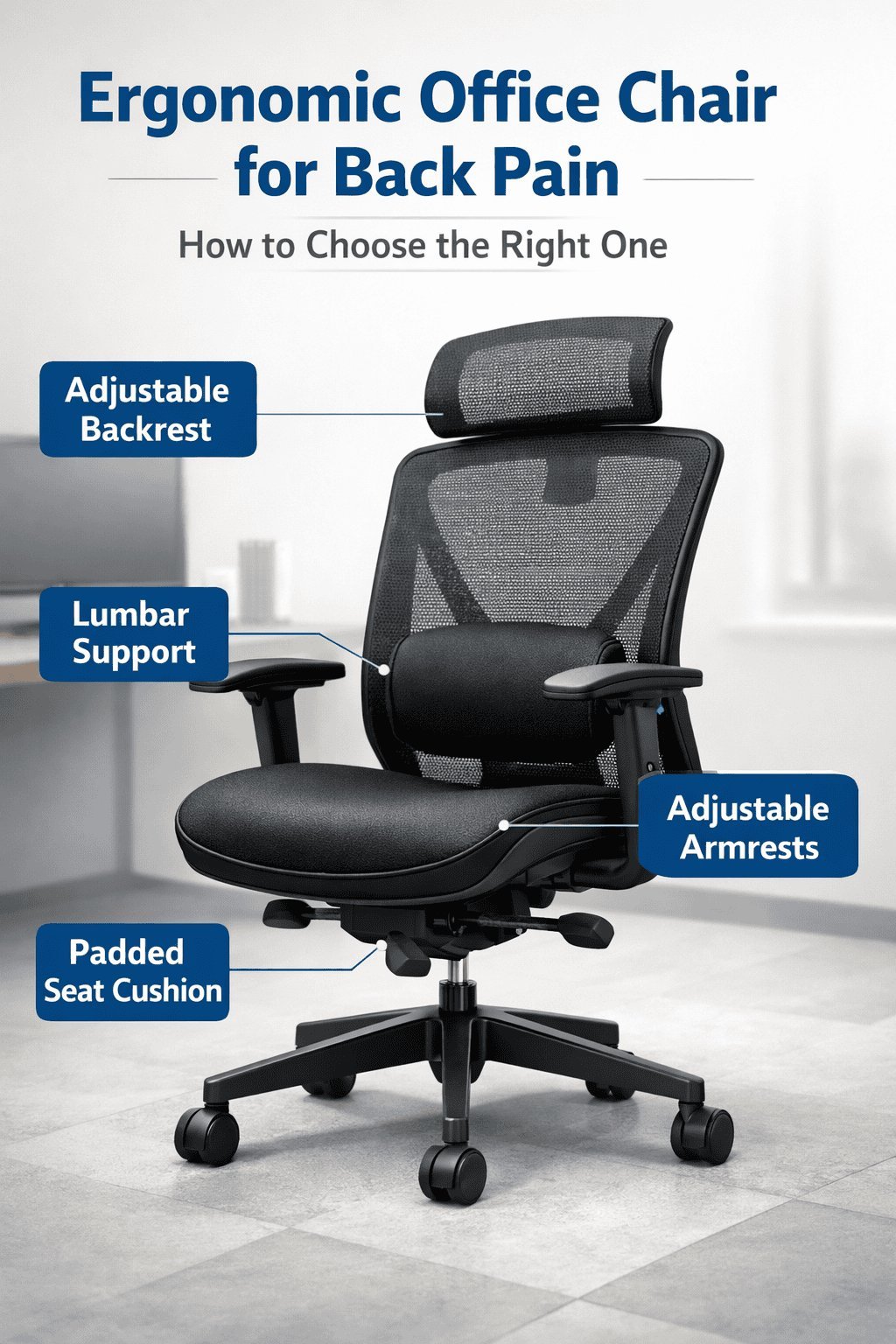
These chairs are designed to align your spine while you work at a desk. They’re for anyone who spends more than three hours a day seated. A common mistake is buying a chair based on looks; if the chair is beautiful but lacks adjustable lumbar height, it won’t help your back. The core mechanism is the lumbar support, which must push against the small of your back to prevent the pelvis from tilting backward. According to the Occupational Safety and Health Administration, a chair should have a backrest that supports your lower back’s natural curve and allows for adjustments to the seat height and tilt to maintain neutral posture.
The basic method
- Set the seat height so your feet rest flat on the floor with your knees at a ninety-degree angle.
- Slide your hips all the way back until they touch the rear of the seat cushion.
- Adjust the lumbar support height until the firmest part of the curve sits directly against your lower back.
- Set the seat depth so there’s a two-inch gap between the edge of the seat and the back of your knees.
- Lean back slightly to shift your weight onto the backrest, which reduces the load on your spine.
- Engage the tilt tension so the chair supports your weight without pushing you forward.
The crucial decision is the depth of the seat. If the seat is too deep, your knees will hit the edge and force you to scoot forward, losing the lumbar support. If it’s too shallow, your thighs will lack support and tire your legs. Professional fitting is recommended if you have a history of chronic pain.
Key numbers and settings at a glance
The table below assumes a standard adult height between five-foot-four and six-foot-two.
| Situation | What to use | How long | What to watch for |
|---|---|---|---|
| Long desk hours | Adjustable lumbar | 8+ hours | Pressure points |
| Short stature | Footrest | 4-6 hours | Dangling feet |
| Reclining tasks | Tilt lock | 2-3 hours | Neck strain |
| Upright typing | 90-degree tilt | 6-8 hours | Slouching |
What separates good results from bad ones
Proper alignment techniques
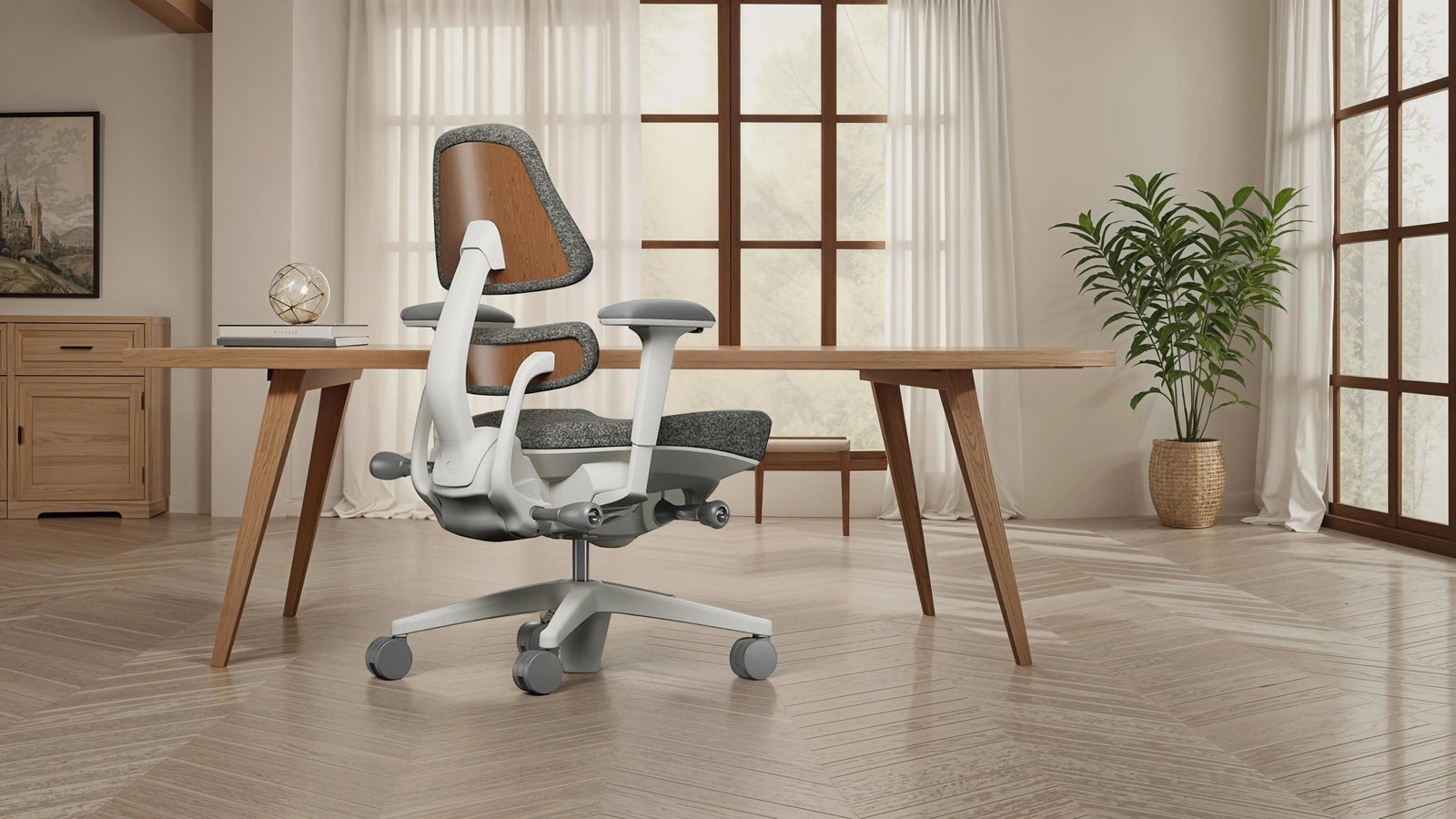
Experienced users start by adjusting the chair from the ground up, beginning with feet placement. If your feet don’t touch the floor firmly, your legs will pull your pelvis into a tilt, which ruins the benefit of any chair. Once the feet are set, they adjust the seat pan to ensure the weight is distributed across the thighs rather than just the tailbone. They never rely on the chair to “fix” their posture; instead, they check their position every hour.
What to leave alone
Don’t over-tighten the tilt tension. If the chair is too rigid, you’ll feel forced into one position, which prevents the micro-movements that keep muscles from stiffening. Leave the tension loose enough to allow for slight leaning, as this movement encourages blood flow to the lower back. This varies by model — check the label for the tension adjustment dial location.
Common problems and quick fixes
| What you notice | What it usually means | What to do first |
|---|---|---|
| Lower back pain | Unsupported lumbar | Adjust height of lumbar pad |
| Legs falling asleep | Seat depth too long | Adjust seat pan depth |
| Sliding forward | Tilt tension too loose | Tighten the tilt knob |
| Neck stiffness | Chair too low | Raise seat height |
Standards and physical limits
The American National Standards Institute (ANSI) and the Business and Institutional Furniture Manufacturers Association (BIFMA) set the technical benchmarks for chair stability and durability. These standards ensure that the chair can withstand daily use without mechanical failure. However, no chair is a substitute for medical advice. If your back pain is sharp, radiates down your legs, or causes numbness, this isn’t a do-it-yourself issue. You should consult a physical therapist or a doctor, as they can diagnose if your pain is caused by structural issues that no office chair can correct.
Maintaining your equipment
Check the gas cylinder and bolts regularly to ensure they remain tight.
When to use a different approach
If your work requires you to stand frequently or move around a lab, a standard office chair will actually hinder your workflow. In these cases, consider a sit-stand desk that allows you to change positions throughout the day. If you have a diagnosed spinal condition, a standard chair won’t suffice; seek a custom ergonomic assessment from a specialist who can recommend medical-grade seating tailored to your specific anatomy.