
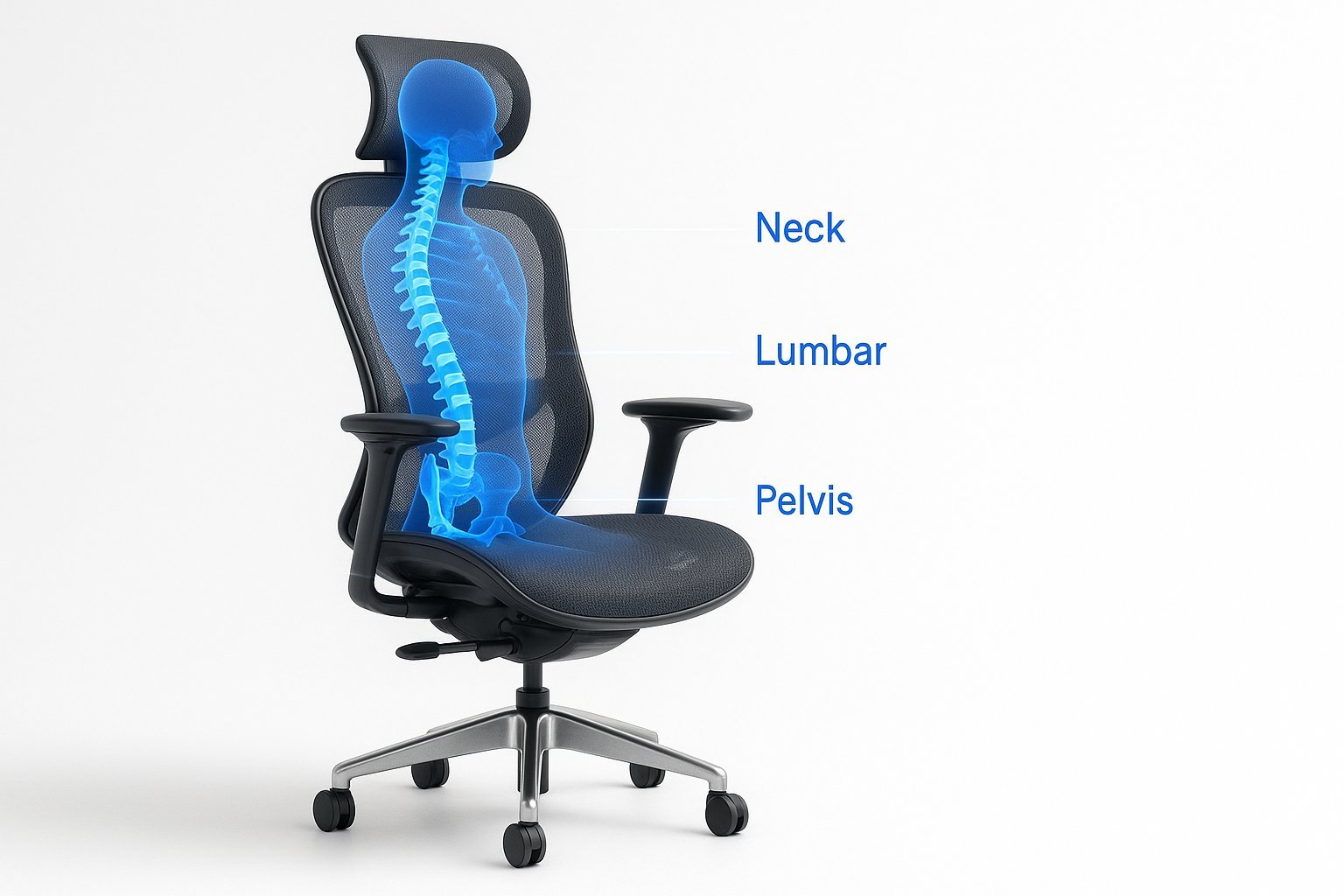
Effective chairs for lower back problems are those that provide firm lumbar support and allow you to keep your feet flat on the floor with your knees at a right angle. Choosing the right seat is essential for reducing spinal pressure during long periods of seated work.
Choosing Chairs for Lower Back Problems
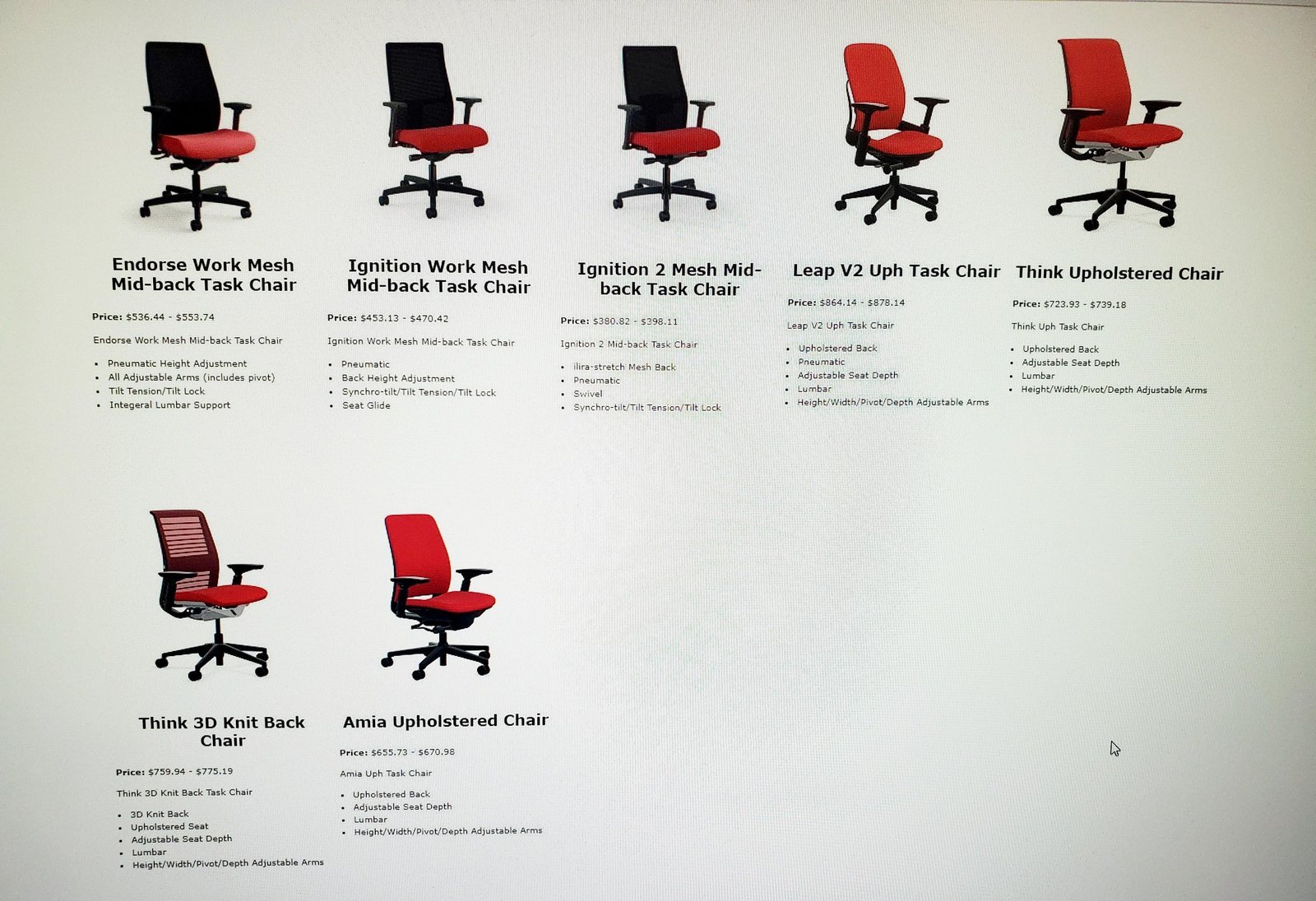
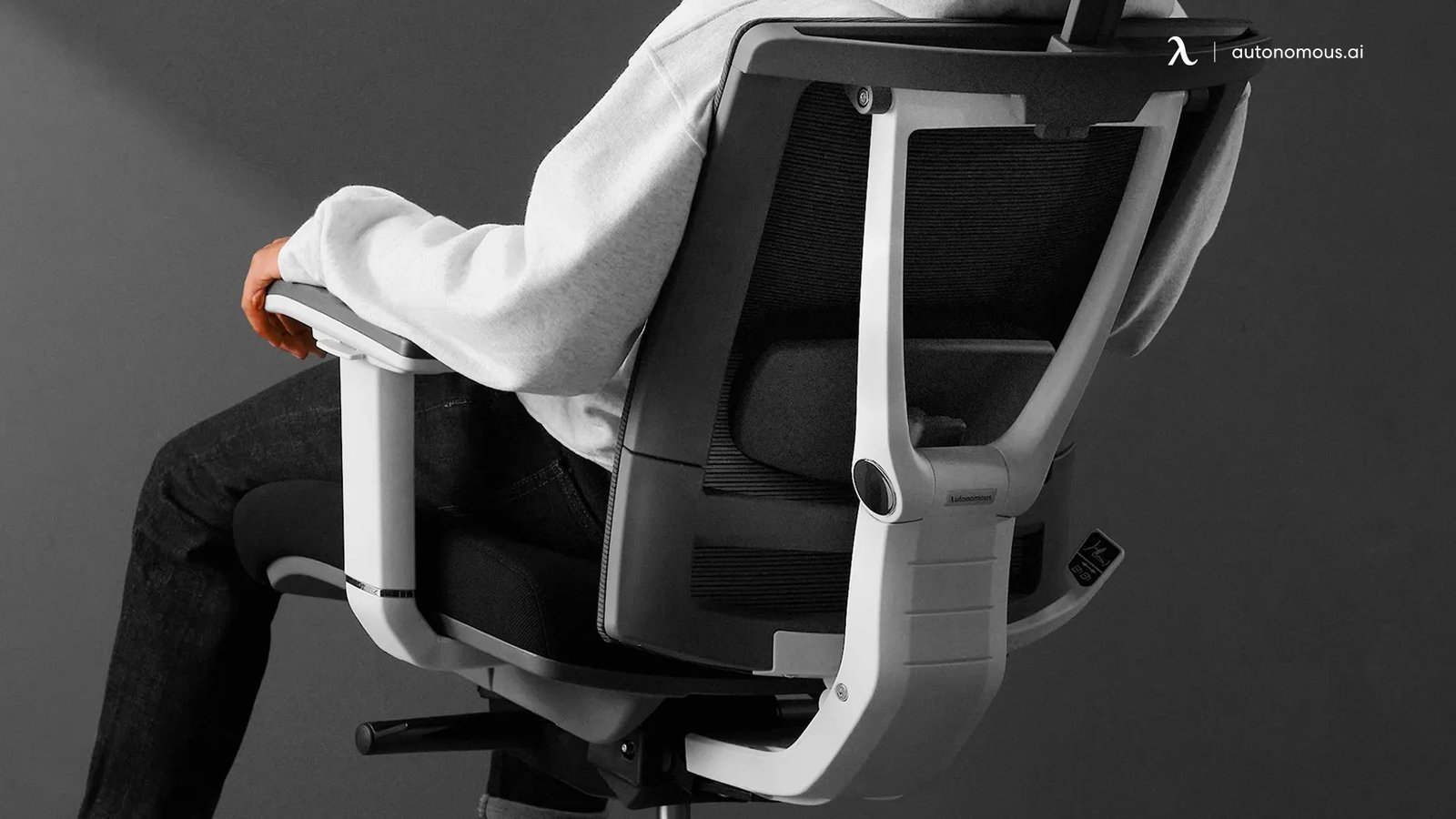
An ergonomic chair is designed to support the natural curve of your spine. While many people believe that a softer seat is better for comfort, it often leads to poor posture and increased strain. The goal is to keep your pelvis in a neutral position, which prevents the lower back muscles from overworking. If you’re tall, look for a chair with a deeper seat pan; if you’re short, ensure the seat depth allows you to sit back without the edge pressing into your calves.
The basic method
- Adjust the seat height so your feet rest flat on the floor and your thighs are horizontal.
- Position the lumbar support so it fits snugly into the inward curve of your lower back.
- Set the seat depth by leaving a gap of two to three fingers between the back of your knees and the seat edge.
- Adjust the backrest angle to about 100 to 110 degrees to reduce pressure on your spinal discs.
- Set the armrests so your shoulders remain relaxed and your elbows stay at a 90-degree angle while typing.
- Test the tilt tension to ensure the chair moves with you, providing constant support as you shift your weight.
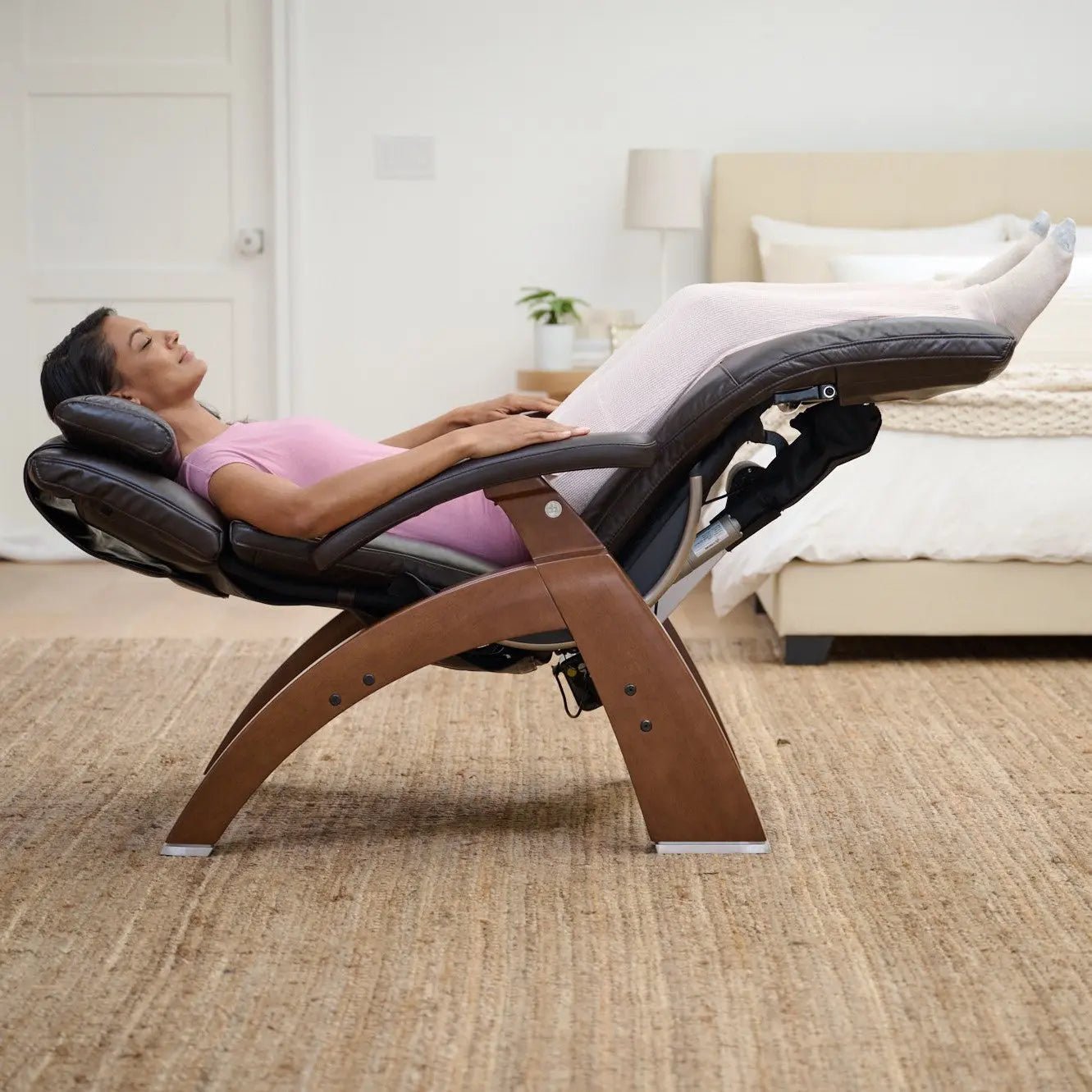
The key decision is choosing between a fixed backrest and a dynamic one. If you move often, a dynamic tilt is better; if you perform steady, focused tasks, a locked position is more supportive. According to the Occupational Safety and Health Administration, proper workstation setup is necessary to prevent musculoskeletal injuries.
Key numbers and settings at a glance
The following settings provide a starting point for most adults. Adjust these based on your comfort and desk height.
Proper posture and adjustments
Experienced users know that preparation starts before you even sit down. First, clear the area under your desk to ensure your legs have full range of motion. People often make the mistake of tucking their feet behind the chair legs, which forces the pelvis to tilt forward and puts unnecessary strain on the lumbar spine. This costs you physical energy and leads to stiffness by the end of the day.
When adjusting your chair, follow a bottom-up approach. Start with your feet and work your way to the armrests. Check your alignment every few hours. If you feel yourself slouching, don’t just push your shoulders back; stand up and reset your hips. This isn’t for those who prefer to sit in a rigid, motionless position all day, as the body requires frequent micro-movements to keep the blood flowing and the muscles active.
Common problems and quick fixes
| What you notice | What it usually means | What to do first |
|---|---|---|
| Lower back ache | Poor lumbar placement | Adjust support height |
| Numbness in legs | Seat edge pressure | Reduce seat depth |
| Shoulder tension | Armrests too high | Lower armrest height |
| Sliding forward | Seat tilt is wrong | Level the seat pan |
Regulatory and ergonomic standards
Standards for office furniture are defined by the American National Standards Institute (ANSI) and the Business and Institutional Furniture Manufacturers Association (BIFMA). These bodies set the requirements for durability and adjustability to ensure chairs maintain their structural integrity over years of use. If you have chronic pain, consult a physical therapist before buying expensive equipment, as they can assess your specific spinal needs. If you require specialized medical equipment, don’t attempt to modify a standard chair yourself, as this can void the safety warranty or lead to improper support that worsens your condition.
Maintaining your chair equipment
Keep your chair in top condition by periodically checking bolts and cleaning the wheels to prevent debris buildup. If fabric sags or the hydraulic lift fails, contact the manufacturer for replacement parts rather than attempting dangerous internal repairs.