
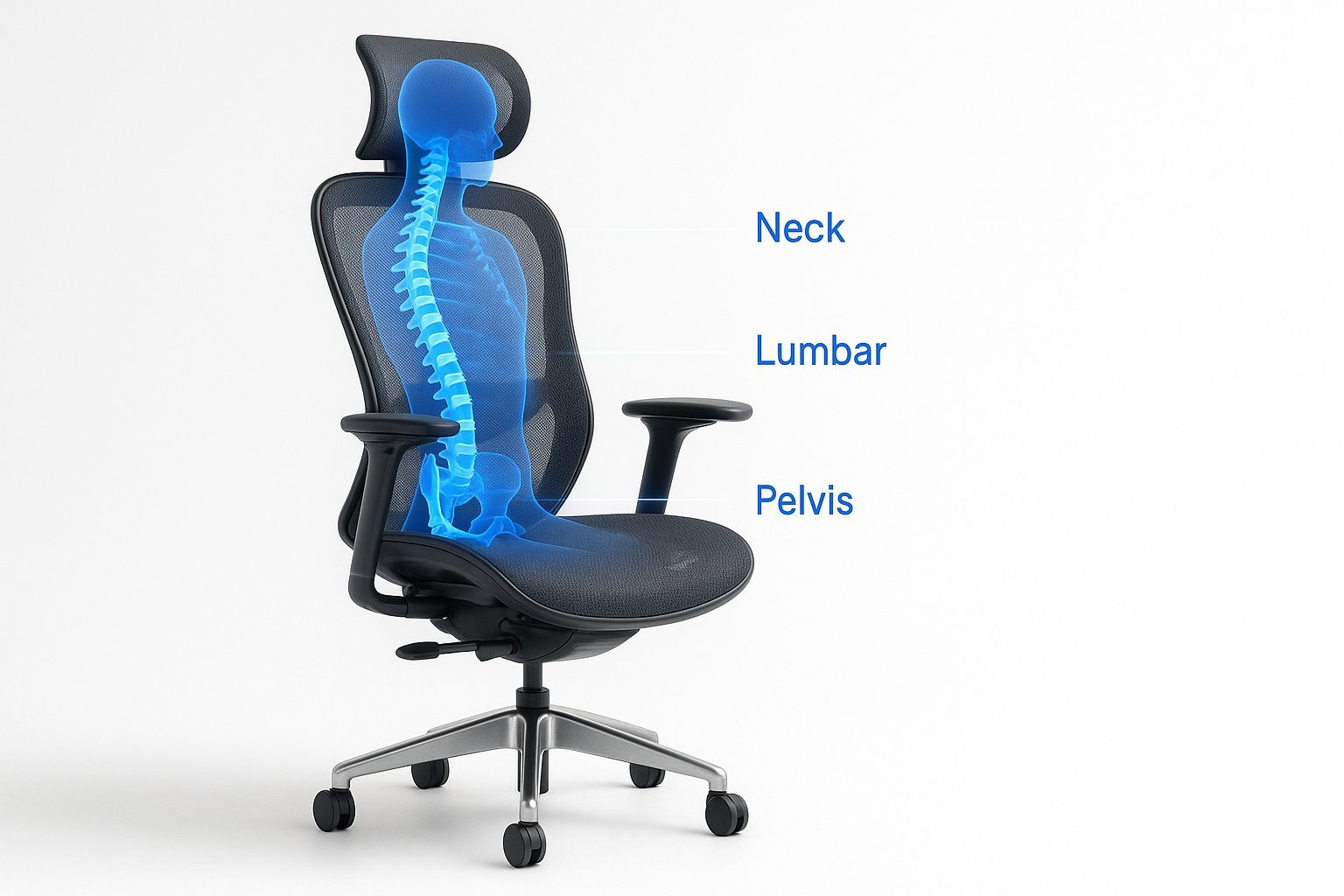
An ergonomic chair with adjustable lumbar support is the best office chair for back problems because it maintains the natural curve of your spine. If you have severe chronic pain, consult a physical therapist before buying, as your specific condition might require a specialized medical seat.
The Best Office Chair for Back Problems
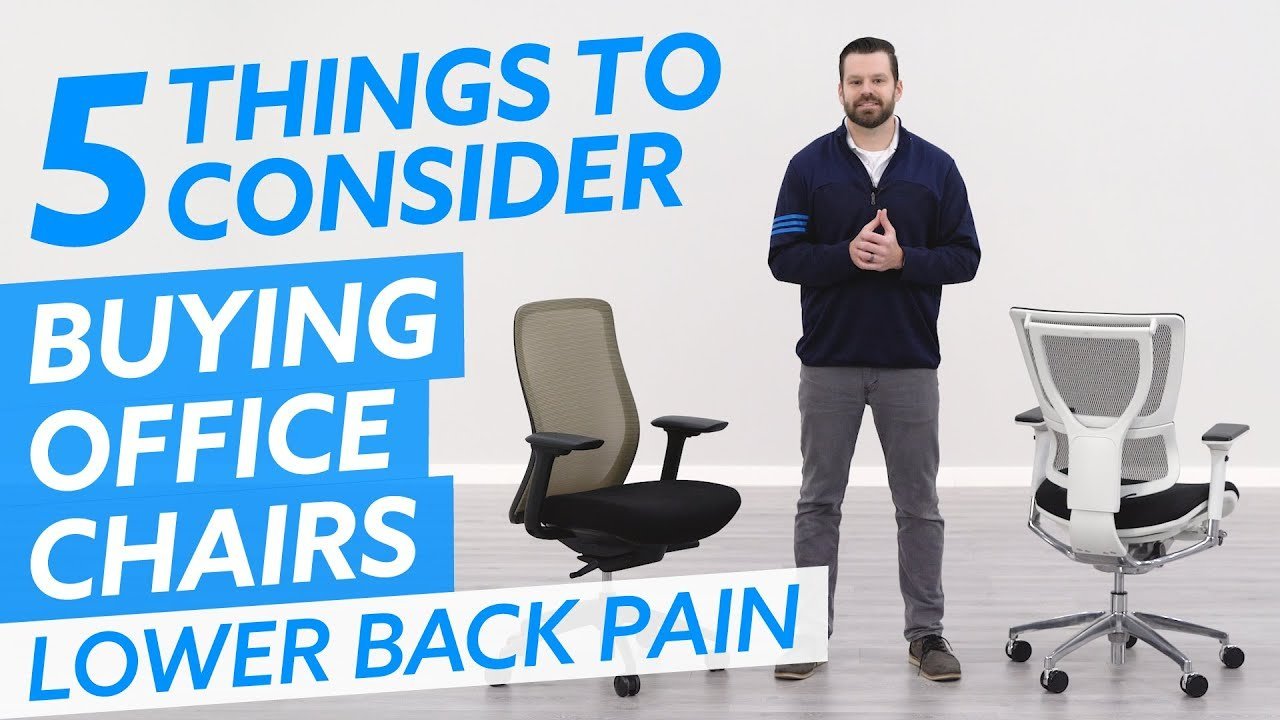
Choosing the right seat depends on your daily desk time and your budget for hardware. If you spend over six hours seated, prioritize an ergonomic chair with adjustable armrests and seat depth. These features prevent the chronic lower back strain that cheaper, fixed-frame alternatives often ignore.
| Method | How long | Effort | Cost | Best for |
|---|---|---|---|---|
| Ergonomic Chair | Permanent | Low | High | Daily office work |
| Lumbar Cushion | Temporary | Low | Low | Quick adjustments |
| Standing Desk | Daily | High | Medium | Active movement |
Use a lumbar cushion only if you’re traveling or working from a temporary space for under two hours. If you suffer from sciatica, avoid cushions entirely; they often push your pelvis forward, worsening nerve compression. Use a standing desk if you can commit to a 30-minute rotation cycle. If you can’t stand for at least one hour daily, the desk becomes an expensive, unused shelf.
Adjustable ergonomic seating
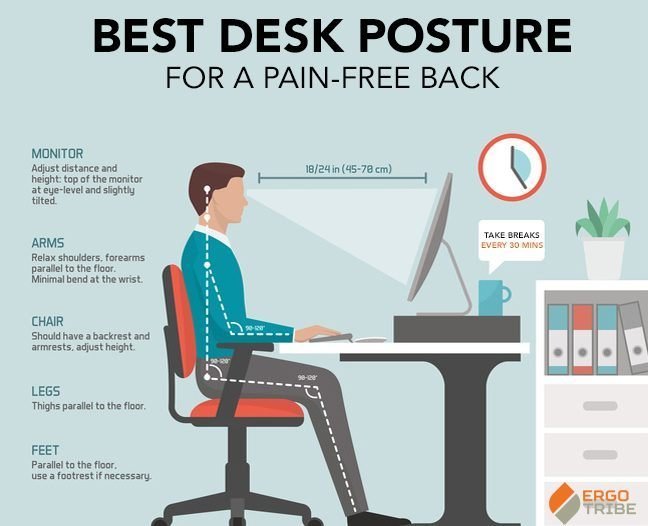
An ergonomic chair allows you to modify the height, armrests, and seat depth to match your anatomy. Start by setting the seat height so your feet rest flat on the floor with your knees at a ninety-degree angle. Adjust the lumbar support to press firmly against the natural inward curve of your lower back. Finally, set the armrests so your shoulders stay relaxed while your elbows sit at a ninety-degree bend. This setup reduces strain on your neck and shoulders during long sessions. It’s excellent for professional environments where you sit for eight hours or more. However, this varies by model — check the label for weight limits and height ranges before you purchase.
Adding a support cushion
A lumbar support cushion is a portable pad designed to fill the gap between your lower back and the chair frame. Place the cushion at the base of your chair, ensuring the thickest part aligns with the small of your back. Sit back fully so your spine touches the padding, which prevents you from slouching forward. This works well with existing furniture that lacks proper contouring. If you’re using a soft sofa or a dining chair, the cushion provides immediate relief by keeping the pelvis in a neutral position. A common mistake is placing the cushion too high, which pushes the shoulders forward and increases neck tension. This isn’t for people who need full-back support or have scoliosis.
Using a standing desk
A standing desk encourages you to shift your weight and use your leg muscles, which prevents the static load on your spine. Begin by raising the desk so your keyboard is at elbow height while standing upright. Keep your screen at eye level to avoid looking down, which protects your cervical spine. If you’re new to this, stand for only twenty minutes at a time, then alternate back to a seated position. The Occupational Safety and Health Administration guidelines suggest that frequent posture changes prevent muscle fatigue and discomfort. This is a great way to stay active, but it requires a high-quality mat to prevent foot pain.
Which one should you use?
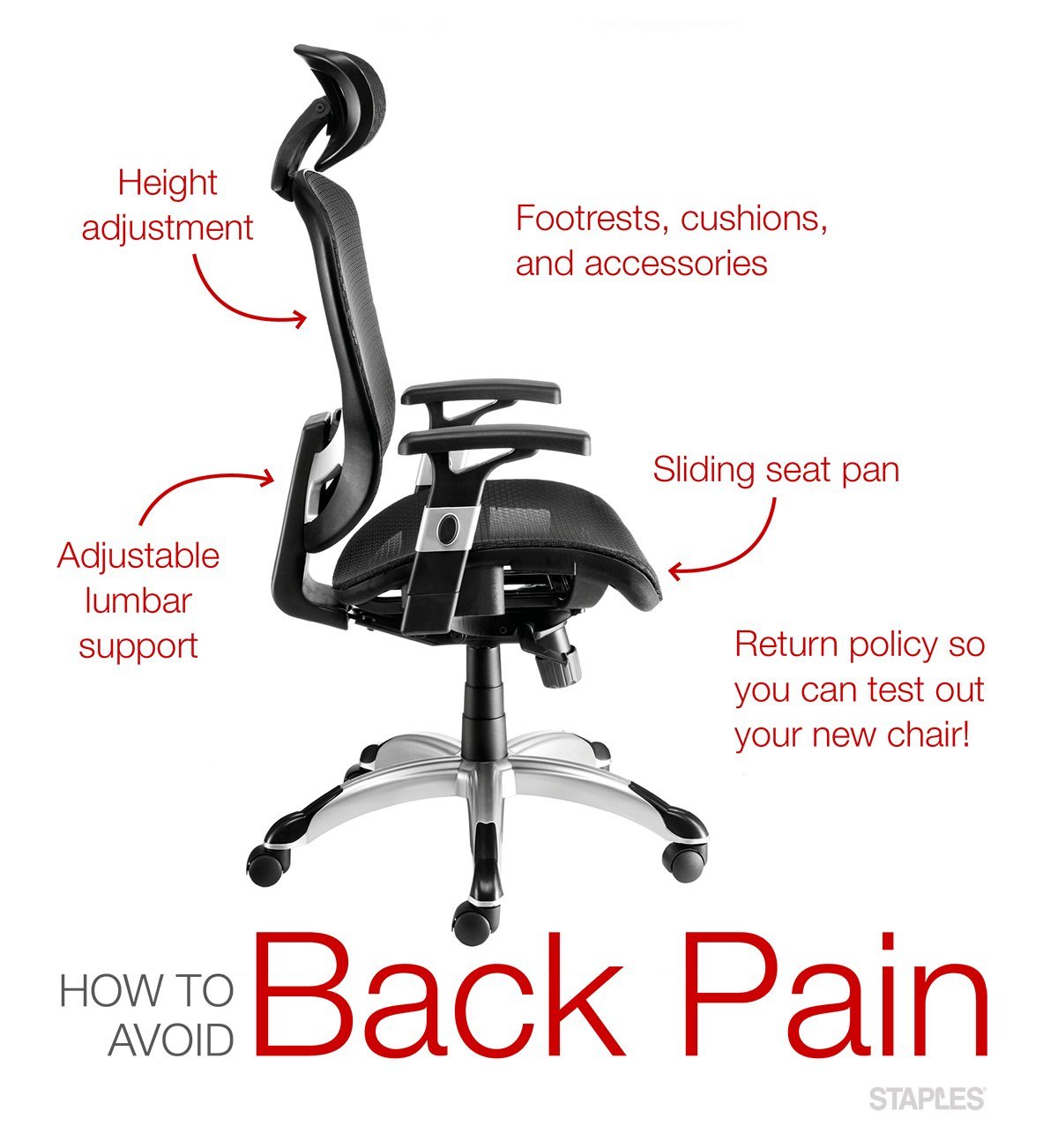
Use an ergonomic chair when you want the best possible result for long-term spinal health, as it provides the most comprehensive support. If you’re doing this for the first time, start with a lumbar cushion because it’s a low-cost way to test if extra support helps your symptoms. When you’re in a hurry and need an immediate fix for a stiff back, a standing desk is the best choice because it forces you to move and break the cycle of sitting. Keep in mind the trade-off: chairs offer comfort for long periods, while standing desks demand more physical effort from your body throughout the day.
The rules that apply whichever way you choose
Always prioritize a neutral spine position, where your ears, shoulders, and hips form a straight vertical line. This alignment prevents the chronic lower back strain that plagues most office workers. Before you begin, clear your workspace to ensure you have enough room for your feet and equipment.
Check your posture every hour. If you feel sharp pain in your neck or lower lumbar region, stop immediately and readjust your seat height or stand up to walk for five minutes. This movement resets your muscles and prevents long-term fatigue.
At the end of the day, store your equipment properly to keep your workspace clear for the next morning. If you have a pre-existing medical condition, you may need a doctor’s referral to get a chair that meets specific clinical safety standards for your unique spine. If you can’t maintain a neutral posture even with these adjustments, consult a physical therapist before purchasing expensive ergonomic furniture.