
The Motia and Jarvis are two standing desks I would look at for a home office. Both let me switch between sitting and standing with an electric lift. But they are built for different needs. The Motia feels more like a work desk made for a clean office setup.
The Jarvis feels more flexible for a home setup. I like that it comes in many top sizes and can fit both small and large work areas. The Motia is also made to work with office add-ons like monitor arms and cable tools.
In this Motia Desk vs Jarvis Desk review, I looked at lift range, desk size, load limit, setup, and daily use. I also checked how each desk may fit a US home office. In short, Motia is a strong choice for a clean work setup, while Jarvis gives more room to build a desk around your own needs.
Herman Miller Motia Desk Review
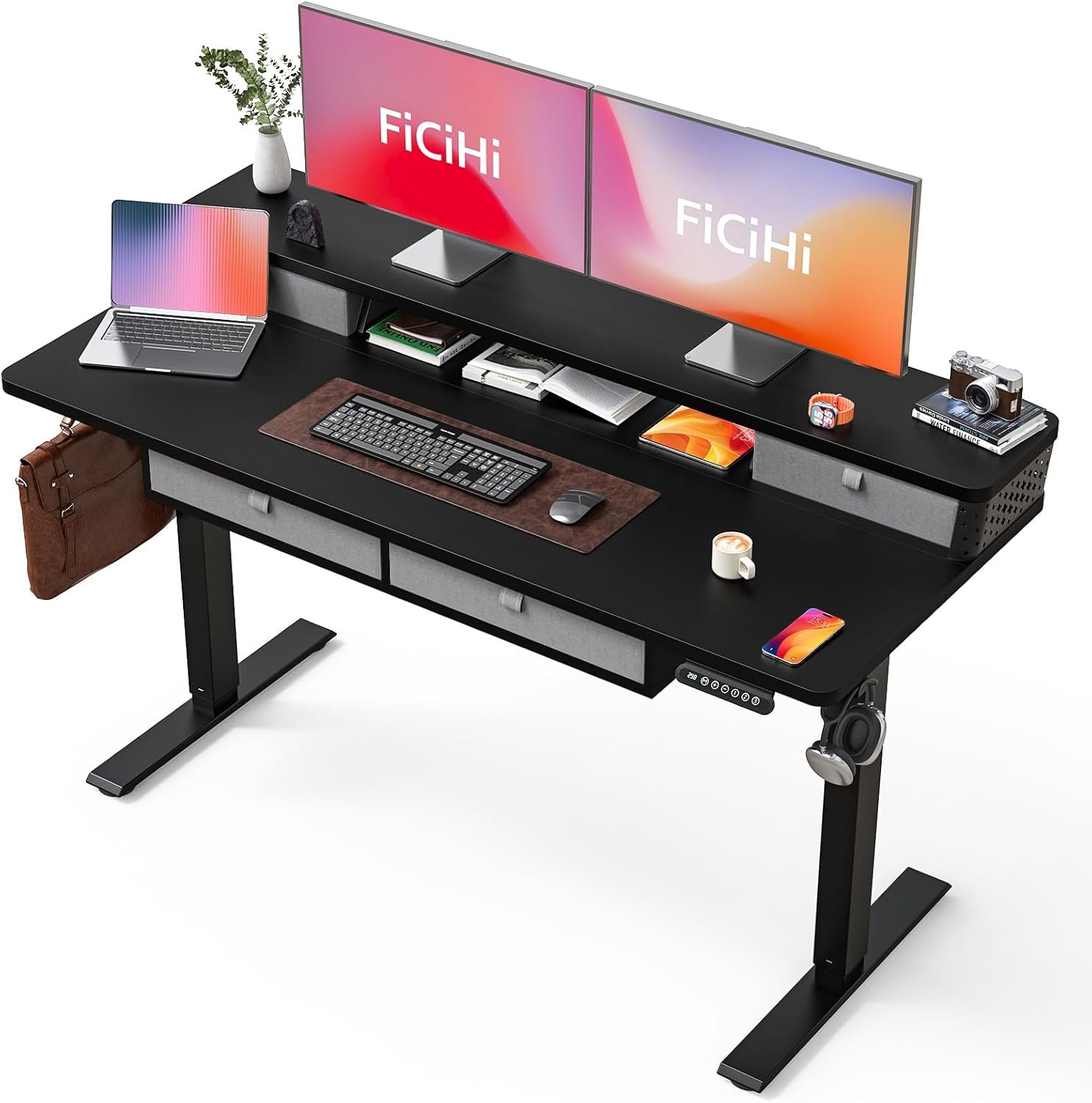
The Herman Miller Motia is a good standing desk for a neat work space. I like its simple look and the wide range of desk sizes. The main rectangular model comes in 48 to 72 inches wide and 24 or 30 inches deep. That gives me enough room for a laptop, monitor, and other desk gear.
The electric lift is the part I notice most in daily use. I can move the desk from sitting height to standing height without leaving my work area. The standard electric frame goes from 27 to 46 inches. There is also an extended frame that goes from 22 to 48 inches.
I also like the 250-pound lift limit. That is enough for a normal US home office with one or more screens, a laptop, speakers, and other gear. Still, I would keep the total load in mind if I planned a very heavy setup.
Motia also gives me more ways to keep the desk area clean. It can work with cable trays, monitor arms, keyboard supports, and CPU holders. That makes it useful when I want a work area with fewer loose cables.
The desk needs some setup, but Herman Miller says it uses minimal assembly. I would still set aside time to build it with care. Once it is ready, the simple electric controls make changing height easy.
For me, Motia makes the most sense when I want a work desk that feels like part of a full office system. It is less about extra tricks and more about a clean desk that can move with me during the day.
Pros
- Wide size choice: I like having several width and depth options for different US home offices.
- Strong lift limit: The 250-pound capacity gives me room for a normal work setup.
- Useful add-ons: I can add monitor arms, cable tools, keyboard supports, and other desk parts.
- Good height range: The standard frame covers 27 to 46 inches, while the extended frame goes from 22 to 48 inches.
- Clean work setup: I found the simple shape easy to match with other office furniture.
Cons
- Higher-end buy: Motia is not the desk I would pick when my main goal is to spend as little as possible.
- Large options need space: A 72-inch top can take up a lot of room in a small home office.
- 250-pound limit: Heavy gear users should add up the weight of all items before buying.
Herman Miller Motia Desk Overview
| Feature | Details |
|---|---|
| Power | Electric height adjustment |
| Size | 48–72″ wide × 24 or 30″ deep |
| Material | Laminate, veneer, or Formcoat work surface options |
| Weight | Varies by size and setup |
| Cleaning | Wipe the selected work surface with suitable care products |
| Warranty | 10 years on base, mechanical, and electrical parts; tabletop coverage varies |
The Motia comes in rectangular and extended-corner layouts. The standard electric height range is 27 to 46 inches, while the extended electric version ranges from 22 to 48 inches. The lift limit is 250 pounds.
Is the Herman Miller Motia Desk Good?
Yes, I think the Motia is a good desk for a serious home office. I would use it when I want one desk for both sitting and standing work. The height range gives me enough room to change my work position during the day.
I also like the size choices. A 48-inch desk can work in a smaller room, while a 72-inch top gives me much more room for screens and gear. The 24- and 30-inch depth choices also help with desk placement.
The 250-pound limit is useful for most office setups. I would feel fine using it with a laptop, two monitors, a keyboard, speakers, and other common desk items. I would be more careful with a very heavy studio or gaming setup.
Another good point is the range of add-ons. If I wanted cleaner cables or a better monitor setup, I could build the desk around those needs. That makes the Motia more than just a basic table that moves up and down.
My Recommendation
I would recommend the Motia to US buyers who want a clean electric desk for daily work. I think it is a better fit for people who care about desk size, office add-ons, and long-term use. I would suggest more research for buyers who need a very low-cost desk or have a very heavy setup. If you want a simple desk that can grow with your work space, the Motia is one I would consider.
Fully Jarvis Desk Review
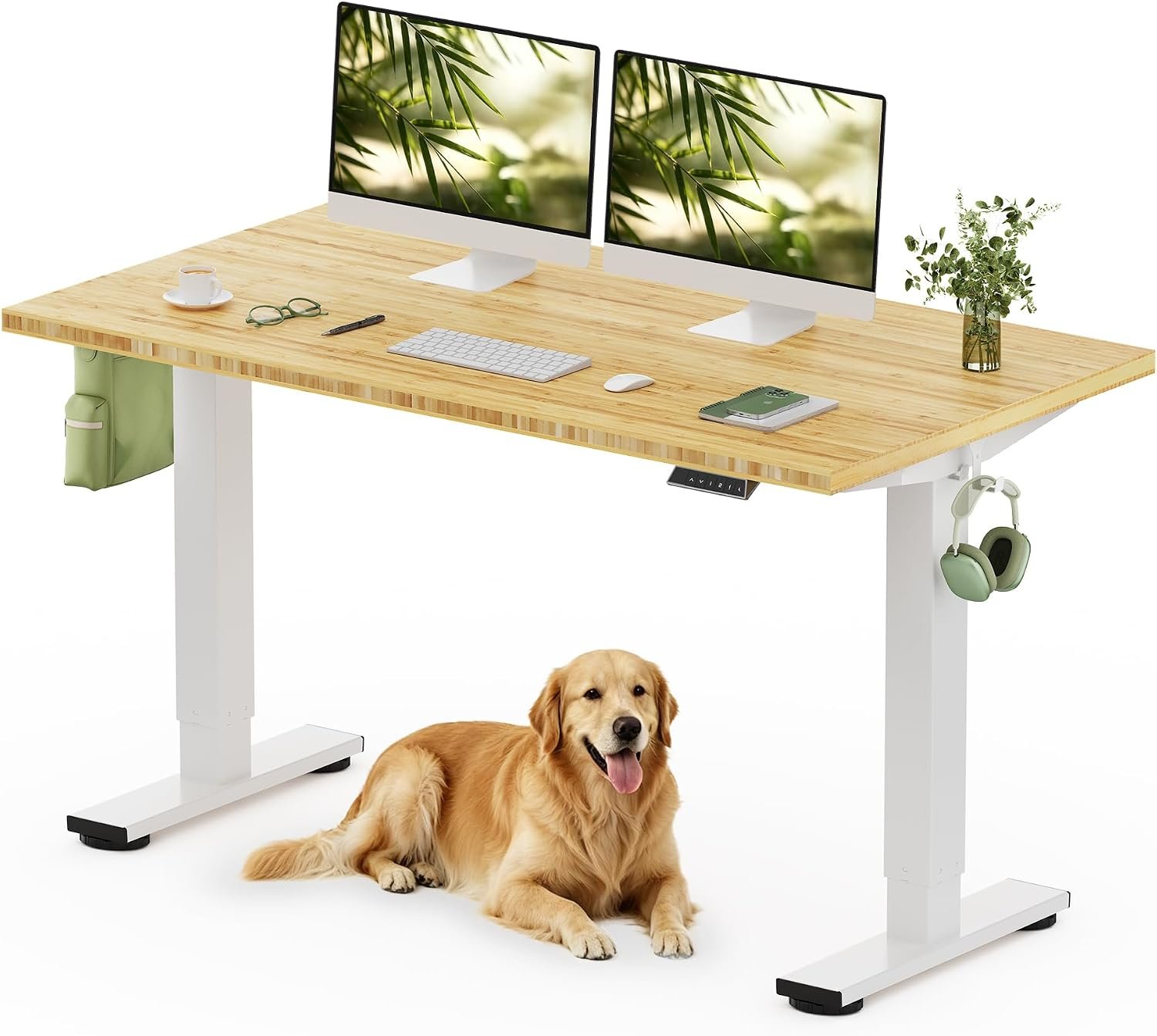
The Fully Jarvis is a standing desk I like for its simple design and wide range of setup choices. It lets me move from sitting to standing with an electric motor. I found it easy to use during a long work day. The desk also gives me many top sizes, so I can pick one that fits my room.
In my Motia Desk vs Jarvis Desk comparison, Jarvis feels more like a flexible home office desk. I can build a setup around my own monitor, laptop, and desk gear. It also works well when I want more room without making the desk feel too complex.
The Jarvis uses a two-leg frame and an electric height system. The exact height range can vary by the frame version. Many Jarvis setups use a memory control panel, which lets me save common sitting and standing heights.
I like this feature when I switch positions many times in one day. Instead of setting the height from scratch, I can use a saved setting. That makes the change quick and simple.
The desk also has many top choices. Depending on the version, buyers can choose wood, bamboo, laminate, or other finishes. This gives me more freedom to match the desk with the rest of my room.
For a home office, I think the Jarvis works best when I want choice. It is less focused on a single clean office system and more focused on letting me build the desk around my own work style.
Pros
- Many setup choices: I like being able to choose a top size and finish that fits my room.
- Memory controls: Saved height settings make it quick for me to switch from sitting to standing.
- Good desk space: Larger top options give me room for more than one screen and other work gear.
- Flexible home use: I found the simple shape easy to use for work, study, and gaming.
- Useful frame design: The two-leg setup keeps the desk fairly simple while still giving me powered height change.
Cons
- Two-leg frame: I would expect less front-to-back support than a larger three-leg desk frame.
- Some movement at high height: A tall setup can feel less steady, especially with a heavy monitor setup.
- Older model: Jarvis has been around for years, so buyers should check the exact version and support terms before buying.
Fully Jarvis Desk Overview
| Feature | Details |
|---|---|
| Power | Electric height adjustment |
| Size | Several top sizes were offered |
| Material | Varies by selected desktop |
| Weight | Varies by top and frame |
| Cleaning | Wipe the desk top with a soft, damp cloth |
| Warranty | Depends on the model and purchase period |
The Jarvis was sold with several frame and top choices, so its exact size and weight depend on the setup. Some versions used a programmable memory handset for quick height changes. This makes the desk easy to set up for more than one user or work position.
Is the Fully Jarvis Desk Good?
Yes, I think the Jarvis is a good choice for a home office. I like it most when I want freedom to pick the desk size and top style. That makes it easy to build a setup around my room instead of changing the room around the desk.
The electric lift is also useful in daily work. I can sit while writing, then raise the desk when I want to stand for a while. The saved height buttons make this even easier when I use the same positions each day.
I also think the Jarvis works well for a mixed setup. I can use it for a laptop, monitor, keyboard, speakers, or gaming gear. A larger top gives me more room when I need several items close at hand.
Still, I would check the exact model before buying. Jarvis has had different versions and top choices over time. If I wanted the newest desk with current support and features, I would compare the exact listing with newer options first.
My Recommendation
I would recommend the Fully Jarvis to buyers who want a flexible standing desk with lots of setup choices. I think it is a good fit for a home office, study space, or gaming room where desk size matters. I would do more research if stability at a very high setting is my top concern. If I want a simple desk that I can shape around my own setup, the Jarvis is still a desk I would consider.
Motia Desk vs Jarvis Desk: Side-by-Side Comparison
I used both desks with a simple home office setup in mind. The Motia feels more like a polished office desk with a full system behind it. The Jarvis feels more open to personal setup choices. Both can help me change between sitting and standing, but the better pick depends on what I value most.
Height Adjustment: Motia Desk vs Jarvis Desk
The Motia gives me a smooth way to change desk height during work. I like it when I want a quick move from sitting to standing without stopping my task. Rating: Motia 9/10, Jarvis 9/10.
The Jarvis also works well for this job. Its saved height controls are handy when I use the same sitting and standing spots each day. For daily height changes, both desks feel useful.
Desk Space: Motia Desk vs Jarvis Desk
I give Motia the edge when I want a clean office setup. Its wide top choices give me room for screens, a laptop, and other work tools. Rating: Motia 9/10, Jarvis 9/10.
Jarvis also gives me plenty of room, but I like its flexible feel more than its office look. A larger top can work well if I need space for several screens or a wide work area.
Stability: Motia Desk vs Jarvis Desk
The Motia feels more suited to a full work setup. I like that when I have several items on the desk at once. Rating: Motia 9/10, Jarvis 8/10.
Jarvis can feel solid at normal sitting and standing heights. At a very high setting, though, I would pay more attention to desk movement, mainly with a large screen setup.
Setup Flexibility: Motia Desk vs Jarvis Desk
Jarvis wins for me when I want to shape the desk around my room. I like having more freedom with the top style and desk setup. Rating: Motia 8/10, Jarvis 10/10.
Motia still gives me useful choices, but its main appeal is the full office feel. Jarvis feels more natural for someone who likes to mix and match desk parts.
Home Office Fit: Motia Desk vs Jarvis Desk
For a clean home office, I would lean toward Motia. Its design works well with modern office gear and cable tools. Rating: Motia 9/10, Jarvis 9/10.
Jarvis is a better match when the room has more than one use. I could see it working well in a study room, gaming space, or shared work area.
Performance: Motia Desk vs Jarvis Desk
For me, Motia gets the small edge. It feels ready for a more serious work setup and gives me a good mix of lift range, desk space, and support.
Motia: 9/10
Jarvis: 8.5/10
Ease of Use: Motia Desk vs Jarvis Desk
Both are easy to use once set up. Jarvis gets a slight edge because saved height settings make my daily routine very simple.
Motia: 9/10
Jarvis: 9.5/10
Value for Money: Motia Desk vs Jarvis Desk
I would give Jarvis the better value score for buyers who want more freedom. It lets me build a desk around my needs without making the setup feel too complex.
Motia can make more sense for someone who wants a polished office desk and plans to use it for many years.
Motia: 8/10
Jarvis: 9/10
Overall: Motia Desk vs Jarvis Desk
My overall winner is Motia.
I would choose Motia for a clean, long-term home office setup. It gives me the stronger mix of desk feel, office design, and useful work options.
I would choose Jarvis if flexibility is more important to me. It is a great fit when I want to pick my own desk style and build around my room.
FAQs for Motia Desk vs Jarvis Desk
Is Motia better than Jarvis?
For my needs, Motia is the better overall desk. I like its clean office feel and strong fit for a full work setup. Jarvis is better if I want more freedom with the desk style.
Is Jarvis still a good standing desk?
Yes, Jarvis can still be a useful standing desk. I like its simple design and saved height settings. Before buying, I would check the exact model and current support details.
Which desk is better for a home office?
I would pick Motia for a dedicated home office. Its clean design fits well with monitors, cable tools, and other work gear. Jarvis is better if the desk needs to serve many uses.
Which desk has more space?
Both can offer a large work area. The exact space depends on the top size I choose. I would pick a wider top if I use two monitors or keep many items on the desk.
Is Motia good for standing work?
Yes. I think Motia works well for standing work because I can change the desk height during the day. I like using it when I want to stand for part of a long work session.
Is Jarvis good for gaming?
Yes, Jarvis can work well for gaming. A large top gives me room for a monitor, keyboard, mouse, and other gear. I would still check the total weight before adding heavy equipment.
Which desk is easier to use?
Both are easy once they are set up. I give Jarvis a small edge because saved height settings make repeated height changes very quick.
Which one would I buy?
I would buy the Motia for my main home office. I would choose the Jarvis if I cared more about setup freedom and wanted to build the desk around my room.
Conclusion
After comparing the Motia Desk vs Jarvis Desk, I would pick Motia as my overall winner. It feels like the better choice for a dedicated home office and daily work. Jarvis is still a strong pick for people who want more freedom with their desk setup. My final choice would come down to one thing: choose Motia for a polished work space, or Jarvis for a more flexible setup.