
The Herman Miller x Logitech Embody and the classic Embody are both made for long hours at a desk. I wanted to see which one felt better for work, gaming, and daily use. After looking closely at both, I found that the gaming model adds a few changes while keeping the core Embody design. The x Logitech version has extra foam in the seat and a cooling fabric made for gaming. The classic Embody has a more clean office look and a simple feel. Both offer a wide range of seat height and depth changes. In this Herman Miller x Logitech vs Embody review, I will break down the gaming model first and then compare both chairs in the next parts.
Herman Miller x Logitech Embody Review
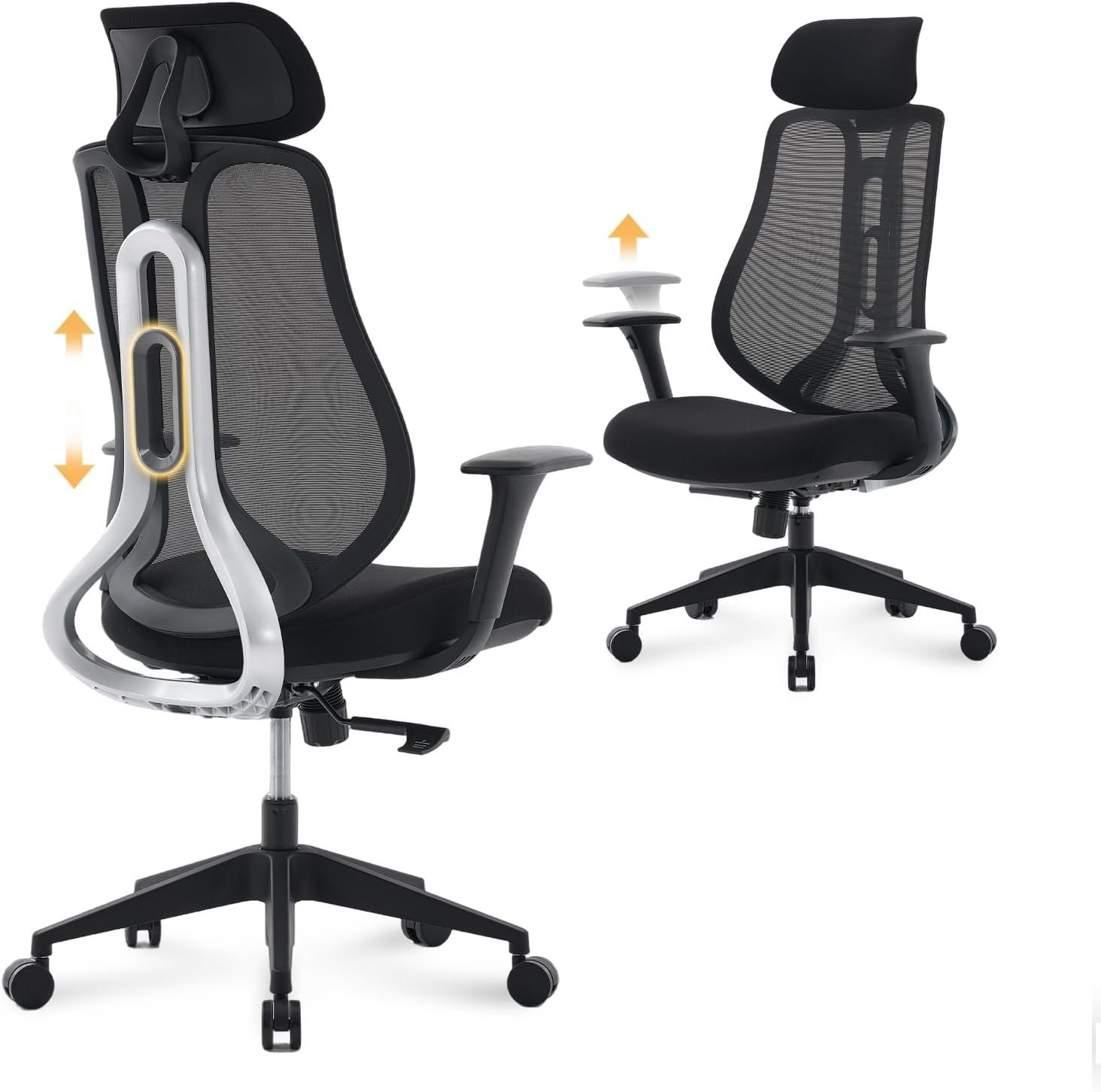
The Herman Miller x Logitech Embody is a top pick for people who want one chair for both gaming and work. I found the seat very easy to adjust for long desk sessions. Its back moves with me when I lean, turn, or sit up straight. The seat height runs from 16 to 20.5 inches, while the seat depth can move from 15 to 18 inches. The chair can hold up to 300 pounds, which covers many US users.
What stood out to me most was the seat design. The gaming model adds extra foam to the seat for a softer feel. It also uses a fabric made to help with heat during long gaming sessions. I liked this when switching from work to a long game at night.
The back is still the main reason I would choose this chair. It has a narrow shape that lets my shoulders move with less effort. The back also bends as I change my sitting pose. This makes the chair feel less stiff than many gaming chairs with a fixed back.
I also liked the arm rests for desk work. They can move up and down and can also move in and out. This helped me set my arms at a better spot for typing and using a mouse. Small changes like this can make a big difference during a long day.
The tilt system is another strong part of the chair. I can lean back without losing the smooth feel of the seat. The chair also comes fully assembled, so I do not have to spend time putting it together.
For me, the Herman Miller x Logitech Embody feels more like a premium work chair with gaming touches than a normal gaming chair. It does not use the large racing style that many gaming seats have. That makes it a good fit for a clean desk setup.
Pros
- Great seat support: I found the seat easy to use for long work and gaming sessions.
- Flexible back: The back moves with my body instead of forcing one fixed pose.
- Gaming upgrades: The added seat foam gave me a softer feel than the classic Embody.
- Easy arm changes: I could set the arm rests to a better height and width for my desk.
- Ready to use: The chair arrives fully built, which saved me a lot of setup time.
Cons
- High price: This is a costly chair, so it may not make sense for buyers on a tight budget.
- No headrest: I would have liked a built-in headrest for long movie or game sessions.
- Large size: The wide base needs a fair amount of room around a desk.
Herman Miller x Logitech Embody Overview
| Feature | Details |
|---|---|
| Power | Not powered; manual office and gaming chair |
| Size | 42–45″H × 29.5″W × 29″D |
| Material | Polyester fabric, foam seat, aluminum frame and base |
| Weight | About 51.75 lbs |
| Cleaning | Clean the fabric with care based on the material guide |
| Warranty | 12 years |
The chair has a 300-pound weight limit. Its seat height goes from 16 to 20.5 inches, and the seat depth goes from 15 to 18 inches. The chair also uses a four-layer seat with elastic support and separate support coils. It comes fully assembled.
Is the Herman Miller x Logitech Embody Good?
Yes, I think the Herman Miller x Logitech Embody is very good for someone who spends many hours at a desk. I would use it for both work and gaming because it does not feel locked into one type of use. The flexible back is useful when I change from typing to reading or gaming.
The seat also gives this version a clear reason to exist beside the classic Embody. The extra foam makes it feel more suited to long gaming sessions. The cooling fabric is another nice touch when I stay at my desk for hours.
I also like the wide range of seat changes. I can set the chair lower for gaming or raise it for a taller desk. The seat depth gives me another way to find a better leg position.
The chair is not perfect, though. The price will be the biggest issue for many buyers. I also think some users may want a headrest, especially if they often lean back to watch videos.
For a buyer who wants one premium chair for work and gaming, I think the x Logitech Embody is a strong choice. It gives the classic Embody design a few gaming-focused changes without turning it into a bulky racing chair.
My Recommendation
I would recommend the Herman Miller x Logitech Embody to US buyers who work at a desk by day and game at night. I think it makes the most sense for people who value long-term comfort and want a chair that can serve two roles. I would suggest more research for buyers who mainly want a low-cost gaming chair or a built-in headrest. If the price fits your budget, this is the version I would consider when gaming is a big part of my daily desk time.
Herman Miller Embody Review
The Herman Miller Embody is a great office chair for people who spend much of the day at a desk. I like how the back supports my body without feeling like a hard shell. The seat and back use a flexible support system that moves as I shift my weight. This makes it a strong fit for typing, reading, and long work sessions. The chair also gives me many ways to change the seat and back to fit my body. For the Herman Miller x Logitech vs Embody question, I see the classic Embody as the better pick for a clean work setup.
One thing I noticed is how natural the back feels when I move. I can lean forward to read, sit straight to type, or lean back for a short break. The back changes with me rather than staying fixed in one place. That makes a big difference when I sit for many hours.
The seat is also made to spread my weight across a wider area. I found this useful when I stayed at my desk for a full work block. Instead of one small spot taking most of the load, the seat gives a more even feel.
The BackFit control is another feature I would spend time setting up. I can adjust the back to match my own shape. Once I find the right spot, the back feels more natural during normal desk work.
The arms are easy to adjust as well. I can raise or lower them to match my desk and move them to a better width. This is useful when I switch between a keyboard, mouse, and other desk tools.
The classic Embody also has a more simple office look than the x Logitech version. I would choose it for a room where I want the chair to blend with a desk instead of looking like gaming gear.
Pros
- Strong back design: I felt good support across my back without a stiff or bulky frame.
- Good seat feel: The seat spreads pressure well, which helped me during long work blocks.
- Many adjustments: I could tune the chair to my desk and sitting style with several simple controls.
- Clean office look: I like how the classic design fits a work room without a gaming look.
- Built for long use: The chair comes with a 12-year warranty, which adds value for a long-term buyer.
Cons
- Very high cost: The price can be hard to justify if you only need a basic desk chair.
- Learning the controls: It took me some time to find the best setup for my back.
- No built-in headrest: I would prefer a headrest when I want to lean back and watch a long video.
Herman Miller Embody Overview
| Feature | Details |
|---|---|
| Power | Not powered; manual office chair |
| Size | About 42–45″H × 27.7–29.5″W × 29″D |
| Material | Flexible back support, foam seat, fabric cover |
| Weight | About 51 lbs, depending on setup |
| Cleaning | Clean the fabric and frame with care based on the selected finish |
| Warranty | 12 years |
The Embody has a seat height range of about 16 to 20.5 inches. Its seat depth can also be adjusted to help different users find a better leg position. The chair uses a narrow back, adjustable arms, a flexible seat, and a back setting that can be tuned to the user.
Is the Herman Miller Embody Good?
Yes, I think the Embody is a very good chair for people who work at a desk for many hours. I found its best quality to be the way the seat and back work together when I change my position. It feels made for active sitting rather than keeping me in one pose.
I would use the classic Embody for writing, computer work, video calls, and long study sessions. The back is narrow enough to let my shoulders move freely. That helped me feel less boxed in while working.
The seat also has a different feel from a thick padded office chair. It gives support without making the whole chair feel soft. Some people may love this firm and active feel, while others may want more cushion.
The many adjustments are helpful, but I would not rush the setup. I would spend time changing the back, seat depth, height, and arms until they match my body. That is when the chair starts to make more sense.
For buyers who want a premium work chair with a clean design, I think the Embody is worth a close look. For people who want gaming features first, the x Logitech version may be the better match.
My Recommendation
I recommend the classic Herman Miller Embody for buyers who mainly work, study, or create at a desk. I think it is the better choice for a clean office where gaming is not the main goal. I would tell buyers who want a softer seat or gaming-focused fabric to compare it with the x Logitech model first. If daily work is the main use, the classic Embody would be my pick for a focused desk setup.
Herman Miller x Logitech vs Embody: Side-by-Side Comparison
After looking at both chairs, I see two close but different choices. The x Logitech Embody is made with gaming in mind. The classic Embody has a cleaner office feel. Both share the same main body design, but the seat feel and style can change which one I would pick.
Comfort: Herman Miller x Logitech vs Embody
The x Logitech Embody gets a small edge for long gaming sessions. I like its extra seat foam when I stay at my desk for hours. The classic Embody feels more direct and firm to me. Rating: x Logitech 9.5/10, Embody 9.2/10.
Back Support: Herman Miller x Logitech vs Embody
Both chairs use the same basic flexible back idea. I found the back helpful when I moved from typing to reading. Neither chair locks me into one pose. Rating: x Logitech 9.4/10, Embody 9.4/10.
Adjustments: Herman Miller x Logitech vs Embody
The two chairs offer a lot of ways to set the fit. I like being able to change the seat depth, height, arms, and back feel. This makes both chairs easier to match to different desks. Rating: x Logitech 9.5/10, Embody 9.5/10.
Gaming: Herman Miller x Logitech vs Embody
This is where the x Logitech model has the clear lead. Its seat foam and cooling-style fabric make more sense for long gaming time. I would pick it when games are part of my daily desk use. Rating: x Logitech 9.7/10, Embody 8.8/10.
Office Use: Herman Miller x Logitech vs Embody
For normal office work, I prefer the classic Embody. Its clean look fits better in a work room. I would choose it for writing, calls, study, and daily computer work. Rating: x Logitech 9.1/10, Embody 9.6/10.
Design: Herman Miller x Logitech vs Embody
The classic Embody looks more like a pure office chair to me. The x Logitech version has a more sporty feel. I would choose the classic model when the chair needs to blend into a simple office setup. Rating: x Logitech 9.0/10, Embody 9.5/10.
Long-Term Use: Herman Miller x Logitech vs Embody
Both are built for people who spend a lot of time at a desk. The 12-year warranty also gives both chairs a strong long-term case. For my needs, the classic Embody wins if work is the main task, while the x Logitech model wins for mixed use. Rating: x Logitech 9.5/10, Embody 9.5/10.
Price and Value: Herman Miller x Logitech vs Embody
Neither chair is a cheap buy. I would not choose either one just to save money. The better value depends on how I use my desk. A gamer may get more from the x Logitech changes, while an office user may find the classic Embody enough.
Best for gaming: Herman Miller x Logitech Embody
Best for office work: Herman Miller Embody
Best for mixed use: Herman Miller x Logitech Embody
Best clean office look: Herman Miller Embody
Performance: Herman Miller x Logitech vs Embody
Both chairs perform very well during long desk sessions. I like the x Logitech version more when I move between work and games. The classic Embody feels better matched to a normal office day. Winner: Herman Miller x Logitech Embody for mixed use.
Ease of Use: Herman Miller x Logitech vs Embody
Both chairs give me a lot of control over the fit. The controls are not hard, but I would take some time to set them up well. Once adjusted, both feel simple to use each day. Winner: Tie.
Value for Money: Herman Miller x Logitech vs Embody
Both cost a lot more than basic office chairs. I think the x Logitech version gives better value to buyers who game often. For a work-only desk, the classic Embody can be the smarter use of money. Winner: Depends on your main use.
Overall: Herman Miller x Logitech vs Embody
For me, the Herman Miller x Logitech Embody is the overall winner for buyers who want one chair for work and gaming. Its gaming-focused seat changes give it a small edge for mixed use. The classic Embody wins if office work is the clear priority. I would pick the x Logitech model for a home setup where the desk serves both work and play.
FAQs for Herman Miller x Logitech vs Embody
Is the Herman Miller x Logitech Embody better than the Embody?
I would say it is better for mixed work and gaming use. The extra seat foam and gaming-focused fabric give it a different feel. For normal office work, the classic Embody may be all you need.
What is the main difference between the x Logitech Embody and Embody?
The biggest difference is the gaming-focused seat and fabric on the x Logitech model. The basic chair design is still very similar. The classic Embody has a more simple office feel.
Is the x Logitech Embody good for office work?
Yes. I would have no issue using it as my main work chair. It has the same type of flexible back and many useful adjustments.
Is the classic Embody good for gaming?
Yes, it can work well for gaming. I would choose it if I want a more simple chair that also works for my job. The x Logitech model is a better fit if gaming is a major part of my day.
Which Embody is better for long hours?
Both can work well for long hours. I would pick the x Logitech version when gaming is part of those long sessions. For a full work day, I like the classic Embody for its clean office feel.
Do both Embody chairs have adjustable seat depth?
Yes. Both versions let me change the seat depth. This helps me set the chair based on my leg length and desk position.
Do both chairs have a 12-year warranty?
Yes, Herman Miller offers a 12-year warranty on these chairs. That makes them easier to consider as long-term office furniture.
Which one should I buy?
I would buy the x Logitech Embody if I work and game at the same desk. I would choose the classic Embody if my main goal is office work. The best choice comes down to how you plan to spend your time in the chair.
Conclusion
The Herman Miller x Logitech Embody is my top pick for mixed work and gaming use. The classic Embody is my choice for a clean and focused office setup. Both give strong support, many adjustments, and a long warranty. If gaming is a big part of your day, I would lean toward the x Logitech model. If work comes first, the classic Embody is the one I would choose.