
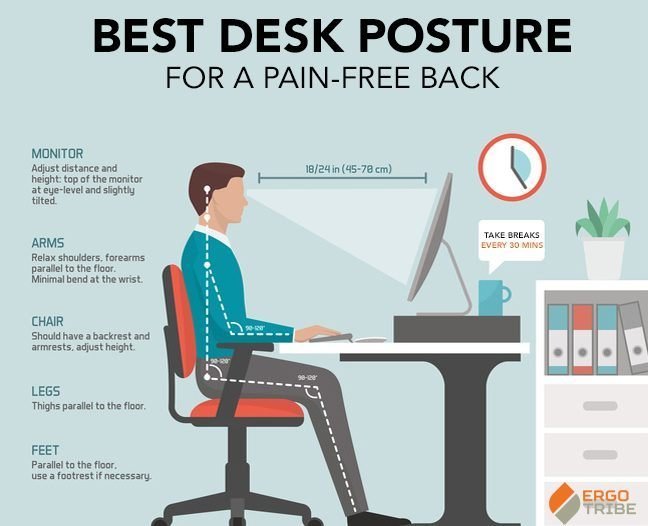
The best desk chairs for back problems are ergonomic models featuring adjustable lumbar support, seat depth, and armrest height to maintain the natural curve of your spine. If you’re taller than six feet, you should prioritize chairs with a higher backrest and sliding seat pans.
The Best Desk Chairs for Back Problems
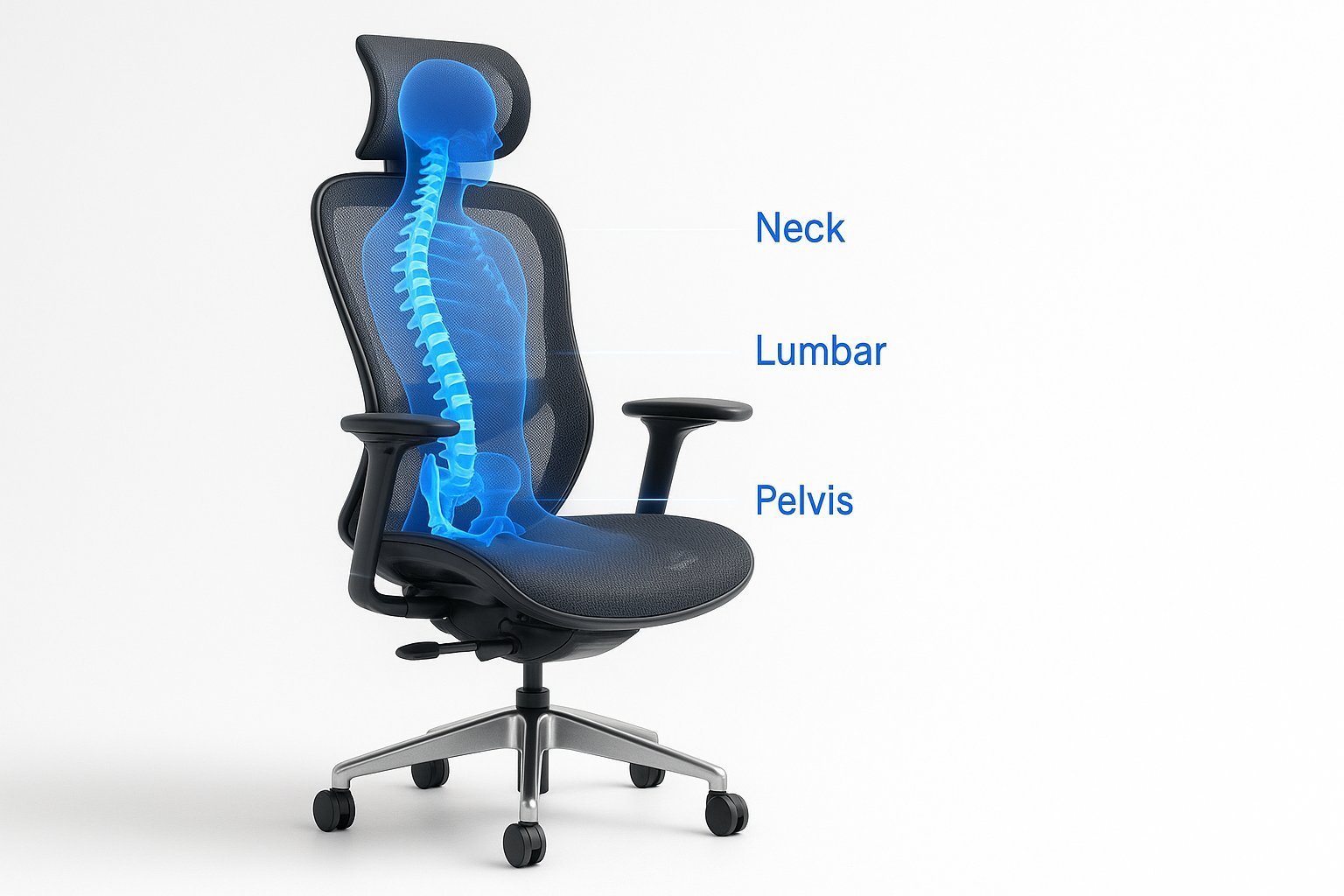
Choosing the right seat depends on your specific workspace needs and daily habits. The table below outlines how different chair designs perform during long office hours.
| Method | How long | Effort | Cost | Best for |
|---|---|---|---|---|
| Ergonomic Task Chair | Lifetime | Low | High | Daily support |
| Kneeling Chair | Short term | High | Medium | Active posture |
| Exercise Ball | One hour | High | Low | Core movement |
| Standing Desk | Varies | Medium | High | Spine relief |
Select an ergonomic chair if you spend over six hours seated daily; it prevents chronic lower back strain. If you suffer from tight hip flexors, choose a kneeling chair to open your pelvic angle.
Many users mistake the exercise ball for a full-time replacement. This is a costly error. Using a ball for more than sixty minutes causes muscle fatigue, which leads to slouching and poor spinal alignment.
Use this decision rule: if you need focus, choose the ergonomic chair. If you need a midday energy boost, swap to the ball or standing desk for thirty minutes. Never mix these for more than two hours total.
Full ergonomic adjustment
This method uses a dedicated office chair to support your body weight through mechanical tension.
- Adjust the seat height so your feet rest flat on the floor with thighs parallel to the ground.
- Slide the seat pan forward or backward until you have two inches of space between the seat edge and your knees.
- Set the lumbar support to fit the inward curve of your lower back.
- Tilt the backrest to a 100-degree angle to reduce pressure on your spinal discs.
This setup provides the most consistent spinal alignment for professional work. It’s excellent for tasks requiring long periods of focus. The main weakness is that high-quality chairs require a significant upfront investment to get durable materials.
Active posture seating
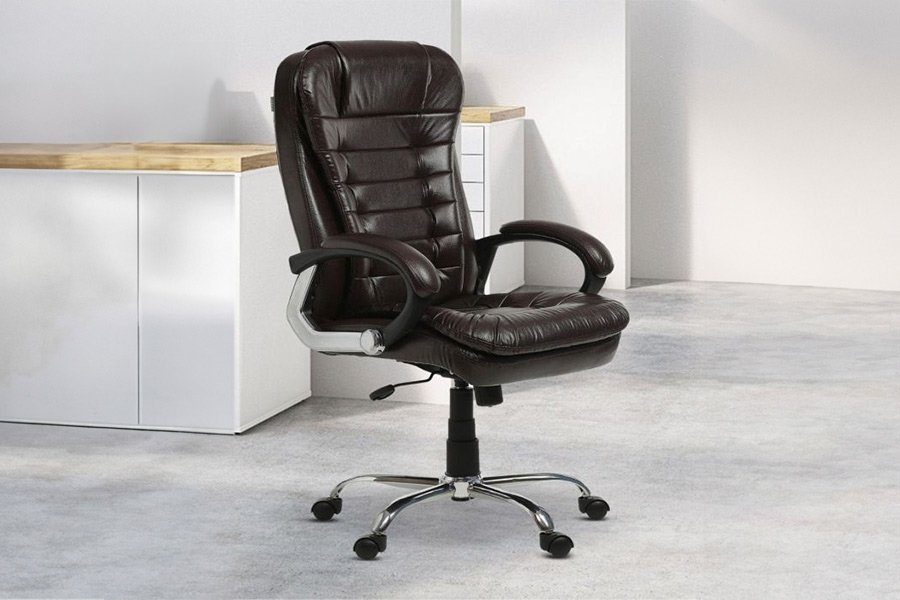
Kneeling chairs shift your weight to your shins to open your hip angle and align your pelvis.
- Place the chair on a level surface to prevent sliding during use.
- Position your knees on the padded rest, ensuring your shins take the weight rather than your kneecaps.
- Keep your back straight, as the design removes the backrest entirely.
- Swap to a standard chair after two hours to prevent strain on your lower legs.
This design forces you to engage your core muscles, which can reduce slouching significantly. It works best for short bursts of work. However, it isn’t for people with knee injuries or limited ankle flexibility, as it puts constant pressure on those joints.
Core stability integration
Using an exercise ball as a seat forces your body to constantly make small adjustments for balance.
- Select a ball size that allows your hips to sit slightly higher than your knees.
- Inflate the ball until it’s firm enough that you don’t sink in more than two inches when sitting.
- Sit with your feet shoulder-width apart to maintain stability.
- Limit use to thirty minutes to avoid muscle fatigue in your core.
This approach prevents static posture, which is often a cause of back pain. You can find guidance on safe workplace movement patterns via the Occupational Safety and Health Administration resources. This isn’t for people who need a stable surface for detailed tasks like drafting or surgery.
Which one should you use?
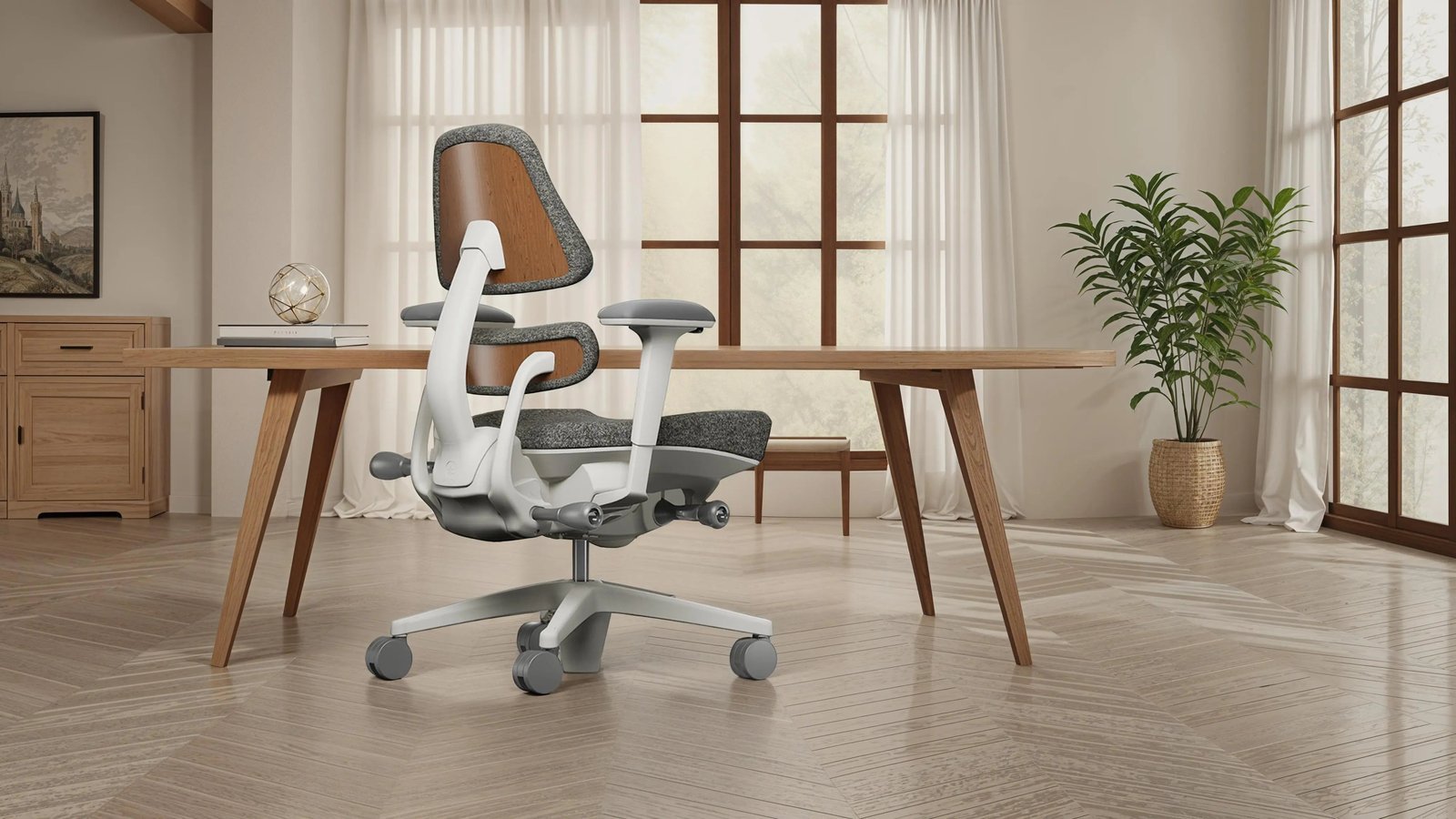
If you’re in a hurry, choose an ergonomic task chair because it requires the least amount of physical adaptation to get comfortable. If you’re doing this for the first time, start with a standard chair that allows for height and lumbar adjustments, as it offers the safest learning curve. If you want the best possible result whatever it takes, invest in a high-end ergonomic chair with a synchronized tilt mechanism. This allows your seat and backrest to move together, ensuring you stay supported even when you lean back. Remember that comfort is a trade-off between movement and support; if you pick a stable chair, you must consciously stand up often to move.
The rules that apply whichever way you choose
Regardless of the chair you choose, keep your screen at eye level to prevent neck strain. The American National Standards Institute provides ergonomics guidelines to help verify chair quality. Check the weight capacity label before buying to avoid gas cylinder failure. Maintain ninety-degree elbow angles while typing and clear your desk daily. Consult a physical therapist if you experience chronic pain.