
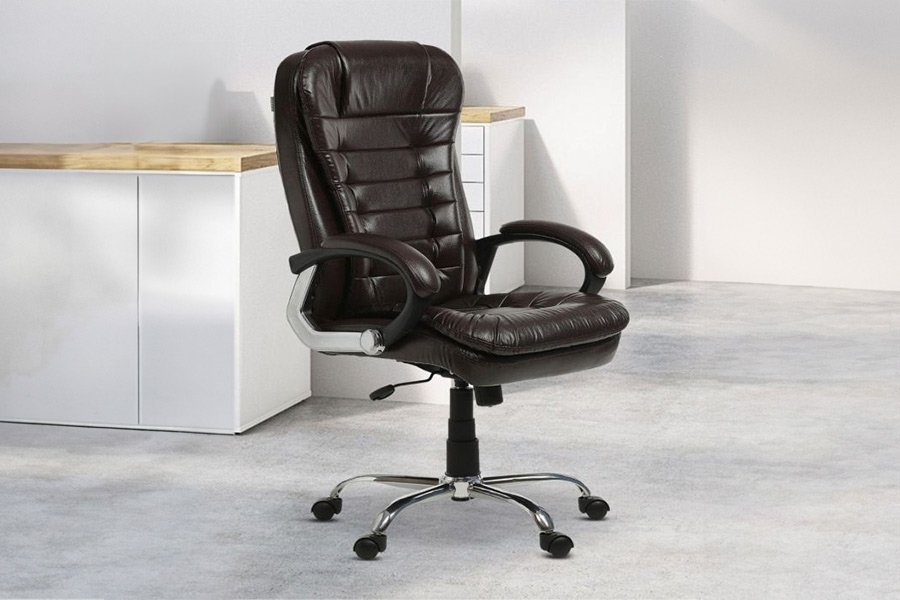
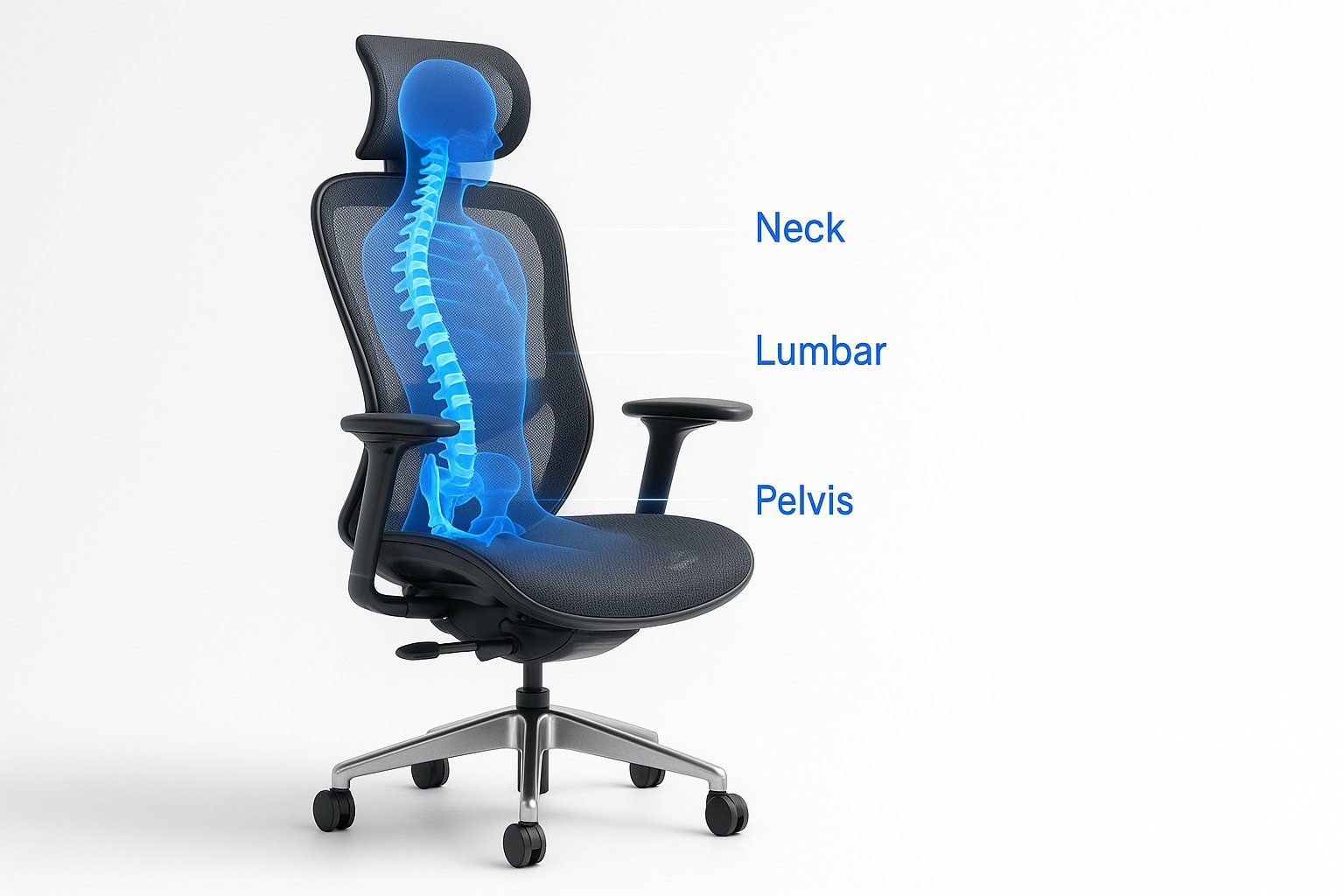
The most effective office chairs for back problems provide adjustable lumbar support and seat depth to maintain the spine’s natural curve. Proper alignment reduces muscle strain, which the Occupational Safety and Health Administration identifies as a primary cause of work-related discomfort. This guide explains how to select and configure your seat to minimize pain.
Choosing the Best Office Chairs for Back Problems
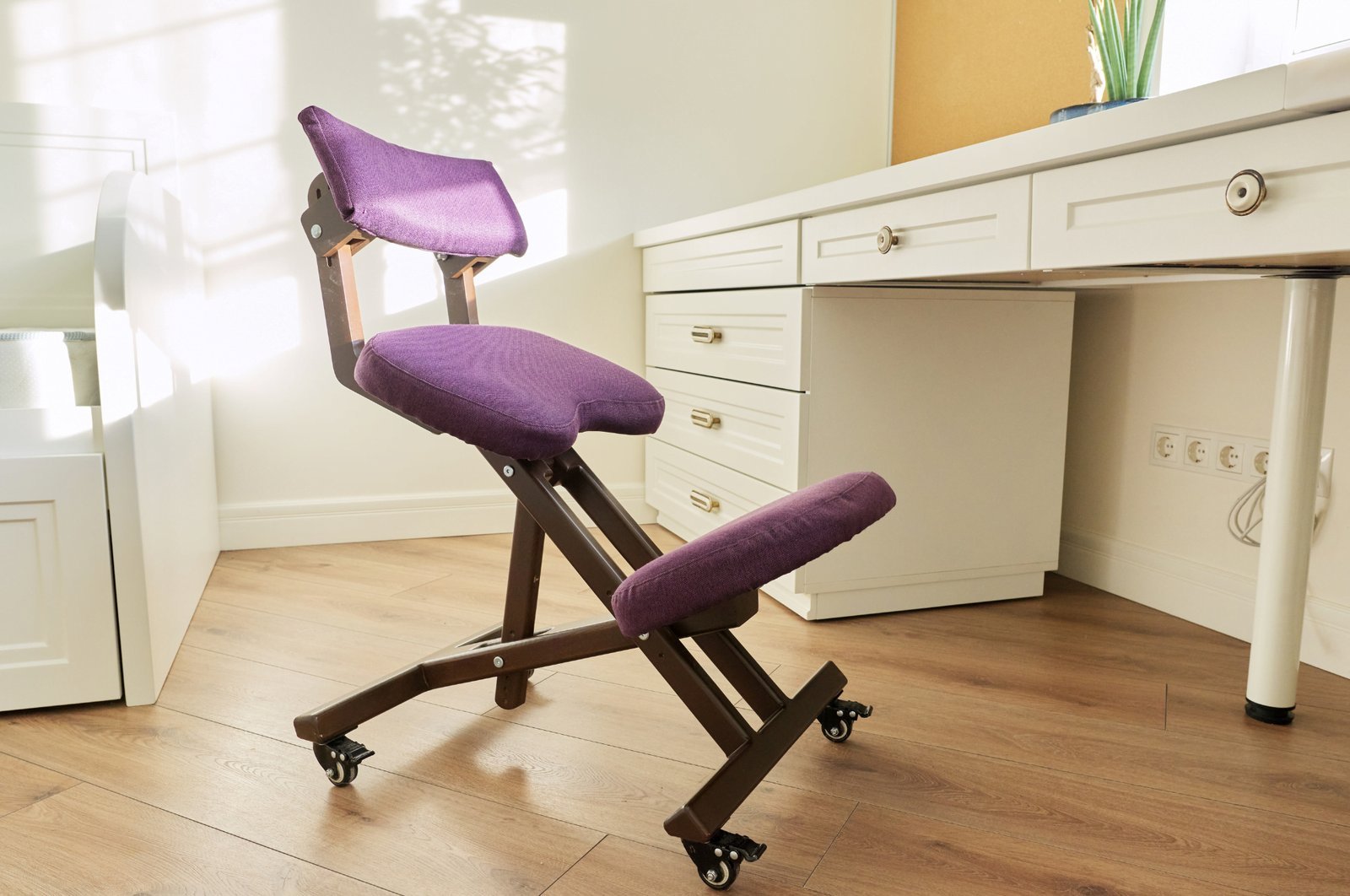
These chairs are designed to distribute body weight evenly across the seat and backrest. They’re intended for office workers who sit for more than four hours daily. A common misconception is that the most expensive chair is always the best; however, a chair only works if it fits your specific body dimensions. Ergonomics is the science of designing equipment to match the user’s physical capabilities. If your chair lacks adjustable lumbar support, you can’t maintain the natural inward curve of your lower back, which leads to slouching and eventual pain. This varies by model — check the label to see if the lumbar height and depth are independently adjustable before you buy.
Setting up your workstation
- Start by adjusting the seat height so your feet rest flat on the floor with your knees at a ninety-degree angle.
- Slide your hips all the way back into the seat to ensure your lower back touches the lumbar support.
- Adjust the seat depth so there’s a two-finger gap between the edge of the seat and the back of your knees.
- Set the armrests so your shoulders remain relaxed and your elbows sit at a ninety-degree angle near your sides.
- Tilt the backrest to a position between one hundred and one hundred ten degrees to reduce pressure on your spinal discs.
- Lock the recline mechanism if you prefer a static position, or leave it unlocked if you move frequently.
Achieving a neutral posture requires constant attention to these small adjustments. If you feel tension in your neck, lower the armrests; if you feel pressure in your thighs, lower the seat height. Seek help from a certified professional ergonomist if you have chronic pain or a diagnosed spinal condition.
Key numbers and settings at a glance
| Situation | What to use | How long | What to watch for |
|---|---|---|---|
| Short stature | Footrest | Always | Knees hitting seat edge |
| Long work days | Dynamic recline | All day | Slouching over time |
| Lower back pain | Lumbar bolster | Fixed position | Pressure points on skin |
| Tall stature | Extended gas lift | Always | Thigh circulation |
What separates good results from bad ones
Preparation and sequencing
Successful users prepare their workspace before they ever sit down. They start from the ground up, ensuring the floor contact is stable before they adjust the seat height. If you adjust the chair height after setting your monitor or keyboard, you must reset your desk equipment to match. The order of operations is always: seat height, then depth, then backrest angle, and finally armrest position.
Mid-day adjustments
Experienced users don’t stay in one position for eight hours. They change the recline tension throughout the day to encourage blood flow. A major mistake people make is locking the backrest in a stiff, upright position for the entire day. This causes the spinal muscles to fatigue quickly. Instead, keep the tension light and allow the chair to follow your movements. If the chair doesn’t move with you, you’re fighting the equipment rather than using it for support.
Common problems and quick fixes
| What you notice | What it usually means | What to do first |
|---|---|---|
| Numbness in legs | Seat is too high | Lower seat height |
| Lower back aching | Lumbar support is low | Move support up/down |
| Neck strain | Screen is too low | Raise monitor height |
| Shoulders tense | Armrests are too high | Lower armrests |
Regulatory and design standards
The American National Standards Institute (ANSI) and the Business and Institutional Furniture Manufacturers Association (BIFMA) publish the X5.1 standard for office chair safety and durability. These standards ensure that components like the gas lift and base can withstand daily use without failing. This isn’t for people who need medical-grade orthopedic seating; those with severe spinal injuries should consult a medical professional for specialized equipment. Always check that your chair carries the BIFMA certification label to ensure it meets these rigorous weight and stability requirements. Failing to verify these standards can result in equipment that breaks under load or provides insufficient support for your weight.
Maintenance and long-term care
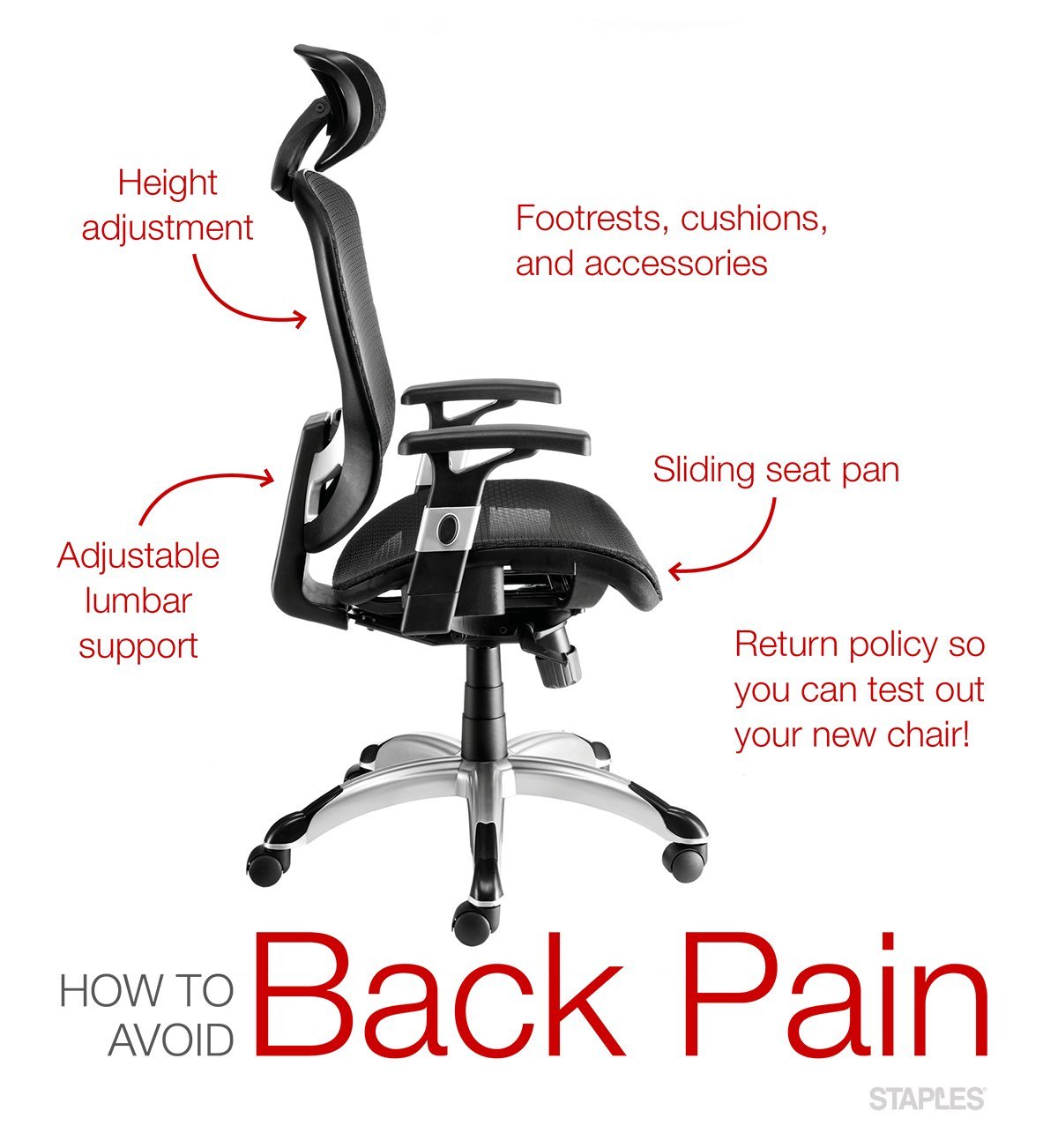
Keep your chair in top shape by checking bolts for tightness periodically. Dust the base and wheels to prevent debris from blocking the rotation. If the fabric wears thin or the foam loses its firmness, the support level drops significantly. You’ll know it’s time for a replacement when you can feel the hard frame through the cushion or when the height adjustment lever no longer holds your chosen position. Use only mild soap and water for cleaning to avoid damaging the finish.
When to use a different approach
This approach is the wrong choice if you work in a non-office environment, such as a laboratory or industrial setting, where specific safety ratings are required. In those cases, use task-specific seating designed for high-durability chemical resistance. Additionally, if you have a pre-existing injury, a standard office chair may not provide the necessary medical bracing; seek a physical therapist for a custom seating assessment.