
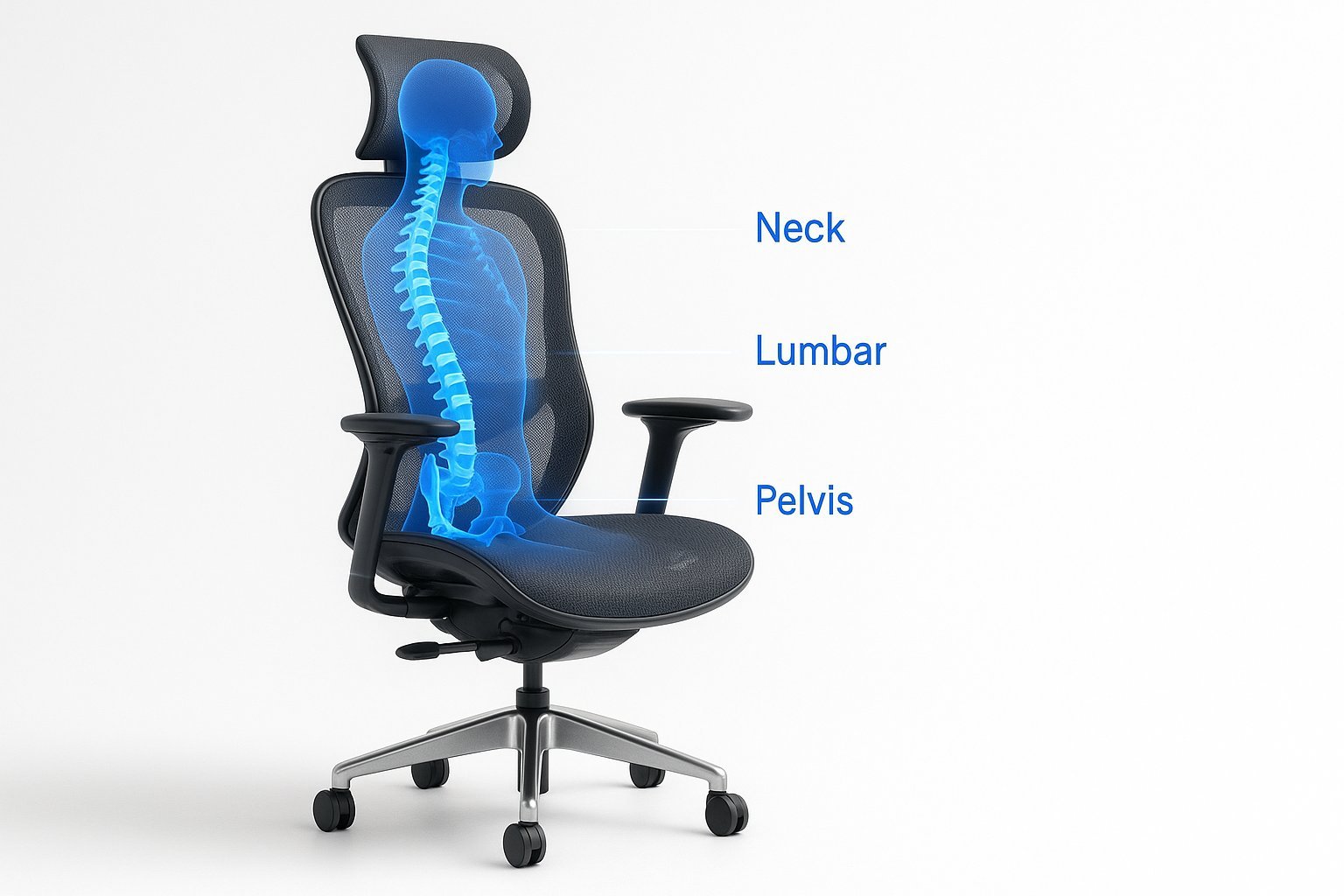
You’ll find that ergonomic chairs for back problems provide essential support by aligning your spine and reducing muscle strain during long hours of sitting. This guide covers how to identify the right features, adjust your setup, and avoid common mistakes that lead to unnecessary discomfort.
Choosing Ergonomic Chairs for Back Problems
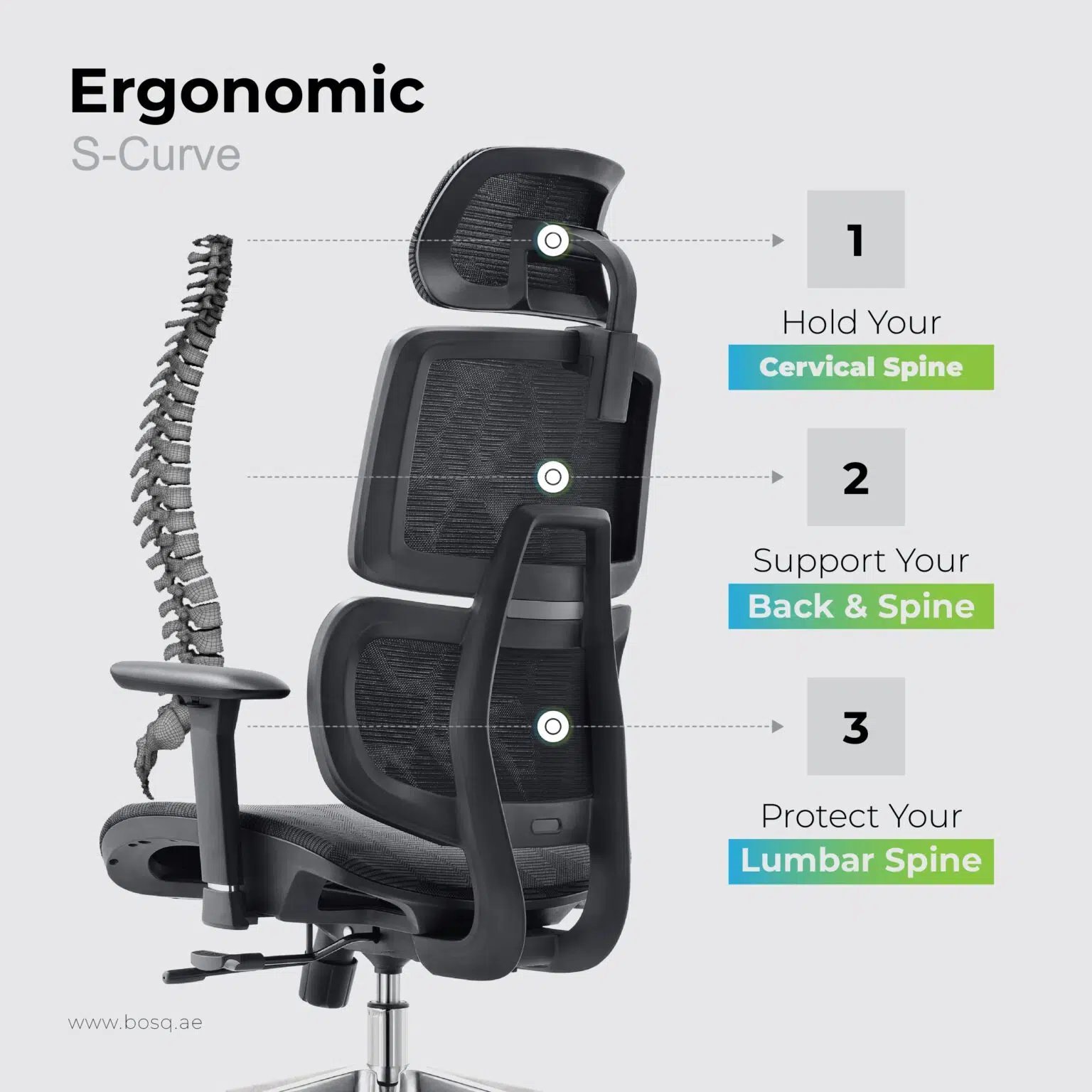
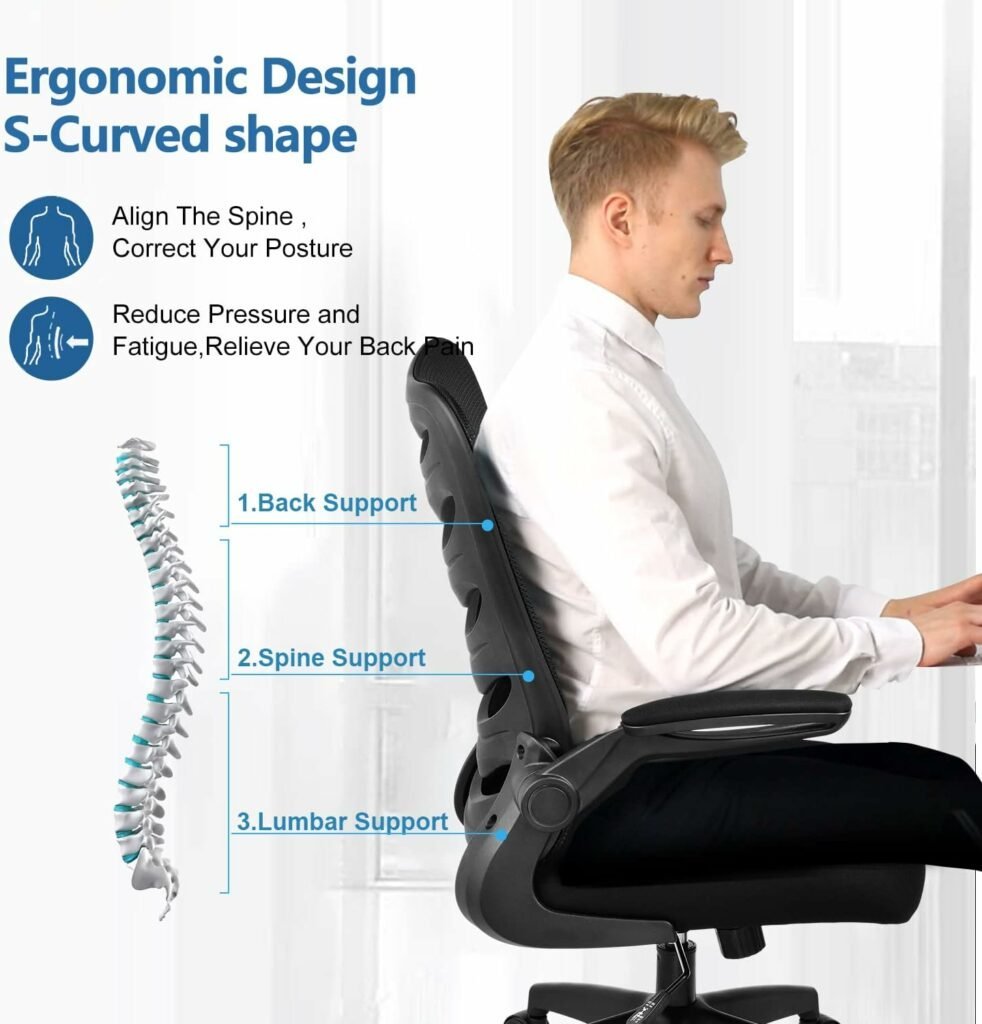
An ergonomic chair is a tool designed to match the natural curves of the human body, specifically the lower back, or lumbar region. Its primary purpose is to distribute your body weight evenly across the seat and backrest, which helps prevent fatigue. A common misconception is that the most expensive chair is always the best; however, the best chair is one that fits your specific body measurements. According to the Occupational Safety and Health Administration, a properly adjusted chair should support your back and keep your feet flat on the floor to maintain a neutral posture.
The basic method
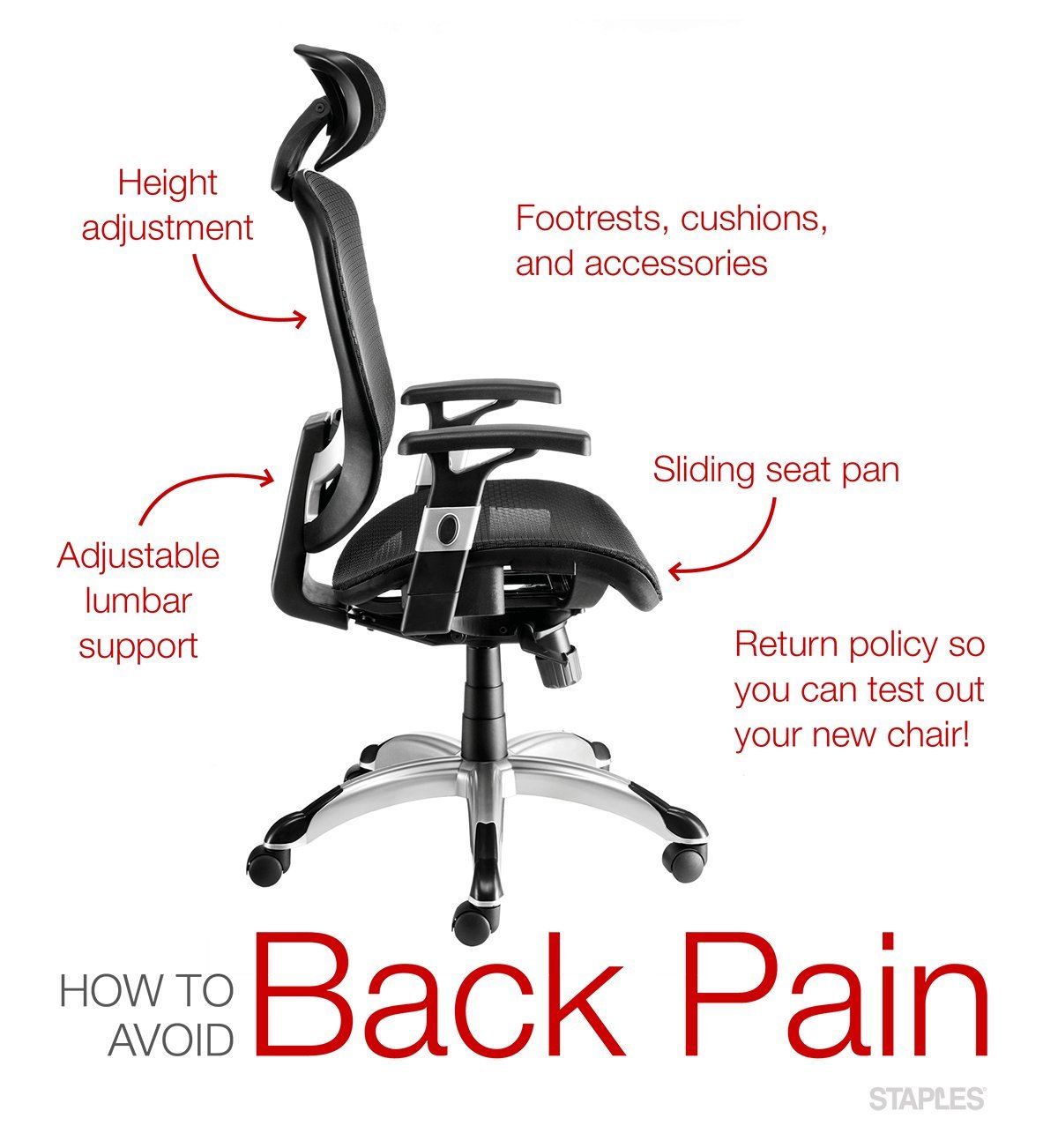
- Start by adjusting the seat height so your feet rest flat on the floor and your knees are at a ninety-degree angle.
- Position the lumbar support so it fits firmly into the inward curve of your lower back.
- Adjust the seat depth by leaving about two inches of space between the edge of the seat and the back of your knees.
- Set the armrests to a height that allows your shoulders to relax, with your elbows resting at a ninety-degree angle.
- Tilt the backrest to a comfortable angle between one hundred and one hundred ten degrees to maintain a slight recline.
- Check that your hips are pushed as far back as possible against the chair base.
The most important judgement call is ensuring your lower back remains in contact with the support at all times. If you feel pressure on your thighs, your seat depth is likely too far forward.
Key numbers and settings at a glance
Finding the right fit depends on your body type, but these general ranges serve as a starting point for most adults.
| Situation | What to use | How long | What to watch for |
|---|---|---|---|
| Feet position | Flat on floor | All day | Pressure on legs |
| Lumbar height | Lower curve | Continuous | Gaps in support |
| Armrest angle | 90 degrees | When typing | Shoulder tension |
| Seat tilt | 100-110 deg | Constant | Slumping forward |
| Seat depth | 2-inch gap | All day | Knee circulation |
What separates good results from bad ones
Proper preparation
Experienced users always measure their desk height before adjusting their chair. If your desk is too high, you’ll force your shoulders up, which leads to neck pain regardless of how good your chair is. You must ensure your thighs are parallel to the floor; if they point upward, you’re putting too much pressure on your lower back.
The adjustment order
Always start from the floor and move upward. If you adjust the backrest first, you’ll find it impossible to get your feet and hips in the right place later. Check your settings regularly, as small changes in your clothing or floor surface can alter your needs. If you notice yourself sliding forward, your seat pan is likely tilted too far down.
Common problems and quick fixes
| What you notice | What it usually means | What to do first |
|---|---|---|
| Neck pain | Monitor too low | Raise screen height |
| Lower back ache | Missing lumbar support | Adjust support depth |
| Leg tingling | Seat edge pressure | Reduce seat depth |
| Shoulder tension | Armrests too high | Lower armrest level |
Workplace seating standards
The American National Standards Institute (ANSI) provides guidelines for office furniture, specifically the BIFMA standards for safety and durability. These standards ensure that the chair’s mechanism can handle repetitive movement without failing. If you’re experiencing chronic pain that doesn’t improve after two weeks of adjusting your chair, this is a medical issue. You should stop attempting self-fixes and consult a physical therapist or a doctor who specializes in workplace ergonomics. Never attempt to repair internal gas cylinders yourself, as they contain high-pressure gas that can cause injury if opened incorrectly.
Maintaining your chair
To keep your chair functioning, wipe down the fabric or mesh once a month with a damp cloth to remove dust. If the chair begins to squeak, check the bolts under the seat and tighten them using an Allen wrench. Most high-quality chairs last five to ten years depending on the manufacturer’s warranty. If the foam seat loses its shape or you feel the hard frame underneath, the padding has reached its limit and the chair likely needs to be replaced.
When to use a different approach
If you have a pre-existing spinal condition like a herniated disc, a standard ergonomic chair might not be enough; you should ask a doctor about specialized medical seating. Also, if your work requires you to lean forward for precision tasks, a saddle chair might be a better choice to keep your spine neutral. Never force yourself to stay in one position for more than an hour, even in the best chair.
Frequently asked questions
Can an ergonomic chair fix my back pain?
No, an ergonomic chair can’t fix an injury, but it can remove the stress caused by poor posture, which allows your body to recover while you work at your desk.
How long should I sit in an ergonomic chair?
You should aim to change your position every thirty to sixty minutes, as even the best chair becomes uncomfortable if you stay perfectly still for too long during the day.
Why is my back hurting even with a new chair?
It usually means your chair isn’t adjusted to your specific body height or your desk setup is forcing you to reach, which pulls your back out of alignment.
Is it safe to buy a used ergonomic chair?
Yes, provided you inspect the gas lift and the backrest tension, but check the manufacturer’s label to ensure the frame isn’t cracked or bent before you pay.
What happens if the lumbar support is too high?
If the support is too high, it will push your spine into an unnatural curve, which creates pressure points and leads to mid-back pain rather than helping your lumbar.
Final Thoughts
Investing in your comfort is a smart move for your long-term health. Once you’ve picked a chair that fits your body, take a moment to walk around and stretch every hour. You’ll find that staying active throughout the day makes a world of difference in how your back feels by sunset.
Related guides