
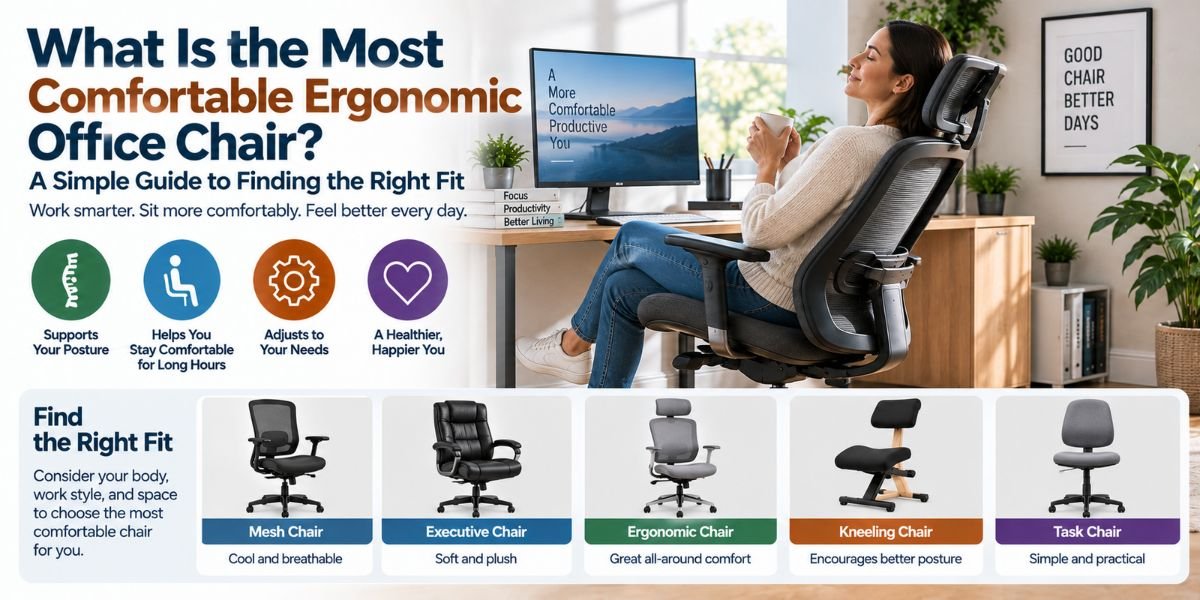
Sitting at a desk for hours can make a good chair feel very important. A chair may look soft and still feel bad after an hour. The reason is simple. Comfort is not only about padding. It is also about fit, support, movement, and adjustability.
So, what is the most comfortable ergonomic office chair? For most people, it is a chair that fits the body well and lets you adjust the seat, back, lumbar support, and armrests. The best chair should support you without forcing you into one stiff position.
I look at ergonomic chairs in a simple way. The chair should make it easy to sit well, move often, and stay supported while working. It should also feel comfortable after more than a few minutes.
What Is the Most Comfortable Ergonomic Office Chair?
The most comfortable ergonomic office chair is one that fits your body and work style. It should have adjustable seat height, useful lumbar support, a seat with the right depth, a supportive backrest, and armrests that let your shoulders stay relaxed.
There is no single chair that feels perfect for everyone. Body size, desk height, sitting habits, and the type of work you do all matter.
A very soft chair is not always the best choice. A very firm chair is not always bad, either. What matters most is whether the chair supports you without creating pressure points.
A good ergonomic chair should also let you change your position. Staying frozen in one posture for hours is not a good goal. Small posture changes and short standing breaks matter too.
Why Chair Fit Matters More Than Extra Padding
When I compare office chair features, fit is one of the first things I look at.
A seat that is too deep can press behind your knees. A seat that is too short may not support enough of your thighs. Both problems can make a chair feel uncomfortable even when the cushion feels soft.
Seat height matters too. Your feet should be supported by the floor or a stable footrest. Your thighs should sit in a comfortable position without forcing your knees too high or leaving your feet unsupported.
Seat width is also important. You should have enough room to sit without your hips feeling squeezed.
This is why a chair with many adjustments can be more useful than one with thick padding and very few controls.
The Most Important Features to Look For
Adjustable Seat Height
Seat height is a basic feature, but it has a big effect on comfort.
You should be able to set the chair so your feet rest securely on the floor or on a footrest. The height should also work with your desk and keyboard.
If your chair is too high, your feet may lose support. If it is too low, your knees and desk position may not feel right.
A wide height range is useful if the chair will be used by people with different body sizes.
Adjustable Seat Depth
Seat depth is easy to overlook.
The seat should support much of your thighs without pressing into the backs of your knees. This is especially important if you are tall or short.
A sliding seat pan can be very helpful. It lets you move the seat forward or backward to get a better fit.
This feature can make a bigger difference than people expect.
Good Lumbar Support
The lower back needs support, but that support should fit your body.
A good lumbar system should support the natural curve of the lower back. Adjustable lumbar support is even more useful because people have different body shapes.
I would not choose a chair just because it has a large lumbar pad. A large pad can feel uncomfortable if it sits in the wrong place.
The better question is whether you can position the support where your lower back needs it.
A Supportive Backrest
The backrest should support the upper and lower back without feeling like a hard wall.
A reclining backrest can also be useful. It lets you change your posture while staying supported.
A chair that allows some movement can feel better during a long workday than one that keeps you locked in one position.
Backrest tension is another feature worth checking. You want enough resistance to feel supported without having to fight the chair every time you lean back.
Adjustable Armrests
Armrests should support your arms without lifting your shoulders.
If the armrests are too high, your shoulders may stay raised. If they are too low, they may not give useful support.
Adjustable armrests are helpful because you can set them to match your body and desk.
Some chairs also let you move the armrests inward, outward, forward, or backward. These adjustments can be useful when you switch between typing, reading, and other desk tasks.
A Comfortable Seat Edge
The front edge of the seat matters.
A rounded or waterfall-style edge can reduce pressure at the back of your legs. A sharp front edge may feel annoying during long periods of sitting.
The cushion should also feel supportive without creating strong pressure points.
Comfort here is personal. Some people like a softer seat. Others prefer firmer support.
Does a Headrest Make an Office Chair More Comfortable?
Not always.
A headrest can feel good when you spend time reclining. It can also be useful for reading, relaxing, or taking short breaks from active computer work.
But you do not need a headrest simply because a chair is called ergonomic.
For normal computer work, the more important features are usually seat fit, lumbar support, backrest adjustment, and arm support.
A headrest that pushes your head forward can also become annoying. If a chair has one, I would look for a design that can be adjusted to your body.
Mesh vs. Cushioned Seats
The material can change how a chair feels during the day.
Mesh seats can provide airflow. That can be useful if you work in a warm room or tend to feel hot while sitting.
Cushioned seats can feel softer and more familiar. But very soft foam is not automatically better for long work sessions.
The right choice depends on your body and preference.
I would focus less on the material name and more on how evenly the seat supports you. The seat should not create strong pressure under your thighs or hips.
How I Would Judge Chair Comfort
I would not judge an ergonomic office chair by sitting in it for two minutes.
A chair can feel great at first and become uncomfortable later. If you can try a chair before buying it, spend enough time adjusting it.
Start with the seat height. Then adjust the seat depth. Set the lumbar support. Position the armrests. Finally, adjust the backrest and recline tension.
This gives you a much better idea of how the chair actually fits.
The goal is not to find a chair that feels like a sofa. The goal is to find a chair that supports your body while still letting you work naturally.
Quick Comfort Checklist
| Feature | What to look for |
|---|---|
| Seat height | Easy adjustment for supported feet |
| Seat depth | Enough thigh support without knee pressure |
| Seat width | Enough room without squeezing the hips |
| Lumbar support | Support that fits the lower-back curve |
| Backrest | Adjustable support with useful recline |
| Armrests | Adjustable and comfortable for relaxed shoulders |
| Seat edge | Rounded front edge |
| Base | Stable five-leg design with suitable casters |
| Movement | Easy swiveling and position changes |
| Material | Comfortable and suitable for your room |
The exact settings will differ from person to person. A good chair gives you enough control to find those settings.
How to Set Up an Ergonomic Office Chair
Buying the right chair is only part of the job.
First, set the seat height. Keep your feet supported and your legs comfortable.
Next, adjust the seat depth. You want enough thigh support without the front edge pressing against the backs of your knees.
Then set the lumbar support. It should sit where it supports the natural curve of your lower back.
Adjust the armrests after that. Your shoulders should stay relaxed while your forearms receive support.
Finally, set the backrest. Use enough recline and tension to stay supported while allowing comfortable movement.
Do not stop after one adjustment. Your chair may need small changes as you use it.Read moreWhat Is the Comfiest Office Chair? The Features That Make Sitting Feel Better
Why You Should Not Sit in One Position All Day
Even a very good ergonomic chair does not make sitting still for hours a good idea.
Your body benefits from movement. Change your sitting position during the day. Stand up when you can. Walk for a few minutes. Stretch your hands, arms, and body.
I think of an ergonomic chair as a tool that makes movement and good positioning easier. It should not become a reason to stay seated all day.
This is one reason recline and adjustable controls can be useful. They let you change how you sit without losing support.
Common Mistakes When Choosing an Ergonomic Chair
One common mistake is buying based only on appearance.
A chair may look modern and still fit poorly. Another mistake is focusing only on thick padding.
People also often ignore seat depth. This can be a major issue for shorter users and taller users.
Another mistake is assuming more adjustments always mean more comfort. Too many controls do not help if they are hard to understand or cannot be set in a useful way.
Finally, do not assume that a high price guarantees comfort. A chair still needs to fit your body.
What Is the Best Ergonomic Chair for Long Hours?
For long desk sessions, I would look for a chair with strong adjustability rather than one feature that sounds impressive.
Seat height and depth should fit your body. The lumbar support should be adjustable or naturally match your lower back. The backrest should support different sitting positions.
Armrests should help keep your shoulders relaxed. The seat should support your legs without creating pressure behind the knees.
Most of all, the chair should let you change position.
If you work eight hours a day at a desk, small comfort problems can become much more noticeable. That makes proper fit worth more than flashy features.
What Is the Most Comfortable Ergonomic Office Chair for You?
The answer depends on your body, desk, and work habits.
If you are shorter, adjustable seat depth can be especially useful. If you are taller, you may need more thigh support and a larger seat area.
If you work in a warm room, breathable mesh may be appealing. If you prefer a softer feel, a well-padded seat may suit you better.
If you move between typing, reading, meetings, and other tasks, a flexible backrest can be valuable.
So instead of asking only, “Which chair is the most comfortable?” I think a better question is, “Which chair can I adjust to fit me?”
That question leads to a much better choice.
FAQs
What is the most comfortable ergonomic office chair?
The most comfortable ergonomic office chair is one that fits your body and can be adjusted to your needs. Look for adjustable height, seat depth, lumbar support, backrest, and armrests.
Is a soft office chair better for long hours?
Not always. A very soft seat may feel good at first but may not provide the support you need. Good comfort comes from proper fit, support, and the ability to change position.
Should an ergonomic chair have lumbar support?
Yes, useful lumbar support can help support the natural curve of your lower back. Adjustable lumbar support is often more helpful because body shapes differ.
Is a headrest needed for an ergonomic office chair?
No. A headrest can be useful when reclining, but it is not essential for normal desk work. Seat fit, back support, and proper adjustment are more important.
How often should I change my sitting position?
Change your position often instead of staying fixed for hours. Stand, walk, stretch, and make small chair adjustments during the workday.
Conclusion
The most comfortable ergonomic office chair is not simply the softest or most expensive chair. It is the chair that fits your body and gives you enough control to create a comfortable working position.
Focus on seat height, seat depth, lumbar support, backrest movement, and armrest adjustment. Then pay attention to how the chair feels after longer use.
A good ergonomic chair should support you without forcing you to sit like a statue. The best fit is one that lets you work comfortably, move naturally, and adjust your position as the day goes on.