
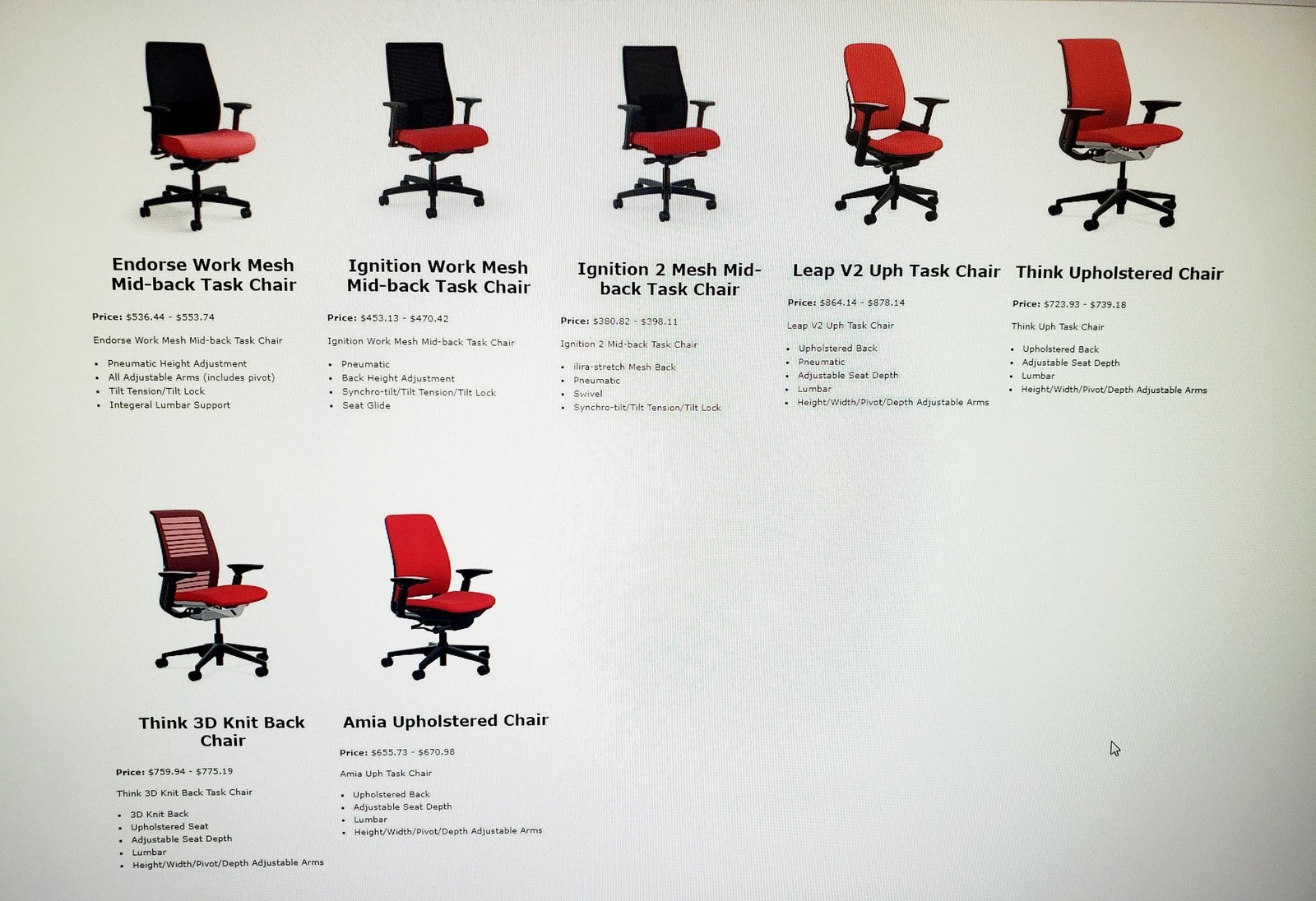
An ergonomic office chair with adjustable lumbar support is the best chair for lower back problems because it maintains the natural curve of your spine. If you have severe chronic pain, consult a specialist to see if a kneeling chair or standing desk is better.
Finding the best chair for lower back problems
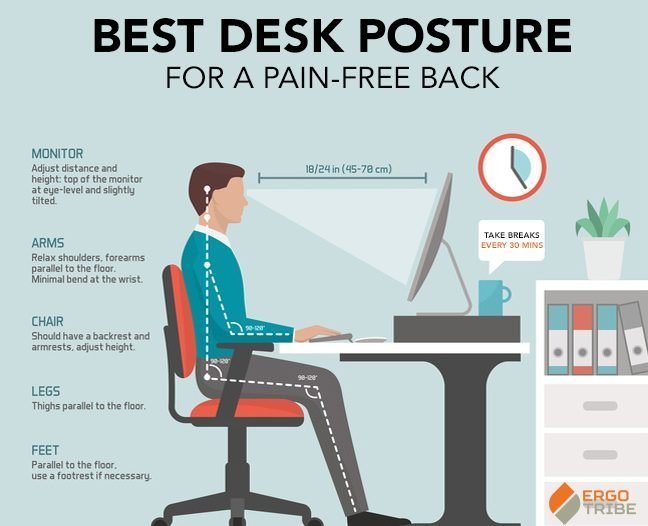
Selecting the right seating depends on your specific workspace needs and how much time you spend sitting.
| Method | How long | Effort | Cost | Best for |
|---|---|---|---|---|
| Ergonomic Chair | Immediate | Low | Medium | Daily office work |
| Kneeling Chair | 2 weeks | Medium | Low | Short tasks |
| Standing Desk | 1 month | High | High | Active users |
If you suffer from chronic lower back pain, prioritize the ergonomic chair. Its lumbar support provides the structural stability required for eight-hour shifts. Conversely, if you experience hip tightness, the kneeling chair offers an open pelvic angle that relieves strain.
Most buyers make the mistake of choosing a standing desk without a fatigue mat. This oversight often leads to foot soreness that forces you back into a chair within an hour. Use this rule: if you stand for more than 20 minutes, you need a cushioned surface.
For larger frames, always check the manufacturer’s weight limits. Standard gas cylinders often fail under pressure, leading to expensive repairs or safety risks. If you weigh over 250 pounds, look specifically for heavy-duty steel bases.
Adjusting your current seat
- Sit with your back against the chair’s backrest.
- Slide a lumbar cushion behind your lower spine to fill the gap.
- Adjust the seat height so your feet rest flat on the floor.
- Set the armrests so your shoulders stay relaxed and your elbows stay at a ninety-degree angle.
This method works well if you can’t buy a new chair right now. It’s excellent for people who need a quick fix without spending much money. However, a cushion can’t fix a chair that’s already broken or lacks a solid frame. According to the Occupational Safety and Health Administration guidelines for computer workstations, keeping your spine in a neutral position is vital to prevent injury.
Using a dedicated ergonomic chair
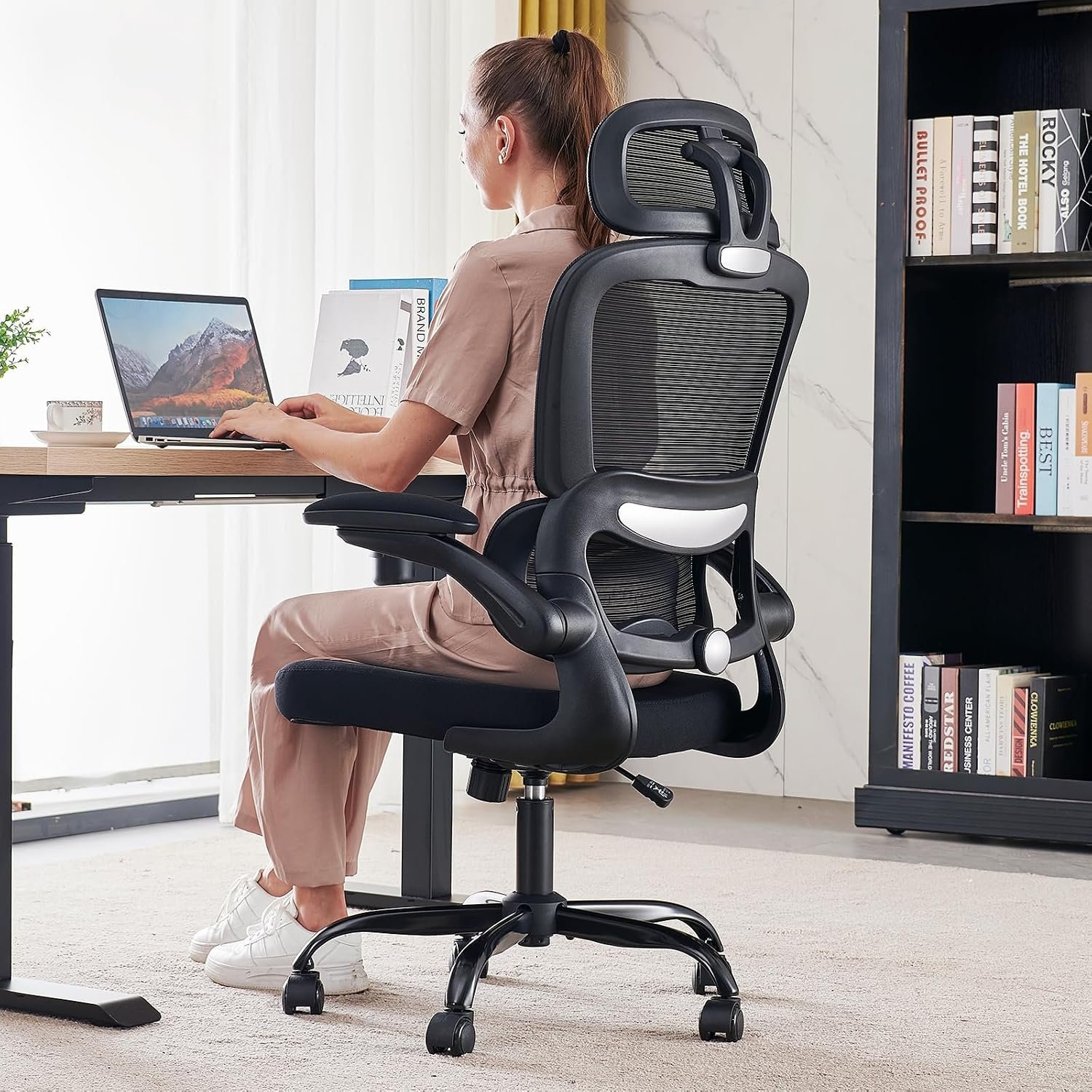
- Unlock the tilt mechanism to allow for natural movement.
- Set the lumbar support height to match the curve of your lower back.
- Pull the seat depth forward so you have two inches of space between the edge and your knees.
- Lean back slightly to distribute your weight evenly across the backrest.
These chairs offer the best long-term support for people sitting for eight hours or more. If you’re tall, ensure the backrest height is adjustable to reach your shoulders. This isn’t for people who prefer a soft, “sinking” feeling, as ergonomic chairs feel firm and structured to provide necessary support.
Switching to active seating
- Start with short periods of fifteen minutes at a time.
- Place your knees on the padded rest to shift weight off your lower back.
- Keep your core engaged to maintain balance while you work.
- Alternate between this and a standard chair every hour to avoid fatigue.
This approach strengthens your core muscles over time. It’s a great choice if you find yourself slouching in traditional chairs. If you have pre-existing knee issues, this isn’t for you, as the position puts extra pressure on the joints. This varies by model — check the label for the recommended usage duration.
Which one should you use?
If you’re in a hurry, use a lumbar cushion in your current chair because it provides instant support for your spine. This is the best choice if you spend less than three hours a day at your desk.
If you’re doing this for the first time, choose an ergonomic chair with adjustable settings. These chairs are the most forgiving because they allow you to align the seat depth and armrests to your specific frame. Beginners often make the mistake of buying a chair based on looks rather than adjustability, which costs them in long-term neck strain.
If you want the best possible result regardless of the investment, combine an ergonomic chair with a standing desk. This allows you to change your posture every 45 minutes to prevent muscle fatigue. The trade-off is that while a cushion is cheap, it lacks the full-body support of a specialized chair, which costs more but lasts longer.
The rules that apply whichever way you choose
Keep your feet flat to prevent pelvic tilt and clear your workspace for easy movement. Check your posture often, standing to walk if tension arises. Avoid leaving your chair reclined, as this stresses the springs. Always follow the manufacturer’s manual to avoid strain. Consult a physical therapist if you experience persistent pain.