
A conference chair is a type of office seating designed for short-term use in meeting rooms, boardrooms, or training areas where people sit for less than two hours at a time. These chairs prioritize a slim profile and easy storage over the complex adjustments found in high-end task chairs.
The primary factor determining if a chair works for your space is the depth of your table, as you need enough legroom to prevent bumping your knees. The most common mistake people make is buying chairs with thick, fixed armrests that prevent the chair from sliding under the table. This forces people to sit too far away, leading to back strain.
Choosing and testing your conference chair
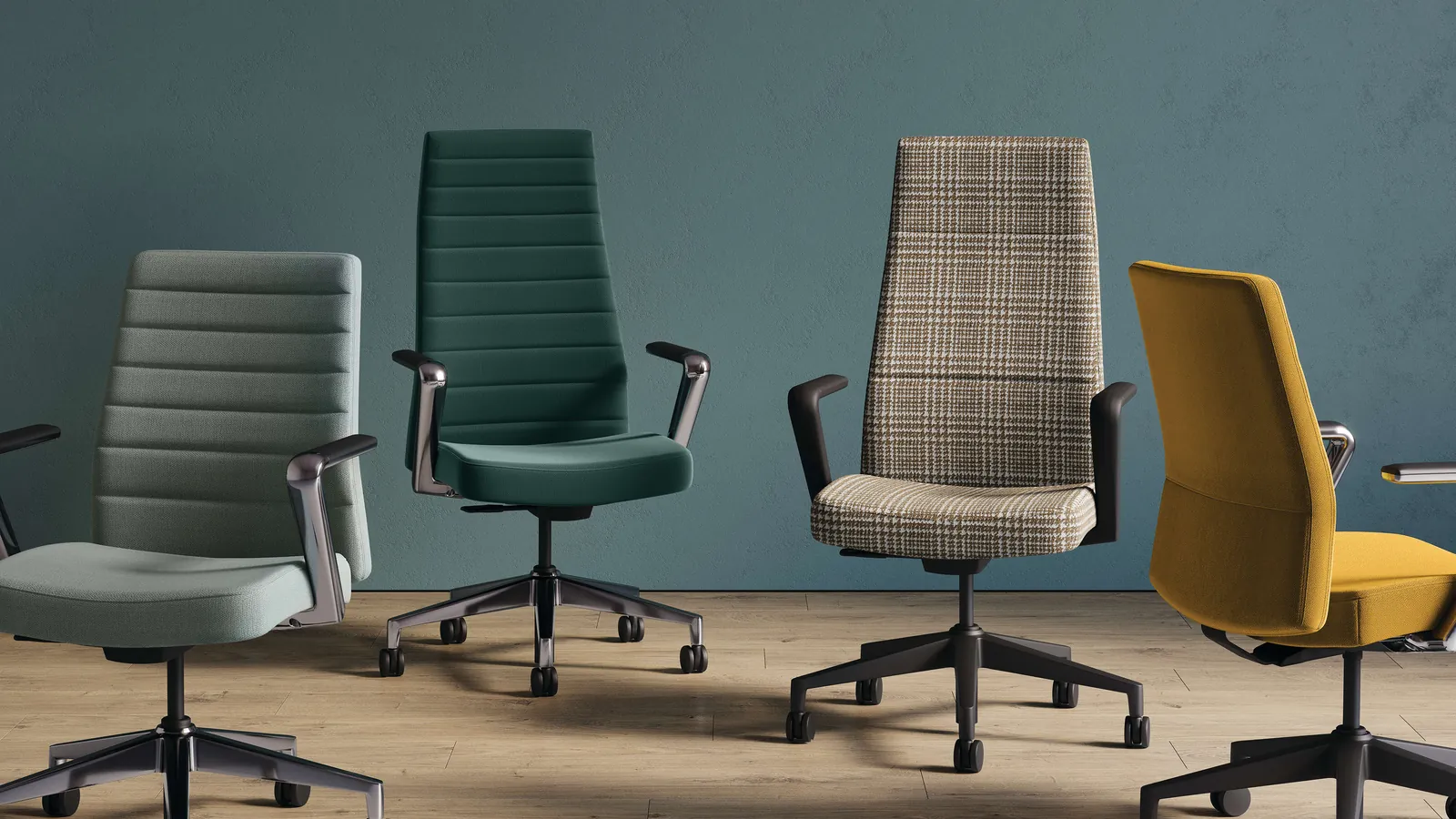
- Measure the height of your table from the floor to the underside to ensure the chair arms will clear the gap.
- Test the seat width by sitting down and ensuring your hips don’t touch the side frames, which is vital for long-term comfort.
- Check the base type, choosing casters for hard surfaces to prevent scratching or glides for carpeted floors to prevent unwanted sliding.
- Verify the weight capacity by checking the manufacturer’s label, as standard models usually hold up to 250 pounds; for heavier users, look for reinforced steel frames.
- Inspect the stackability if you have limited storage space, ensuring the chairs nest together without catching on the fabric or frame.
Tip: If you’re buying for a commercial space, ensure the upholstery meets ANSI/BIFMA furniture safety standards for fire resistance and structural integrity.
Tip: Don’t choose chairs with complex lever systems for a conference room, as guests will struggle to adjust them correctly during a short meeting.
Expected duration and usage
| Situation | Average usage | What changes it | What to watch for |
|---|---|---|---|
| Quick huddle | 15–30 mins | Table height | Seat firmness |
| Board meeting | 1–2 hours | Back support | Armrest height |
| Training day | 3+ hours | Padding density | Back fatigue |
If you find that the seating feels uncomfortable after only 30 minutes, you likely need a model with a waterfall seat edge to reduce pressure on the back of your thighs.
Identifying when a chair fits perfectly
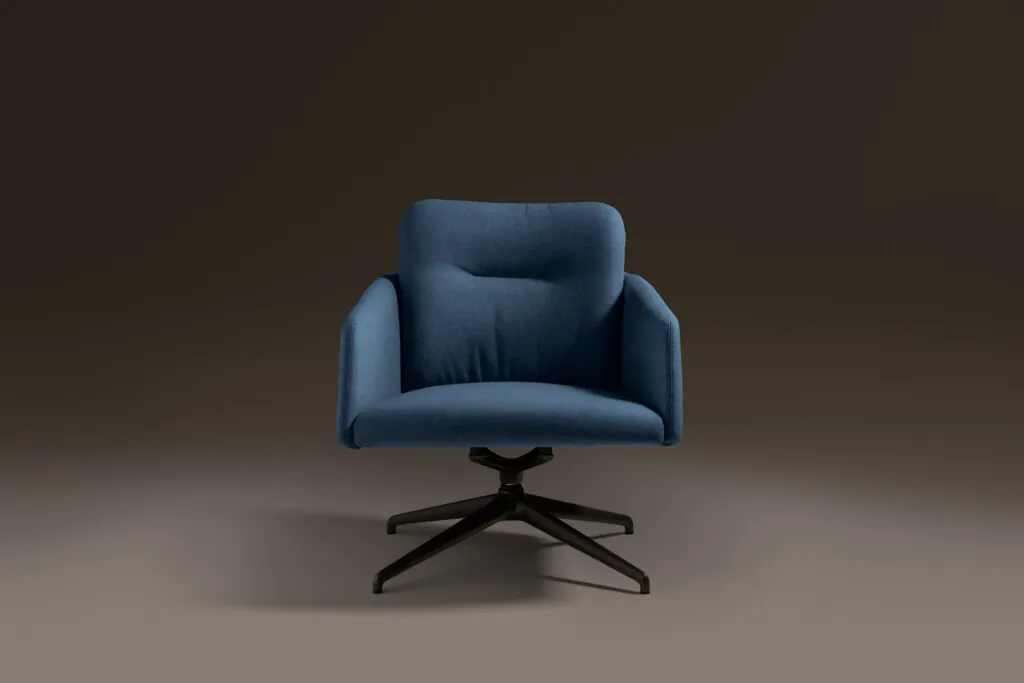
A well-fitted chair allows your feet to rest flat on the floor with your knees at a 90-degree angle. The backrest should support your lumbar region without pushing you forward. If the chair is sized correctly, you won’t feel the frame hitting your shoulders or hips when you shift your weight. When the chair is the right size, your elbows should rest comfortably on the arms while your shoulders stay relaxed and level.
Common errors that ruin your space
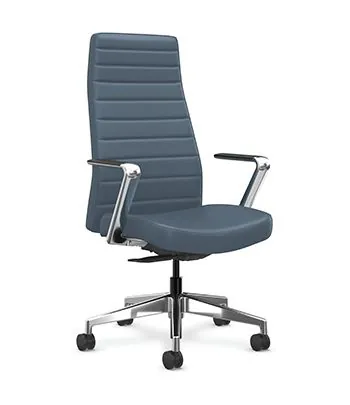
- Buying chairs that are too wide: These take up too much room, making the table area feel crowded and preventing people from entering or exiting their spots easily. Always measure your table length and divide by the number of chairs to see how much space each person gets.
- Ignoring floor type: Using caster wheels on hardwood floors can scratch the surface or cause the chair to roll away too easily. Swap casters for stationary glides to keep the seating stable and protect your flooring from unnecessary damage.
- Choosing heavy, bulky frames: These are difficult to move or store, which wastes time when you need to reconfigure the room for different events. Stick to lightweight materials like aluminum or reinforced plastic if you plan on stacking the chairs frequently.
Frequently asked questions
Can a conference chair be used as a desk chair?
No, it isn’t recommended for daily desk work because these chairs lack the adjustable lumbar support and height settings needed for eight hours of sitting. You’ll likely develop neck or back pain if you use a basic meeting chair for your primary workstation throughout the work week.
How much space should I leave between chairs?
You should allow at least 24 inches of width per person to ensure everyone has enough elbow room during a meeting. If you provide less than this, guests will feel cramped and will struggle to move their arms or use a laptop comfortably without bumping into their neighbor.
Is it safe to stack these chairs?
Yes, it’s safe as long as you follow the manufacturer’s stated stacking limit, which usually ranges from 4 to 10 chairs high. Exceeding this limit makes the stack top-heavy and prone to tipping over, which poses a significant injury risk to anyone standing nearby in your office.
What happens if I buy chairs without arms?
You gain more flexibility because armless chairs fit under almost any table height and allow for more freedom of movement. These are ideal for tight spaces where you want to maximize the number of people you can fit around a single table without restricted legroom.
How do I know if the weight limit is enough?
Check the product specification sheet for the maximum weight capacity, which is typically 250 pounds for standard commercial-grade models. If you anticipate guests who weigh more than this, you must purchase heavy-duty chairs specifically rated for higher capacities to prevent the frame from bending or failing during use.
Conclusion
Choosing the right seating for your meeting room depends entirely on how often your team uses the space and how much storage you have available. If you prioritize the chair height relative to your table and respect the weight limits provided by the maker, your furniture will last for many years.