
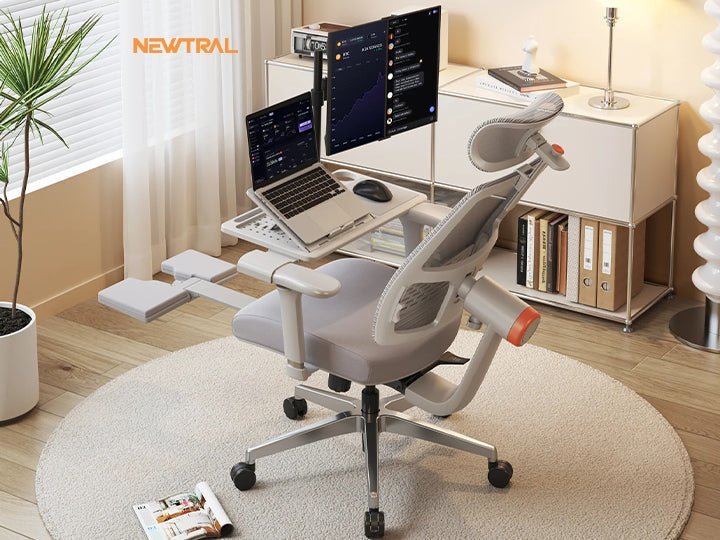
The best office chair for neck problems features a high backrest with an adjustable headrest to support your cervical spine throughout the day. If your current chair lacks this, you should prioritize a model that allows for deep recline and lumbar support.
The Best Office Chair for Neck Problems
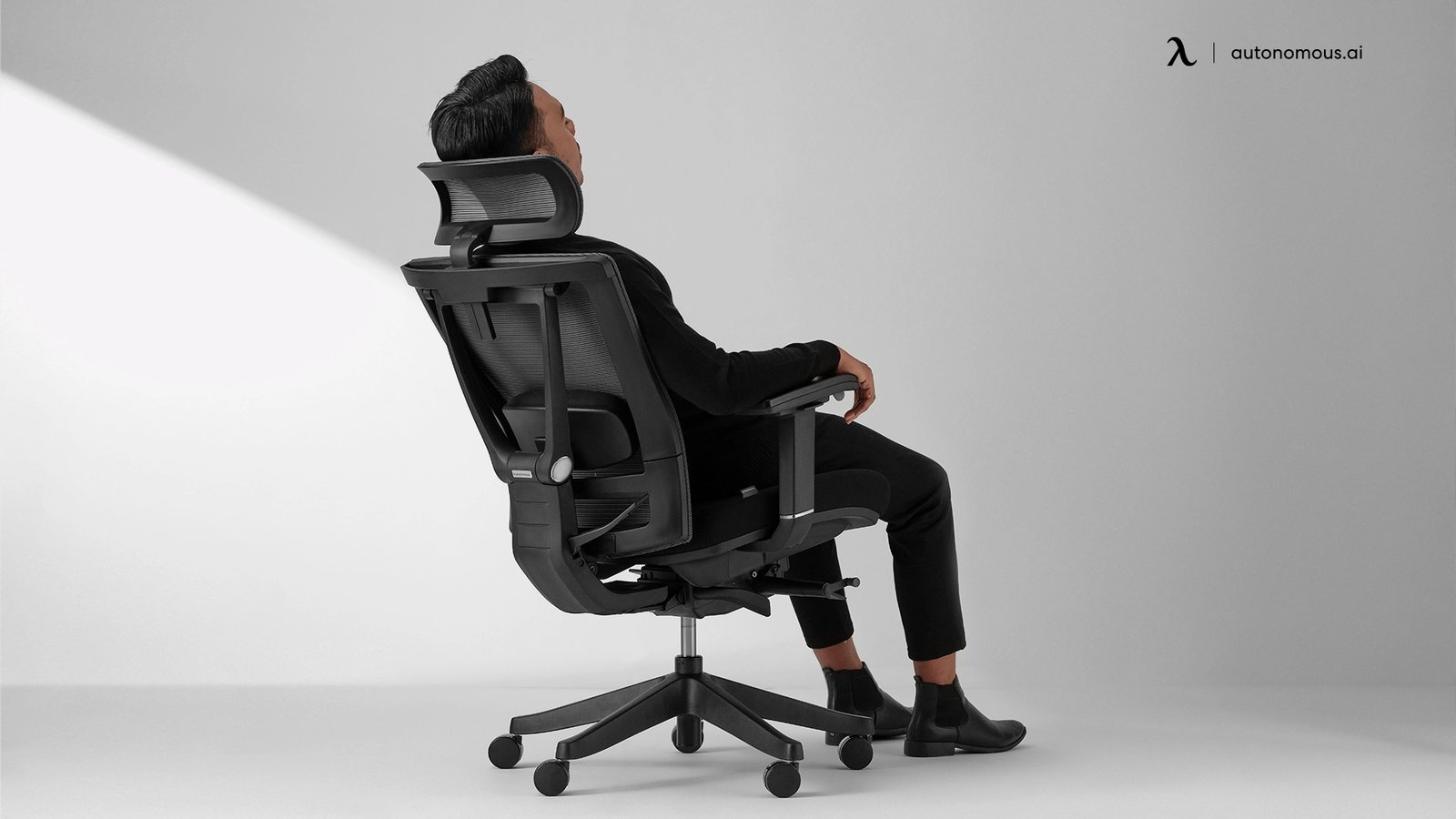
Selecting the right seating depends on your specific needs, body shape, and budget. While some chairs offer advanced mechanical adjustments, others rely on simple, ergonomic designs to provide relief.
| Method | How long | Effort | Cost | Best for |
|---|---|---|---|---|
| High-back chair | Permanent | Low | Medium | Daily use |
| Add-on headrest | Temporary | Medium | Low | Upgrades |
| Exercise routine | Constant | High | Low | Prevention |
Choose the high-back chair if you spend more than six hours daily at a desk. This provides the continuous lumbar support required to prevent chronic spinal compression. If you experience neck pain only during intense projects, opt for a detachable headrest. These units cost roughly one-fifth of a full chair replacement.
Avoid the mistake of buying an expensive chair to mask poor posture. If your pain persists after two weeks of using a high-back model, the issue is likely muscular weakness rather than equipment. In this case, shift your budget toward physical therapy or a targeted exercise routine. If the pain radiates into your arms, prioritize professional medical intervention over any hardware upgrade.
Choosing a chair with a built-in headrest
- Measure your torso height while sitting to ensure the headrest hits your neck, not your shoulders.
- Adjust the height of the backrest so the lumbar curve sits against your lower back.
- Tilt the headrest forward until it makes firm contact with your neck while you look straight ahead.
- Set the tension of the recline so you can lean back without feeling like you’re falling.
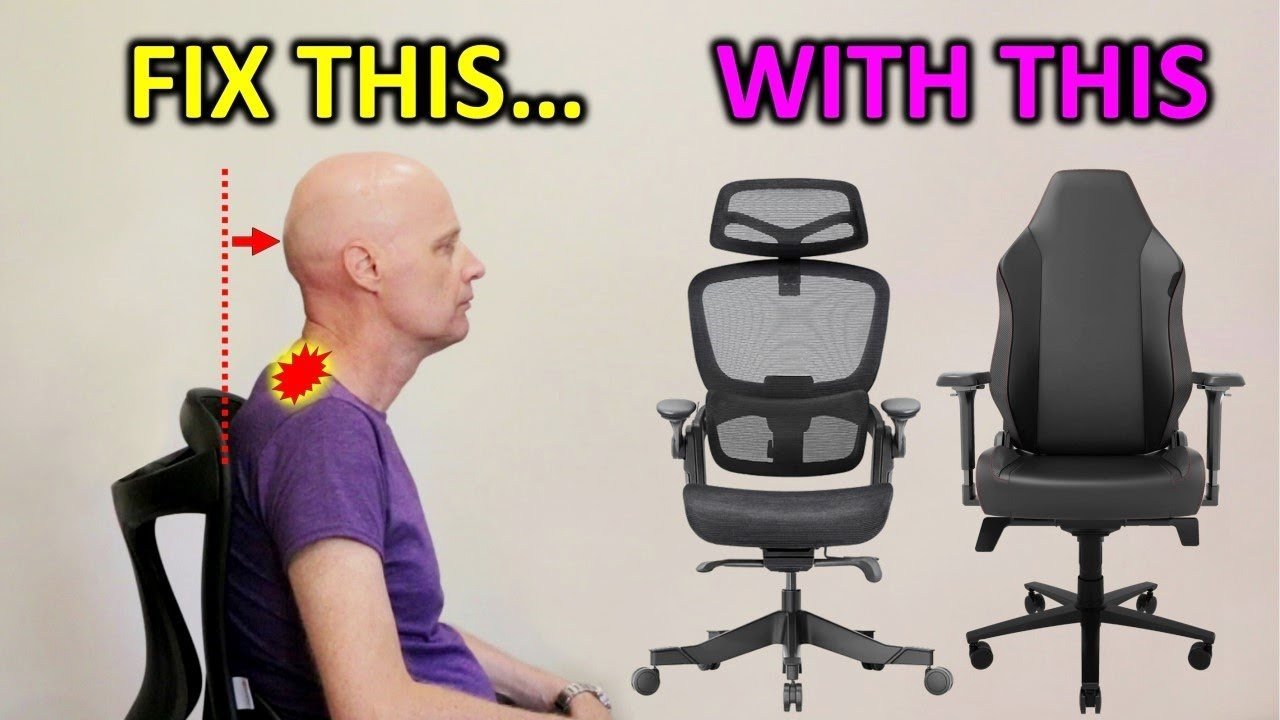
This method works well because it keeps your head aligned over your shoulders, preventing the forward-leaning posture that strains neck muscles. It’s ideal for people who spend eight or more hours at a desk. The main drawback is that these chairs often require a larger floor footprint than standard stools.
Using a universal attachable headrest
- Check if your current chair has a flat top or specific mounting holes for an accessory.
- Secure the bracket tightly to the rear of the chair frame using the provided hex key.
- Slide the headrest cushion into the bracket and lock it at your preferred height.
- Test the stability by leaning back; the cushion shouldn’t shift or wobble under pressure.
This solution is great for those who already love their current seat but need extra neck support. It’s a cost-effective way to improve ergonomics without buying new furniture. However, these attachments may not fit curved or mesh-backed chairs that have irregular frames.
Strengthening muscles with targeted movement
Perform chin tucks by pulling your chin straight back as if creating a double chin. Don’t tilt your head up or down; your eyes should remain level with the horizon.
Hold this position for five seconds before relaxing your neck muscles. You should feel a gentle stretch along the base of your skull.
Repeat this movement ten times every hour to reset your posture. If you feel sharp, shooting pain, stop immediately. This indicates a potential disc issue rather than simple muscle fatigue.
Integrate shoulder blade squeezes to stabilize the upper back and neck connection. Imagine holding a pencil between your shoulder blades without arching your lower back.
This approach addresses the root cause of fatigue by building muscle endurance. According to the Occupational Safety and Health Administration, keeping your neck in a neutral position is vital to avoid long-term discomfort. This method isn’t for those with existing acute neck injuries who should consult a doctor first.
Which one should you use?
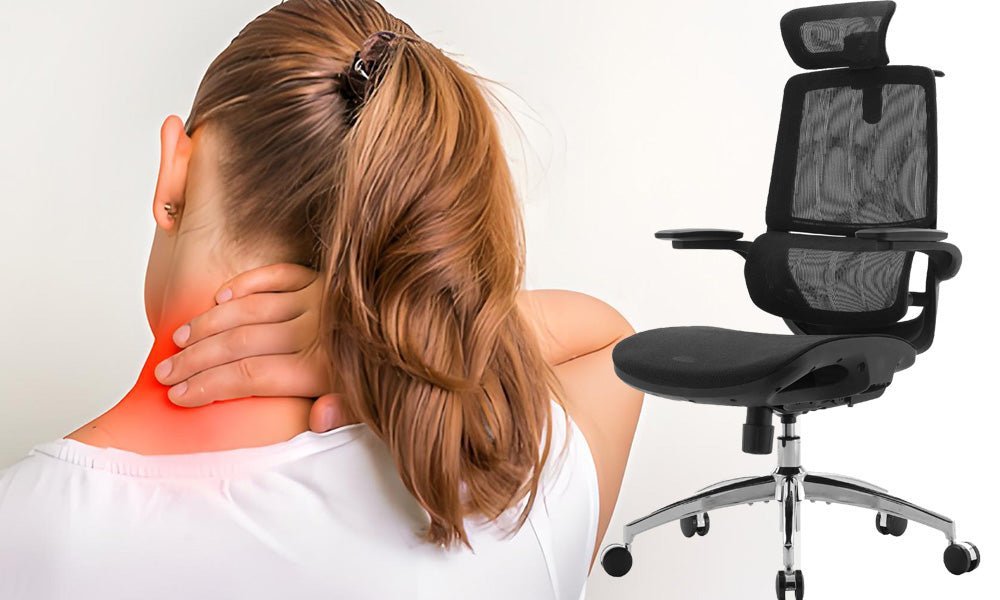
If you’re in a hurry, an attachable headrest is the fastest fix because it requires only a few minutes to install on your existing furniture. If you’re doing this for the first time, start with the exercise routine to see if your neck pain is caused by weak muscles rather than your chair. When you want the best possible result regardless of the price, invest in a high-back ergonomic chair designed specifically for spinal alignment. This involves a trade-off between the low cost of simple exercises and the high comfort of a professional-grade, fully adjustable chair that does the work for you.
The rules that apply whichever way you choose
Follow basic ergonomic standards to protect your health. Position your monitor so the top third is at eye level and keep your feet flat on the floor with knees at ninety degrees. If you experience sharp pain, consult a physical therapist. Check your manual for weight limits to ensure proper support. Schedule a professional ergonomic assessment to optimize your workspace.